Skip to content

Travel eSIM · student-budget prices

Land.Scan QR.Online!

Data eSIMs for exchange programs, semester breaks, and competitions abroad. Pay with QRIS, scan the QR code, and you're online — no SIM swap, no pricey roaming.

  • From Rp2.333/day
  • Pay by QRIS / bank transfer
  • WhatsApp number stays on
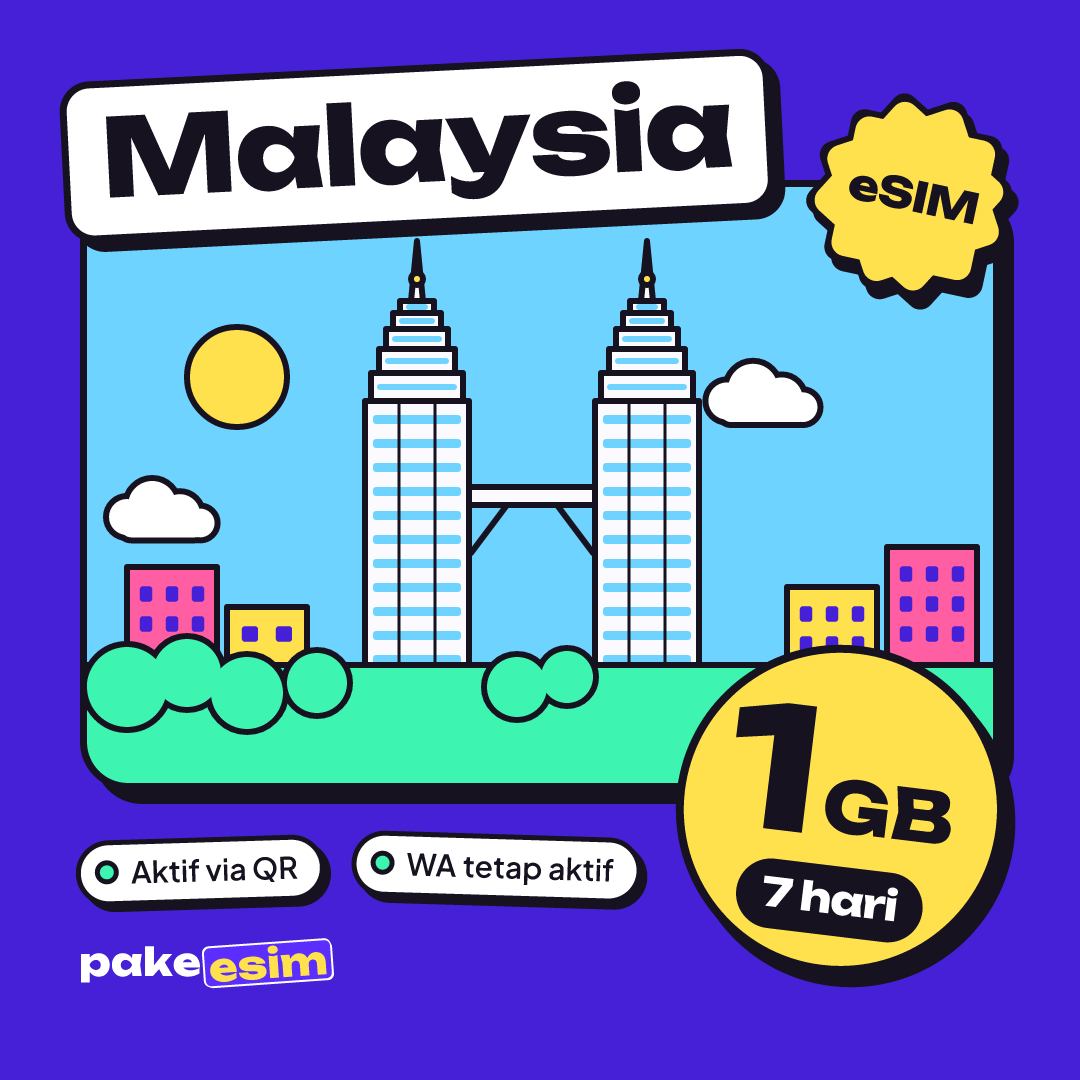
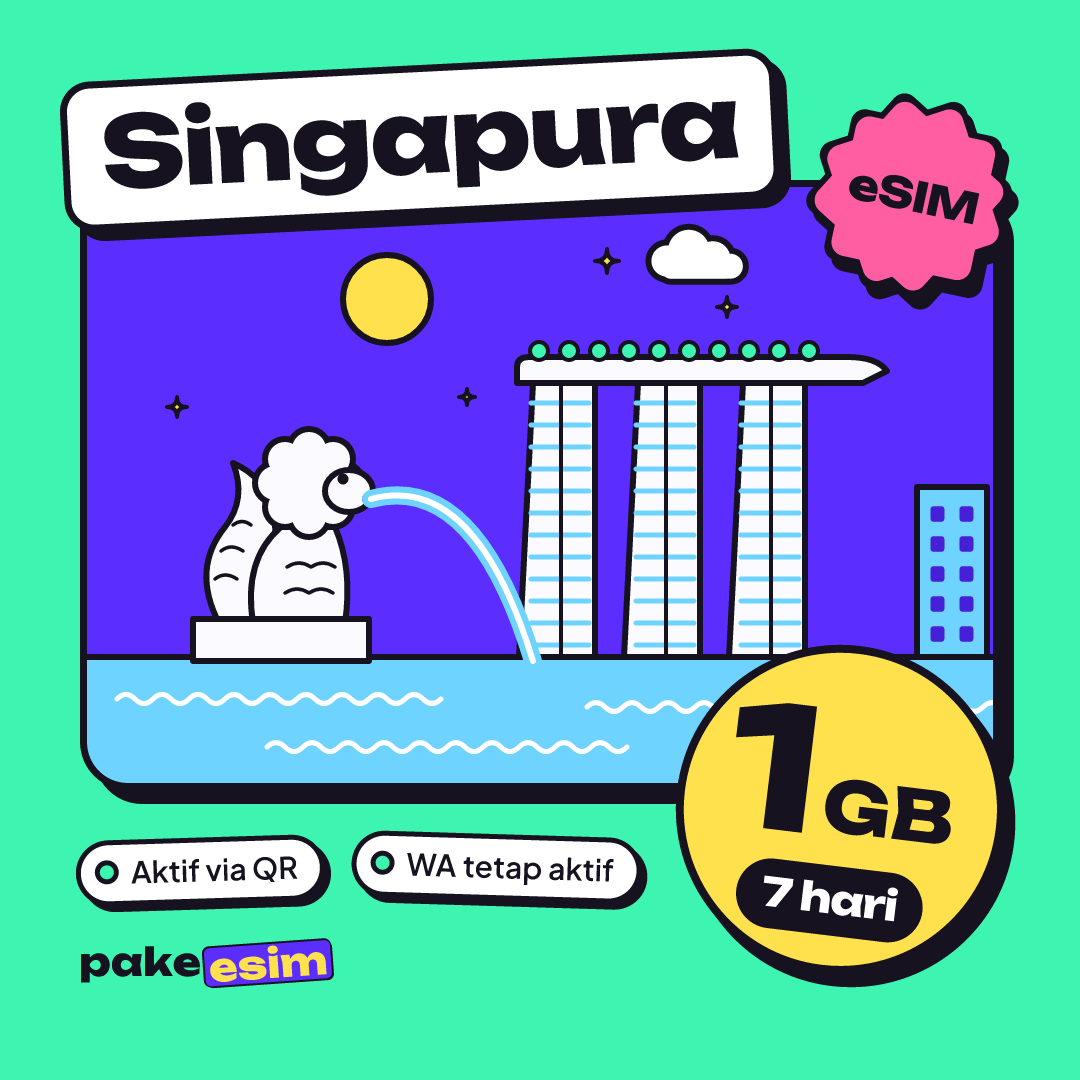
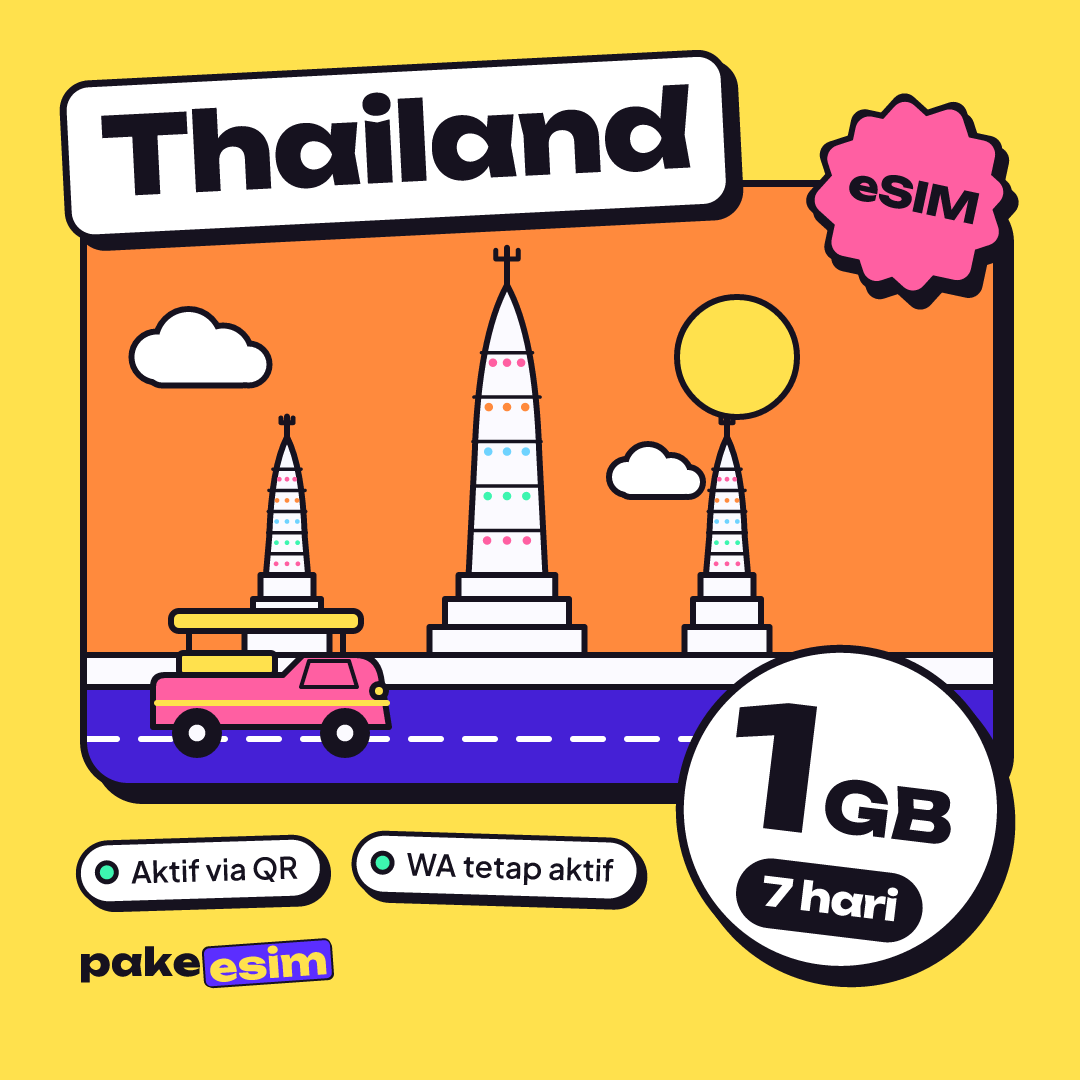
🇯🇵 Japan🇰🇷 South Korea🇸🇦 Saudi Arabia🇲🇾 Malaysia🇸🇬 Singapore🇹🇭 Thailand🇻🇳 Vietnam🇭🇰 Hong Kong🇨🇳 China🇹🇼 Taiwan🇦🇺 Australia🇹🇷 Turkey🇦🇪 United Arab Emirates🇪🇺 Europe🇬🇧 United Kingdom🇺🇸 United States🇵🇭 Philippines🇰🇭 Cambodia🇮🇩 Indonesia🌏 Asia🌍 Middle East🌍 Africa🌎 North America🌎 Latin America🌏 Oceania🌐 Global⚡ QR sent automatically💸 Pay with QRIS📱 WhatsApp number stays on🙅 No roaming

Quick buy

Where are you headed?

Pick a destination, pick a plan, pay. Prices are final — data and validity are exactly as listed.

TL;DR

  • Pakeesim sells data eSIMs for travel abroad: order online, pay by bank transfer or QRIS, then scan the QR code.
  • The QR code appears on your order page once payment is confirmed — no physical card and no delivery fee.
  • The eSIM sits alongside your main SIM, so your Indonesian number stays active for WhatsApp and OTPs.
  • Prices start at Rp2.333/day and are shown per day, so plans are easy to compare.
Choose a destination· AllShow
See all plans

Made for

Whatever takes you abroad

Three moments when students most often need internet in another country.

Exchange & IISMA

Just landed and no local number yet? The eSIM works from the very first second — for maps, ride-hailing, and letting your family know you've arrived.

Semester break

On a tight budget? The price per day is clear from the start and you can pay with QRIS. No surprise roaming bill when you get home.

Competitions & conferences

Your own internet for checking schedules, presenting, and uploading photos — no need to rely on slow hotel Wi-Fi.

Active plans

104

Active plans

Destinations

26

Destinations

Starting price per day

Rp2.333

Starting price per day

Order any time

24/7

Order any time

How it works

Three steps, done before you finish your iced coffee

  1. 1

    Choose a plan for your destination

    Pick the region, data, and validity. The price per day is shown clearly, so plans are easy to compare.

  2. 2

    Pay the exact unique amount

    Pay by bank transfer or QRIS down to the last three digits, then upload your payment proof. That unique code is what matches your payment right away.

  3. 3

    Scan the QR code, and you're on

    Once payment is confirmed, the QR code appears on your order page. Scan it once and the eSIM is ready to use.

Why eSIM

Roaming, an airport SIM, or eSIM: which one wins?

The three usual options when you travel, side by side.

Pakeesim eSIM compared with carrier roaming plans and buying a local SIM at your destination
Ready before you fly
No queue, no deposit
Indonesian number stays active
Price fixed up front
Support in Indonesian

This is a general comparison; terms vary by carrier and by country.

What you get

Little things that keep your trip on track

No waiting for delivery

It's a digital product: no card to ship, no delivery fee, no risk of a lost parcel.

Your Indonesian number stays on

The eSIM sits alongside your main SIM, so WhatsApp messages and bank OTPs still come in as usual.

Help from an Indonesian team

Guides, chat, and email are handled by our Indonesian team; support is in Indonesian. The team replies 08.00-22.00 WIB.

Every payment is checked

Our team verifies each payment proof before the eSIM is issued — no order slips through unchecked.

Pay the way you already do

Local bank transfer or QRIS from any e-wallet. No credit card needed.

Official invoice & receipt

Download the PDF yourself from the order page — handy for reimbursements or student activity fund reports.

Blog

Read this before you fly

eSIM guides and tips for staying online abroad, so your trip runs smoothly.

eSIM Guides

How to Install eSIM on iPhone: From QR Scan to Data Roaming

Go to Settings > Cellular > Add eSIM, choose Use QR Code, and scan it while on Wi-Fi. When you land, pick the eSIM for Cellular Data and turn on Data Roaming. Here are the full steps, settings, and fixes if it won't activate.

9 min read

Common questions

eSIM FAQ: before you buy

Still unsure? Just chat with us — a real person replies, not a bot.

Can my phone use an eSIM?
Most iPhones from the XS onward and recent mid- to high-end Android phones support eSIM. The surest check: open Settings → Cellular / SIM and look for "Add eSIM" or "Download SIM". If the option is there, your phone is ready. A fuller device list is on the phone compatibility page.
How long until my eSIM is ready?
Once our team confirms your payment proof, the eSIM QR code appears on your order page within minutes. You also get an email with a link to that order page.
Will my WhatsApp number keep working?
Yes. The eSIM is added as an extra data line next to your main SIM, so your Indonesian number stays active for WhatsApp, OTP texts, and calls. Only mobile data moves to the eSIM.
How do I pay?
Choose bank transfer or QRIS at checkout. Always pay the exact total including the three-digit unique code — that number is what matches your payment to your order automatically.
Why does the amount end in odd digits?
That is a three-digit unique code added to the total. It matches the incoming transfer to your order without sending proofs back and forth, so confirmation is much faster.
When should I install the eSIM?
Install it while you are still on Wi-Fi in Indonesia, before you leave. Turn on its data roaming only when you arrive at your destination. Installing at the destination airport without internet is much harder.
What happens if I have not paid yet?
Unpaid orders expire automatically after 3 hours so the stock becomes available to other buyers again. You can place a new order at any time at no cost.
Can I move one eSIM to another phone?
Usually not. An eSIM QR code can be scanned only once. Make sure you install it on the phone you will actually travel with.

Conclusion

Pakeesim suits you if you need internet abroad without swapping SIM cards or paying for pricey roaming. Check that your phone supports eSIM, pick a plan, pay, then install the QR code before you fly.

Sources & references

“An eSIM is an industry-standard digital SIM built into your iPhone, eliminating the need for a physical SIM card.”

— Set up eSIM on iPhone, Apple Support
  1. Set up eSIM on iPhone — Apple Support
  2. Using Dual SIM with an eSIM — Apple Support
  3. How to use dual SIMs on your Google Pixel phone — Bantuan Google Pixel
  4. QRIS (Quick Response Code Indonesian Standard) — Bank Indonesia

eSIM fromRp2.333/day

Choose a plan

Tickets, check. Visa, check. Internet?

Install the eSIM at home and it connects the moment you land. No airport SIM queue, no card swapping, no roaming bill shock.

  • Payments checked by a person
  • Usually delivered within minutes
  • Just scan one QR code