Destinations
Macau eSIM for 1 Day or More in 2026: How Many GB, CTM, and Fixes
A Macau eSIM from Indonesia is the Asia eSIM plan, which also covers Hong Kong and China. For a 1-day trip, 1 GB is enough; a Hong Kong, Macau, and Zhuhai route needs 2–4 GB.

Contents
- Macau eSIM for 1 day: which plan do you actually buy?
- How much data do you need for a Macau trip?
- Can a Macau iPhone use eSIM, and does yours support it?
- Why is my Macau eSIM not working or not showing up?
- Macau eSIM shows No Service on an iPhone that already installed it
- Why did my Macau eSIM disappear from my phone?
- Why is the Macau eSIM slow at busy hours?
- Asia eSIM, roaming, or a local Macau SIM: which one?
- Zhuhai and the internet in mainland China
- Before you cross to Macau
A Macau eSIM for 1 day is easiest to get from Indonesia through the Asia eSIM plan, because Macau is one of the 20 countries and territories covered by that single profile. You install the QR code at home, and the moment you step off the ferry at the Outer Harbour or land at Macau International Airport, your data works with no SIM counter queue. Two conditions apply. Your phone must support eSIM and must not be carrier-locked. For a 1-day trip, or even 2–3 days with hotel WiFi at night, 1 GB is usually enough. Doing Hong Kong, Macau, and Zhuhai in one go? Take more data.
Key takeaways (TL;DR)
- Pakeesim's Macau eSIM is the Asia eSIM plan, which covers 20 countries including Macau, Hong Kong, and mainland China in one profile.
- The Asia eSIM plan is data only: no Macau phone number, no texts or regular calls, and it cannot be topped up.
- Certain iPhone models sold in Hong Kong and Macau use two nano-SIM cards and cannot install an eSIM at all.
- As of October 2026, 3 Macau is set to end mobile service on December 1, 2026, leaving CTM and China Telecom Macau.
Macau eSIM for 1 day: which plan do you actually buy?
A Macau eSIM in our catalog is not sold as a Macau-only plan. You buy the Asia eSIM, one profile for Bangladesh, Brunei, Cambodia, China, Hong Kong, India, Japan, Laos, Macau, Malaysia, Nepal, Pakistan, the Philippines, Singapore, South Korea, Sri Lanka, Taiwan, Thailand, Uzbekistan, and Vietnam.
For a Macau trip, the real benefit shows up at the borders. Plenty of people fly into Hong Kong, cross the bridge or take the ferry, then wander over to Hengqin or Gongbei in Zhuhai in the afternoon. One Asia eSIM keeps working the whole way, no profile switching.
Current prices for every Asia eSIM plan are in this table (pulled live from the catalog, so it is always up to date):
| Plan | Data | Validity | Price | Per day |
|---|---|---|---|---|
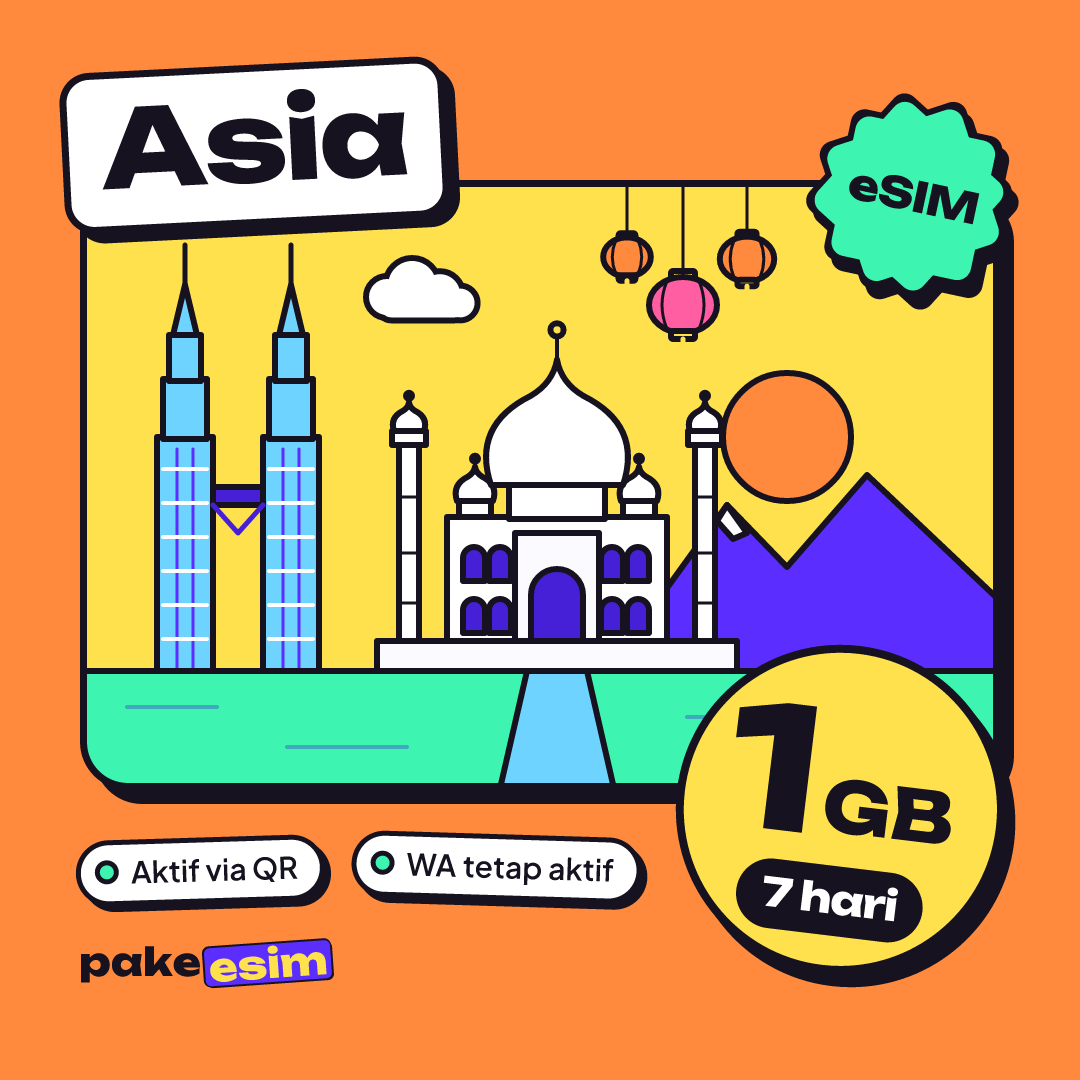
| eSIM Asia 1 GB / 7 Days | 1 GB | 7 days | Rp17.100 | ±Rp2.443 |
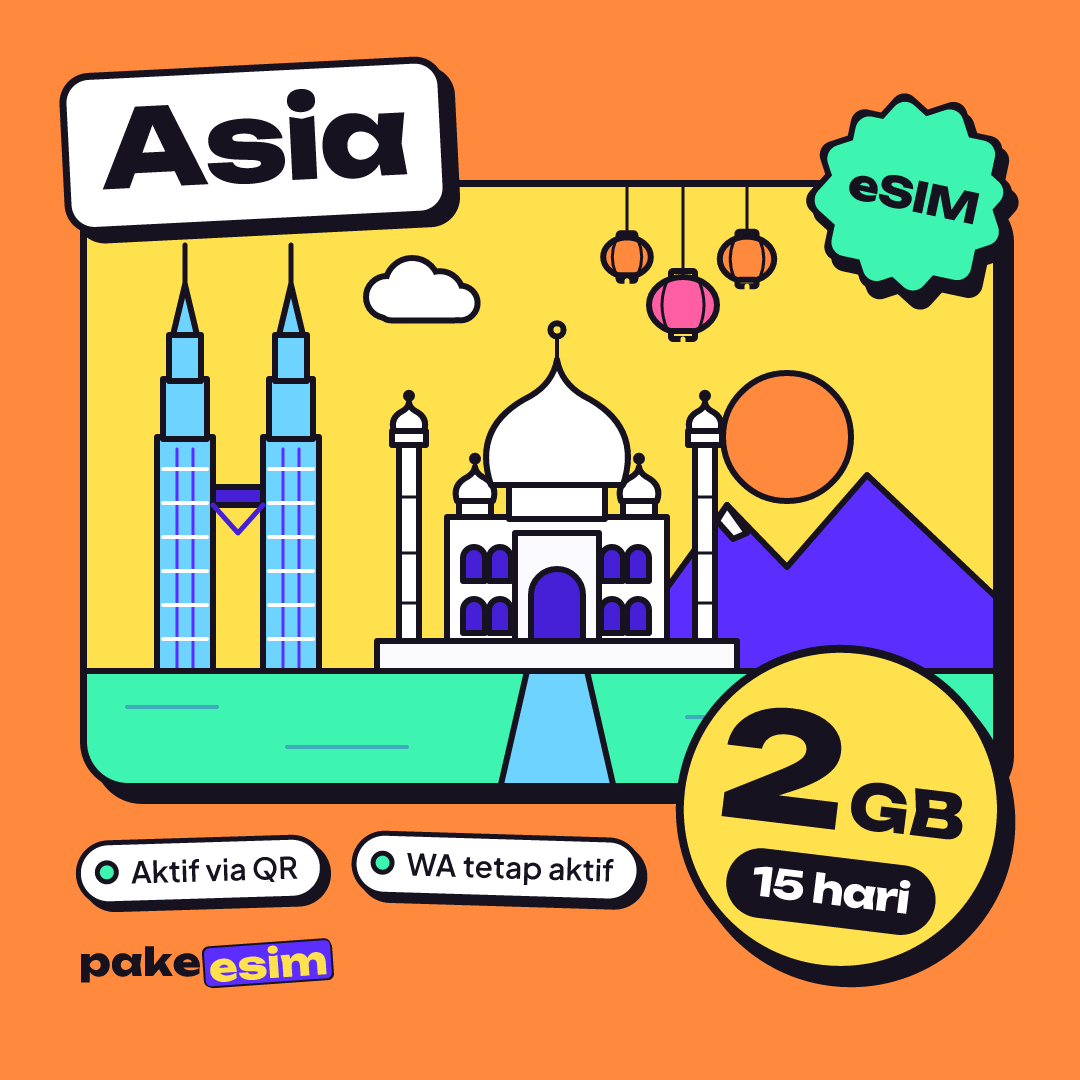
| eSIM Asia 2 GB / 15 Days | 2 GB | 15 days | Rp28.500 | ±Rp1.900 |
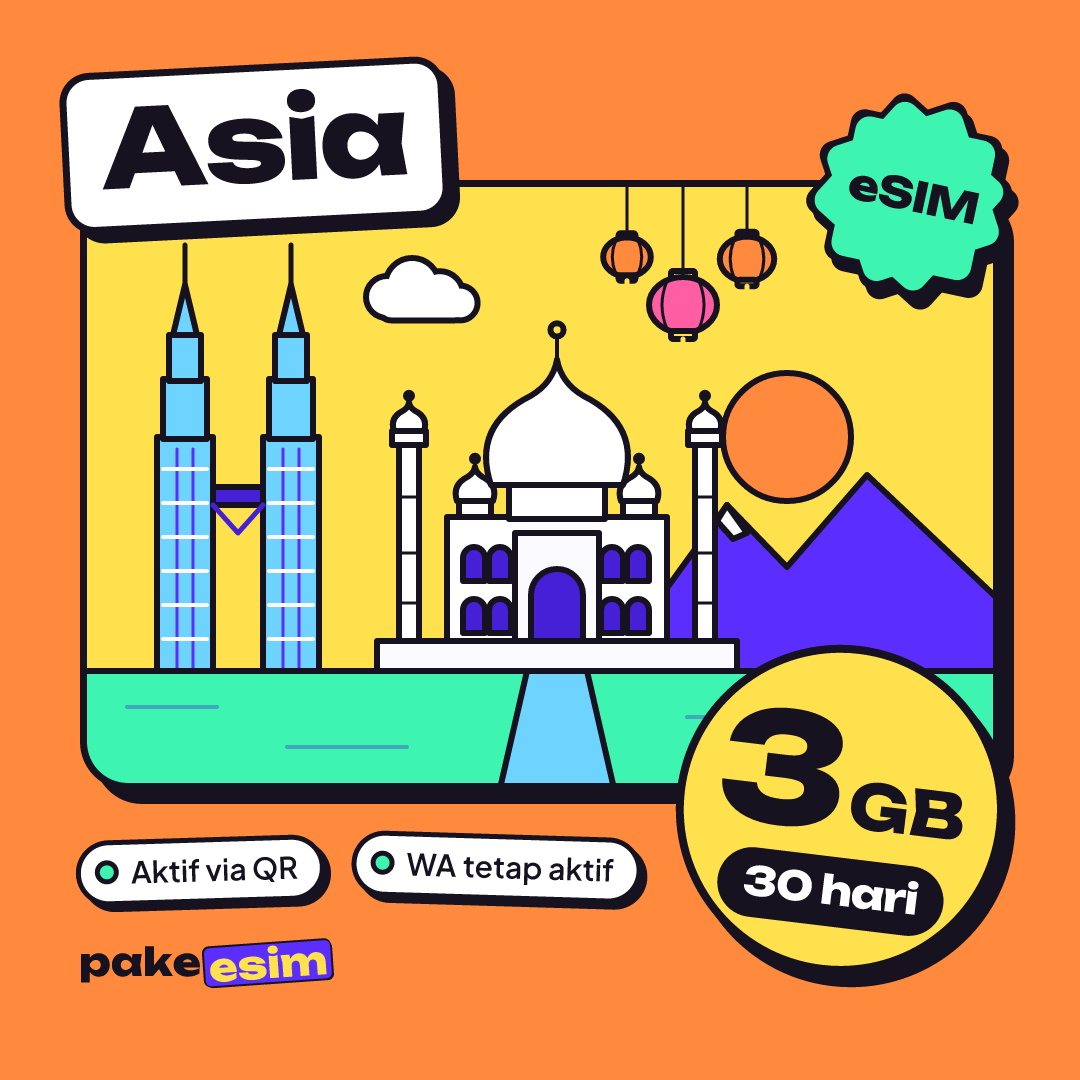
| eSIM Asia 3 GB / 30 Days | 3 GB | 30 days | Rp39.900 | ±Rp1.330 |
| eSIM Asia 4 GB / 30 Days | 4 GB | 30 days | Rp62.700 | ±Rp2.090 |
The other countries in this plan are covered in our Asia eSIM travel guide with 20 countries, prices, and data needs. If your route really hits all three stops, also read the plan comparison for Hong Kong, Macau, and China.

How much data do you need for a Macau trip?
A 1-day Macau trip needs about 1 GB if you stick to Maps, chat, and a few photo uploads, and 1 GB still covers 2–3 days when your hotel WiFi handles the evenings. As a rule of thumb, 1 GB lasts roughly one day of maps, messaging, and moderate social media. Video calls and Reels burn through it much faster.
The rough math:
- Day trip from Hong Kong (1 day): 1 GB / 7 days is comfortable, and leftover data keeps working back in Hong Kong.
- Macau for 2–3 nights, lots of walking around Cotai and Senado: 1 GB gets tight if you post stories. We think 2 GB / 15 days is the calmer pick.
- Hong Kong + Macau + Zhuhai, 5–7 days: go for 3 GB or 4 GB / 30 days, especially if you are the group's designated Google Maps.
- Daily video calls with family: double whatever you estimated.
If the data runs out mid-trip, the plan cannot be topped up. You buy a new QR code and add it as another profile. For the short trip most people search for, this is the plan:
For a combined Hong Kong, Macau, and Zhuhai route:
Can a Macau iPhone use eSIM, and does yours support it?
Your phone can use a Macau eSIM if it has an EID (dial *#06#), shows an Add eSIM or Add Cellular Plan menu, and is not SIM-locked. If any one of those fails, the QR code will not install even though the plan itself is fine.
Macau has a specific trap that confuses a lot of people. Not every iPhone bought in Hong Kong or Macau has eSIM. Apple says so plainly on its Dual SIM page:
"In Hong Kong and Macao, certain iPhone models feature Dual SIM with two nano-SIM cards." (Apple Support on Dual SIM for iPhone)
Certain dual nano-SIM iPhones with the model codes CH/A and ZA/A are also listed as not supported for our eSIM. Check your model code under Settings, General, About, or open the phone compatibility checker before you pay.
Why is my Macau eSIM not working or not showing up?
A Macau eSIM that is not working or not showing a signal is usually a settings problem, not a broken profile. The three usual suspects are mobile data still set to your home SIM, Data Roaming switched off on the eSIM line, or a phone that has not rescanned for networks after landing.
Try this order in Macau:
- Open Settings, Cellular (iPhone) or SIM manager (Android), and pick the Asia eSIM as your mobile data line.
- Turn on Data Roaming for that eSIM line only. Your home SIM can stay on for WhatsApp and OTP texts.
- Switch on airplane mode for 10 seconds, then off, so the phone scans for networks again.
- Still nothing? Turn off automatic network selection and pick a Macau carrier manually from the list.
The Macau carrier list itself has changed. According to Macau Business's report on 3 Macau leaving the mobile market, Hutchison, which runs the 3 Macau brand, stops mobile service on December 1, 2026, leaving CTM and China Telecom Macau. So if you visit Macau in December and choose a network manually, try CTM or China Telecom first.
Step-by-step screenshots for iPhone and Android are in the eSIM installation and activation guide.
Macau eSIM shows No Service on an iPhone that already installed it
An iPhone showing "No Service" on the Asia eSIM line may still be locked to a foreign carrier. Used units from Japan or the US are sometimes locked to their original carrier, and an eSIM from any other provider gets rejected. Only that original carrier can remove a carrier lock.
Why did my Macau eSIM disappear from my phone?
A Macau eSIM that vanished from the SIM list was almost always deleted, either removed by hand, wiped by a factory reset, or moved to a new phone. An eSIM QR code can generally be scanned only once, so a deleted profile usually cannot be reinstalled from the same code.
To stay safe, do not delete the profile before you get home and do not reset your phone mid-trip. If you really need to switch phones, read whether an eSIM can be transferred from one phone to another before you tap anything.
Why is the Macau eSIM slow at busy hours?
A Macau eSIM that feels slow is usually dealing with local congestion, not a secret data cap. The data in our plans is full-speed data. The catch is that Macau is small and packed, and evenings around Senado Square or the Cotai casino strip can get very crowded.
A few things to try:
- Switch networks manually between CTM and China Telecom, then compare.
- Turn off WhatsApp photo auto-download and background app updates.
- Download offline Google Maps for Macau and Zhuhai before you leave.
On 4G versus 5G, the final speed depends on the partner network your phone connects to. Plan your usage assuming 4G. If your phone shows 5G, treat it as a bonus.
Asia eSIM, roaming, or a local Macau SIM: which one?
For Indonesian travelers staying a few days, the Asia eSIM usually makes the most sense because it is priced in rupiah and works the moment you land. Indonesian carrier roaming is the simplest option, but check the daily rate first. A local Macau SIM fits if you need a local phone number.
| Option | Pros | Cons |
|---|---|---|
| Asia eSIM | Paid in rupiah, installed at home, keeps working in Hong Kong and Zhuhai | Data only, no local number; phone must support eSIM |
| Indonesian carrier roaming | Same number, nothing to install | Check the daily rate with your carrier first |
| Local Macau SIM card | Comes with a local number | Bought after arrival, physical card swapping |
A note for anyone searching for a Macau eSIM with a phone number. This plan has none, and every plan comes with a fixed data allowance. And for those asking whether a Macau eSIM works in Indonesia or the USA, the answer is no, because the Asia eSIM plan does not cover either country. There is a separate Indonesia eSIM plan for use at home.
One more thing for international readers. Payment is online through Midtrans: bank virtual accounts, QRIS, GoPay, ShopeePay, convenience stores, and credit cards, all in rupiah. The steps are on the payment methods page.
Zhuhai and the internet in mainland China
The Asia eSIM covers China, so your data keeps working when you cross from Macau into Zhuhai through Gongbei or Hengqin. The difference is that Zhuhai is mainland China, and which apps open there follows local rules. The honest explanation is in our article on whether TikTok works in China with an eSIM.
Why does a Macau eSIM feel cheap compared with a local SIM? Because you are buying data only, with no number, no calling credit, and no physical card. It suits Maps, chat, and social media, but it does not replace a local number.
Before you cross to Macau
Check your phone's model code and carrier lock status tonight, not at the ferry ticket counter tomorrow morning. If everything checks out, pick the data size that fits your route, pay, and install the QR code while you are still on home WiFi. Once you reach Macau, switch mobile data to the eSIM and find your way to Senado without getting lost.