Destinations
Asia eSIM Travel Guide 2026: 20 Countries, Prices, Data, and No-Service Fixes
An Asia eSIM is one data eSIM for 20 countries, from Japan and Korea to Thailand and India. Plans run from 1 GB/7 days to 4 GB/30 days, with no phone number, and Indonesia is not covered.

Contents
- Which countries does the Asia eSIM cover?
- When is an Asia eSIM better than a single-country eSIM?
- Asia eSIM, single-country eSIM, or carrier roaming: which one?
- How much does an Asia eSIM cost as of October 2026?
- How many GB of Asia eSIM data do you need for 7, 15, or 30 days?
- Which phones can use an Asia eSIM?
- How to install an Asia eSIM, from QR code to online
- Steps on iPhone
- Steps after landing
- Why is my Asia eSIM not working or showing no service?
- Why is my Asia eSIM not showing up or missing from my phone?
- Asia eSIM for December holiday travel
- Before you head off around Asia
An Asia eSIM for travel is a single data eSIM profile that works in 20 Asian countries, from Japan and South Korea to Thailand, Vietnam, and India, so you never swap SIMs at a border. You scan the QR code at home and turn on data roaming when you land. As of October 2026, the plans come in four sizes, from 1 GB for 7 days up to 4 GB for 30 days. One detail people miss: Indonesia is not on the coverage list, so this plan is strictly for use abroad.
Key takeaways (TL;DR)
- The Asia eSIM covers 20 countries, including Japan, South Korea, China, Hong Kong, Macau, Taiwan, India, and eight Southeast Asian countries.
- Indonesia is not covered by the Asia eSIM, so data inside Indonesia needs a separate Indonesia eSIM plan.
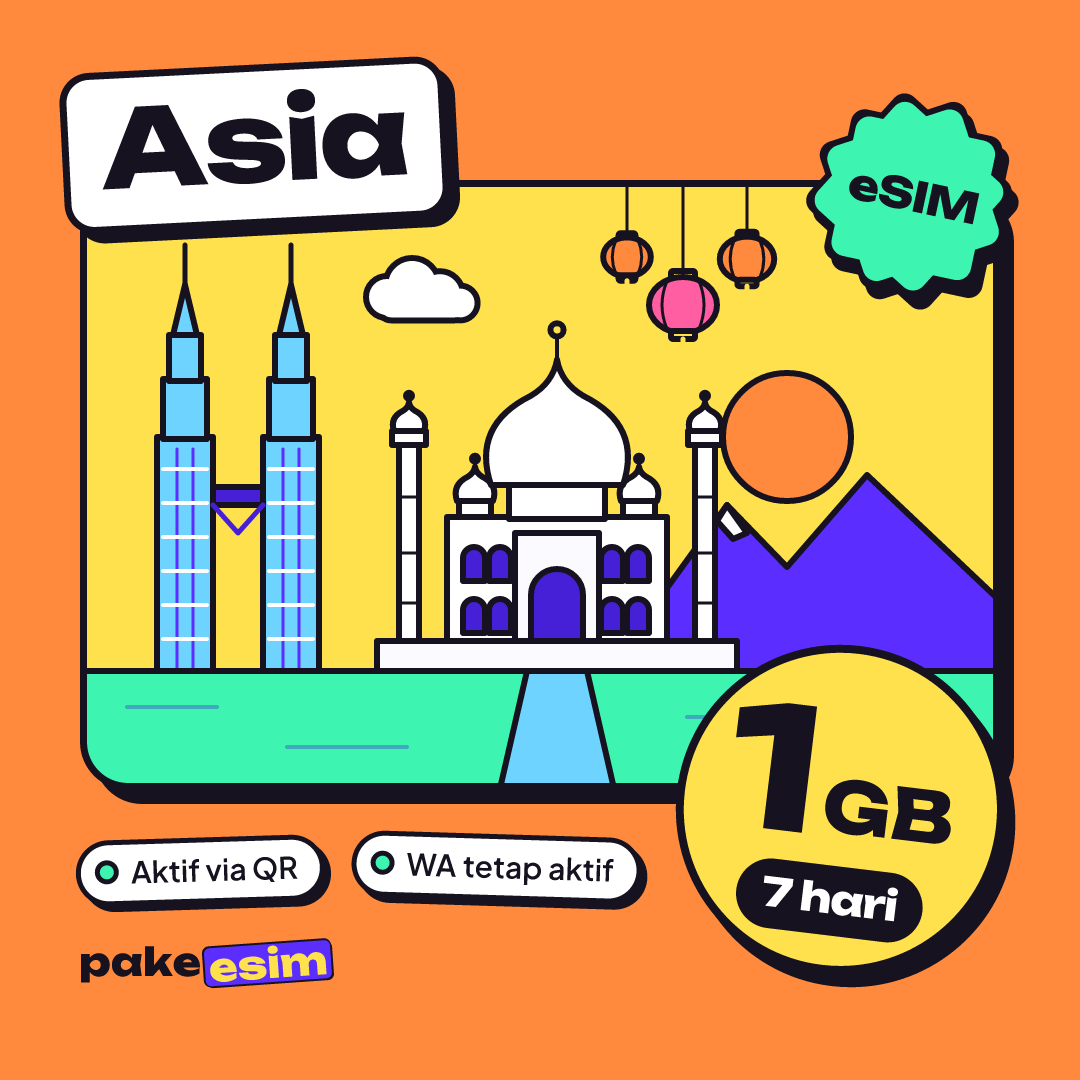
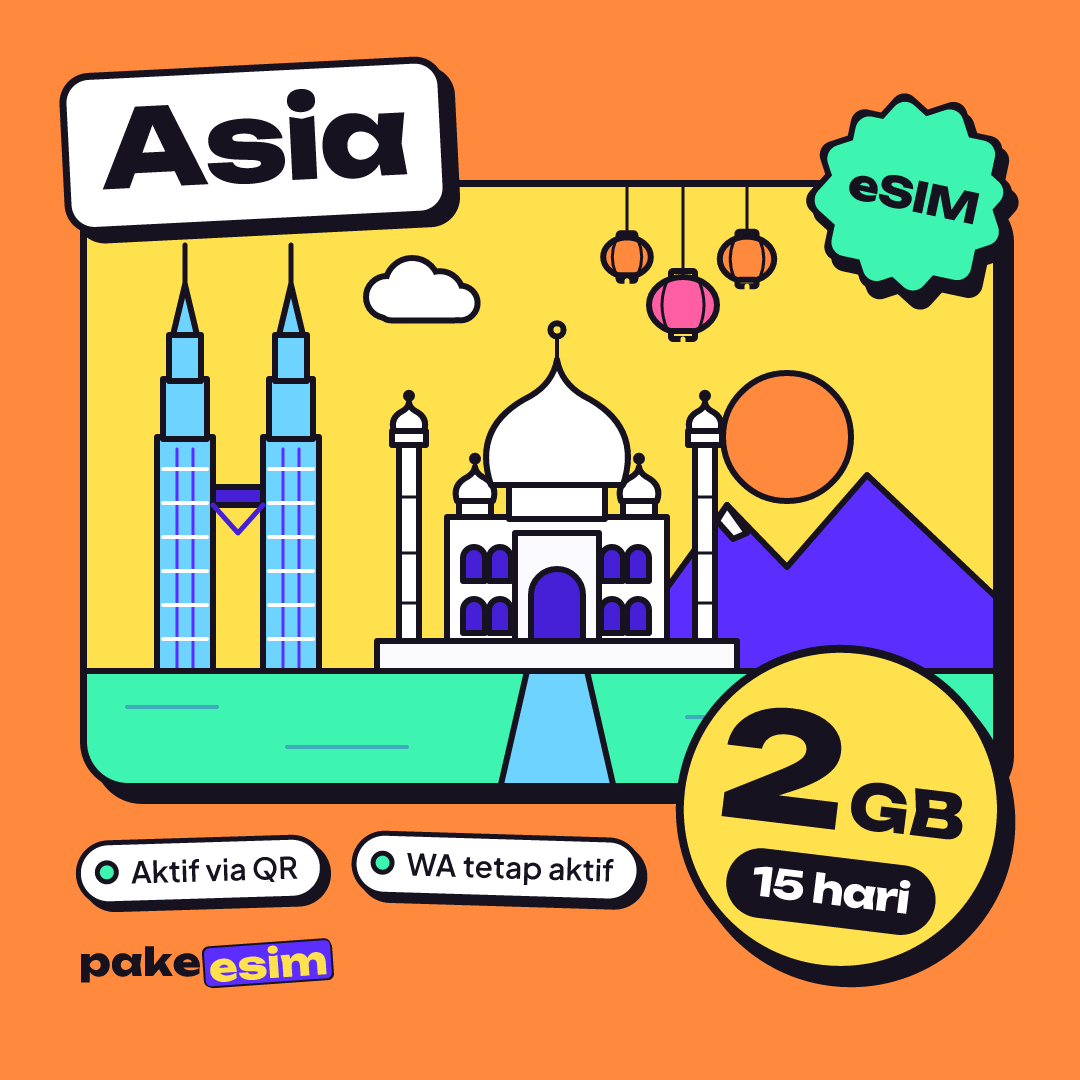
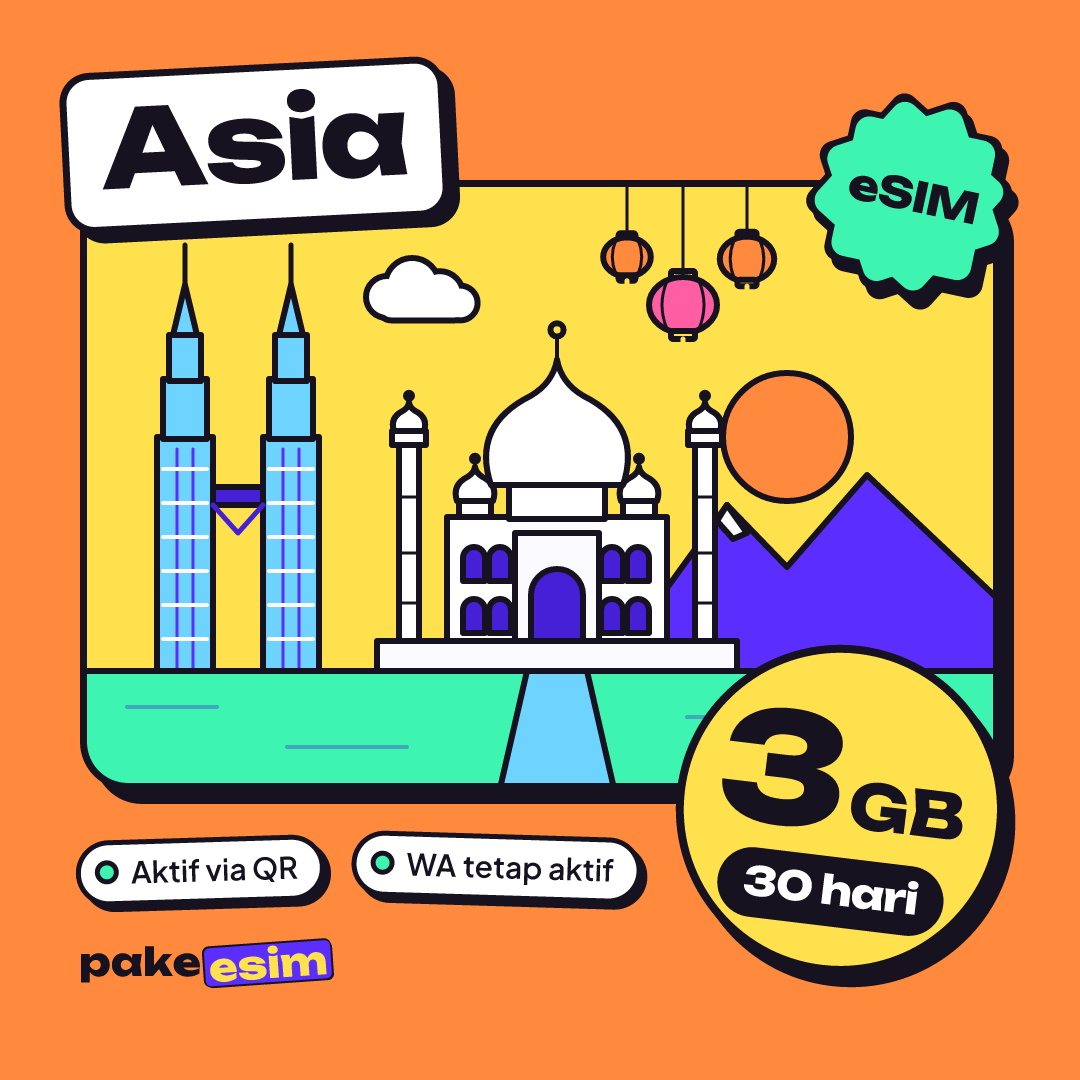
- Asia eSIM plans come in 1 GB/7 days, 2 GB/15 days, 3 GB/30 days, and 4 GB/30 days, data only with no phone number or SMS.
- The Asia eSIM validity period starts when it first connects to a network in a destination country, not when you buy it.
- An Asia eSIM cannot be topped up, so when the data runs out you buy a new eSIM QR code.
Which countries does the Asia eSIM cover?
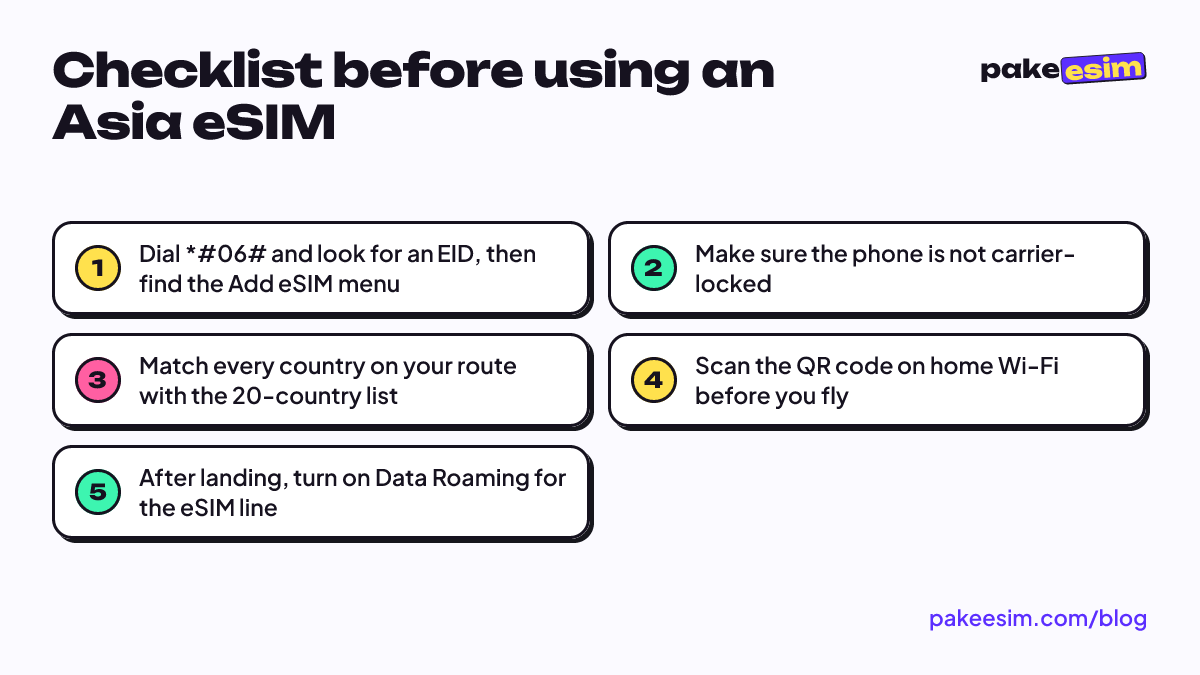
The Asia eSIM covers 20 countries in one profile, as of October 2026. That list is wide enough for loops through East Asia, Southeast Asia, and South Asia, but some popular destinations are missing, so check it against your itinerary first.
- East Asia: Japan, South Korea, China, Hong Kong, Macau, Taiwan
- Southeast Asia: Singapore, Malaysia, Thailand, Vietnam, the Philippines, Cambodia, Laos, Brunei
- South Asia: India, Nepal, Sri Lanka, Bangladesh, Pakistan
- Central Asia: Uzbekistan
Not on the list: Indonesia, Saudi Arabia and the rest of the Middle East, Turkey, and Australia. If your route is Kuala Lumpur followed by Umrah, the Asia plan only covers the Malaysia leg. For trips across continents, the Global plan with 88 countries makes more sense. The full list for each region is on the destinations and country coverage page.
When is an Asia eSIM better than a single-country eSIM?
An Asia eSIM pays off when one trip takes you through two or more countries. Think Singapore, then a bus to Johor Bahru and a train to Kuala Lumpur. Or Hong Kong, Macau, and Shenzhen in one week. One QR code, one profile, one data allowance.
If you are only visiting one country, a single-country eSIM is enough. In the catalog, plan sizes and prices for single-country eSIMs such as Japan or Malaysia match the Asia eSIM as of October 2026. So the choice is about your route, not about saving money. Our take: if there is any chance of a side trip to a neighbor (a long layover in Bangkok, say), just get the Asia plan so you don't have to buy another one mid-trip.
The Hong Kong, Macau, and mainland China route has its own deeper write-up in our eSIM guide for Hong Kong, Macau, and China. For a Japan-only trip, see the Japan eSIM guide for tourists, and for Malaysia alone there is the Malaysia eSIM tourist guide.
Asia eSIM, single-country eSIM, or carrier roaming: which one?
An Asia eSIM suits multi-country Asian routes, a single-country eSIM suits one destination, and roaming from an Indonesian carrier suits people who need to stay reachable on their own number. The table compares the three on the questions we hear most.
| Aspect | Asia eSIM | Single-country eSIM | Indonesian carrier roaming |
|---|---|---|---|
| Coverage | 20 countries in one profile | One country | Depends on the carrier's package |
| Crossing a border | Same profile keeps working | Needs a new plan | Depends on the carrier's package |
| Phone number & SMS | None, data only | None, data only | Yes, your own number |
| Your Indonesian number | Stays active on the main SIM line | Stays active on the main SIM line | Used for roaming |
| Top-up | Not possible, buy a new QR | Not possible, buy a new QR | Depends on the carrier's package |
| Phone requirement | Supports eSIM, not carrier-locked | Supports eSIM, not carrier-locked | Physical SIM or carrier eSIM |
Roaming with Telkomsel, XL, or Indosat (Indonesia's big mobile carriers) is still a fair choice if people need to call your own number while you're abroad. Rates differ by carrier and country, so check the carrier's app before you leave. For getting online (Maps, Grab, WhatsApp, train tickets), a data eSIM is usually much simpler.
How much does an Asia eSIM cost as of October 2026?
As of October 2026, the cheapest Asia plan gives you 1 GB valid for 7 days, and the largest gives 4 GB valid for 30 days. The prices in the table below are pulled live from the catalog, so they always show the current price and can change at any time.
| Plan | Data | Validity | Price | Per day |
|---|---|---|---|---|
| eSIM Asia 1 GB / 7 Days | 1 GB | 7 days | Rp17.100 | ±Rp2.443 |
| eSIM Asia 2 GB / 15 Days | 2 GB | 15 days | Rp28.500 | ±Rp1.900 |
| eSIM Asia 3 GB / 30 Days | 3 GB | 30 days | Rp39.900 | ±Rp1.330 |
| eSIM Asia 4 GB / 30 Days | 4 GB | 30 days | Rp62.700 | ±Rp2.090 |
There is no admin fee and no shipping, since the product is digital. You pay exactly the plan price, with no extra code to track, and your order is confirmed automatically once payment goes through. Payment is online, in rupiah, through Bank virtual accounts, QRIS, GoPay, ShopeePay, convenience stores, or credit cards. The steps are on the payment page.
People search for "Asia eSIM sale" or Black Friday deals. We can't promise any discount here. The price in the table is the price that applies when you open this page.
How many GB of Asia eSIM data do you need for 7, 15, or 30 days?
The store's rule of thumb is simple: 1 GB covers roughly one day of maps, chat, and moderate social media. That means every Asia plan is built for light use backed by hotel, café, and station Wi-Fi, not for daily streaming or video calls.
| Trip length | Sensible plan | Note |
|---|---|---|
| 3–7 days | 1 GB / 7 days or 2 GB / 15 days | 1 GB is tight if you use Maps a lot outdoors |
| 8–15 days | 2 GB / 15 days | Upload photos on your hotel Wi-Fi |
| 16–30 days | 3 GB / 30 days or 4 GB / 30 days | Take 4 GB if you use the hotspot often |
In our view, 1 GB for 7 days is too tight if you change cities often and lean on Google Maps. For a 7-day trip, the 2 GB plan valid for 15 days gives you breathing room without a big price jump. If you video call family a lot, pick a plan bigger than your estimate, or budget for a second QR code.
For a month of backpacking around Southeast Asia, a 30-day plan is safer because the validity won't run out halfway. If the data runs out early, just buy a new eSIM and scan its QR code. The old plan can't be topped up, because every plan is its own eSIM profile.
Which phones can use an Asia eSIM?
An Asia eSIM works on any phone that supports eSIM and is not carrier-locked. The fastest check is to dial *#06# and see whether an EID number shows up, then look for an "Add eSIM" or "Add Cellular Plan" option in Settings.
On iPhone, eSIM is supported from the iPhone XS, XS Max, XR, and later, per Apple's official guide to setting up eSIM. There is one important exception. Dual nano-SIM iPhones with the model codes CH/A and ZA/A cannot use this eSIM.
On Samsung, eSIM is available on the Galaxy S, Z Fold, Z Flip, and some A series phones. Samsung itself notes on its Galaxy eSIM support page that eSIM support can vary depending on the country the device comes from, even if the model is listed. So an Android phone bought abroad needs to be checked individually.
The full requirements, including SIM lock and carrier lock, are on the eSIM phone compatibility check. A wrong purchase because the phone doesn't support eSIM is the buyer's responsibility, so five minutes of checking up front is well worth it.
How to install an Asia eSIM, from QR code to online
An Asia eSIM is installed by scanning the QR code that appears on your order page; it's also emailed to you. No special app needed. Install it while you're still on Wi-Fi at home, because the validity only starts when the eSIM first connects to a network in a destination country.
Steps on iPhone
Apple's guide explains how to scan a carrier QR code with the built-in Camera app:
"Open the Camera app and scan your QR code. When the Cellular Plan Detected notification appears, tap it." (Apple Support, setting up eSIM on iPhone)
Then give the new line a label, such as "Asia", and keep your home number as the primary line for WhatsApp and SMS one-time codes. A step-by-step walkthrough is in how to install eSIM on iPhone, from QR scan to data roaming.
Steps after landing
- Turn off airplane mode once the plane has stopped.
- Choose the new eSIM line as your cellular data line.
- Turn on the Data Roaming switch for that eSIM line.
- Wait a moment until a local carrier name shows in the status bar.
Install guides for Android and iPhone are on the eSIM install and activation guide.
Why is my Asia eSIM not working or showing no service?
An Asia eSIM with no service is usually a settings issue, not a broken profile. Check in order: is the eSIM selected as the data line, is Data Roaming on for the eSIM line, then toggle airplane mode off and on once to force a network search.
If it's still blank after that, try these:
- Pick a carrier manually. Turn off automatic network selection and choose a different carrier from the list.
- Check the country. The plan gets no signal outside the 20-country list, including in Indonesia before you leave.
- Check the phone. A phone that turns out to be carrier-locked, or an iPhone with CH/A or ZA/A, can't use this eSIM even if the QR scan worked.
- Check remaining data and validity. A 7-day plan that started during your first layover may already have expired.
If everything checks out and it still won't connect, contact customer support between 08.00 and 22.00 WIB (Western Indonesia Time, UTC+7) with your order number. Support is in Indonesian.
Why is my Asia eSIM not showing up or missing from my phone?
An Asia eSIM that doesn't show up usually didn't finish installing, often because the QR code was scanned without an internet connection. An eSIM that went "missing" was often just turned off or deleted. Tell the two apart before you buy a new plan.
If the eSIM doesn't appear after scanning, connect to stable Wi-Fi and start again from the Add eSIM menu. If the QR code hasn't shown up on the order page yet, reload the page first, since a page left open for a while won't update by itself.
If the eSIM suddenly vanishes from your list of lines, check whether the profile was only turned off. According to Apple's guide to travel eSIMs, on iOS 26 and later an iPhone can automatically turn off a travel eSIM and turn the home SIM back on when you return. What you want to avoid is deleting the eSIM profile, because a QR code can usually be scanned only once.
Asia eSIM for December holiday travel
The Asia plan is worth ordering a few days early if you're flying out over Christmas and New Year. Validity only starts when it connects in the destination country, so buying early doesn't eat into your days.
There's a practical reason too. Customer support is only available between 08.00 and 22.00 WIB, and unpaid orders expire after 3 hours. Ordering at 2 a.m. before a dawn flight is not a fun plan. Long year-end trips also tend to burn more data, with photos and videos going to family group chats, so consider going up one plan size.
Before you head off around Asia
The Asia plan fits best if you're crossing several countries in one trip and only need data for Maps, chat, and social media. Check your phone first, match your route with the 20-country list, then pick a plan by trip length. Once it all lines up, browse all Asia eSIM plans in the catalog and install the QR code while you're still at home.