Destinations
Japan eSIM for Tourists: Cost, How Many GB, Setup, and No-Signal Fixes
A Japan eSIM is a digital data plan you install before your trip that connects the moment you land. Your home number stays active. Your phone just needs eSIM support and no carrier lock.
Contents
- What is a Japan eSIM, and what can tourists use it for?
- eSIM, roaming, physical SIM, or pocket Wi-Fi: which one makes sense?
- How much does a Japan eSIM cost for tourists?
- How many GB do you need in Japan for 7 days, 10 days, or a month?
- Which phones work with a Japan eSIM?
- How do you buy and install a Japan eSIM?
- Buying
- Installing
- Why does my Japan eSIM show no service?
- Does it work outside Japan, is it safe, and how long does it last?
- Before you fly to Japan
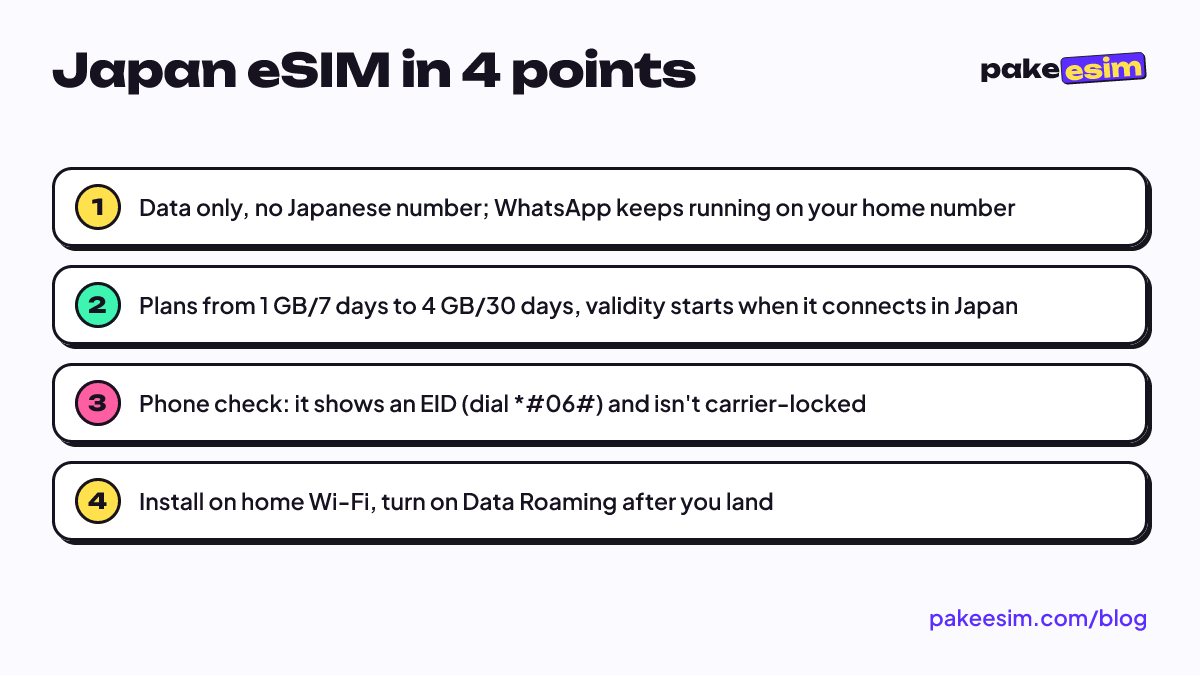
A Japan eSIM for tourists is a digital SIM profile with a data plan that you install on your phone before you leave, and it connects as soon as you land at Narita, Haneda, or Kansai. There's no card to swap, your home number stays active for WhatsApp and banking codes, and you skip the airport SIM counter after a red-eye flight. You need two things. Your phone must support eSIM, and it must not be carrier-locked. Pakeesim's Japan plans run from 1 GB for 7 days up to 4 GB for 30 days, paid by Indonesian bank transfer or QRIS in rupiah.
Key takeaways (TL;DR)
- Pakeesim's Japan eSIM plans range from 1 GB for 7 days up to 4 GB for 30 days.
- A Japan eSIM is data only, so there's no Japanese phone number and no local SMS or calls.
- Japan eSIM validity starts only when the eSIM first connects to a network in Japan.
- Checkout for a Japan eSIM accepts only Indonesian bank transfer or QRIS, paid in rupiah.
- Your phone needs an EID (dial *#06#) and must not be carrier-locked to use a Japan eSIM.
What is a Japan eSIM, and what can tourists use it for?
An eSIM (embedded SIM) is a SIM chip built into your phone. Nothing gets shipped to you. Instead you download a carrier profile by scanning a QR code. Apple describes eSIM as a way to activate a cellular plan without using a physical SIM card, and QR codes are the most common way travel eSIM sellers deliver it.
So a "Japan eSIM" is really a data plan that only works on Japanese networks. For tourists and exchange students it covers the everyday stuff:
- Google Maps and train times while you hop from Shinjuku to Asakusa;
- chats and app calls (WhatsApp, LINE, Telegram) with family back home;
- translating menus and signs with your camera;
- booking tickets, checking restaurant queues, or pulling up a museum e-ticket at the gate;
- a small hotspot for a travel buddy, sharing the same quota.
It helps to be clear about what it can't do. These plans are data only. You don't get a Japanese phone number, you can't receive local SMS, and you can't make regular phone calls. If you're searching for a Japan eSIM with a phone number because a Japanese app wants local verification, a data eSIM like this isn't the answer.
One common misunderstanding. Your main SIM doesn't go anywhere. The eSIM sits alongside your physical card, so your home number can still receive bank SMS codes when it has signal, while all internet traffic goes through the eSIM.
eSIM, roaming, physical SIM, or pocket Wi-Fi: which one makes sense?
There are four usual ways to get online in Japan. None is always right. It depends on your phone, how long you're staying, and how many people travel with you.
| Option | Pros | Cons |
|---|---|---|
| Data eSIM | Installed before you fly, online on landing, home number stays active | Phone must support eSIM and not be carrier-locked |
| Roaming from your home carrier | Nothing to install, same number | Rates and quota depend on the carrier, check its app |
| Japanese prepaid physical SIM | Sold at airports and electronics stores | You pull out your home SIM, easy to lose, queue after landing |
| Rented pocket Wi-Fi | One device for several people | Another battery to charge, and the device has to be returned |
For reference, Japan's official tourism site (JNTO) says physical SIMs are sold at big electronics chains like Bic Camera and Yodobashi Camera, with a rough estimate of about 3,000 yen for 1 GB over 30 days. The same page reminds you that your phone has to be unlocked to use another SIM. That rule applies to eSIMs too.
Our take: an eSIM makes the most sense if you travel solo or as a pair and your phone already supports it. A family of five that always moves together might save money with one pocket Wi-Fi, as long as someone remembers to charge it.
How much does a Japan eSIM cost for tourists?
The prices below are pulled live from the catalog, so they're current whenever you open this page.
| Plan | Data | Validity | Price | Per day |
|---|---|---|---|---|
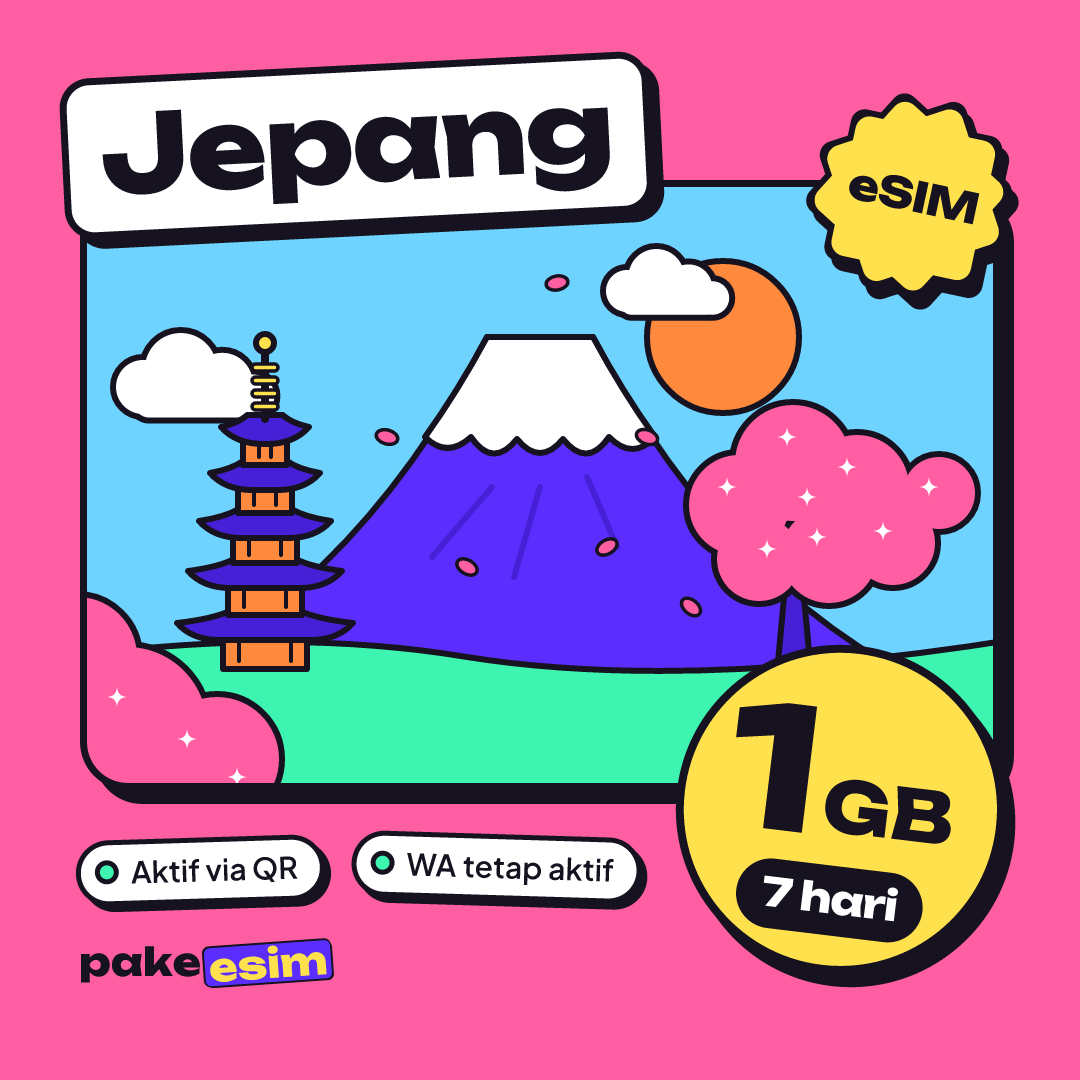
| eSIM Japan 1 GB / 7 Days | 1 GB | 7 days | Rp30.000 | ±Rp4.286 |
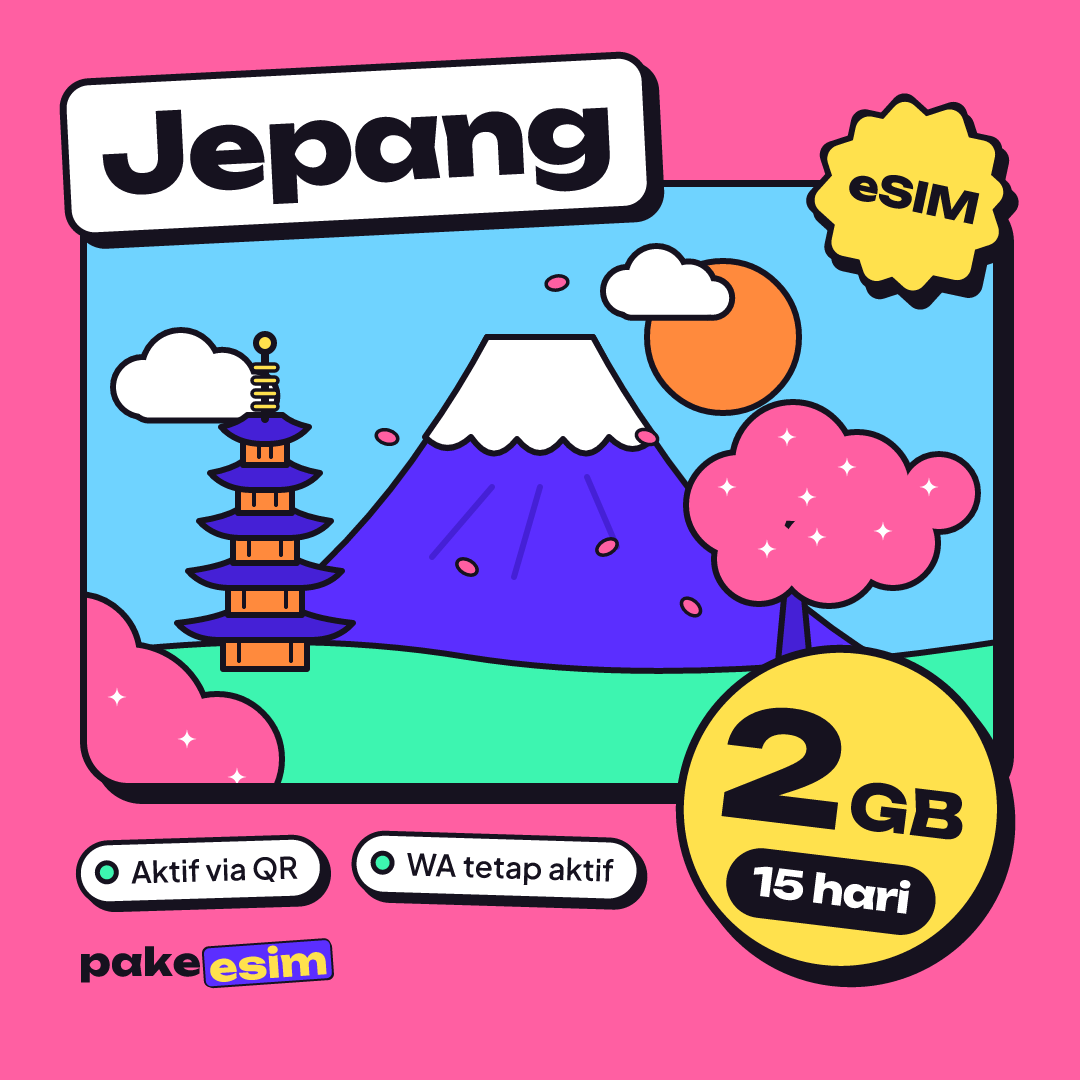
| eSIM Japan 2 GB / 15 Days | 2 GB | 15 days | Rp50.000 | ±Rp3.333 |
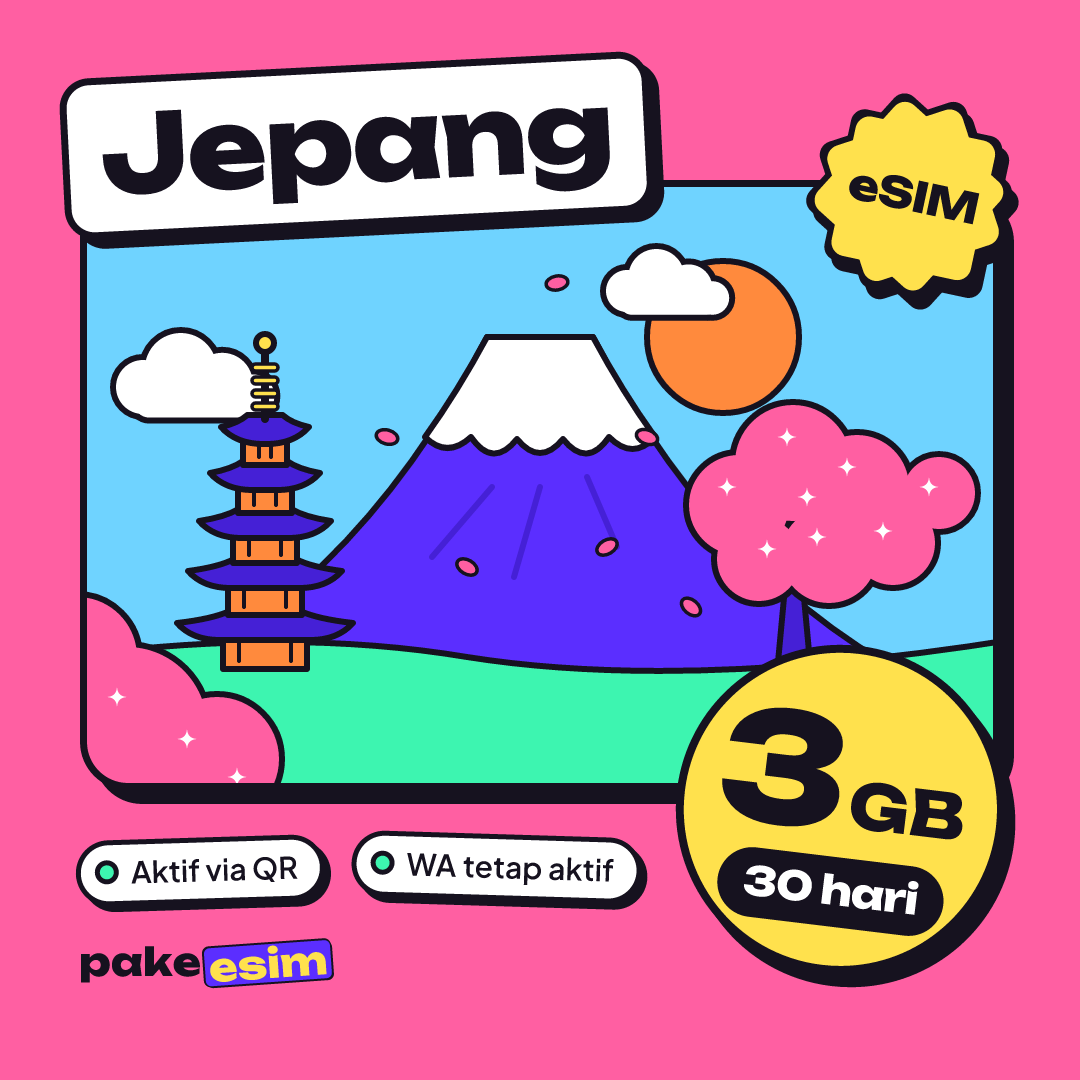
| eSIM Japan 3 GB / 30 Days | 3 GB | 30 days | Rp70.000 | ±Rp2.333 |
| eSIM Japan 4 GB / 30 Days | 4 GB | 30 days | Rp110.000 | ±Rp3.667 |
All Japan plans follow the same rules. You can use the quota whenever you like during the validity period with no daily cap, the validity only starts when the eSIM first connects to a network in Japan, and plans can't be topped up. If you run out mid-trip, you buy a new plan and scan a new QR code.
Why is it so much cheaper than roaming? Three plain reasons. No physical card is printed or shipped, you're not paying for a phone number, and the quota is sized for a trip rather than a big monthly bundle. There's no shipping or admin fee either. You pay the plan price plus a three-digit unique code that helps match your transfer.
A note for international visitors: checkout only accepts Indonesian bank transfer or QRIS, both in rupiah, and customer support works in Indonesian. If you don't have an Indonesian bank account or e-wallet, this store probably isn't the easiest route for you.
How many GB do you need in Japan for 7 days, 10 days, or a month?
Here's the honest rule of thumb we use. With no Wi-Fi at all, 1 GB lasts roughly one day of maps, chat, and moderate social media. Frequent video calls or streaming can double that.
Since the biggest Japan plan in the catalog is 4 GB, the smart move is to split the work. Heavy stuff like photo backups, video uploads, and offline map downloads happens on hotel or airport Wi-Fi. The eSIM handles navigation, chat, and finding food while you're out. JNTO also notes that major international airports in Japan offer free Wi-Fi in the terminals, as do some cafés, fast-food chains, and convenience stores, though the connection can be slow.
| Trip length | Usage style | Plan that makes sense |
|---|---|---|
| 3–7 days | Lots of hotel time, data for maps and chat | 1 GB / 7 days |
| 7 days | Daily navigation, the odd story upload | 2 GB / 15 days |
| 10 days | Moving between cities (Tokyo, Kyoto, Osaka) | 2 GB / 15 days, or 3 GB / 30 days if you're often away from Wi-Fi |
| 2–4 weeks | Exchange, internship, campus visit | 3 GB or 4 GB / 30 days, with a second plan ready if needed |
If you're planning 10 days, watch the validity. A 7-day plan simply won't last, so the closest fit is the 15-day plan. Honestly, 1 GB for 7 days only works if you're disciplined about hotel Wi-Fi. If you keep Maps open while riding trains all day, get 2 GB.
If your route goes beyond Japan, say on to Seoul or through Hong Kong, look at the multi-country Asia eSIM plans. One profile covers Japan, South Korea, Hong Kong, Taiwan, and several other Asian countries, so you don't switch profiles at each border. We cover the Hong Kong and Macau side in our guide to eSIM for Hong Kong, Macau, and China.
Which phones work with a Japan eSIM?
This is the part people regret skipping, so check it before checkout. Your phone must:
- have an EID, which shows up when you dial *#06# in the phone app;
- have an "Add eSIM" or "Add Cellular Plan" option in mobile settings;
- not be carrier-locked (SIM lock);
- not be a dual nano-SIM iPhone with a CH/A or ZA/A model code.
For iPhone, Apple supports eSIM from the iPhone XS, XS Max, and XR onward. You can check the lock status in Settings, General, About. If it says "No SIM restrictions", your iPhone is not locked to a carrier. Model-by-model details are in our iPhone eSIM compatibility list.
People also ask about ZTE, Xiaomi, Oppo, and other brands. Don't guess from the brand or the price tag. Within one brand some models support eSIM and some don't, depending on the model and the market it was sold in. The safest check is the EID and the add-eSIM menu above, or the phone compatibility checker.
If you buy a plan for a phone that doesn't support eSIM or is still carrier-locked, that's on the buyer, so five minutes of checking beats a plan you can't install.
How do you buy and install a Japan eSIM?
Buy a few days before you fly. Validity only starts once it connects in Japan, so no quota is wasted. Every payment proof is also checked by staff during service hours, 08:00–22:00 WIB (Western Indonesia Time, UTC+7), so buying in the departure lounge at 2 a.m. isn't a great plan.
Buying
- Pick a plan from the Japan eSIM catalog.
- Check out, then pay by bank transfer or QRIS for the exact total, including the three-digit unique code. Details are on the payment page.
- Upload your payment proof. Once it's confirmed, the QR code appears on your order page within minutes and a link is sent by email.
- Unpaid orders expire after 3 hours, so finish paying in one go.
Installing
- Connect your phone to home Wi-Fi before you leave.
- Scan the QR code with the phone you're actually taking. A QR code can only be scanned once, so don't test it on a spare phone.
- Label the new line something like "Japan" so it doesn't get mixed up with your home SIM.
- After landing, set the Japan eSIM as your cellular data line and turn on Data Roaming for that line.
Step-by-step screenshots for iPhone and Android are in the eSIM installation guide. On an iPhone, you can also follow how to install eSIM on iPhone, from QR scan to data roaming.
Why does my Japan eSIM show no service?
The usual causes are surprisingly simple. Run through this list before you panic in a station corridor.
- You're still at home. A Japan plan only works on Japanese networks. "No service" in Jakarta is normal.
- Data Roaming is off. The switch has to be on for the eSIM line, not your home SIM line.
- Wrong data line. Make sure the Japan eSIM is selected for cellular data.
- Not registered on a network yet. Toggle airplane mode on and off once. If it's still blank, pick a network operator manually from the list.
- Phone is carrier-locked. If the eSIM failed to install in the first place, recheck the lock status from the phone section above.
If you've checked everything and it still won't connect, contact customer service with your order number. Every order is handled by staff, so they can see its status right away.
Does it work outside Japan, is it safe, and how long does it last?
Does it work back home? No. A Japan eSIM doesn't pick up signal outside Japan, and it doesn't need to, because your main SIM is already there. The same goes for Korea or China: a Japan-only plan stops at the border, which is why the Asia plans exist.
Is it safe? The eSIM profile lives on your phone's chip like a normal SIM, and your home number isn't moved anywhere. What you do need to protect is the QR code. Don't post a screenshot of it in a group chat or on social media, because that QR code is your "card".
How long does it last? Per the plan, 7, 15, or 30 days from when it connects in Japan. You can delete the profile once you're home.
Before you fly to Japan
Check your phone first, work out your data from trip length and how much you lean on hotel Wi-Fi, then buy a few days ahead and install while you're still at home. That way, the moment the wheels touch the runway, you can message family and look up the train to your hotel. Still unsure which plan fits? Scroll back to the price table or browse all plans in the catalog. Have a great trip, and save some suitcase space for matcha Kit Kats.