Imported Phones & IMEI
Best eSIM for an iPhone in Indonesia: Local, Roaming, or IMEI Registration?
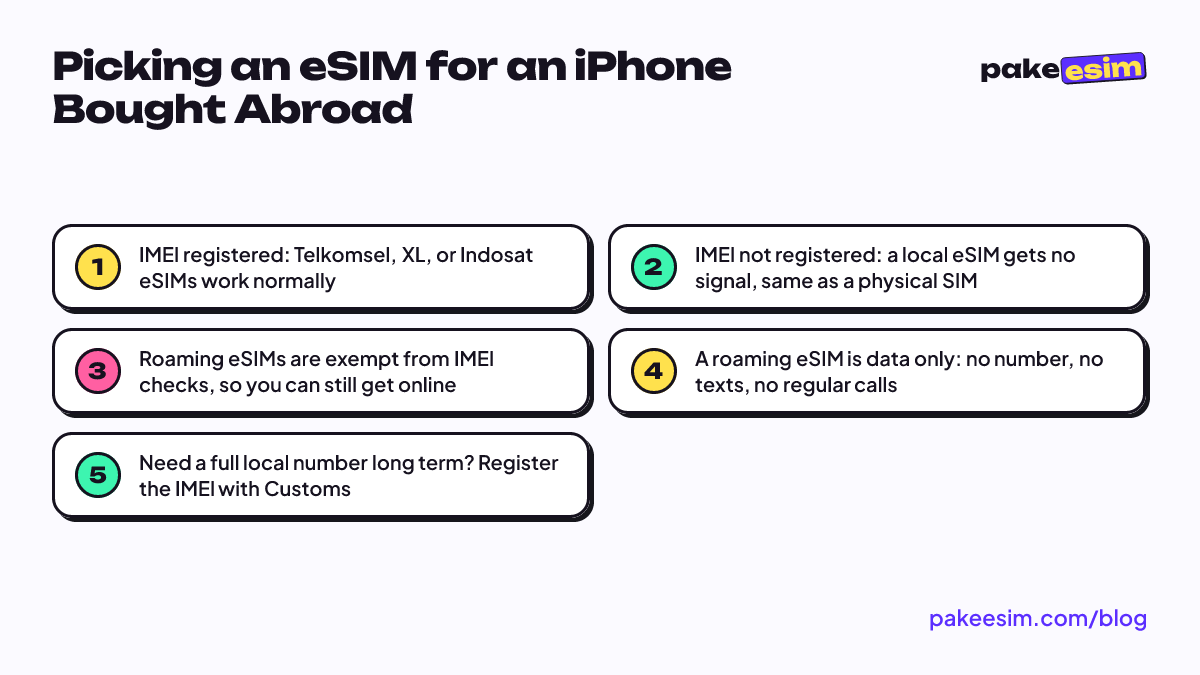
It depends on the IMEI. If your iPhone bought abroad has a registered IMEI, a local carrier eSIM works normally. If not, local eSIMs get no signal; your options are a roaming data eSIM or registering the IMEI with Indonesian Customs for full features.
Contents
- Step one: is your iPhone s IMEI registered in Indonesia?
- Does a Telkomsel, XL, or Indosat eSIM work on an iPhone bought abroad?
- Best eSIM for an Indonesia iPhone, based on your situation
- How many GB do you need?
- Is a roaming eSIM safe to use on an iPhone bought abroad?
- Checklist before buying an eSIM for your iPhone
- Why is the eSIM on my iPhone not working in Indonesia?
- Bottom line
The best eSIM for an iPhone in Indonesia depends on one thing: whether the phone's IMEI is registered in Indonesia. If your iPhone was bought abroad and its IMEI is registered, a local eSIM from Telkomsel, XL, or Indosat works just like on any official phone. If it isn't, a local eSIM gets no signal, and you have two realistic options: stay online with a roaming data eSIM, or register the IMEI through Indonesian Customs. Below you'll find how to tell which group you're in, a side-by-side comparison, a data estimate, and a checklist before you buy.
Step one: is your iPhone's IMEI registered in Indonesia?
In Indonesia, people call a phone bought outside the country an "iPhone inter" (short for international), as opposed to a unit sold through official local channels. The IMEI is the unique identity number of every phone. Since Ministry of Communication and Informatics Regulation No. 1 of 2020 took effect, devices whose IMEI fails verification are blocked from Indonesian mobile networks. That ministry is now called Komdigi (Ministry of Communication and Digital Affairs).
The easiest test: insert a local SIM card that you know is active. If that card gets signal in another phone but shows "No Service" in your iPhone, the IMEI is most likely not registered. If signal shows up normally, congrats: your iPhone is treated like an official unit and you can pick any carrier's eSIM.
Buying a used iPhone that came from abroad? Ask the seller whether the IMEI has been registered before you pay. That status decides everything in the next sections.
Does a Telkomsel, XL, or Indosat eSIM work on an iPhone bought abroad?
Yes, but only if the IMEI is registered. The answer is the same for every Indonesian carrier, including Smartfren and Axis. The IMEI rule is tied to the phone, not to the type of SIM. Switching from a physical SIM to an eSIM changes nothing, because the network still checks your device's IMEI.
The exception is in Article 3(5) of the same regulation: IMEI verification does not apply to users of foreign SIM cards (inbound roamers) on international roaming. A roaming eSIM is a SIM profile from an overseas carrier that connects to Indonesian networks through roaming agreements, so it falls under this exception.
| Option | Needs a registered IMEI? | Indonesian number? | Regular calls and texts? | Best for |
|---|---|---|---|---|
| Local carrier eSIM (Telkomsel, XL, Indosat, etc.) | Yes | Yes | Yes | iPhones bought abroad with a registered IMEI |
| Local physical SIM card | Yes | Yes | Yes | Same, if your iPhone still has a SIM tray |
| Roaming data eSIM | No | No | No | Staying online while the IMEI is unregistered |
| IMEI registration with Customs | This is the registration route | Yes, once registered | Yes, once registered | Long-term use with full features |
Best eSIM for an Indonesia iPhone, based on your situation
There's no one-size-fits-all answer. Match yourself to one of these:
- IMEI already registered. Use your favorite local carrier's eSIM. You get a number, texts, calls, and regular monthly plans.
- Just bought it and still deciding on registration. A roaming data eSIM makes the most sense as a bridge. You can chat, use maps, and work while you crunch the registration costs.
- The iPhone is your second phone. If your main number lives on another phone, a roaming data eSIM is enough for internet away from Wi-Fi.
- Heavy daily use for years. Compare the cost of several roaming plans per month with the cost of registering the IMEI. For long-term use, the official route is usually the cleaner fix.
How many GB do you need?
A simple rule of thumb: 1 GB covers about one day of maps, chat, and moderate social media. Video calls or streaming need roughly twice that. Since you'll use this eSIM in your own city, only count the days when you're actually away from Wi-Fi at home, your dorm, campus, or the office.
For example, if over two weeks you only need mobile data while commuting and hanging out, around 2 GB is usually enough. If you're out almost every day and open maps a lot, consider a 30-day plan with more data. Prices below are pulled live from the catalog and may change:
| Plan | Data | Validity | Price | Per day |
|---|---|---|---|---|
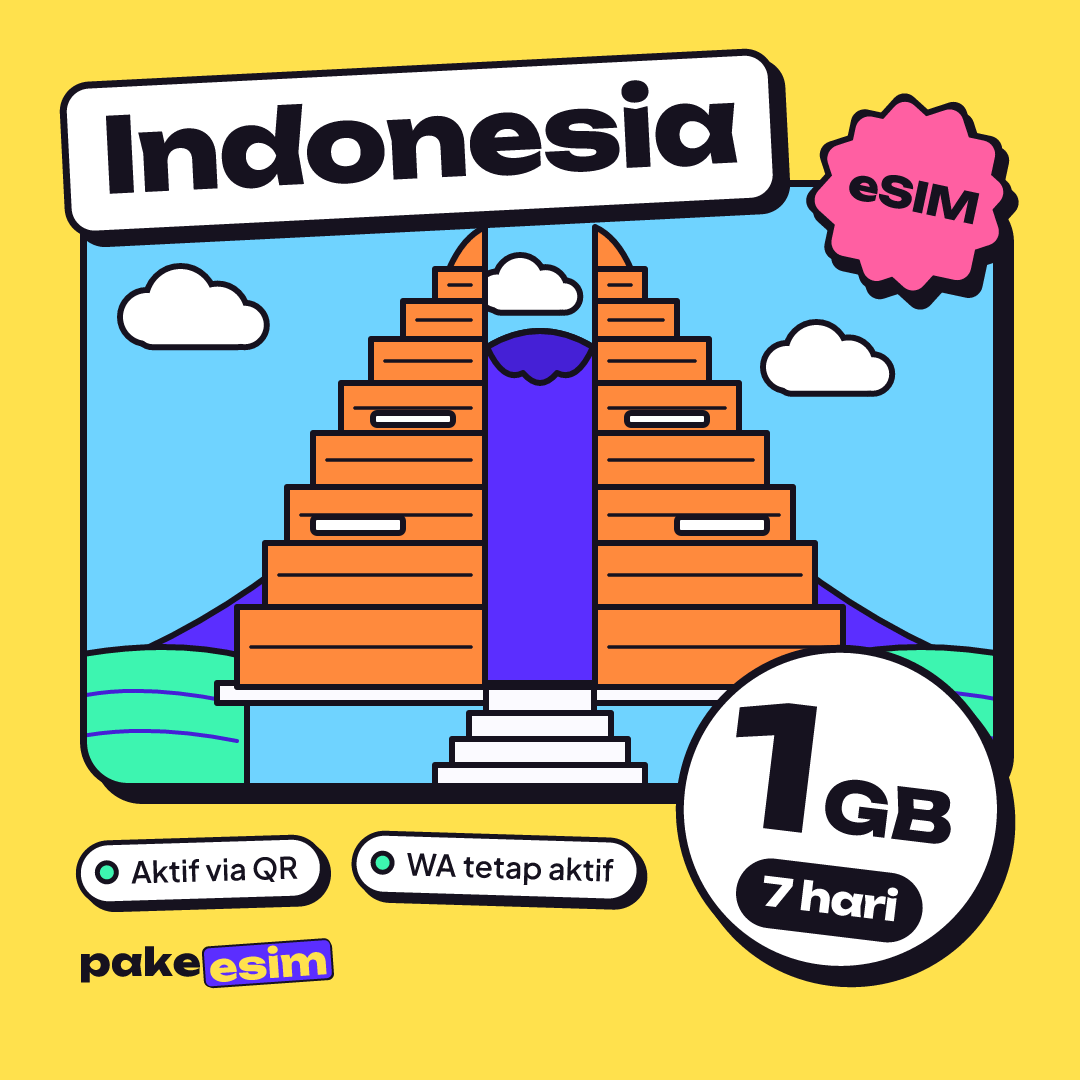
| eSIM Indonesia 1 GB / 7 Days | 1 GB | 7 days | Rp30.000 | ±Rp4.286 |
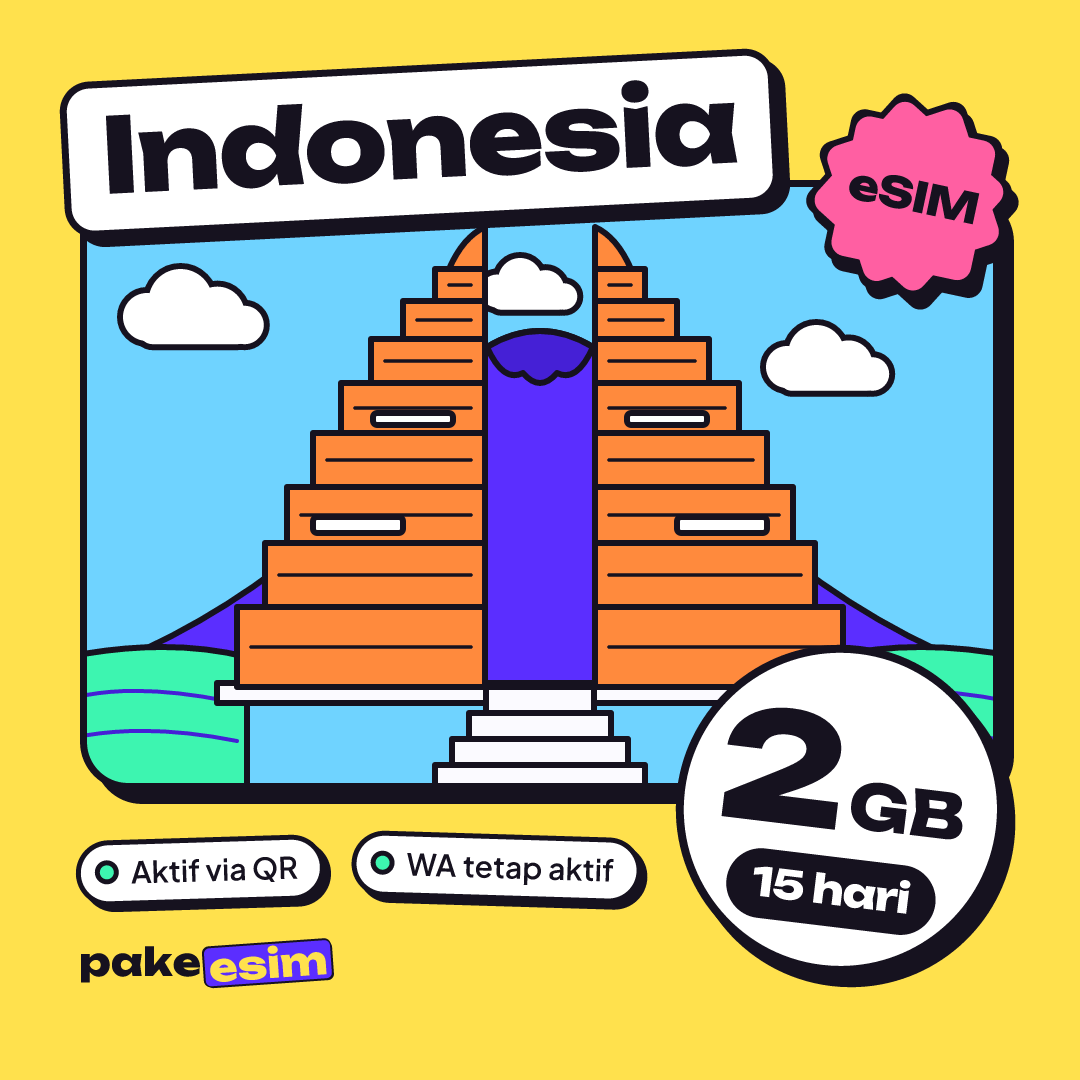
| eSIM Indonesia 2 GB / 15 Days | 2 GB | 15 days | Rp50.000 | ±Rp3.333 |
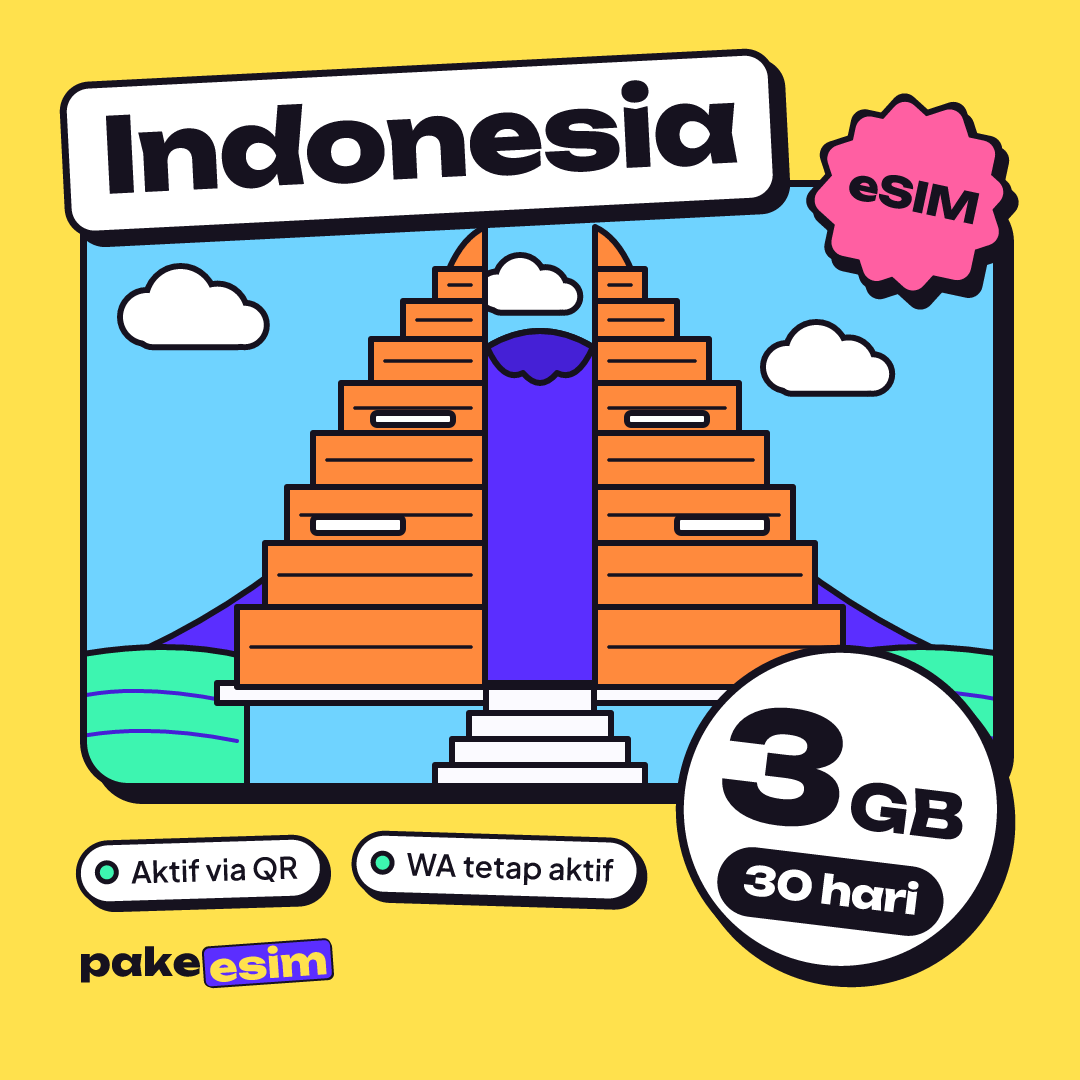
| eSIM Indonesia 3 GB / 30 Days | 3 GB | 30 days | Rp70.000 | ±Rp2.333 |
| eSIM Indonesia 4 GB / 30 Days | 4 GB | 30 days | Rp110.000 | ±Rp3.667 |
For light use over two weeks, this plan is often a good starting point:
Plans can't be topped up. When the data runs out, buy a new QR code and install it the same way. The validity period starts when the eSIM first connects to a network, not on the purchase date.
Is a roaming eSIM safe to use on an iPhone bought abroad?
Legally, a roaming eSIM relies on an exception written into the ministerial regulation, not a loophole or a trick. The eSIM profile doesn't change your phone's IMEI data, and installing it is the same as installing any travel eSIM. The flip side is just as clear: your iPhone's status doesn't change, so a local SIM in that phone still gets no signal until the IMEI is registered.
What you do need to plan around is the practical limit. A roaming eSIM gives you data only: no phone number, no texts, and no regular calls. Chat apps and app-based calls still work because they run over data, but OTP texts from your bank or e-wallet sent to your local number won't reach that iPhone. Keep your main number on another phone for verification codes.
If you want full features later, the official route is IMEI registration with Bea Cukai, Indonesia's Directorate General of Customs and Excise. As of October 2026, the Bea Cukai IMEI page says registration itself is free, but 10% import duty and 12% VAT (with the tax base multiplied by 11/12) still apply. For regular passengers, USD 500 is deducted from the customs value before those charges are calculated.
Checklist before buying an eSIM for your iPhone
IMEI status is only half the story. The other half is whether your iPhone can accept an eSIM from another provider. Check these five things:
- The model supports eSIM. According to Apple, eSIM is supported on iPhone XS, iPhone XS Max, iPhone XR, and later. One catch: for mainland China units, only iPhone 18 Pro, iPhone 18 Pro Max, iPhone 17e, and iPhone Air support eSIM.
- It has an EID. Dial
*#06#in the Phone app. If an EID shows up, the eSIM chip is there. - There's an Add eSIM option under Settings > Cellular.
- It isn't carrier-locked. Go to Settings > General > About. "No SIM restrictions" next to Carrier Lock means your iPhone is unlocked. If it's still locked, only the original carrier can unlock it through its official process, not Apple.
- It's not a dual nano-SIM CH/A or ZA/A variant. Those model codes aren't supported.
Not sure? Use the phone compatibility checker before you pay. A purchase made for a phone that doesn't support eSIM or is still carrier-locked is the buyer's responsibility, so five minutes of checking is worth it.
Why is the eSIM on my iPhone not working in Indonesia?
If the eSIM is installed but there's no signal, the cause is usually one of these:
- You installed a local carrier eSIM while the IMEI isn't registered. It won't connect, whatever the carrier.
- Data Roaming is off. With a roaming eSIM you're technically "roaming" even at home, so this toggle must be on for that eSIM line.
- Cellular data is still set to the other line. Pick the eSIM under Settings > Cellular > Cellular Data.
- The network hasn't kicked in. Turn Airplane Mode on and off again. Still nothing? Pick a network operator manually from the list.
- The iPhone is still carrier-locked. Recheck Carrier Lock under About.
Step-by-step screenshots are in the eSIM installation guide, and the full sequence from scanning the QR code to setting up roaming is in our article on how to install an eSIM on iPhone. Remember that a QR code can only be scanned once, so install it directly on the iPhone you'll use, while connected to Wi-Fi.
Bottom line
The recommendation is simple: IMEI registered, use a local carrier eSIM; IMEI not registered, stay online with a roaming data eSIM while you weigh official registration with Customs. First make sure your iPhone supports eSIM and isn't carrier-locked. One heads-up for non-Indonesian readers: Pakeesim only accepts Indonesian bank transfers or QRIS in rupiah. Still have questions? Browse the eSIM FAQ. Ready? Check how to pay and pick the plan that fits your usage, no rush.