Skip to content

Indonesia roaming eSIM

For iPhones bought abroad (“iPhone inter” in Indonesia) and phones with a blocked IMEI: get online in Indonesia with a roaming eSIM, no IMEI registration needed. Also for visitors who have just landed. Prices are final, and data and validity are shown exactly as they are.

TL;DR

  • 4 Indonesia roaming eSIM plans, from Rp17.100.
  • For phones bought abroad whose IMEI is not registered in Indonesia, as long as they are not SIM-locked.
  • Internet only (data-only): no number, texts, or regular calls; WhatsApp and apps still work.
  • The QR code appears on your order page within minutes of your payment being confirmed.

Showing 4 plans

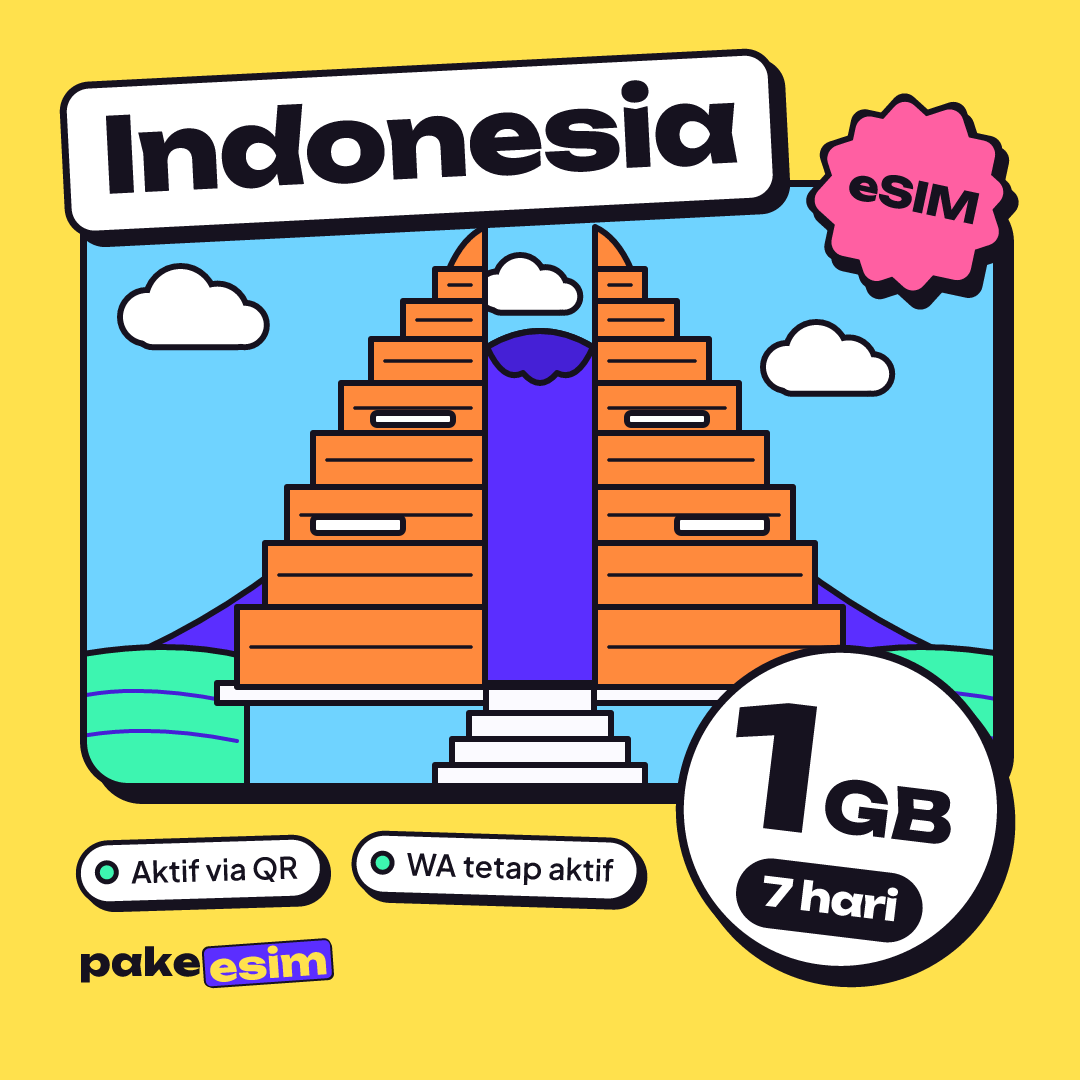
eSIM Indonesia 1 GB plan for 7 days from pakeesim

Indonesia

eSIM Indonesia 1 GB / 7 Days

16 sold

  • 1 GB
  • 7 days
Flash sale · ends in --:--:--Rp30.000-43%

Rp17.100

only ± Rp2.443/day

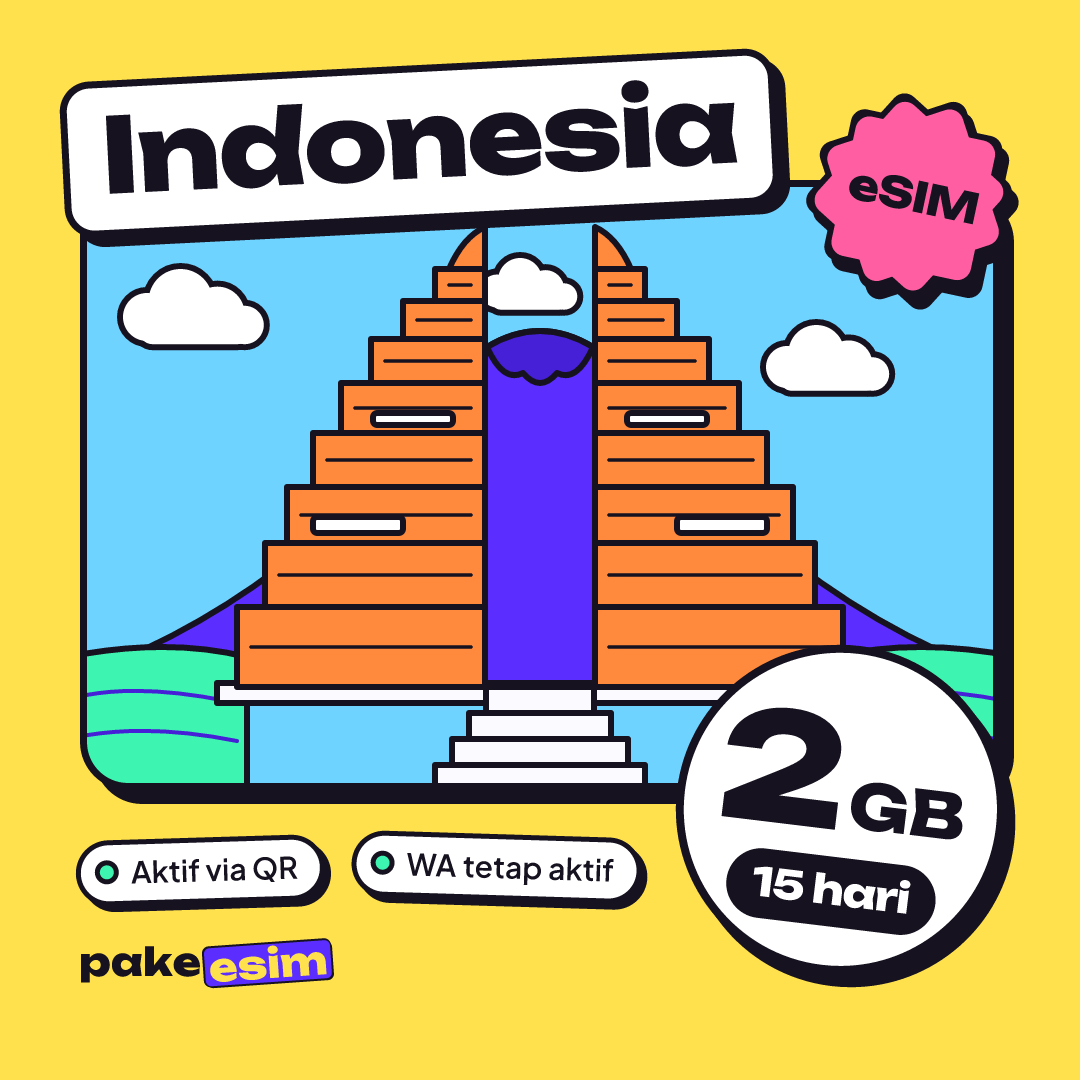
eSIM Indonesia 2 GB plan for 15 days from pakeesim

Indonesia

eSIM Indonesia 2 GB / 15 Days

16 sold

  • 2 GB
  • 15 days
Flash sale · ends in --:--:--Rp50.000-43%

Rp28.500

only ± Rp1.900/day

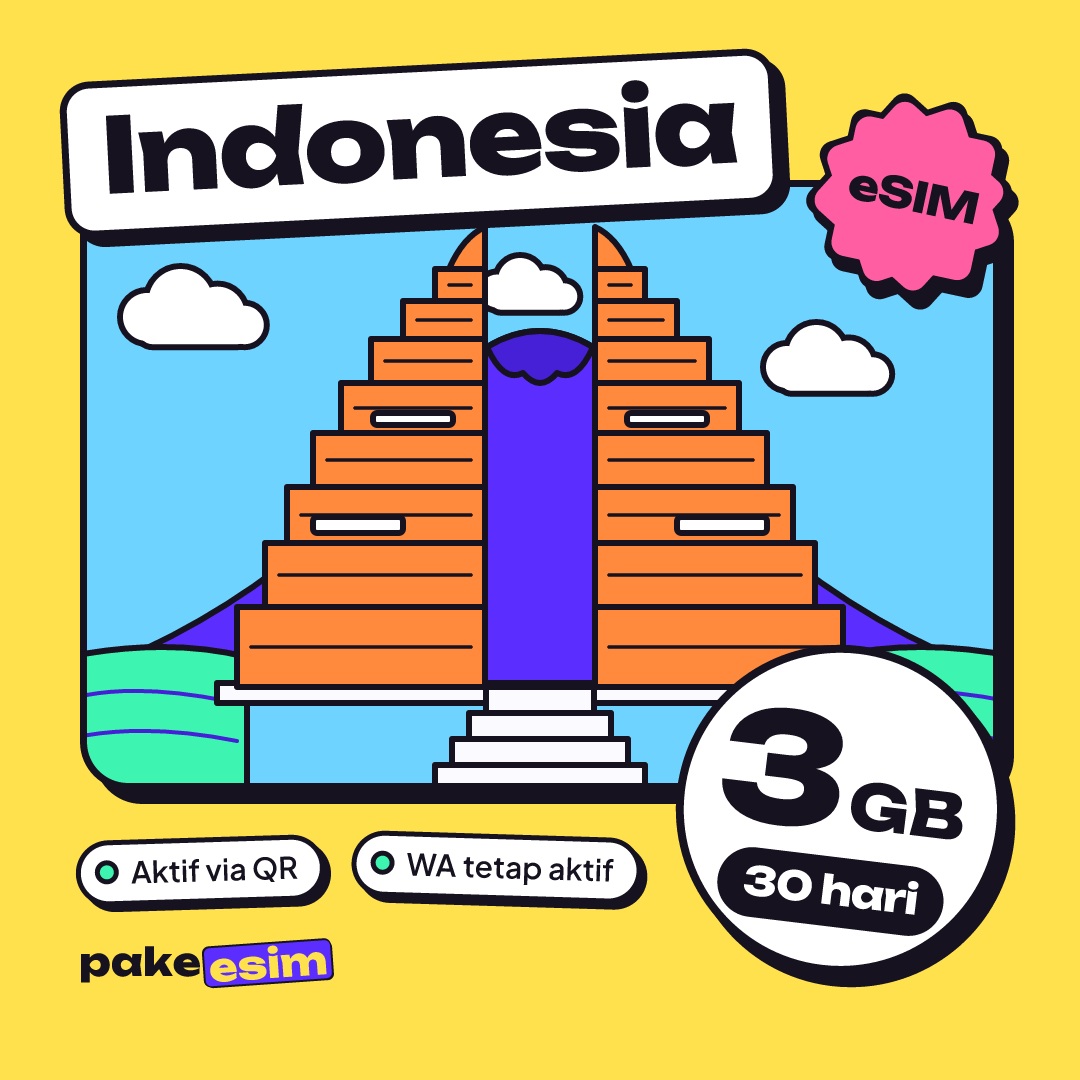
eSIM Indonesia 3 GB plan for 30 days from pakeesim

Indonesia

eSIM Indonesia 3 GB / 30 Days

16 sold

  • 3 GB
  • 30 days
Flash sale · ends in --:--:--Rp70.000-43%

Rp39.900

only ± Rp1.330/day

eSIM Indonesia 4 GB plan for 30 days from pakeesim

Indonesia🔥 Almost gone

eSIM Indonesia 4 GB / 30 Days

16 sold

  • 4 GB
  • 30 days
Flash sale · ends in --:--:--Rp59.000-43%

Rp33.600

only ± Rp1.120/day

Phone bought abroad or IMEI blocked? You can still get online

Phones whose IMEI is not registered in Indonesia — for example an iPhone bought overseas or a phone brought in from abroad — get no signal from Indonesian operator SIM cards. Physical cards and Telkomsel, Indosat, XL, and other local eSIMs are all affected.

This plan is a roaming eSIM from an overseas operator. International roaming subscribers are exempt from the IMEI blocking rule, so your phone can get online in Indonesia without registering the IMEI first — just install it with the QR code.

How to use it

  1. 1. Make sure it is not SIM-locked

    Settings › General › About › Carrier Lock must say "No SIM restrictions".

  2. 2. Scan the QR, turn on Data Roaming

    Install while on Wi-Fi, then enable Data Roaming on this eSIM line and set it as Cellular Data.

  3. 3. Use the internet as usual

    WhatsApp, Instagram, Maps, and online classes all run on the eSIM data.

What you get

  • Internet on a phone bought abroad without registering the IMEI
  • No jailbreak, no IMEI changes, removable at any time
  • Also works on eSIM-only US iPhones

Good to know

  • The IMEI block stays: an Indonesian SIM card in that phone still gets no signal
  • Internet only: no number, and OTP texts go to your SIM card, not this eSIM
  • Carrier-locked (SIM Lock) iPhones cannot use any eSIM

Not sure your phone qualifies? Send a screenshot of Settings › General › About in chat and we will check it before you pay.

eSIM Indonesia guides & tips

Imported Phones & IMEI

Does My International iPhone Support eSIM in Indonesia? Model, Lock, IMEI

eSIM works on international iPhone XS, XR, and newer models that aren't carrier-locked. Telkomsel, XL, or Indosat eSIMs need a registered IMEI, while a roaming eSIM still works even if the IMEI isn't registered.

8 min read

Visiting Indonesia

Best Bali eSIM for Australians 2026: Plan Sizes vs Telstra Roaming

For most Aussie trips, a 2 GB / 15 day Indonesia eSIM covers a week in Bali and 4 GB / 30 days suits longer stays. Telstra's Day Pass gives more data but charges $10 for every day used. Payment is rupiah only.

8 min read

Imported Phones & IMEI

Which iPhone Country Version Has a SIM Card Slot? LL/A, ZP/A, CH/A

Recent iPhones keep a nano-SIM slot in most countries, but US (LL/A) units from iPhone 14 on are eSIM-only. Quality is the same everywhere. For use in Indonesia, Australian (X/A), UK (B/A), or Nordic (QN/A) units cause the fewest surprises.

9 min read

eSIM Indonesia FAQ

Can I use this eSIM on an iPhone bought abroad whose IMEI is blocked in Indonesia?
Yes, as long as the iPhone supports eSIM and is not carrier-locked (SIM Lock). Indonesia's IMEI block applies to SIM cards from Indonesian operators. This eSIM connects as a roaming eSIM from an overseas operator, and international roaming subscribers are exempt from the IMEI blocking rule.
Do I need to register my IMEI first?
Not to use this eSIM. The block itself stays, though: an Indonesian SIM card in that phone still gets no signal until the IMEI is registered through Indonesian Customs (Bea Cukai). This eSIM only gives you an internet line.
Why not use a Telkomsel, Indosat, XL, or smartfren eSIM instead?
eSIMs from Indonesian operators are IMEI-checked just like physical cards. On a phone whose IMEI is not registered, a local operator eSIM gets no signal either. Only roaming eSIMs from overseas operators, like this plan, connect.
Is it safe for my iPhone?
Yes. The eSIM is added through the official iPhone menu (Add eSIM) as an extra line. It does not change the IMEI, needs no jailbreak or third-party app, and can be removed from Settings at any time.
Does it work on a US iPhone that is eSIM-only (no SIM tray)?
Yes. US iPhones (model numbers ending in LL/A) from the 14 series onward, and iPhone Air, have no physical SIM tray, so eSIM is the only option anyway. The same rule applies: it must not be carrier-locked.
My iPhone shows No Service after an iOS update. Will this eSIM work?
Probably not. That kind of No Service usually means the iPhone is still locked to its original carrier (SIM Lock), and a locked iPhone rejects every eSIM, local or roaming. Check Settings › General › About › Carrier Lock: it must say "No SIM restrictions".
Installed and showing signal, but no internet?
Turn on Data Roaming for this eSIM line (Settings › Cellular › choose the eSIM), then set that line as Cellular Data. If it still does not connect, switch Airplane Mode on for 10 seconds and off again.
Can I receive bank OTP texts or regular calls?
No. This eSIM is internet-only, with no phone number. WhatsApp, WhatsApp calls, and other apps run on the data, but OTP texts still go to your Indonesian SIM card. If the phone's IMEI is blocked, receive OTPs on another phone.
Which plan should I choose?
A simple rule of thumb: 1 GB covers roughly one day of maps, chat, and moderate social media. If you video call or stream often, take twice that estimate. Sort the catalogue by "Cheapest per day" to see the most efficient plans.
Is the data truly full, with no hidden fair-usage cap?
The data shown is the full-speed data you get. If a plan has special network terms, they are written in that plan's network field, not hidden in fine print.

Found your plan? Also read the eSIM install guide so it is ready to install before you fly.

Key terms

eSIM
A digital SIM built into your phone. The plan is installed by scanning a QR code, with no physical card.
Data-only
An internet-only plan: no phone number, texts, or regular calls. WhatsApp and apps still work.
IMEI
Your phone's identity number. Phones whose IMEI is not registered in Indonesia get no signal from local SIM cards.
Data roaming
A phone setting that allows internet over partner networks. It must be on for the travel eSIM line.

Conclusion

The Indonesia roaming eSIM gives phones bought abroad an internet line without IMEI registration. Make sure the phone supports eSIM and is not SIM-locked, then order and install it with the QR code.

Sources & references

“An eSIM is a digital SIM that allows you to use a cellular plan from your carrier without having to use a physical nano-SIM.”

— Using Dual SIM with an eSIM, Apple Support
  1. Using Dual SIM with an eSIM — Apple Support
  2. Set up eSIM on iPhone — Apple Support
  3. IMEI registration FAQ (in Indonesian) — Direktorat Jenderal Bea dan Cukai
  4. eSIM — Wikipedia

Tickets, check. Visa, check. Internet?

Install the eSIM at home and it connects the moment you land. No airport SIM queue, no card swapping, no roaming bill shock.

  • Pay online, confirmed automatically
  • Usually delivered within minutes
  • Just scan one QR code