Imported Phones & IMEI
Does My International iPhone Support eSIM in Indonesia? Model, Lock, IMEI
eSIM works on international iPhone XS, XR, and newer models that aren't carrier-locked. Telkomsel, XL, or Indosat eSIMs need a registered IMEI, while a roaming eSIM still works even if the IMEI isn't registered.

Contents
- Does my iPhone support eSIM if it s an international unit?
- Why does my international iPhone have no eSIM option?
- Telkomsel, XL, Indosat, or a roaming eSIM: which one works?
- Can an international iPhone get mobile data in Indonesia?
- International iPhone or iBox: what changes for eSIM?
- Indonesia roaming eSIM plans for an international iPhone
- Before you buy an eSIM for an international iPhone
Does my iPhone support eSIM if I bought it abroad? Yes, as long as it's an XS, XR, or newer, isn't carrier-locked, and isn't a dual nano-SIM unit from Hong Kong, Macao, or mainland China. In Indonesia, the part that trips people up is IMEI. A Telkomsel, XL, or Indosat eSIM only gets signal once the international iPhone's IMEI is registered. If it isn't, a roaming eSIM still works, because inbound roamers are exempt from IMEI checks. So the real question isn't "inter or iBox". It's model, carrier lock, and IMEI status.
Key takeaways (TL;DR)
- eSIM works on international iPhone XS, XS Max, XR, and newer models, exactly like the same model sold officially in Indonesia through iBox.
- Dual nano-SIM iPhones with model codes CH/A and ZA/A have no eSIM, so they cannot install any eSIM at all.
- Telkomsel, XL, and Indosat eSIMs only get signal on an international iPhone after its IMEI is registered through Indonesian Customs.
- A roaming eSIM still connects on an international iPhone with an unregistered IMEI, because inbound roamers are exempt from Indonesian IMEI checks.
- An international iPhone still locked to its original carrier cannot install eSIMs from other providers until that carrier unlocks it.
Does my iPhone support eSIM if it's an international unit?
An international iPhone can use eSIM because its eSIM hardware is the same as the iBox unit of the same model. Apple lists eSIM support from the iPhone XS, XS Max, and XR onward. The exceptions are certain units from Hong Kong, Macao, and mainland China, plus iPhones still locked to their original carrier.
A quick note on terms. In Indonesia, "iPhone inter" means an iPhone bought abroad, while "iBox" refers to units sold through Apple's official Indonesian channels. An eSIM is a digital SIM built into the phone: instead of inserting a card, you scan a QR code from a carrier or eSIM provider. According to Apple's official guide to setting up eSIM on iPhone, you need an iPhone XS or later and a carrier that supports eSIM. Nothing says the phone has to be bought in Indonesia.
To check fast, look at three things on your international iPhone:
- Model. iPhone 8, iPhone X, and anything older has no eSIM at all.
- Model code. Go to Settings > General > About and tap Model Number until a code ending in "/A" shows up. CH/A (China) and ZA/A (Hong Kong, Macao) need a closer look.
- Carrier lock. On the same screen, find Carrier Lock. "No SIM restrictions" means you're fine.
US units from the iPhone 14 onward go the other way. They have no SIM tray at all, so eSIM is the only way they get a cellular connection.

Why does my international iPhone have no eSIM option?
An international iPhone without an eSIM option usually comes from Hong Kong, Macao, or mainland China with two physical nano-SIM slots, or it's older than the iPhone XS. A third case: the eSIM menu exists, but installation fails because the phone is still locked to its original carrier.
Apple spells this out on its eSIM support page:
"In Hong Kong and Macao, certain iPhone models feature Dual SIM with two nano-SIM cards" (Apple Support)
People hunt for these units because they take two physical cards, but the trade-off is no eSIM. For mainland China, Apple only lists a few of the newest models as eSIM-capable. Not sure where your unit came from? Our article on iPhone country codes like LL/A, ZP/A, and CH/A shows how to read the code after the model number.
Carrier locks are a separate story. Ex-contract iPhones from the US or Japan are sometimes still locked to their original carrier. According to Apple's explanation of iPhone carrier locks, only that carrier can remove the lock, not Apple. Unlocking through the original carrier is an official process and has nothing to do with Indonesia's IMEI rules.
Telkomsel, XL, Indosat, or a roaming eSIM: which one works?
Telkomsel, XL, and Indosat eSIMs work on an international iPhone only when its IMEI is registered in Indonesia. With an unregistered IMEI, the local eSIM installs but gets no signal. A roaming eSIM still connects, because subscribers roaming in from abroad are exempt from IMEI verification.
That exemption is written into Indonesia's Minister of Communication Regulation No. 1 of 2020 on IMEI device control, Article 3(5), covering inbound roamer devices. Komdigi is Indonesia's communications ministry. The technical side is covered in our article on how a travel eSIM works.
| iPhone status | Local eSIM (Telkomsel, XL, Indosat) | Roaming data eSIM |
|---|---|---|
| iBox iPhone, IMEI registered automatically | Works | Works |
| International iPhone, IMEI registered with Customs | Works | Works |
| International iPhone, IMEI not registered | Installs, but no signal | Works |
| International iPhone still carrier-locked | Doesn't work | Doesn't work |
| Dual nano-SIM CH/A or ZA/A iPhone | Doesn't work (no eSIM) | Doesn't work |
Registering the IMEI is still the most complete route if you plan to use the iPhone here for years. Per Indonesian Customs' (Bea Cukai) official IMEI registration page, registration itself is free, but as of October 2026 a 10% import duty and 12% VAT apply to the value above the USD 500 personal-goods allowance for passengers. On a recent iPhone that can add up to millions of rupiah. Our full walkthrough is in international iPhone IMEI registration in Indonesia. In our view a roaming eSIM makes the most sense as a bridge: while you weigh that cost, right after you land, or when you only need data for a few weeks.
Can an international iPhone get mobile data in Indonesia?
An international iPhone can get mobile data from a local SIM or eSIM once its IMEI is registered, just like any other phone. With an unregistered IMEI, a local data package is useless because the network won't connect. The ways out are Wi-Fi or a roaming data eSIM.
Be clear about the limits of a roaming eSIM. Our plans are data only: no phone number, no SMS, no regular calls. They also can't be topped up. When the data runs out, you buy a new QR code and install it again. WhatsApp, Maps, mobile banking over data, and app-based calls all work. Bank OTPs sent by SMS still need an active number, for example on a second phone.
People also ask whether eSIM is "safe" for an international iPhone. eSIM is a standard iPhone feature, so installing one doesn't change the IMEI or unlock anything. The real risk is buying the wrong thing, like an eSIM for a CH/A unit that has no eSIM to begin with.
International iPhone or iBox: what changes for eSIM?
An international iPhone and an iBox iPhone of the same model have identical eSIM support. The difference is the IMEI. iBox units are sold officially in Indonesia, so their IMEI is already registered, while an international iPhone needs registering before a local eSIM or SIM card gets signal.
Warranty, model codes, and pricing differences are in our article on international iPhone vs iBox differences.
What about an "ex inter" iPhone? Sellers use the term for an international iPhone whose IMEI has already been registered. If that was done through the official Customs process, it behaves like an iBox unit for local eSIMs. If the IMEI status is unclear, check before buying a local carrier eSIM, since a scanned eSIM usually can't be moved. Steer clear of sellers offering IMEI shortcuts outside the official process.
Indonesia roaming eSIM plans for an international iPhone
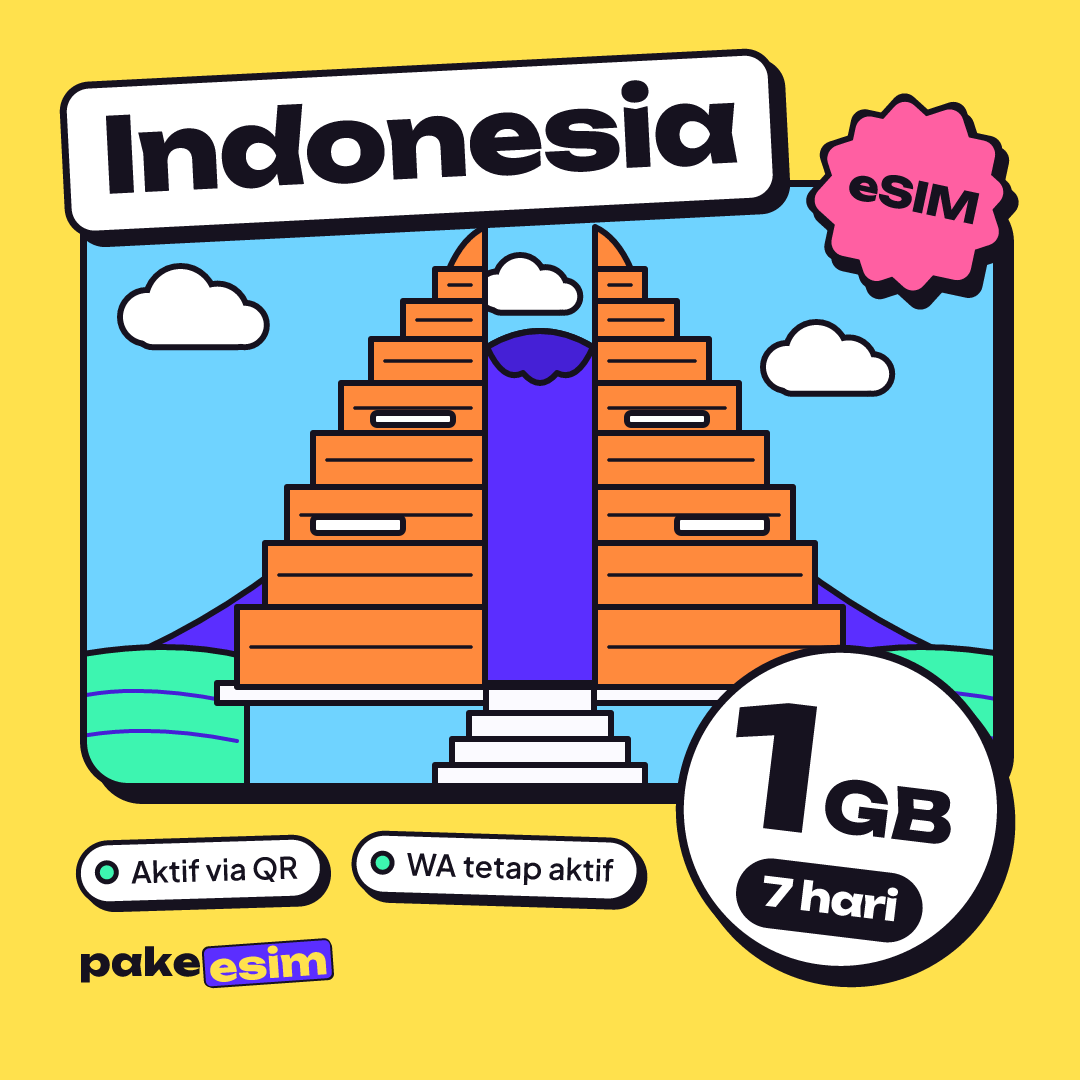
The Indonesia eSIM in our catalog runs as roaming on Indonesian networks, so it works on an international iPhone with an unregistered IMEI. There are four sizes, from 1 GB for 7 days to 4 GB for 30 days, and validity starts the first time the eSIM connects to a network.
| Plan | Data | Validity | Price | Per day |
|---|---|---|---|---|
| eSIM Indonesia 1 GB / 7 Days | 1 GB | 7 days | Rp17.100 | ±Rp2.443 |
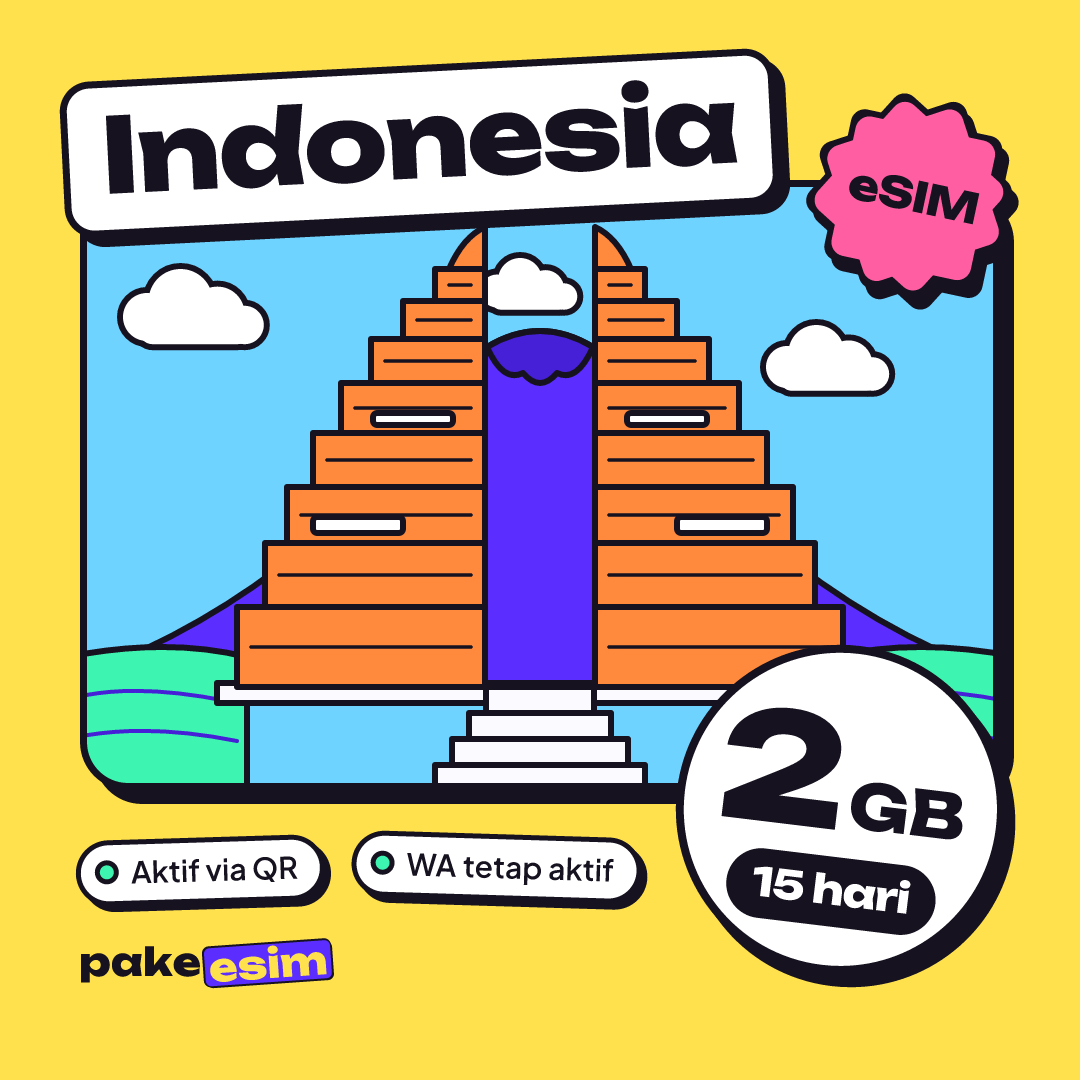
| eSIM Indonesia 2 GB / 15 Days | 2 GB | 15 days | Rp28.500 | ±Rp1.900 |
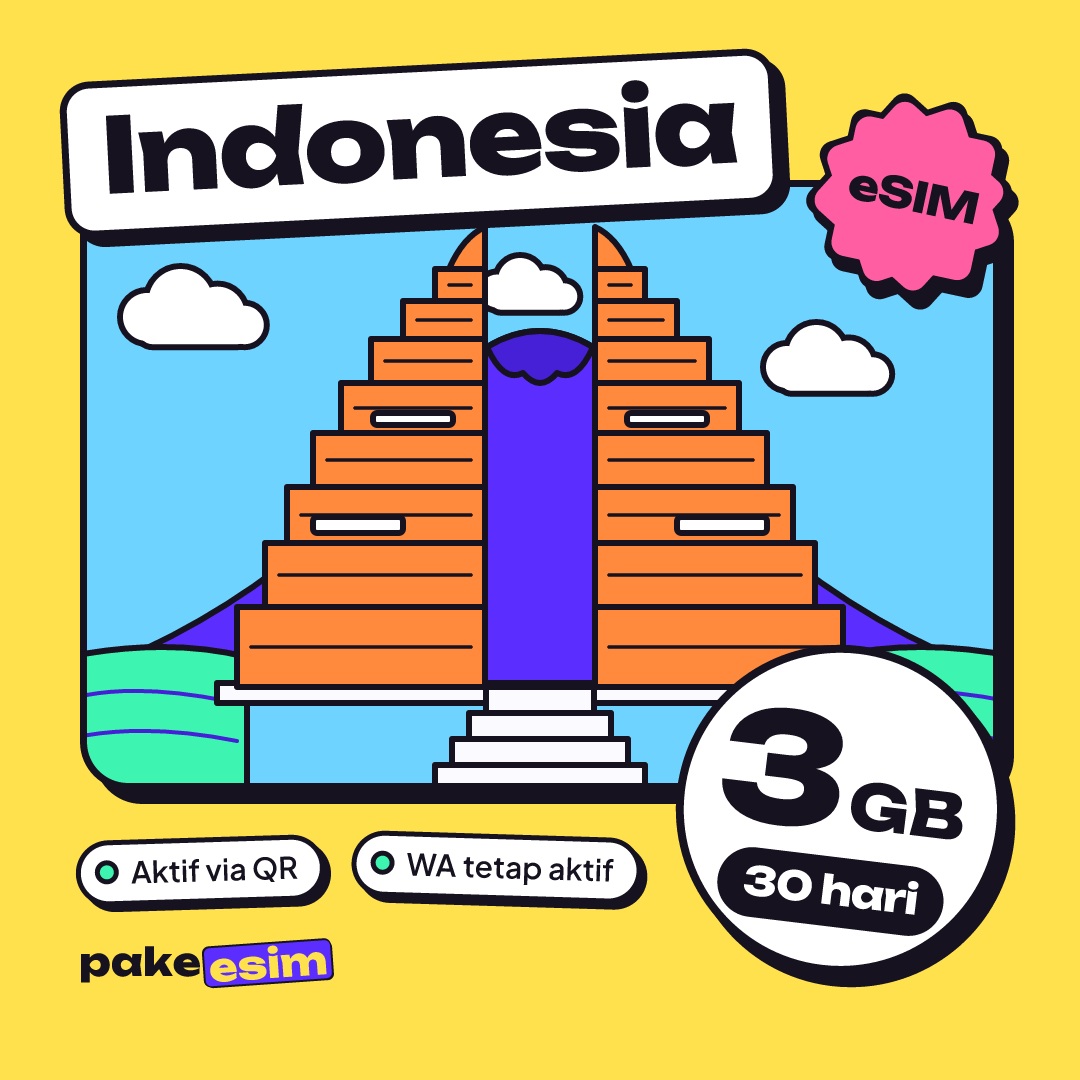
| eSIM Indonesia 3 GB / 30 Days | 3 GB | 30 days | Rp39.900 | ±Rp1.330 |
| eSIM Indonesia 4 GB / 30 Days | 4 GB | 30 days | Rp33.600 | ±Rp1.120 |
Our rough guide is about 1 GB for a day of Maps, chat, and moderate social media. So these plans fit light use when you're out, with streaming and big downloads left to Wi-Fi. If the international iPhone is your daily phone and Wi-Fi is rare, 4 GB a month will feel tight. That's when IMEI registration makes more sense long term.
For two weeks, say while you decide on IMEI registration or during a Bali holiday, the 2 GB 15-day plan fits best:
For a month with Wi-Fi at home and work, go with 4 GB:
Setup is the same as on any iPhone and is covered in our eSIM installation guide for iPhone. One honest note for visitors: payment is online in rupiah via bank virtual account, QRIS, e-wallet, or card, with details on the payment methods page. After installing, set the eSIM as your Cellular Data line and turn on Data Roaming for that line. Without Data Roaming, a roaming eSIM won't connect.
Before you buy an eSIM for an international iPhone
Run the three checks first. Model XS or XR at minimum, a model code that isn't a dual nano-SIM unit, and Carrier Lock showing "No SIM restrictions". Even faster: dial *#06# and see whether an EID line appears. If you have an EID and an Add eSIM option, your international iPhone is ready.
Still unsure? Match your model on the eSIM phone compatibility checker before checkout. Curious whether a factory reset affects eSIM and IMEI? That's answered in does a factory reset remove eSIM on iPhone.