Imported Phones & IMEI
Does a Factory Reset Remove eSIM on iPhone? IMEI and iCloud Checks
Only if you choose to erase it: iOS asks whether to keep or erase the eSIM. A factory reset never changes the IMEI or its status in Indonesia. The real risks are Activation Lock and an eSIM deleted by mistake.

Contents
- Does factory reset remove eSIM on iPhone?
- Does IMEI change after factory reset?
- Activation Lock: the biggest risk when resetting a used international iPhone
- Safe reset steps for international iPhone owners
- Can an international iPhone use an eSIM in Indonesia?
- Factory reset, Reset Network Settings, or a new eSIM: which one do you need?
- Indonesia eSIM plans for international iPhones
- Before you hit the reset button
Does a factory reset remove eSIM on iPhone? Only if you tell it to. When you erase an iPhone, iOS asks whether to keep or erase the eSIM, and an international iPhone (an "iPhone inter", bought abroad rather than through Indonesia's official iBox channel) behaves exactly the same way. A factory reset also leaves the IMEI and its registration status in Indonesia untouched. The real risks are Activation Lock from someone else's Apple Account and an eSIM you deleted by accident.
Key takeaways (TL;DR)
- A factory reset on an international iPhone erases data and settings, but it does not change the IMEI number or its status in Indonesia's IMEI database.
- iOS lets you choose Keep eSIM or Erase eSIM during a factory reset; an erased eSIM usually cannot be reinstalled from the same QR code.
- An international iPhone still signed in to someone else's Apple Account gets stuck on Activation Lock after a reset and cannot be used without that password.
- A factory reset does not remove a carrier lock; only the iPhone's original carrier can unlock it.

Does factory reset remove eSIM on iPhone?
A factory reset on iPhone removes the eSIM only when you pick the erase option. Apple's own wording is that "If you erase content and settings from your iPhone or iPad, you can choose to erase your eSIM or keep it." The path is Settings > General > Transfer or Reset iPhone > Erase All Content and Settings, and the eSIM choice appears before the erase starts.
That process is identical on an international iPhone and an iBox unit. The only differences between them are where the phone was bought and whether its IMEI is registered in Indonesia, not the operating system. If those terms are new to you, start with our guide to international iPhones, iBox, and IMEI registration.
A factory reset wipes:
- all photos, chats, apps, and accounts signed in on the iPhone;
- Wi-Fi, VPN, and configuration profile settings;
- the eSIM profile, but only if you choose to erase it.
What does not change: the IMEI number, the model code (for example LL/A or J/A), the carrier lock status, and the IMEI status in the Indonesian government system.
"Don't erase an eSIM as a troubleshooting step unless directed to by your carrier." (Apple's official guide to erasing an eSIM)
An erased eSIM is gone for good. eSIM QR codes can usually be scanned only once, so you would need a new eSIM from the provider. Our take: if you are resetting because the iPhone feels slow or full, keep the eSIM. Erase it only when the phone is going to someone else.
Does IMEI change after factory reset?
The IMEI on an international iPhone does not change after a factory reset, and it does not disappear. The IMEI is a device identity number tied to the hardware, while its registered or unregistered status lives in a government database, not in iOS. A reset only touches what is stored on the iPhone.
IMEI registration for phones bought abroad goes through Bea Cukai, Indonesia's customs agency. As of October 2026, the official Bea Cukai IMEI registration page says phones brought in by passengers are charged 10% import duty plus VAT, with a USD 500 customs value exemption for regular passengers who declare the goods on arrival. An international iPhone whose IMEI is officially registered stays registered after a reset.
It is a different story when a seller claims the signal is "permanent" but cannot show proof of official registration. That status does not depend on resets either way, so test it with a local SIM card. If a local SIM gets no signal before the reset, the reset will not fix it. Our article on what to do when an iPhone SIM card is not working in Indonesia walks through those checks.
Activation Lock: the biggest risk when resetting a used international iPhone
Activation Lock is an Apple security feature that ties an iPhone to its owner's Apple Account while Find My is on. After a reset, the iPhone asks for the Apple Account and password that were last signed in. According to Apple's explanation of Activation Lock, the Apple Account password is required before anyone can turn off Find My, erase the device, or reactivate and use it.
So the question "is it safe to reset a used iPhone bought on Instagram" is really about the seller, not the reset. Before you transfer money to a seller on Instagram or a marketplace, ask them to reset the iPhone in front of you (or on a video call). Then make sure it reaches the "Hello" screen and you can set it up with your own Apple Account.
Safe reset steps for international iPhone owners
- Back up your data to iCloud or a computer.
- Note the IMEI by dialing *#06# and save a screenshot.
- Open Settings > General > Transfer or Reset iPhone > Erase All Content and Settings.
- Enter your iPhone passcode and Apple Account password when asked.
- Choose whether to keep or erase the eSIM.
If you are selling the iPhone, Apple recommends erasing both the device and the eSIM profile. According to Apple's guide on what to do before selling an iPhone, Find My and Activation Lock turn off when the iPhone is erased.
| Reset type | Data & apps | IMEI & IMEI status | eSIM | Activation Lock |
|---|---|---|---|---|
| Reset Network Settings | Kept | Unchanged | Kept | Unchanged |
| Erase All Content, Keep eSIM | Erased | Unchanged | Kept | Apple Account needed at activation if Find My was on |
| Erase All Content, Erase eSIM | Erased | Unchanged | Permanently erased | Apple Account needed at activation if Find My was on |
Can an international iPhone use an eSIM in Indonesia?
An international iPhone can use an eSIM as long as the model supports eSIM and is not carrier-locked. Most iPhone XS and newer models have eSIM, except some dual physical nano-SIM variants such as CH/A and ZA/A, which cannot use a Pakeesim eSIM. Check your model on the eSIM compatibility check page.
A roaming eSIM still gets signal on an international iPhone with an unregistered IMEI. Article 3 of Ministerial Regulation No. 1 of 2020 from Indonesia's communications ministry (now Komdigi) exempts users of foreign SIM cards on international roaming (inbound roamers) from IMEI verification. The Pakeesim Indonesia eSIM works that way: data only, with no phone number and no SMS.
One thing people often miss: a factory reset does not remove a carrier lock. If your international iPhone is locked to a US or Japanese carrier, only that carrier can unlock it, as Apple's guide on carrier-locked iPhones states plainly.
Factory reset, Reset Network Settings, or a new eSIM: which one do you need?
A factory reset is rarely the fix for signal problems on an international iPhone. Match the step to the problem:
- Roaming eSIM lost signal: turn on Data Roaming for the eSIM line, toggle Airplane Mode off and on, then select a network manually. Try Reset Network Settings if it is still blank.
- iPhone slow or full: back up, then factory reset with Keep eSIM.
- Selling the iPhone: sign out of your Apple Account, then reset with Erase eSIM.
- Local SIM gets no signal: a reset will not help, because the problem is the IMEI status.
Step-by-step screenshots for installing and turning on an eSIM are in the eSIM installation guide.
Indonesia eSIM plans for international iPhones
An Indonesia eSIM on an international iPhone works best as backup data away from home or campus Wi-Fi. If you spend all day out with Maps, chat, and social media, 1 GB can be gone in a day, so size the plan by how long you will be off Wi-Fi. Prices in this table are pulled live from the store and may change.
| Plan | Data | Validity | Price | Per day |
|---|---|---|---|---|
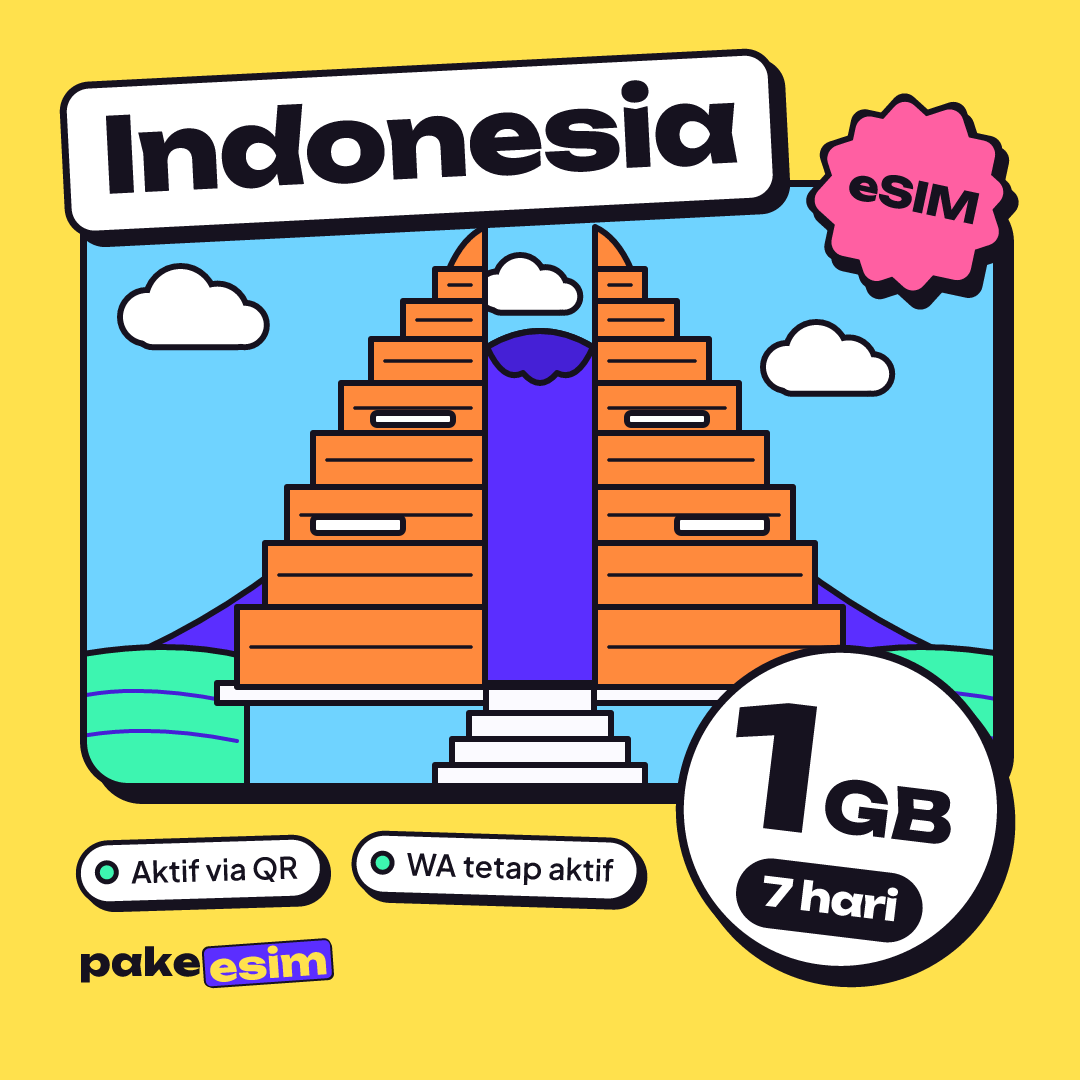
| eSIM Indonesia 1 GB / 7 Days | 1 GB | 7 days | Rp17.100 | ±Rp2.443 |
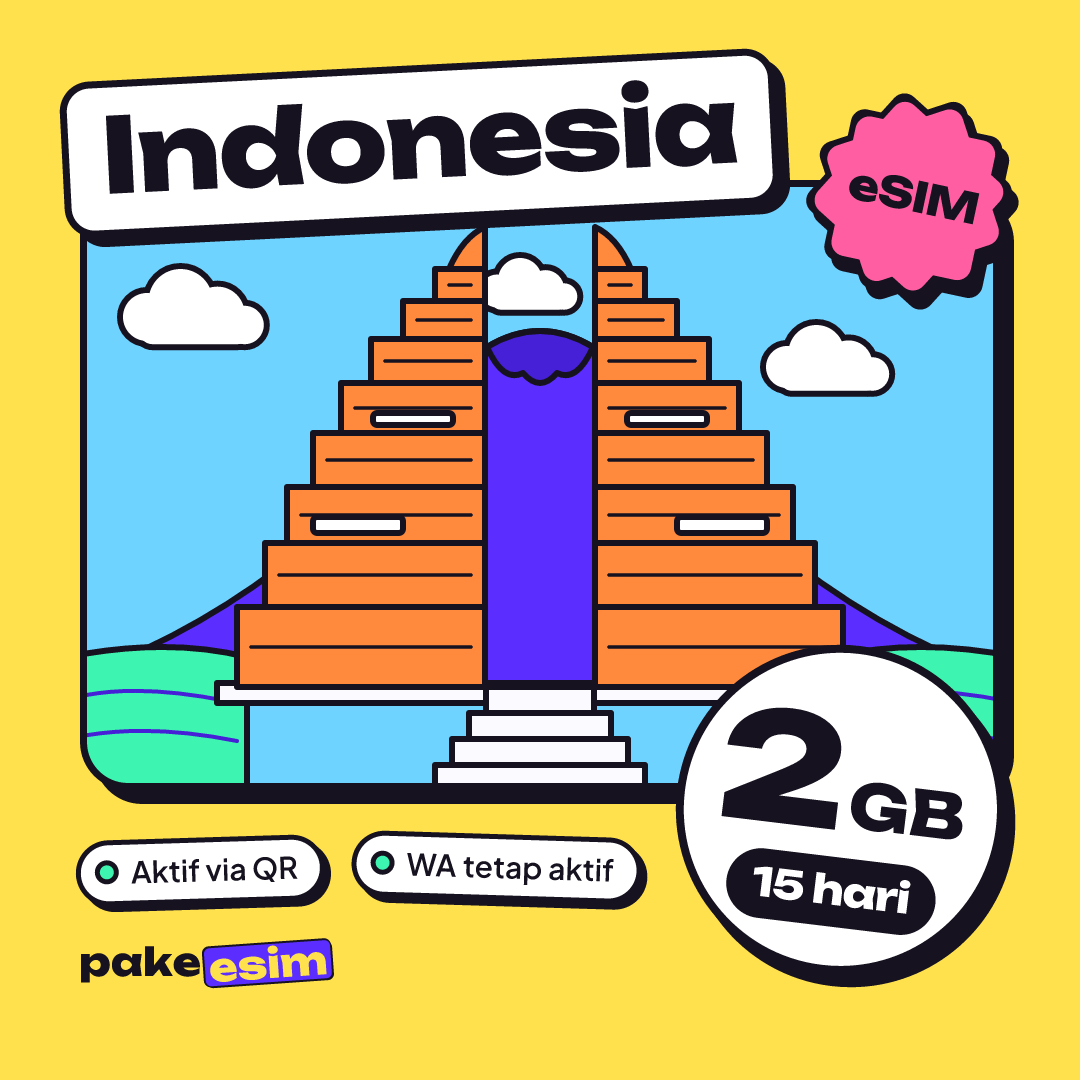
| eSIM Indonesia 2 GB / 15 Days | 2 GB | 15 days | Rp28.500 | ±Rp1.900 |
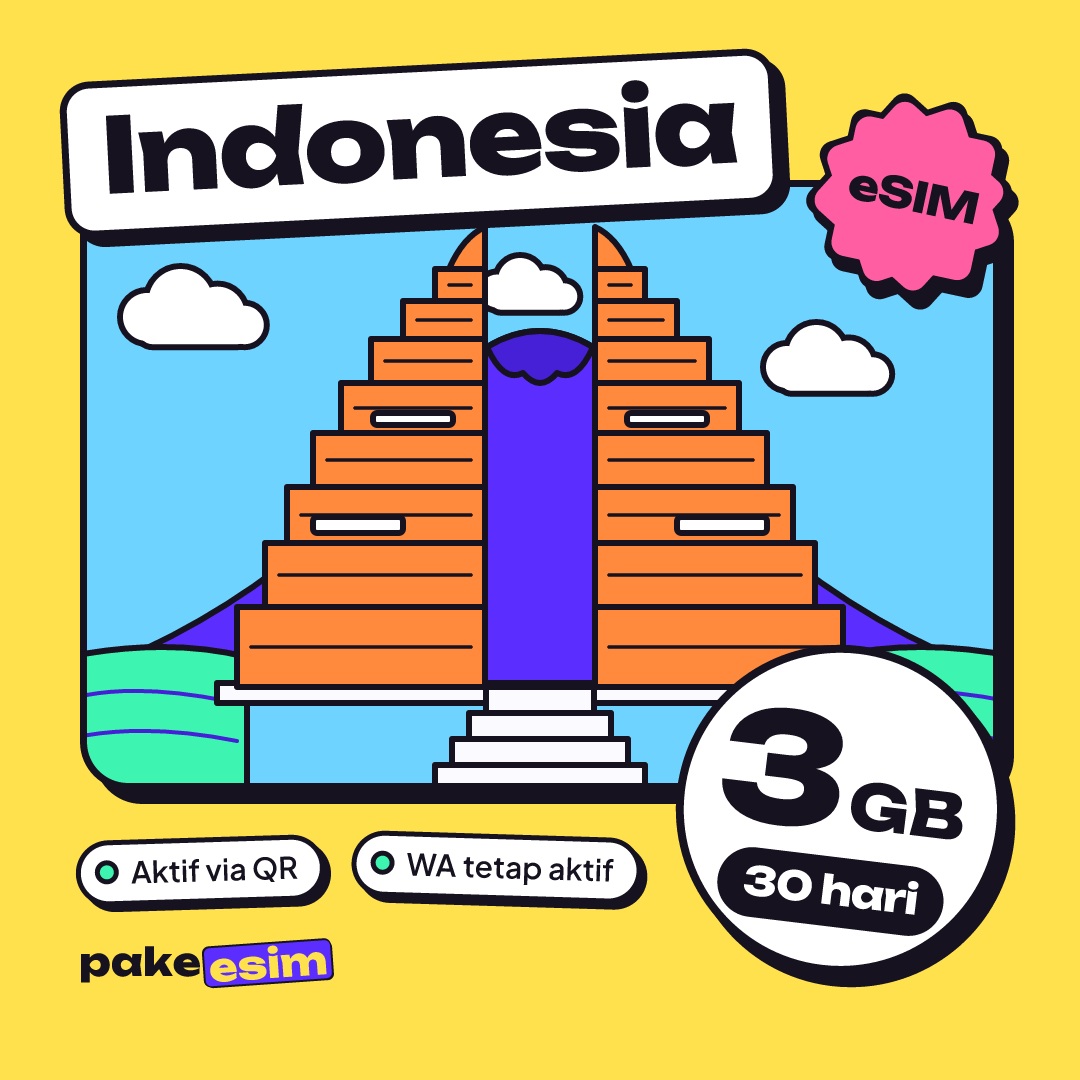
| eSIM Indonesia 3 GB / 30 Days | 3 GB | 30 days | Rp39.900 | ±Rp1.330 |
| eSIM Indonesia 4 GB / 30 Days | 4 GB | 30 days | Rp33.600 | ±Rp1.120 |
If you only need a bridge for two weeks while sorting out IMEI registration with Bea Cukai, the 15-day plan is enough.
If the international iPhone is your daily phone with no plan to register the IMEI, a 30-day plan makes more sense. We compare the options in our best eSIM for an iPhone in Indonesia guide.
Before you hit the reset button
Factory resetting an international iPhone is safe as long as the Apple Account is yours, and your photos, chats, and apps can come back by restoring from an iCloud or computer backup. The IMEI status does not change. So don't expect a local SIM to start working after a reset, and don't worry that a registered phone will lose signal.
The one decision that matters is keep or erase the eSIM. If in doubt, keep it. If your roaming eSIM did get erased, a new plan can be paid for online in rupiah through options like bank virtual accounts, QRIS, e-wallets, or cards; the steps are on the how to pay page.