Imported Phones & IMEI
Which iPhone Country Version Has a SIM Card Slot? LL/A, ZP/A, CH/A
Recent iPhones keep a nano-SIM slot in most countries, but US (LL/A) units from iPhone 14 on are eSIM-only. Quality is the same everywhere. For use in Indonesia, Australian (X/A), UK (B/A), or Nordic (QN/A) units cause the fewest surprises.

Contents
- Which iPhone country version has which SIM setup?
- Are CH/A, LL/A, and ZP/A iPhones safe to buy?
- LL/A: eSIM only from iPhone 14
- ZP/A and CH/A: two nano-SIMs
- J/A and KH/A: the camera sound
- Which iPhone country version is best for you?
- What SIM card works in a CH/A iPhone?
- Getting online when the IMEI is not registered
- So which country s iPhone should you buy?
Which iPhone country version has a SIM card slot? For recent models, almost every version except the US one (LL/A) keeps a nano-SIM tray, and US units from iPhone 14 onward are eSIM-only. Build quality is not the difference: for the same model, the chip, screen, camera, and battery are identical wherever it was sold. What changes by country is the SIM setup, eSIM support, carrier lock, and the camera shutter sound. For use in Indonesia, X/A (Australia), B/A (UK), and QN/A (Nordic) units cause the fewest surprises. LL/A, ZP/A, CH/A, and J/A can still be good buys if you know their limits.
Key takeaways (TL;DR)
- An iPhone from any country uses the same chip, camera, and battery as the same model sold elsewhere, so the country of sale does not decide quality.
- iPhone 14 and later models with the LL/A code, sold in the United States, can only be activated with eSIM and have no physical SIM card slot.
- Some Hong Kong and Macao iPhones use two nano-SIMs, and in mainland China only a few models such as iPhone Air and iPhone 17e support eSIM (as of October 2026).
- Whatever the country code, an iPhone bought abroad still needs its IMEI registered with Indonesian Customs before a Telkomsel, Indosat, or XL SIM gets signal.
Which iPhone country version has which SIM setup?
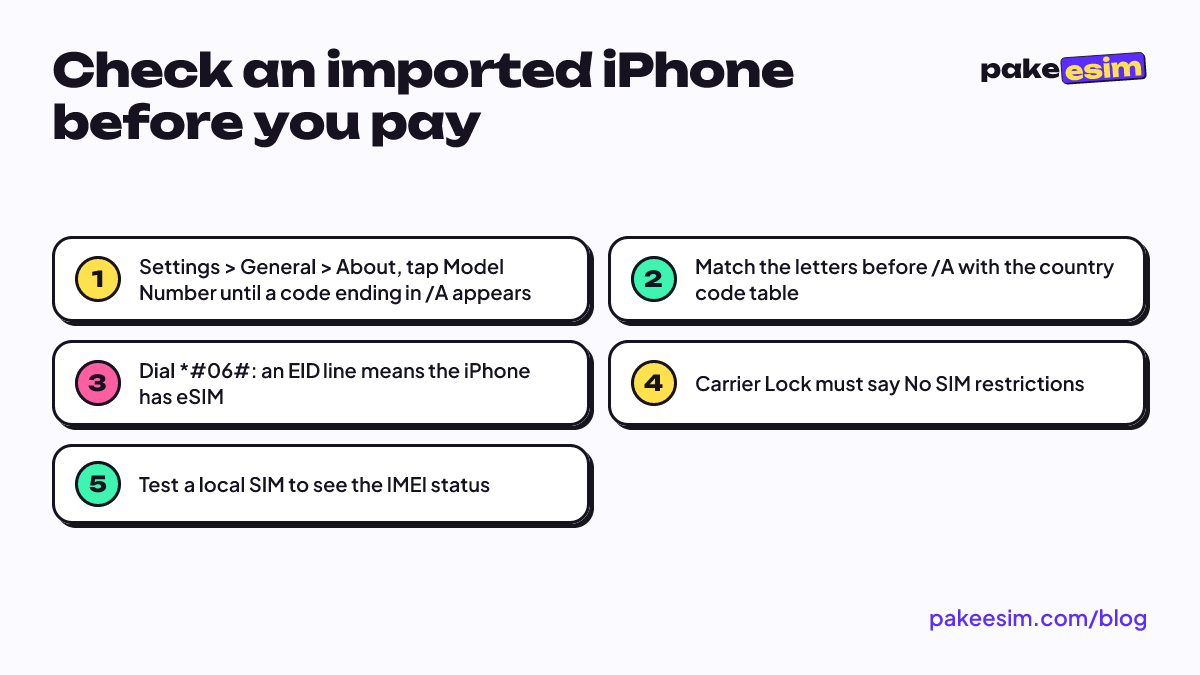
An iPhone country code is the letters before "/A" in the model number, for example MXXX2LL/A. You can find it in Settings > General > About, then tap the Model Number row until the format changes. The code shows the market where the unit was first sold, not the country where it was assembled.
| Code | Original market | SIM card slot and eSIM | Notes for use in Indonesia |
|---|---|---|---|
| LL/A | United States | iPhone 14 and later: eSIM only, no slot | Many ex-carrier units, check the carrier lock |
| ZP/A | Hong Kong, Macao | Some models have two nano-SIM slots | Dual nano-SIM units cannot add an eSIM |
| ZA/A | Singapore (often mixed up with Hong Kong in listings) | Varies | Check the EID, do not trust the label alone |
| CH/A | Mainland China | Mostly two nano-SIM slots, eSIM on certain models only | The most limited for eSIM |
| J/A | Japan | Nano-SIM + eSIM | Camera shutter sound cannot be muted |
| KH/A | South Korea | Nano-SIM + eSIM | Camera shutter sound cannot be muted |
| X/A | Australia, New Zealand | Nano-SIM + eSIM | Few surprises |
| B/A | United Kingdom | Nano-SIM + eSIM | Few surprises |
| QN/A | Sweden, Denmark, Norway, Finland, Iceland | Nano-SIM + eSIM | Few surprises |
| PA/A, ID/A | Usually official Indonesian units | Nano-SIM + eSIM | Not an imported unit |
The SIM column applies to iPhones from the last few years. iPhone 17 and newer models are also sold without a SIM tray in some countries, so look at the physical tray when you meet the seller. In Indonesia, an iPhone bought abroad is called an "iPhone inter", and the basics of that term are covered in our guide to the international iPhone in Indonesia, iBox, and IMEI registration.
Are CH/A, LL/A, and ZP/A iPhones safe to buy?
CH/A, LL/A, and ZP/A iPhones are safe to use as long as the unit is genuine, not carrier-locked, and has a clear IMEI status. All three are real Apple iPhones. What makes people hesitate is not safety but SIM limits that only show up after the purchase.
LL/A: eSIM only from iPhone 14
US units are the most common on the used market and often the cheapest. The catch is the SIM slot. Apple says so plainly in its official Apple guide to the iPhone SIM card:
"iPhone 14 models or later purchased in the United States can only be activated with an eSIM." (Apple Support)
So an iPhone 14 LL/A or newer cannot use a physical card at all. Many LL/A units were also sold through US carriers on installment plans, so some are still locked. According to Apple's guide to carrier locks, "No SIM restrictions" next to Carrier Lock in the About menu means the iPhone is unlocked. If it says anything else, an eSIM from any provider will not work.
ZP/A and CH/A: two nano-SIMs
Apple's Dual SIM page says that in Hong Kong and Macao, certain iPhone models use Dual SIM with two nano-SIM cards. In mainland China, as of October 2026, only iPhone 18 Pro, iPhone 18 Pro Max, iPhone 17e, and iPhone Air support eSIM. A dual nano-SIM unit is great if you want two physical cards, but it is closed to eSIM.
J/A and KH/A: the camera sound
Japanese and Korean units are fine on the SIM side. Apple notes that in some countries and regions the camera shutter sound cannot be muted, and that restriction comes with the phone to Indonesia. If you often snap lecture slides or take photos in a quiet mosque, a "click" you cannot switch off gets old fast.
Which iPhone country version is best for you?
The best iPhone country version depends on how you plan to use SIM cards, not on which country sounds more premium. In our view, X/A, B/A, and QN/A are the least surprising codes, because they usually have a nano-SIM slot plus eSIM and a camera sound you can mute.
- You want a physical Telkomsel, Indosat, or XL SIM after registering the IMEI: skip iPhone 14 LL/A and newer. Go for X/A, B/A, QN/A, or J/A if the camera sound does not bother you.
- You want two physical cards at once: dual nano-SIM ZP/A or CH/A units are built for that, but you give up eSIM.
- You want the lowest price: LL/A is often the cheapest, as long as the carrier lock status is clean and you are fine using eSIM.
- You are not registering the IMEI any time soon: pick a unit with an EID that is not carrier-locked, because your way online will be a roaming eSIM.
One thing people forget: the country code does not change the IMEI rule. A unit from any country has to be registered before it can use local mobile networks. The IMEI registration page of Bea Cukai, Indonesia's customs agency, explains that phones brought in from abroad as passenger luggage or shipments must have their IMEI registered. The tax math and the price gap against official units are in iPhone inter vs iBox: which is better, and checks for second-hand units are in buying a used iPhone in Indonesia and checking the IMEI.
Warranty also follows the country of sale. Apple's limited warranty document says Apple may restrict iPhone warranty service to the country where the device was first sold. Treat an imported iPhone from any country as having no local warranty.
What SIM card works in a CH/A iPhone?
A dual nano-SIM CH/A iPhone works with two physical SIM cards from Indonesian carriers once its IMEI is registered, but it cannot install an eSIM. The same goes for dual nano-SIM ZP/A units. The quick check: dial *#06# in the Phone app. If no EID shows up, that iPhone has no eSIM.
An imported iPhone that does have eSIM gives you more options. After the IMEI is registered, both physical cards and local carrier eSIMs work. Before registration, a local SIM shows "No Service", and a local carrier eSIM fails the same way because both go through the IMEI check. A model-by-model breakdown is in iPhone SIM card not working in Indonesia: what to do.
Getting online when the IMEI is not registered
An imported iPhone with an unregistered IMEI can still get online through Wi-Fi or a roaming data eSIM. International roaming users are exempt from IMEI verification under Article 3(5) of Kominfo (now Komdigi, the communications ministry) Regulation No. 1 of 2020. Your IMEI status does not change. You simply stay online with a roaming eSIM while you decide whether to register through the official route.
There are three requirements. The iPhone must have an EID, show "No SIM restrictions", and not be one of the dual nano-SIM CH/A or ZA/A units that Pakeesim does not support. Check first on the phone compatibility page. This eSIM is data only, with no phone number, texts, or regular calls, and it cannot be topped up. WhatsApp and app-based calls still work.
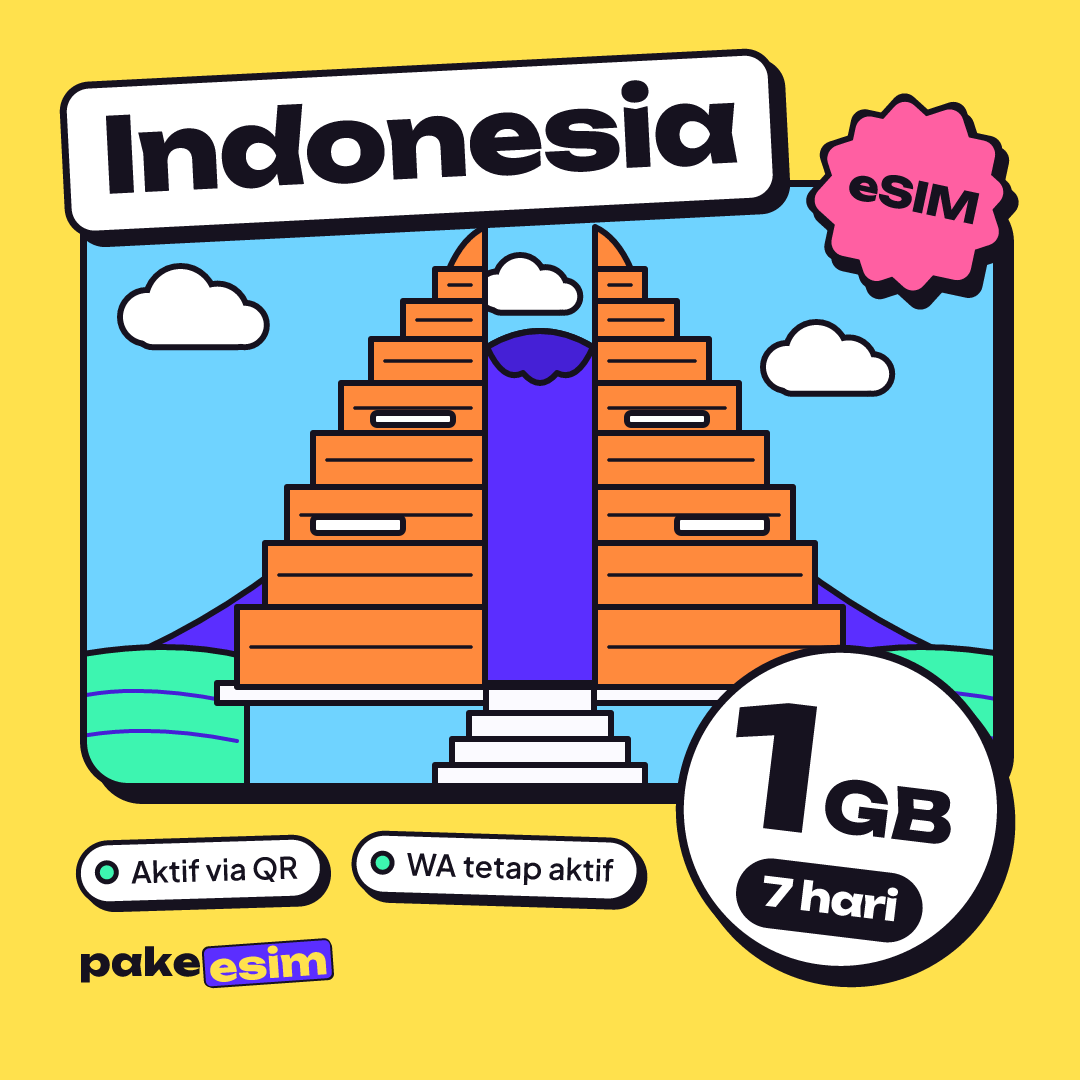
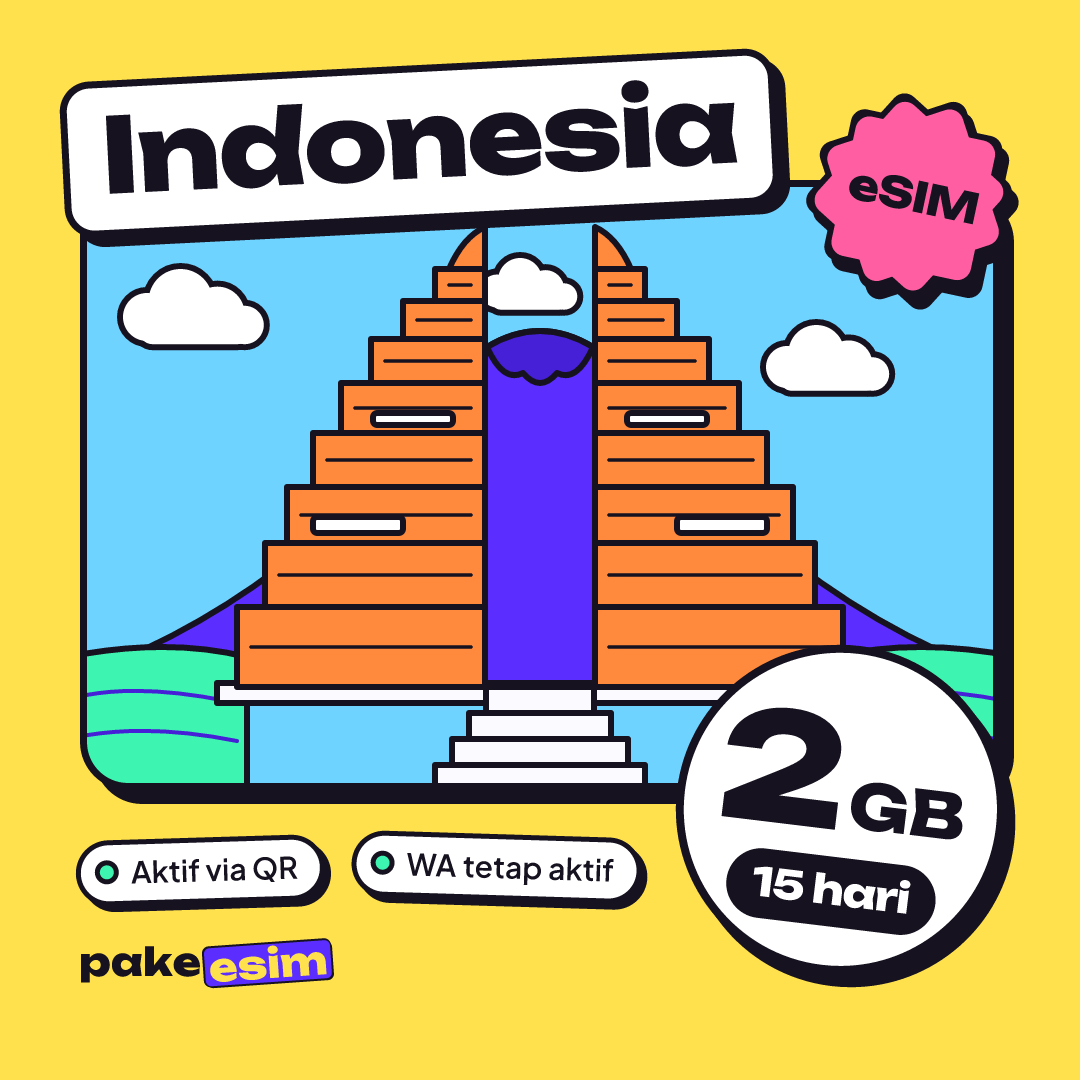
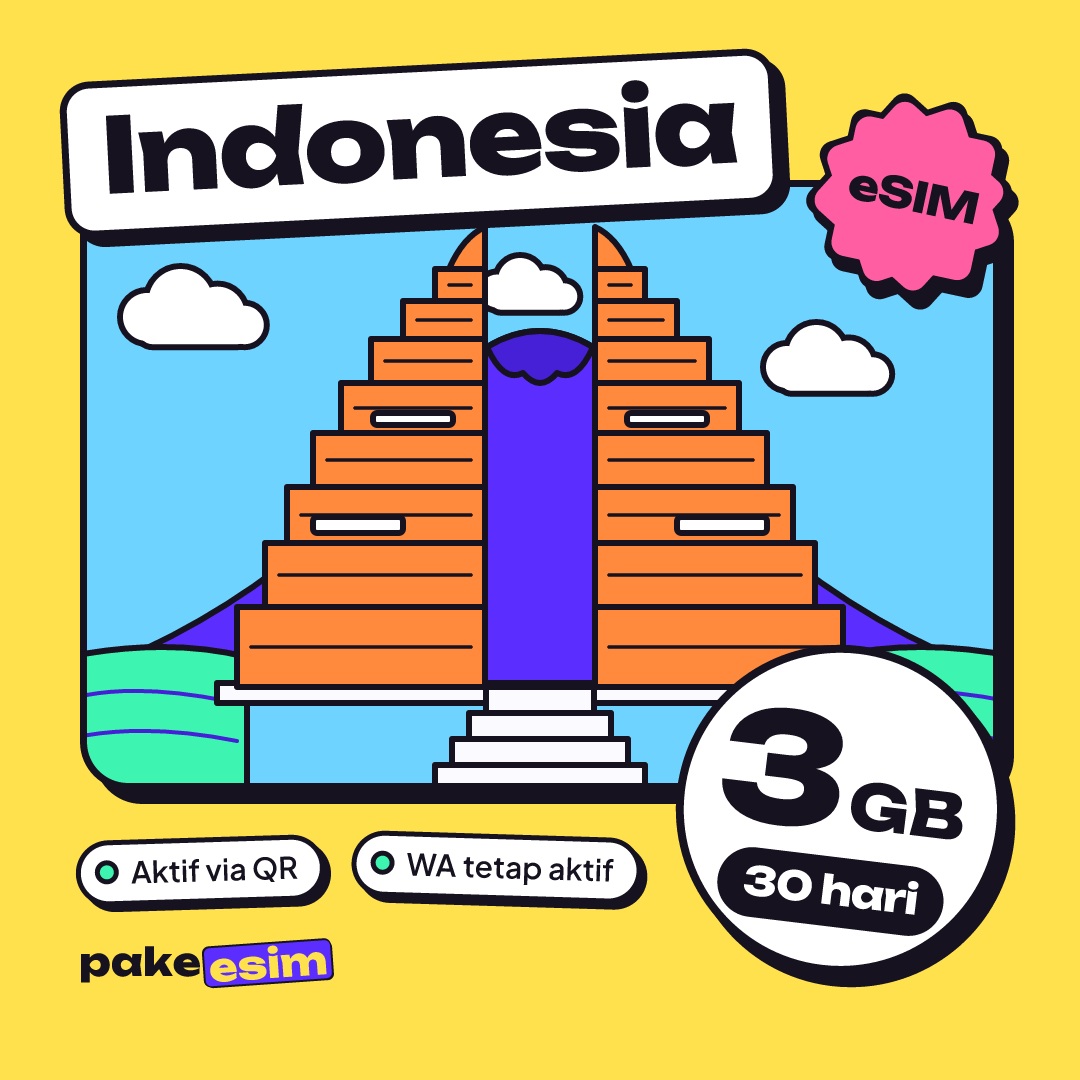
On data, most people use Wi-Fi at home or in their boarding house, so mobile data is only for when they are out. As a rough guide, 1 GB covers about a day of Maps, chat, and light social media. A 1 GB plan for a whole week is too tight in our opinion if you are out a lot. Live prices as of October 2026:
| Plan | Data | Validity | Price | Per day |
|---|---|---|---|---|
| eSIM Indonesia 1 GB / 7 Days | 1 GB | 7 days | Rp17.100 | ±Rp2.443 |
| eSIM Indonesia 2 GB / 15 Days | 2 GB | 15 days | Rp28.500 | ±Rp1.900 |
| eSIM Indonesia 3 GB / 30 Days | 3 GB | 30 days | Rp39.900 | ±Rp1.330 |
| eSIM Indonesia 4 GB / 30 Days | 4 GB | 30 days | Rp33.600 | ±Rp1.120 |
For light use over two weeks while you sort out the IMEI, this plan is a sensible starting point:
Prices are in rupiah, and payment is online through Midtrans, including bank transfer, QRIS, e-wallets, convenience stores, and credit cards, with the total matching the plan price and the order confirmed automatically. The steps are on the how to pay page. The eSIM QR code appears on the order page and is emailed; once you have it, follow the eSIM installation guide and turn on Data Roaming for the eSIM line.
So which country's iPhone should you buy?
Choose by the SIM cards you plan to use, not by a seller's story that "Singapore units are better". The hardware is the same. Before you pay, check just four things: the model code, the EID, the carrier lock status, and a test with a local SIM.
If the phone is already in your hands and local signal will not show up, check its eSIM compatibility first. Then pick a data plan that matches your habits, or register the IMEI if you plan to keep that iPhone for years.