Destinations
Africa eSIM Plans for Travel: 12 Countries, Safari Data, and Setup
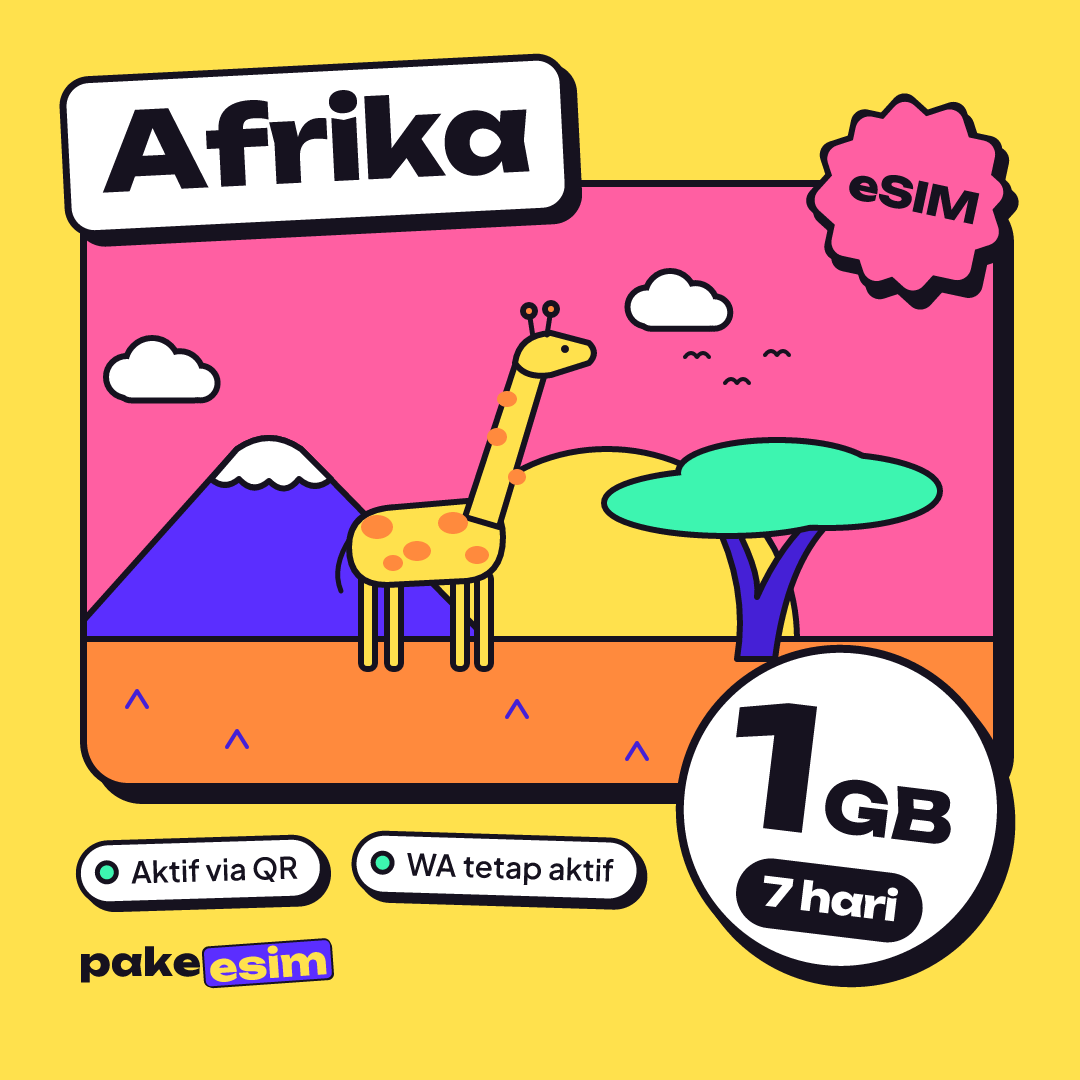
Africa eSIM plans for travel cover 12 countries, including Kenya, Tanzania, South Africa, Egypt, and Morocco. Data only with no local number, from 1 GB/7 days to 4 GB/30 days, installed at home before you fly.

Contents
- What is an Africa eSIM, and which countries does it cover?
- How much data do you need for an Africa trip?
- Africa eSIM prices: which plan fits?
- eSIM, roaming, or a local SIM in Africa: which one?
- Popular routes: Kenya and Tanzania, South Africa, Egypt and Morocco
- Kenya and Tanzania safari
- South Africa
- Egypt and Morocco, including Eid al-Adha holidays
- How to buy and install an Africa eSIM before you leave
- Why is my Africa eSIM not working or not showing up?
- The add eSIM menu is missing
- Installed, but no signal
- The QR code won t scan again
- Is an Africa eSIM safe to use?
- Before you fly to Africa
Africa eSIM plans for travel are prepaid, data-only eSIMs that work in several African countries on one profile, so you don't swap SIMs every time you cross a border. The Pakeesim Africa plan covers 12 countries, from Kenya, Tanzania, and South Africa to Egypt and Morocco, with options from 1 GB for 7 days up to 4 GB for 30 days. It's data only. No local number, no SMS, but your home SIM stays active for WhatsApp and OTP codes. You need two things: a phone that supports eSIM and isn't carrier-locked.
Key takeaways (TL;DR)
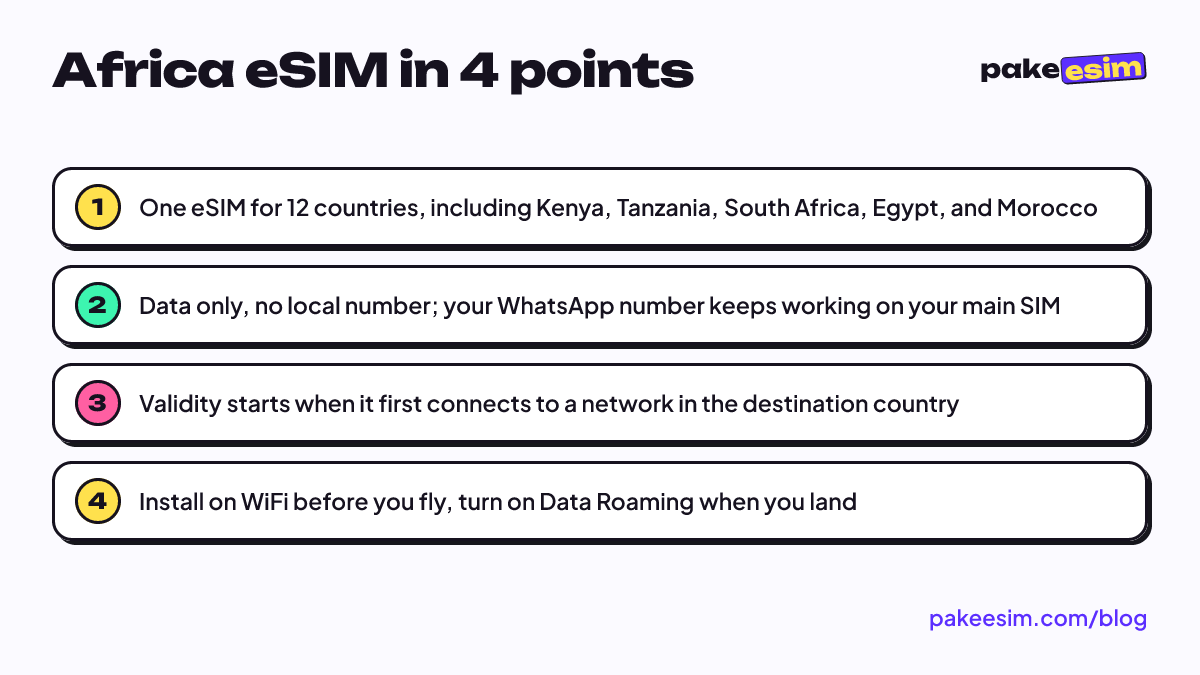
- The Pakeesim Africa eSIM covers 12 countries, including Kenya, Tanzania, South Africa, Egypt, and Morocco.
- Africa eSIM plans range from 1 GB for 7 days up to 4 GB for 30 days, and are data only.
- An Africa eSIM has no local number or SMS, but the home SIM stays active for WhatsApp and OTP codes.
- Validity starts only when the eSIM first connects to a network in the destination country.
- Using the Africa eSIM requires a phone that supports eSIM and isn't carrier-locked.
What is an Africa eSIM, and which countries does it cover?
An eSIM (embedded SIM) is a digital SIM built into your phone. There's no plastic card to insert. You scan a QR code and the phone downloads the carrier profile. A regional eSIM like the Africa plan uses one profile that connects to partner networks in several countries.
As of October 2026, the Africa plan covers these 12 countries:
- North Africa: Egypt, Morocco, Tunisia
- East Africa: Kenya, Tanzania, Uganda
- Southern Africa and the Indian Ocean: South Africa, Madagascar, Mauritius
- West Africa: Ghana, Nigeria, Senegal
Countries outside that list, such as Namibia, Botswana, Zimbabwe, or Ethiopia, aren't covered. Our 88-country Global eSIM doesn't include those four either. So if your route swings through Windhoek, or you plan to see Victoria Falls from the Zimbabwe side, have another plan for that leg. This is also why an Africa eSIM can seem "unavailable" for some countries: no regional plan covers the whole continent, so always match your route against the list on the countries and regions page first.
How much data do you need for an Africa trip?
The rule of thumb we use in the store: 1 GB covers roughly one day of maps, chat, and moderate social media. If you video call often or upload videos, plan on double. By that measure, the Africa plans are clearly not built for streaming all day.
They make the most sense for travelers who lean on hotel or lodge WiFi and use mobile data for the essentials on the road. Think opening Maps, booking a ride in an app, answering WhatsApp, and pulling up tickets.
| Travel style | Example route | Plan that fits |
|---|---|---|
| Short, lots of WiFi | 5–7 day city trip in Cape Town or Cairo | 1 GB / 7 days |
| Two weeks, light use | Kenya and Tanzania safari, 10–14 days | 2 GB / 15 days |
| Three to four weeks | Morocco then Egypt, or fieldwork | 3 GB / 30 days |
| A month, sharing lots of photos | Work assignment or research in Nairobi | 4 GB / 30 days |
Honestly, 1 GB for 7 days only works if you're disciplined. That means text chats, offline maps, and photos sent once you're back on WiFi. If you send videos to the family group every night, go one tier up.
A few habits that stretch a small plan:
- Download offline Google Maps for the cities and national parks on your route.
- Turn off WhatsApp media auto-download on mobile data.
- Turn off photo backup and app updates over mobile data.
- Save tickets, hotel vouchers, and your itinerary as PDFs on your phone before you leave.
If you run out of data mid-trip, the plan can't be topped up. You just buy a new plan and install the new QR code.
Africa eSIM prices: which plan fits?
The prices in this table are pulled straight from the catalog, so they're always the current ones when you open the page.
| Plan | Data | Validity | Price | Per day |
|---|---|---|---|---|
| eSIM Africa 1 GB / 7 Days | 1 GB | 7 days | Rp9.000 | ±Rp1.286 |
| eSIM Africa 2 GB / 15 Days | 2 GB | 15 days | Rp28.500 | ±Rp1.900 |
| eSIM Africa 3 GB / 30 Days | 3 GB | 30 days | Rp39.900 | ±Rp1.330 |
| eSIM Africa 4 GB / 30 Days | 4 GB | 30 days | Rp62.700 | ±Rp2.090 |
Plenty of people search for a South Africa eSIM price specifically. There's no separate South Africa plan. You use the same Africa plan, at the same price, for any country on the list. Kenya and Tanzania work the same way.
So why does an Africa eSIM feel cheap next to carrier roaming? It's data only, with no number or call credit. The quota has a clear cap. And it's a digital product, so nothing gets shipped. A low price here doesn't mean low quality. You're simply paying for data and nothing else.
For a two-week safari in Kenya and Tanzania, the 2 GB / 15 days plan fits best, as long as you get lodge WiFi in the evenings.
If your trip runs three weeks or more, say Morocco and then on to Egypt, pick a 30-day plan so it doesn't expire before you fly home.
Every option is in the Africa eSIM catalog.
eSIM, roaming, or a local SIM in Africa: which one?
One thing trips people up. The Africa eSIM itself works by roaming. The profile connects to partner networks in each country, so you have to turn on Data Roaming for that eSIM line. The difference from your home carrier's roaming is the bill: this eSIM is prepaid, and the data is paid for up front.
| Africa eSIM | Indonesian carrier roaming | Local SIM (e.g. Safaricom, Vodacom) | |
|---|---|---|---|
| Ready to use | On landing, installed at home | On landing, if a roaming pack is active | After buying at the airport or in town |
| Local phone number | None | Uses your Indonesian number | Yes |
| Changing countries | One eSIM for 12 countries | Depends on the carrier's pack | Usually a new SIM per country |
| Registration | No passport needed | Not needed | Passport usually required |
| Best for | Multi-country trips of 1–4 weeks | Convenience if you don't mind paying more | Long stays or needing a local number |
Roaming rates and coverage from Telkomsel, XL, and Indosat change often, so check your carrier's app before you go. For a student spending months at university in Cairo, a local SIM still makes more sense. The eSIM is handy for the first week while the registration paperwork gets sorted.
Popular routes: Kenya and Tanzania, South Africa, Egypt and Morocco
Kenya and Tanzania safari
The classic route runs Nairobi, Masai Mara, then across to Arusha, the Serengeti, and finishes in Zanzibar. Since Kenya and Tanzania are both on the list, the same eSIM keeps working after a land border crossing. Your phone will look for a partner network in the new country on its own. If it takes a while, toggle airplane mode once.
What you have to accept is the signal inside national parks. According to GSMA's Mobile Economy Sub-Saharan Africa report, around 13% of people in the region still live without mobile network coverage, and 4G is expected to reach only 50% of connections by 2030. Wide-open savanna isn't where towers go first. Download offline maps, message your family before a game drive, and don't panic if the signal disappears for a few hours.
South Africa
Cape Town and Johannesburg are big cities with much denser networks. Data matters most right after landing, when you need to book a ride and pull up directions to your accommodation. For a week-long city trip with hotel WiFi, 1 GB usually does it. If you're driving the Garden Route yourself, take 2 GB, because navigation runs nonstop.
Egypt and Morocco, including Eid al-Adha holidays
Egypt and Morocco are on the same list, so a Marrakesh, Fez, then fly-to-Cairo-and-Luxor route needs just one eSIM. The long Eid al-Adha break is often a good window for a trip like this, especially if you're also visiting relatives studying in Cairo.
In holiday season, flights and hotels fill up fast, and airport lines get longer. Buy your eSIM a few days before departure. Validity only starts when the eSIM first connects to a network in the destination country, so you don't lose any days.
How to buy and install an Africa eSIM before you leave
You can do everything online. Here's the order:
- Check your phone. Dial
*#06#; if an EID shows up, your phone has an eSIM chip. On iPhone, go to Settings > General > About and make sure Carrier Lock says "No SIM restrictions", as described in Apple's guide to carrier locks. The full list is on the phone compatibility checker. - Pick a plan based on the math above.
- Pay on the Midtrans payment page: bank virtual accounts, QRIS, GoPay, ShopeePay, convenience stores, or credit card, for the exact total, which is the plan price with no admin fee. Payment is confirmed automatically once it goes through. Details are in the how to pay guide. Unpaid orders expire after 3 hours.
- Get your QR code. It appears on your order page and is also sent by email.
- Install at home while you have WiFi. Scan the QR code from the add eSIM menu. Apple explains the QR code option on its iPhone eSIM support page, and step-by-step screenshots for iPhone and Android are in the eSIM installation guide. iPhone users can also read how to install eSIM on iPhone, from QR scan to data roaming.
- Once you land in Africa, set the eSIM as your mobile data line and turn on Data Roaming for that line.
Keep your Indonesian SIM active for calls and SMS, but turn off data roaming on it. That way WhatsApp stays on your usual number while data runs through the eSIM.
Why is my Africa eSIM not working or not showing up?
The add eSIM menu is missing
If there's no "Add eSIM" or "Download SIM" option, the phone most likely doesn't support eSIM. Some dual nano-SIM iPhones with model codes ending in CH/A and ZA/A don't support eSIM either. Another cause is a phone still locked to a carrier, usually a secondhand unit bought abroad.
Installed, but no signal
Check three things in order. Make sure the eSIM is selected for mobile data, the Data Roaming switch on the eSIM line is on, and then toggle airplane mode once. If it's still blank, turn off automatic network selection and pick a carrier manually from the list.
The QR code won't scan again
An eSIM QR code can usually be scanned only once. If the profile was deleted or installed on another phone, you'll need a new plan. So install it directly on the phone you're actually taking to Africa, and don't delete the profile until you're home.
Is an Africa eSIM safe to use?
On the device side, an eSIM can't be pulled out like a physical card, so if your phone is lost, nobody can just move your SIM to another phone. There's a longer explanation of eSIM security in our iPhone eSIM compatibility list and safety guide.
On the network side, using your own mobile data is generally safer than open public WiFi at an airport or café. For banking from abroad, stick to eSIM data.
On the payment side, you pay in rupiah from an Indonesian bank account or QRIS, and every order has a downloadable invoice. Support is available 08:00–22:00 WIB (Western Indonesia Time, UTC+7) through the contact page. Mind the time difference: Nairobi is 4 hours behind WIB, and Cairo is 4–5 hours behind depending on the season.
Before you fly to Africa
Match your route against the 12 countries first, work out how many GB you need from trip length and how often you'll have WiFi, then check your phone. If it all lines up, install the eSIM at home and save your offline maps. When the wheels touch down in Nairobi, Johannesburg, or Cairo, all that's left is switching on Data Roaming and texting your family.