Destinations
Australia eSIM for Tourist Travel 2026: Data, Setup, and the 000 Rule
An Australia eSIM installs from a QR code at home and connects when you land. Take 2 GB for a one-week holiday or 4 GB for a month, and make sure your phone is unlocked and passes the 000 emergency call rule on 4G.

Contents
- What is an Australia eSIM, and who is it for?
- Australia eSIM prices and plans as of October 2026
- How many GB do you need for a holiday in Australia?
- Which phones work with an Australia eSIM, including the 000 rule?
- Check eSIM support and carrier lock
- Australia s 000 emergency call rule
- How to install an Australia eSIM before you fly
- Is an Australia eSIM safe to use?
- Why is my Australia eSIM not working or not showing up?
- Can an Australia eSIM be used in Indonesia or the USA?
- eSIM, home carrier roaming, or an Australian SIM: which one?
- Before you fly to Australia
An Australia eSIM for tourist travel is a prepaid data plan you install from a QR code before you leave home, and it connects the moment you land in Sydney, Melbourne, or Perth. No plastic card, no airport queue, and your home number stays on for WhatsApp and one-time passcodes. There are two catches. Your phone has to support eSIM and be carrier-unlocked, and since October 2024 it also has to pass Australia's Triple Zero (000) emergency calling rule on 4G. Below you'll find a data calculator, setup steps, and fixes for the problems people hit most.
Key takeaways (TL;DR)
- The Pakeesim Australia eSIM is data only, with no Australian phone number, no SMS, and no regular calls.
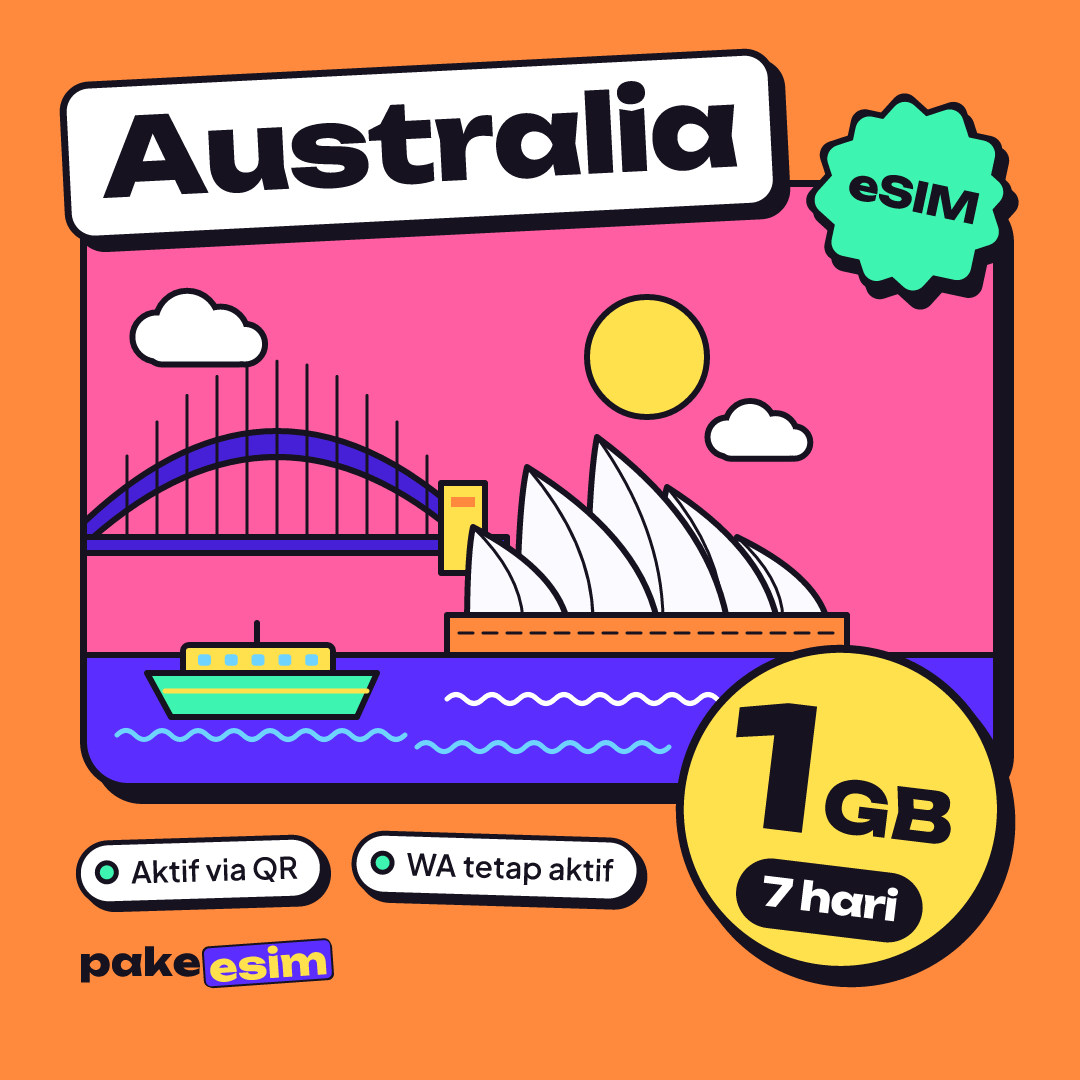
- Australia eSIM plans come in 1 GB/7 days, 2 GB/15 days, 3 GB/30 days, and 4 GB/30 days, and they cannot be topped up.
- The validity of an Australia eSIM starts when it first connects to a network in Australia, not when you buy it.
- Since 28 October 2024, Australian carriers must block phones that cannot call emergency services, including visitors' phones from overseas.
- An eSIM QR code can only be scanned once, so install it on the phone you are actually taking to Australia.
What is an Australia eSIM, and who is it for?
An Australia eSIM is a digital SIM profile loaded with mobile data that works only inside Australia. You don't insert anything. Your phone downloads the profile from a QR code, and that profile runs next to your regular SIM as a second data line.
A plan like this fits three kinds of travelers best:
- Tourists and visitors spending 5 to 14 days in Sydney, Melbourne, the Gold Coast, or Perth who mostly need Maps, chat, and social media.
- New students and working holiday makers in their first few weeks, before they get around to a local carrier SIM with an Australian number.
- Conference attendees and campus visitors who need internet the second they step off the plane to book a ride and check email.
One thing to know upfront. The Australia eSIM from Pakeesim is a data only eSIM. You don't get an Australian number, you can't receive local SMS, and you can't make calls over the cellular network. Calls still work through apps like WhatsApp. If you need an Australian number for something long term, that has to come from a local carrier once you arrive.

Australia eSIM prices and plans as of October 2026
The Australia eSIM comes in four plans as of October 2026, from 1 GB for 7 days up to 4 GB for 30 days. Prices in the table below are pulled live from the catalog, so they're always current. Every plan is full-speed data you can use any time during the validity period, with no daily cap.
| Plan | Data | Validity | Price | Per day |
|---|---|---|---|---|
| eSIM Australia 1 GB / 7 Days | 1 GB | 7 days | Rp17.100 | ±Rp2.443 |
| eSIM Australia 2 GB / 15 Days | 2 GB | 15 days | Rp28.500 | ±Rp1.900 |
| eSIM Australia 3 GB / 30 Days | 3 GB | 30 days | Rp39.900 | ±Rp1.330 |
| eSIM Australia 4 GB / 30 Days | 4 GB | 30 days | Rp62.700 | ±Rp2.090 |
People often ask why an Australia eSIM costs less than an Indonesian carrier's roaming pack. The reason is simple. The plan is data only, the allowance is small, and you aren't paying for a number, SMS, or call credit. You pay for the internet you actually use and nothing else.
A heads-up for travelers who don't live in Indonesia: prices are in Indonesian rupiah, and payment is online through Midtrans: bank virtual accounts, QRIS, GoPay, ShopeePay, convenience stores, or credit cards. The total is exactly the plan price with no admin fee, and the order is confirmed automatically once paid. The steps are on the payment page. Unpaid orders expire after 3 hours, and the QR code appears on your order page and is also emailed to you.
How many GB do you need for a holiday in Australia?
As a rough guide, 1 GB covers about one day of Maps, chat, and light social media. For a one-week trip, the small plan only works if you lean heavily on hotel, café, or campus Wi-Fi. If you video call often or post Reels, plan on double the data.
Honestly, we think 1 GB for 7 days is too tight for most tourists who open Google Maps at every train change in Sydney. That plan makes more sense for a short layover or as a backup on a second phone.
| Trip type | Typical use | Sensible plan |
|---|---|---|
| Layover or 2–4 days, lots of Wi-Fi | Chat, email, the odd Maps search | 1 GB / 7 days |
| 7–10 day holiday, Sydney and Melbourne | Daily Maps, Instagram, ride-hailing | 2 GB / 15 days plus hotel Wi-Fi |
| New student, first month | Uni email, Maps, family chats | 3 GB / 30 days |
| Working holiday, often out of town | Long-distance Maps, occasional hotspot | 4 GB / 30 days |
For a week-long route like Sydney, the Blue Mountains, then Melbourne, the 2 GB plan is usually the safe middle ground, as long as you download offline maps before you fly.
Staying a month to study or start work? Go bigger. The 4 GB plan lasts 30 days and still leaves room for the occasional laptop hotspot, drawn from the same allowance.
Ran out of data halfway through? An Australia eSIM can't be topped up. Just buy a new plan and scan the new QR code, because each plan is its own eSIM profile.
Which phones work with an Australia eSIM, including the 000 rule?
A phone for an Australia eSIM has to meet two basic requirements plus one extra rule set by Australia. The basics are eSIM support and no carrier lock. The Australian rule is that the phone must be allowed onto the local 4G networks, which depends on whether it can make emergency calls.
Check eSIM support and carrier lock
The quickest check is to dial *#06# and see whether an EID number shows up. Then open Settings and look for "Add eSIM" or "Add Cellular Plan". A fuller model list is on the phone eSIM compatibility checker, and iPhone owners can dig deeper in the iPhone eSIM compatibility list.
- iPhone: Apple says travel eSIMs work on iPhone XS, XS Max, XR, and later, according to Apple's guide to using eSIM while traveling abroad. Some dual nano-SIM iPhones sold in China mainland, Hong Kong, and Macao (model codes CH/A and ZA/A) don't support eSIM.
- Samsung Galaxy: eSIM support depends on the model and the market it was sold in, so check Samsung Indonesia's list of Galaxy devices that support eSIM.
- Xiaomi, Oppo, vivo, and other brands: only some models have eSIM, usually the flagships. If there's no add eSIM option in Settings, assume it isn't supported.
A phone that's still SIM-locked or carrier-locked can't install an eSIM from another provider. Official Indonesian units are almost always unlocked, but secondhand phones bought from overseas markets are worth checking first.
Australia's 000 emergency call rule
Australia switched off its 3G networks in 2024, and since then phones must be able to call Triple Zero (000), the national emergency number, over 4G. Telstra, Australia's largest carrier, states it plainly in its official FAQ on the 3G closure:
"From 28 October 2024, Telstra is legally required to prevent mobile phones that cannot call emergency services (including Triple Zero) from accessing our network." (Telstra)
The same FAQ says incompatible devices from overseas visitors get blocked too. The rule applies to the phone model, not the type of SIM. So a blocked phone gets no signal at all, on Indonesian carrier roaming, a local SIM, and an eSIM alike. iPhones and Galaxy phones from the last few years are generally fine, while older 4G phones or market-specific models carry more risk. Telstra also notes that phones without its main 4G frequency, Band 28 (700 MHz), may lose signal where that's the only 4G band available, which happens mostly outside the big cities.
How to install an Australia eSIM before you fly
The safest time to install an Australia eSIM is at home, on Wi-Fi, one to three days before your flight. The validity period doesn't start until the eSIM first connects to a network in Australia, so installing early doesn't eat into your days.
- Buy a plan, pay, and wait for the QR code to appear on your order page and in your email.
- On iPhone, go to Settings, Cellular, Add eSIM, and scan the QR code. On Android, go to Settings, SIM, Add eSIM.
- Label the new line, something like "Australia", so you don't mix it up with your home SIM.
- Keep your home SIM for WhatsApp, SMS passcodes, and calls.
- After landing at Sydney Kingsford Smith or Melbourne Tullamarine, set the eSIM line as your cellular data line and turn on data roaming for it.
Apple confirms that "If your carrier provided you with a QR code, you can use it to set up an eSIM on your iPhone," as explained in Apple's guide to setting up eSIM on iPhone. Step-by-step screenshots for iPhone and Android are in the eSIM installation guide, and a more detailed iPhone walkthrough is in how to install an eSIM on iPhone, from QR scan to data roaming.
On iOS 26, you may be asked whether the new eSIM is for use at home or while traveling. Pick traveling, since this eSIM roams in Australia.
Is an Australia eSIM safe to use?
An Australia eSIM is safe, and physically it's actually more secure than a regular SIM card because nobody can pull it out if your phone is lost. Apple puts it directly on its travel eSIM page:
"eSIM is more secure than a physical SIM because it can't be removed if your iPhone is lost or stolen." (Apple Support)
On the data side, the Australia eSIM only handles your internet connection. Your WhatsApp number, banking apps, and passcodes stay tied to your home SIM. A few habits still make sense, like never sharing a screenshot of your QR code, because that code can only be scanned once.
Why is my Australia eSIM not working or not showing up?
An Australia eSIM that isn't working almost always comes down to one of four things. Data roaming is off on the eSIM line, cellular data is still on your home SIM, the phone is carrier-locked, or the model is blocked from Australian networks under the 000 emergency call rule. Work through them from easiest to hardest.
- Data roaming is off. Open the settings for the Australia eSIM line and switch on "Data Roaming". This is the most common cause.
- Wrong data line. Make sure Cellular Data is set to the eSIM line, not your home SIM.
- Not searching for a network yet. Toggle airplane mode on and off. If there's still nothing, pick a network operator manually from the list.
- Phone locked or blocked. If the three steps above fail and your home SIM can't get a roaming signal either, the problem is most likely the phone model.
What if the Australia eSIM disappears from your SIM list? Usually the profile got deleted, for example by tapping "Delete eSIM" by accident or doing a full factory reset. A deleted profile can't be reinstalled from the same QR code, so don't remove the eSIM while it still has data. Contact customer support between 08:00 and 22:00 WIB (Western Indonesia Time, UTC+7) with your order number. Keep in mind Sydney and Melbourne are 3 to 4 hours ahead of WIB depending on daylight saving, so 22:00 WIB is already past midnight there.
Can an Australia eSIM be used in Indonesia or the USA?
No, an Australia eSIM only works in Australia. It connects only to networks in Australia, so it won't pick up a signal in Jakarta, Bali, or anywhere in the United States. That's actually a plus, because the validity period doesn't start until you arrive in Australia.
If your trip continues to New Zealand or Fiji, the Australia eSIM won't work there either. For a route like that, one regional eSIM covering all three countries is simpler, see the Oceania eSIM plans for Australia, New Zealand, and Fiji.
eSIM, home carrier roaming, or an Australian SIM: which one?
A data eSIM suits holidays and your first week in Australia, home carrier roaming suits trips where people must reach you on your usual number, and a local SIM suits long stays that need an Australian number. Plenty of students combine them, using a data eSIM for the first week and a local SIM once campus admin is sorted.
| Australia data eSIM | Indonesian carrier roaming | Australian local SIM | |
|---|---|---|---|
| When it works | On landing, installed at home | On landing, roaming pack needed | After buying and activating in Australia |
| Australian number | No | No | Yes |
| Home number stays active | Yes, on your main SIM | Yes | Yes, if the phone is dual SIM |
| Local calls and SMS | Via apps only | Roaming rates | Yes |
| Best for | Tourists, visitors, students' first week | Business trips where you must be reachable | Studying or working for months |
One honest caveat. Every option above still depends on your phone being allowed onto Australian networks. If your model is caught by the 000 rule, switching SIMs won't help.
Before you fly to Australia
An Australia eSIM is most useful when you sort it out before departure day. Check your phone on the compatibility page, pick a plan that matches your trip length and habits, install the QR code on home Wi-Fi, and switch on data roaming as soon as the wheels touch down in Sydney or Melbourne.
Still torn between 2 GB and 4 GB? For anything longer than a week, take the bigger one. Leftover data hurts a lot less than running out on the way to your accommodation. You can browse every plan in the Pakeesim Australia eSIM catalog. Enjoy the Australian spring.