Destinations
Best eSIM for Japan Travel 2026: Which Plan for 3, 7, or 14 Days?
For a 5–7 day holiday, we recommend the Japan 3 GB / 30 Days eSIM. A short layover is fine on 1 GB, and 10–14 days of city hopping is safer on 4 GB. Make sure your phone supports eSIM and isn't carrier-locked.

Contents
- Best eSIM for Japan travel, by trip style
- How much data do you actually use in Japan?
- eSIM, carrier roaming, or pocket WiFi: which one is better?
- What makes a good Japan eSIM before you buy?
- Will your phone work? iPhone, Samsung, and Xiaomi
- When should you install it, and what happens when you land?
- Before you fly
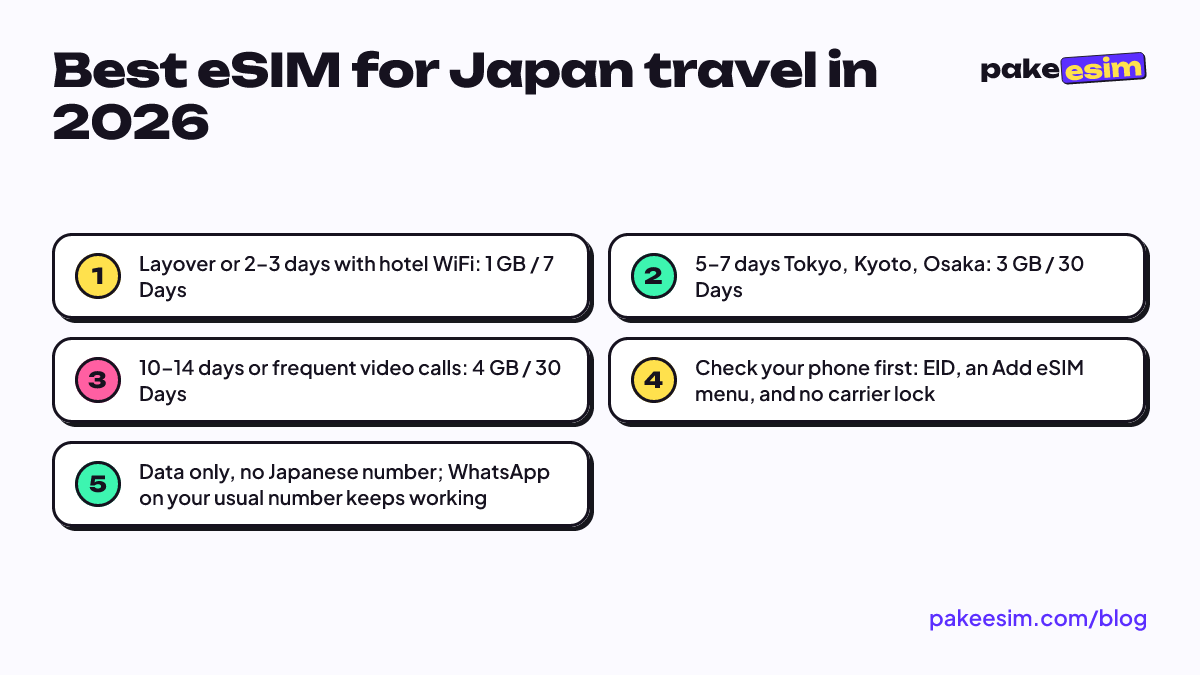
For most people on a 5 to 7 day trip, the best eSIM for Japan travel is a 3 GB / 30 Days plan. It covers Google Maps, chat, and some photo uploads if you lean on hotel WiFi, and as of October 2026 it has the lowest price per GB in our Japan catalog. A layover or 2–3 days in Tokyo? 1 GB / 7 Days works. For 10–14 days of city hopping by train, get 4 GB / 30 Days, plus a second plan if you post lots of live stories. One thing isn't negotiable: your phone has to support eSIM and must not be carrier-locked.
Key takeaways (TL;DR)
- For most 5 to 7 day Japan trips, the best eSIM for Japan travel is a 3 GB / 30 Days plan.
- A layover or 2 to 3 days in Tokyo only needs a 1 GB / 7 Days eSIM if hotel WiFi covers the rest.
- 10 to 14 days of city hopping by train calls for a 4 GB / 30 Days plan, plus a backup plan for heavy video posting.
- iPhone users should check Settings, General, About, Carrier Lock for No SIM restrictions before buying any Japan eSIM.
- These Japan eSIM plans are data only, so calls run through WhatsApp or LINE instead of a Japanese phone number.
Best eSIM for Japan travel, by trip style
No single plan fits everyone. What matters is how long you're there and how often you're actually away from WiFi. A student at a three-day conference in Tokyo needs something very different from a family spending two weeks on the Shinkansen from Tokyo to Hiroshima.
| Trip style | Example route | Plan we'd pick | Honest note |
|---|---|---|---|
| Layover or short trip | 2–3 days in Tokyo, hotel has WiFi | 1 GB / 7 Days | Fine for Maps and chat, not for video |
| Standard holiday | 5–7 days in Tokyo, Kyoto, Osaka | 3 GB / 30 Days | The most balanced option, in our view |
| Budget but a bit longer | 7–10 days, lots of time at the hotel | 2 GB / 15 Days | Tight if you upload video often |
| Long trip or light remote work | 10–14 days, many city changes | 4 GB / 30 Days | Have a second plan ready if you're a heavy user |
| Exchange or month-long internship | Dorm and campus with WiFi | 4 GB / 30 Days | Leave the heavy stuff for campus WiFi |
Current prices for every Japan plan are in the table below. The numbers come straight from our catalog, so they match whatever the price is when you open this page.
| Plan | Data | Validity | Price | Per day |
|---|---|---|---|---|
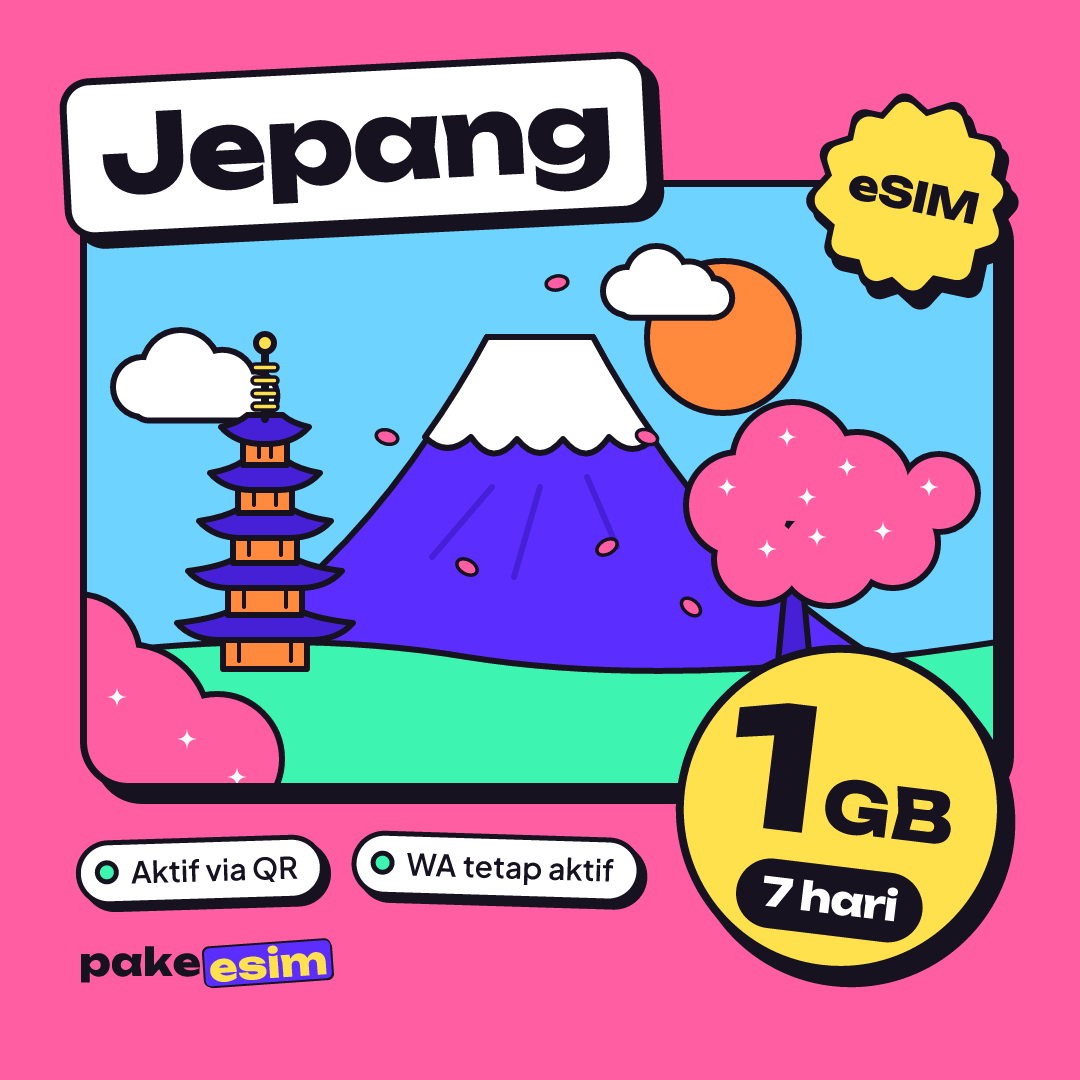
| eSIM Japan 1 GB / 7 Days | 1 GB | 7 days | Rp17.100 | ±Rp2.443 |
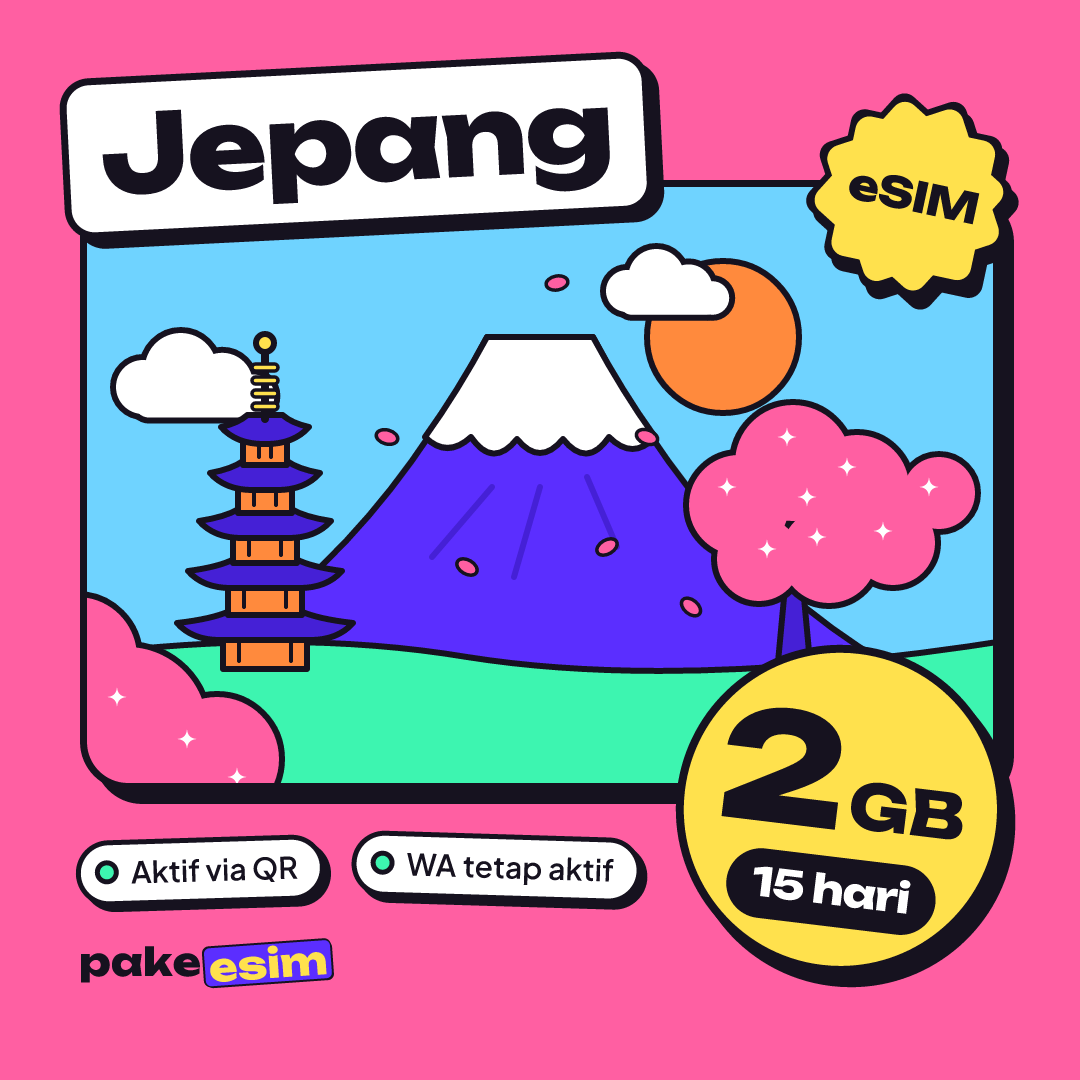
| eSIM Japan 2 GB / 15 Days | 2 GB | 15 days | Rp28.500 | ±Rp1.900 |
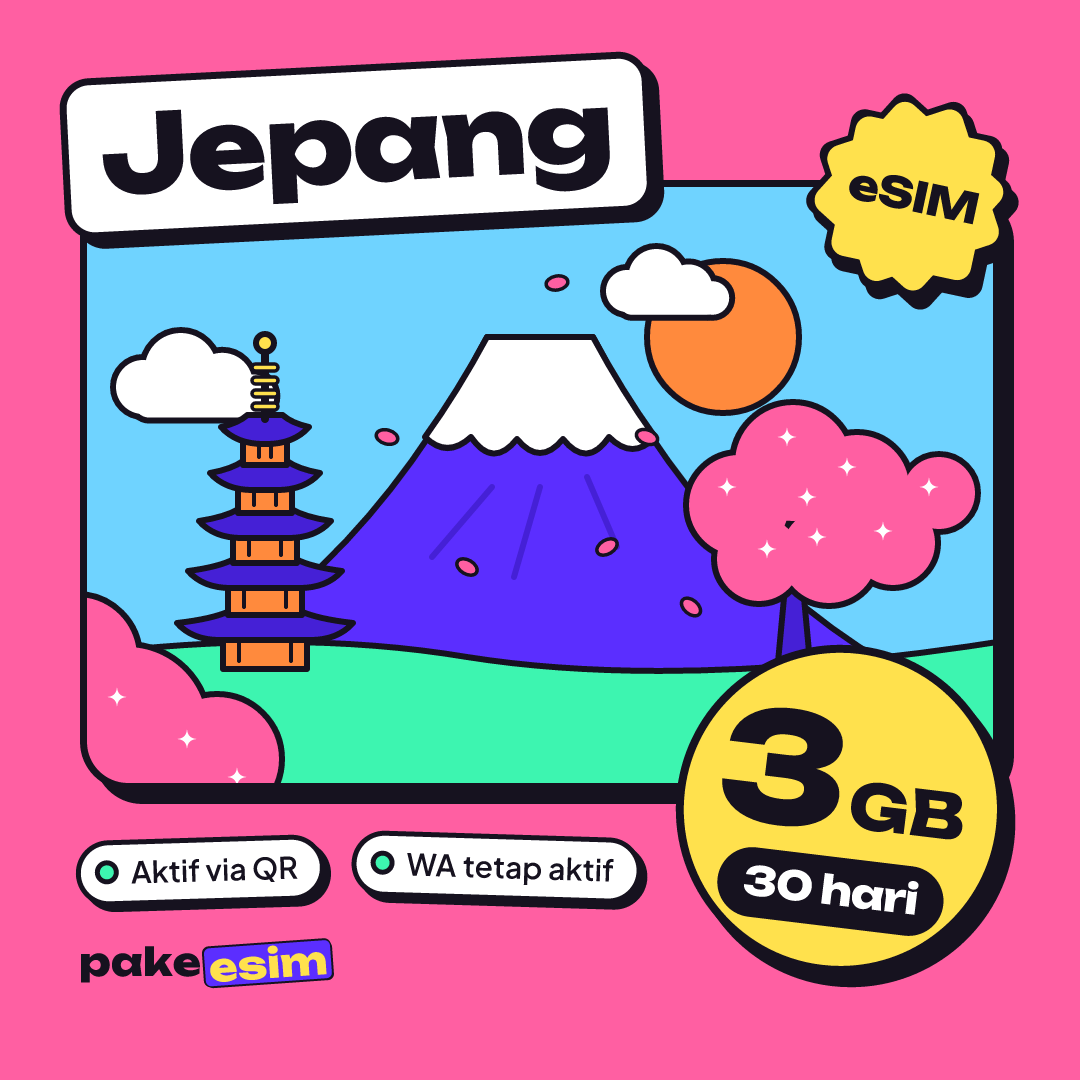
| eSIM Japan 3 GB / 30 Days | 3 GB | 30 days | Rp39.900 | ±Rp1.330 |
| eSIM Japan 4 GB / 30 Days | 4 GB | 30 days | Rp62.700 | ±Rp2.090 |
Why is 3 GB our default for a week-long holiday? The 30-day validity means you don't have to count days nervously before your flight home. And as of October 2026 it has the lowest price per GB of the four Japan plans. The 2 GB plan still makes sense if you're disciplined, but the gap shows up fast once you start scrolling Instagram in Shibuya.
For a two-week trip, or if you video call family a lot, step up to 4 GB. Honestly, we think 1 GB is too tight for a full 7 days if you rely on Maps to change stations several times a day.
How much data do you actually use in Japan?
Our rule of thumb is simple. One GB covers roughly one day of maps, chat, and moderate social media with no WiFi at all. If you video call or stream, double it. So 3 GB over seven days works out to about 430 MB a day, which only feels comfortable if you save big uploads for the hotel WiFi.
The good news is that most places to stay in Japan have WiFi, so the eSIM only needs to carry you through the hours outside. A few small habits stretch your data:
- Download offline Google Maps for Tokyo or Kyoto before you leave the hotel.
- Turn off video autoplay in Instagram, TikTok, and X.
- Set photo backup (iCloud or Google Photos) to WiFi only.
- Send videos to the family group chat at night, once you're back at your room.
- Use a translation app with the Japanese language pack already downloaded.
Our eSIM plans can't be topped up. If you run out on day nine, you buy a new plan and install the new QR code. That's easier than it sounds, because an iPhone can hold more than one eSIM at a time (Apple's explanation of using two eSIMs). Just switch your cellular data line to the new eSIM.
eSIM, carrier roaming, or pocket WiFi: which one is better?
A common question is why not just use your own carrier's roaming package. It depends on your priorities. Roaming from an Indonesian carrier like Telkomsel is convenient because there's nothing to install, but it usually costs more for the same amount of data. Check the latest rates in your carrier's app before deciding, since the packages change often.
| Criteria | Japan data eSIM | Indonesian carrier roaming | Rented pocket WiFi | Local physical SIM |
|---|---|---|---|---|
| Your usual number stays active | Yes, the eSIM is a second line | Yes | Yes | Main card comes out, unless your phone is dual SIM |
| Extra gear | None | None | Yes, the device and a charger | Yes, a physical card |
| Can buy before you leave | Yes, paid in rupiah | Yes | Usually picked up at the airport | Usually bought after landing |
| Share with several phones | Via hotspot | Via hotspot | Yes, that's its strength | Via hotspot |
| Main risk | Phone must support eSIM | Charges if you go over the quota | Forgetting to return it, dead battery | Queues and hunting for a shop |
Pocket WiFi is appealing if five of you always walk around together. The moment the group splits up in Akihabara, though, only the person carrying the device has internet. eSIM wins on practicality because everyone has their own connection on their own phone.
What makes a good Japan eSIM before you buy?
Plenty of people search for "the best Japan eSIM," but frankly, "best" depends on what you need. What you can check are these concrete things, wherever you buy.
- Data versus trip length. Start from 1 GB per day of full use with no WiFi, then adjust.
- When the validity starts. With our plans, the clock starts when the eSIM first connects to a network in Japan, not when you buy it.
- Daily cap or not. Our Japan plans let you use the data any time during the validity period, with no daily cap.
- Hotspot allowed or not. Most of our plans allow it, and it uses the same data allowance.
- Top-up or not. Ours can't be topped up, so plan your data from the start or keep a second plan in mind.
- Payment and support. Pakeesim is an Indonesian store, and prices are in rupiah. You pay online on the Midtrans payment page (bank virtual accounts, QRIS, GoPay, ShopeePay, convenience stores, or credit card), the total is exactly the plan price with no admin fee, and the order is confirmed automatically once paid. See how payment works. Support runs in Indonesian from 08.00 to 22.00 WIB (Jakarta time).
One more thing to be clear about. The eSIMs we sell are data only. You don't get a Japanese phone number and can't send texts or make regular calls, but calls over WhatsApp or LINE work fine.
Will your phone work? iPhone, Samsung, and Xiaomi
The most important step happens before you buy. Under our device requirements, your phone needs an EID (dial *#06# to check), an Add eSIM or Add Cellular Plan menu, and no carrier lock.
On iPhone, most models from the XS onward support eSIM. The exception is certain dual nano-SIM iPhones with model codes ending in CH/A and ZA/A, which can't use our eSIMs. You can check the carrier lock status in Settings, General, About, then look at the Carrier Lock line, as described in Apple's guide to unlocked iPhones. If it says "No SIM restrictions," you're good.
Samsung users can see which Galaxy models support eSIM on Samsung Indonesia's eSIM support page. For Xiaomi and other Android brands, eSIM support varies by model and by sales region, even within the same series. The surest way is to open your SIM settings and look for an eSIM option, or check on our phone compatibility page before checkout.
When should you install it, and what happens when you land?
Install the eSIM at home or at the airport before departure, while you're on WiFi. The steps follow Apple's official guide to setting up eSIM, and a version with screenshots is in our eSIM installation guide. iPhone users can go straight to how to install eSIM on iPhone, from QR scan to data roaming.
Once you land at Narita, Haneda, or Kansai, turn on Data Roaming for the Japan eSIM line and set it as your cellular data line. No signal yet? Toggle airplane mode on and off once. Still nothing? Pick the network operator manually from the list. For more on prices, data needs, and fixing a missing signal, read our complete Japan eSIM guide for tourists.
Before you fly
Short version. Check your phone first, work out your data from trip length and habits, then pick a plan whose validity doesn't leave you sweating. For a week-long holiday, we still lean toward 3 GB. When you're ready, every Japan plan is in our Japan eSIM catalog, and you can install the QR code a few days before your flight.