Destinations
Can a Saudi eSIM Be Used Internationally or Back in Indonesia?
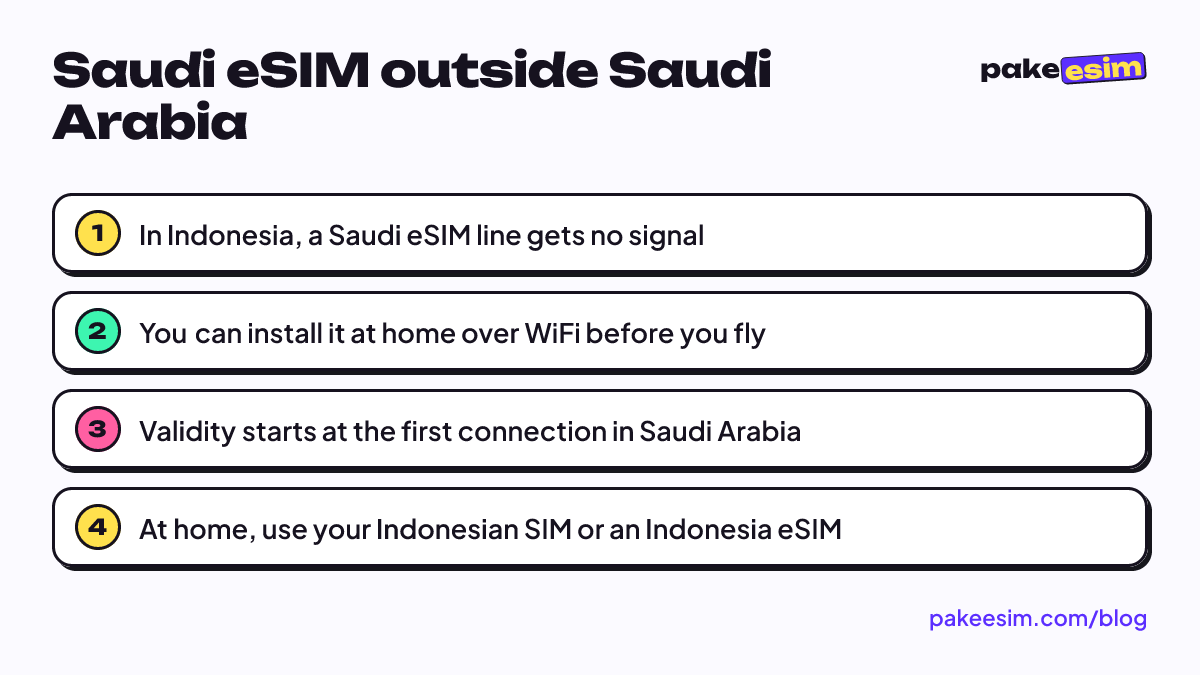
No. A Saudi travel eSIM only gets signal in Saudi Arabia. In Indonesia you can install it over WiFi before you fly, and validity starts when it first connects there. At home, keep using your Indonesian SIM.

Contents
- Why can t a Saudi eSIM be used internationally?
- What can you do with a Saudi eSIM while still in Indonesia?
- Travel eSIM vs a Saudi carrier SIM: different stories
- Saudi, Middle East, or Indonesia eSIM: which one fits your route?
- How many GB do you need in Saudi Arabia?
- What should you do with the eSIM after you fly home?
- Before you fly
No. A Saudi travel eSIM only connects to partner networks inside Saudi Arabia, so it can't be used internationally, and once you're back in Indonesia that line simply finds no signal. What you can do in Indonesia is install the profile before you fly, while you're on WiFi. The data only starts counting after your phone connects to a network in Saudi Arabia. For getting online in Indonesia, keep using your Indonesian SIM, or an Indonesia roaming eSIM if your phone was bought abroad and its IMEI isn't registered. So, can a Saudi eSIM be used internationally? It can be installed anywhere, but it only works in Saudi Arabia.
Key takeaways (TL;DR)
- A Saudi travel eSIM only connects to partner networks inside Saudi Arabia, so it gets no signal once you're back in Indonesia.
- You can install the Saudi eSIM profile over WiFi in Indonesia before you fly, but validity only starts once it connects to a network in Saudi Arabia.
- A local Saudi carrier SIM like STC, Mobily, or Zain can sometimes roam into Indonesia if the operator has a roaming agreement, unlike a travel eSIM.
- Neither the Middle East eSIM (9 countries) nor the Global eSIM (88 countries) includes Indonesia, so no single travel plan covers both countries.
- Back in Indonesia, use your Indonesian SIM, or an Indonesia roaming eSIM if your phone's IMEI isn't registered.
Why can't a Saudi eSIM be used internationally?
An eSIM is a digital SIM profile built into your phone. It does the same job as a physical SIM card, minus the plastic. Every travel eSIM plan has a coverage area, which is the list of countries and partner operators it's allowed to join. A Saudi Arabia plan only has partners in Saudi Arabia. Outside the country, local networks reject the profile and your phone shows "No Service" on that line.
So it's not a broken phone, a wrong setting, or a temporary outage. That's how it's designed. The same profile won't work in Malaysia, Turkey, or Dubai either if you transit there, because those countries aren't in its coverage.
There's one mix-up we see a lot in pilgrim group chats. Because the QR code was bought in Indonesia and paid for in rupiah, people assume it's an "Indonesian eSIM" that happens to travel to Saudi Arabia. It isn't. Where you buy an eSIM doesn't decide where it works. The region in the plan name does.
What can you do with a Saudi eSIM while still in Indonesia?
Quite a lot, just not browsing. Most of the prep is better done at home than in the immigration queue at King Abdulaziz Airport in Jeddah after a long flight.
- Check your phone first. It has to support eSIM and must not be carrier-locked. You can check on our eSIM compatibility page.
- Buy the plan a few days before departure. Validity counts from the first time the eSIM connects to a network in the destination country, not from the purchase date.
- Install the profile in Indonesia over WiFi. Scan the QR code, label the line (say, "Saudi"), and keep your Indonesian SIM as the data line for now. Apple explains how to set up an eSIM with a QR code and how to label each plan on a dual SIM iPhone.
- Leave data roaming off on the Saudi line. Let it sit idle until you land.
- Once you arrive in Saudi Arabia, switch cellular data to the Saudi line and turn on Data Roaming for that line.
Step-by-step screenshots for iPhone and Android are in our eSIM installation guide, and there's a more detailed iPhone walkthrough in how to install an eSIM on iPhone, from QR scan to data roaming.
If you install it and, out of curiosity, set the Saudi line as your data line in Jakarta, nothing breaks. The phone just can't find a network. Switch data back to your Indonesian SIM and everything is normal again.
Travel eSIM vs a Saudi carrier SIM: different stories
Two different things often get called a "Saudi eSIM", and the answer differs for each.
A travel data plan for Saudi Arabia (like the ones sold by eSIM stores, including this one) is made to be used in Saudi Arabia only. In Indonesia it gets no signal at all.
A local Saudi carrier line (STC, Mobily, or Zain) bought in the country is a regular mobile subscription with that operator. If the operator has a roaming agreement with an Indonesian network and roaming is enabled, the number might connect in Indonesia as a roaming customer. Rates follow the Saudi operator's pricing, and they're usually not cheap. Check with the operator directly before you head home, because we can't confirm their roaming rates or availability.
On IMEI rules: Indonesia normally blocks phones whose IMEI (the phone's unique hardware ID) isn't registered with the government, but foreign roaming users are exempt. That's written in Ministerial Regulation No. 1 of 2020, Article 3(5) from Komdigi, Indonesia's communications ministry, which mentions users with a foreign SIM card (inbound roamers) on international roaming. But this rule doesn't give a Saudi travel eSIM coverage in Indonesia. The exemption only means your phone isn't blocked over its IMEI. It doesn't mean any network will accept the profile.
Saudi, Middle East, or Indonesia eSIM: which one fits your route?
It depends on where you're going. Here's the short version.
| Plan | Works in Saudi Arabia | Works in Indonesia | Good for |
|---|---|---|---|
| Saudi Arabia eSIM | Yes | No | Regular Umrah or Hajj, straight there and back |
| Middle East eSIM (9 countries) | Yes | No | Umrah plus Turkey, Dubai, Qatar, Egypt, or Jordan |
| Global eSIM (88 countries) | Yes | No | Cross-continent routes, e.g. transits in Europe or Malaysia |
| Indonesia eSIM (roaming) | No | Yes | Phones bought abroad with unregistered IMEI, and newly landed tourists |
| Your Indonesian SIM | Via your carrier's roaming pack | Yes | Home internet, OTP codes, and WhatsApp |
Note that Indonesia isn't on the country list for either the Middle East eSIM or the Global eSIM. No single travel plan covers both Indonesia and Saudi Arabia. For most pilgrims that's fine. Your Indonesian SIM handles home, and the Saudi eSIM handles Makkah and Madinah.
If your trip is "Umrah plus", say with 3 days in Istanbul, the Middle East eSIM 3 GB / 30 days is more practical because you don't have to switch profiles when you cross a border.
How many GB do you need in Saudi Arabia?
Our rule of thumb: 1 GB covers roughly one day of maps, chat, and moderate social media. During Umrah, many pilgrims don't hold their phones all day, especially inside Masjid al-Haram. Plenty of hotels in Makkah and Madinah also have WiFi, though quality varies a lot.
In our view, for a 9 to 12 day Umrah spent mostly on WhatsApp, sending photos to family, and the occasional Maps check, 2 GB is enough if you stick to hotel WiFi for video. If you video call family often or post stories every day, go up to 3 or 4 GB. The 1 GB / 7 day plan is too tight for a standard Umrah trip unless you only need maps and chat.
Current prices for every Saudi Arabia plan are in the table below (prices may change).
| Plan | Data | Validity | Price | Per day |
|---|---|---|---|---|
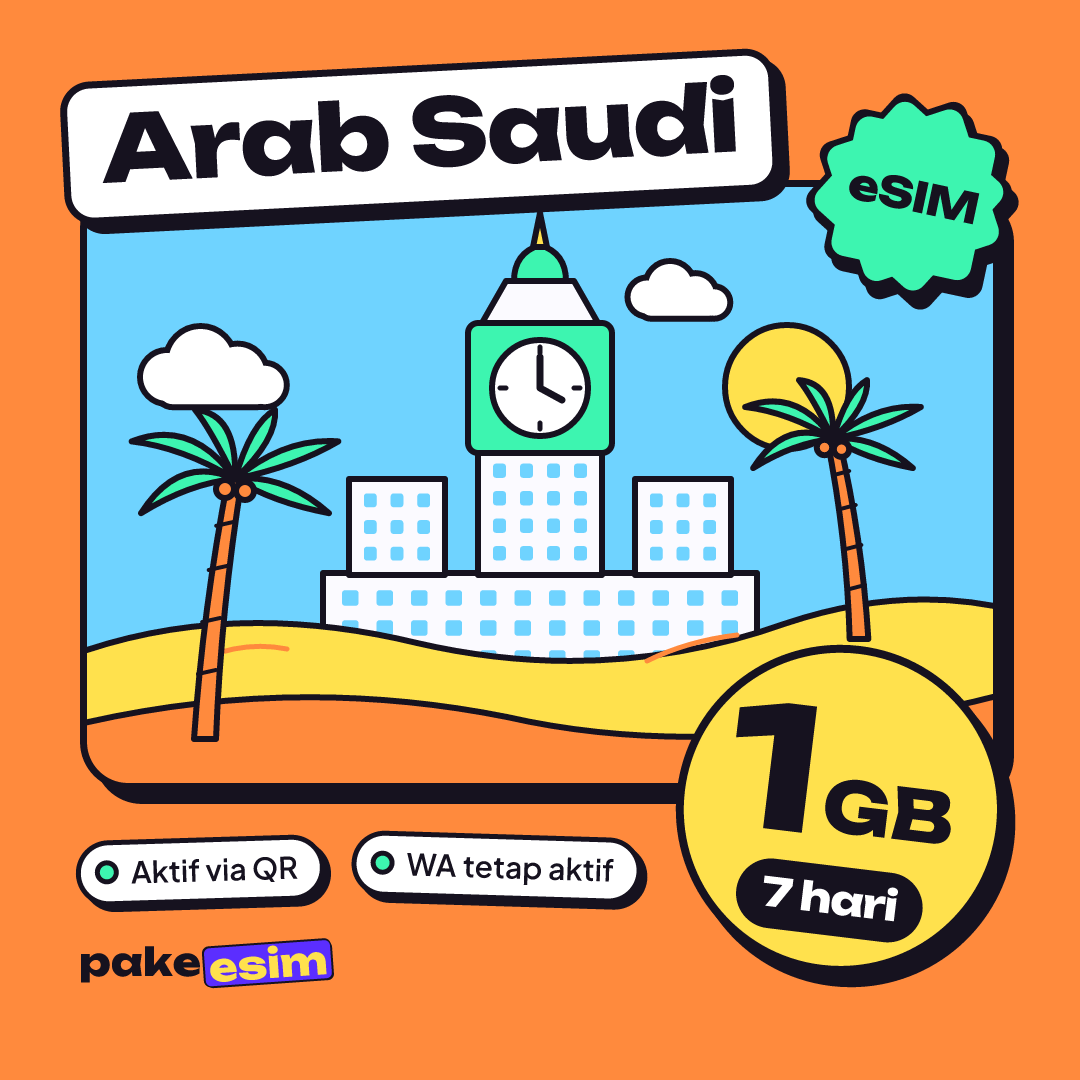
| eSIM Saudi Arabia 1 GB / 7 Days | 1 GB | 7 days | Rp17.100 | ±Rp2.443 |
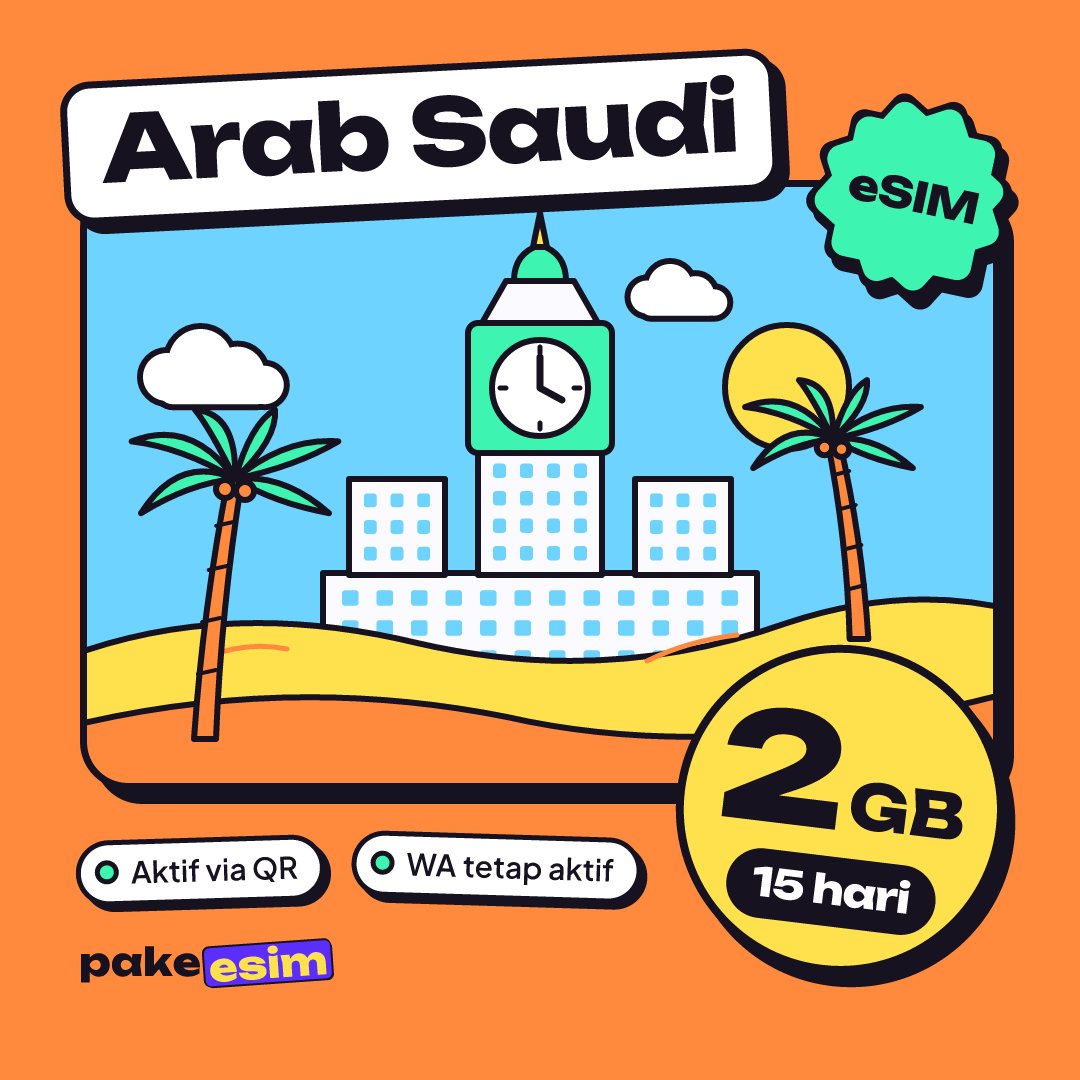
| eSIM Saudi Arabia 2 GB / 15 Days | 2 GB | 15 days | Rp28.500 | ±Rp1.900 |
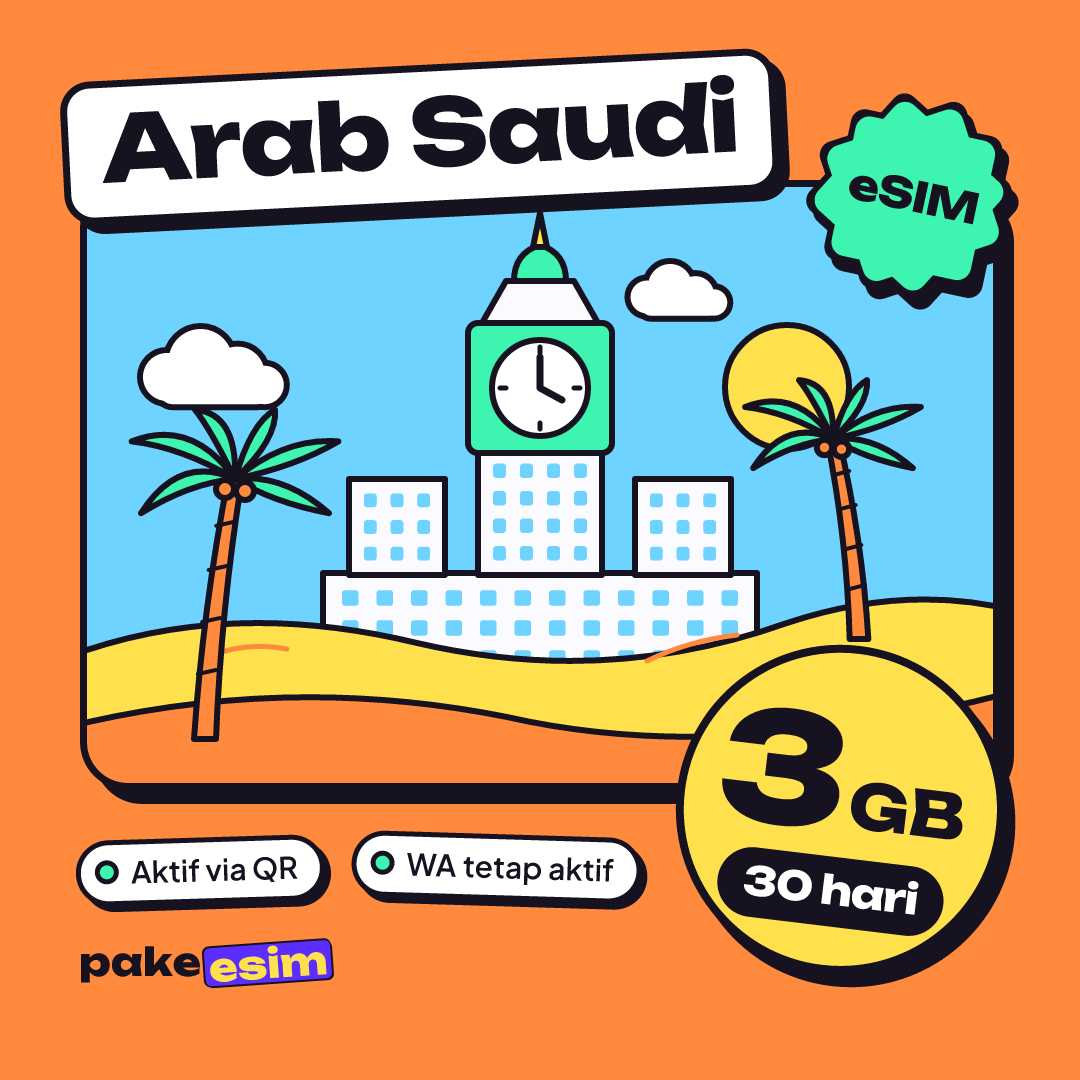
| eSIM Saudi Arabia 3 GB / 30 Days | 3 GB | 30 days | Rp39.900 | ±Rp1.330 |
| eSIM Saudi Arabia 4 GB / 30 Days | 4 GB | 30 days | Rp62.700 | ±Rp2.090 |
For a regular Umrah of about 9 to 12 days, this plan is usually the best fit.
For data needs by trip length and the full setup steps, see our Saudi Arabia eSIM guide for Umrah. If you want a plan-by-plan price comparison, open Saudi Arabia eSIM tourist prices and which plan fits. One thing to know upfront: you pay online, in rupiah, on the checkout page (bank virtual account, QRIS, e-wallet, convenience store, or credit card), and the total is exactly the plan price with no admin fee. The steps are on the how to pay page.
What should you do with the eSIM after you fly home?
When you land at Soekarno-Hatta, switch cellular data back to your Indonesian SIM. On iPhone with iOS 26 or later, Apple says the phone can automatically turn off a travel eSIM and turn your home SIM back on when you return, depending on your country or region. On older iOS versions and on Android, turn the line off manually in the Cellular or SIM menu.
Leftover data can't be used in Indonesia, and the plan can't be topped up. If you go for Umrah again next year, buy a new plan. You can delete the old profile so your SIM list doesn't get cluttered, but only once your trip is truly over. An eSIM QR code can usually be scanned only once.
It's a different story if you come home with an iPhone bought abroad and your Indonesian SIM gets no signal because the IMEI isn't registered. The official route is registering the IMEI through Bea Cukai, Indonesia's customs office. Meanwhile, you can still get online with a roaming eSIM such as the Indonesia eSIM 2 GB / 15 days. The full trade-offs are in best eSIM for an iPhone in Indonesia.
Before you fly
In short, a Saudi eSIM is for the Holy Land, not for home. Install it in Indonesia, use it in Saudi Arabia, and switch it off when you land back home. If you're not sure your phone supports eSIM, check before you buy, because purchases for phones without eSIM support or still carrier-locked are the buyer's responsibility. After that, pick a plan that matches your trip length and focus on your worship.