Destinations
Canada eSIM for Tourists: Data Plans, US Border Trips, and Setup
A prepaid data-only North America eSIM works in Canada, the US, and Mexico on one profile. Install it at home, turn on roaming after landing, and size the plan around your Wi-Fi. No Canadian number included.

Contents
- What is a Canada eSIM, and how is it different from a SIM card?
- Canada eSIM vs roaming vs a local prepaid SIM: which one fits?
- Canada eSIM plans and prices
- How much Canada eSIM data do I need?
- Can a Canada eSIM be used in the USA?
- Is Canada s mobile coverage good enough for a road trip?
- How to get a Canada eSIM before you fly
- 1. Check your phone first
- 2. Buy and pay
- 3. Install on Wi-Fi at home
- 4. Switch on after landing
- Why is my Canada eSIM not working?
- Before you fly to Canada
The simplest Canada eSIM for tourists is a prepaid, data-only plan you install at home and switch on when you land in Toronto, Vancouver, or Montreal. Our North America eSIM covers Canada, the United States, and Mexico on one profile, so a Niagara Falls day trip across the border does not need a second plan. You get mobile data for maps, chat, and app calls, but no Canadian phone number. Your phone must support eSIM and must not be carrier-locked, and payment is online in rupiah via QRIS, e-wallet, virtual account, or card.
Key takeaways (TL;DR)
- The North America eSIM covers Canada, the United States, and Mexico on one profile, so a Niagara Falls border trip needs no second plan.
- These Canada eSIM plans are data-only, with no Canadian phone number, calls, or SMS included.
- Plans range from 1 GB for 7 days up to 4 GB for 30 days, and each eSIM profile cannot be topped up once data runs out.
- Validity starts only when the eSIM first connects to a network in North America, not at purchase or installation.
- Payment is online in rupiah via QRIS, e-wallet, virtual account, or card, and unpaid orders expire after 3 hours.

What is a Canada eSIM, and how is it different from a SIM card?
An eSIM is a digital SIM profile stored on a chip inside your phone. Instead of buying a plastic card and swapping it into a tray, you scan a QR code and the phone downloads the plan. Apple describes exactly this flow: scan the QR code from your provider with the Camera app and follow the "Cellular Plan Detected" prompt.
For a visitor, that changes the arrival routine. A physical Canada SIM card usually means finding a carrier store or airport kiosk after a long-haul flight, showing ID, and picking a plan in a hurry. A travel eSIM is already on the phone before you board. Your home SIM stays in place, so WhatsApp, banking OTP texts, and calls on your regular number keep working while the eSIM handles data.
One honest limitation up front. The plans we sell are data only. If you search for a "Canada eSIM number" because you need to receive calls from a Canadian landlord or a job interviewer, you need a local carrier plan, not a travel data eSIM.
Canada eSIM vs roaming vs a local prepaid SIM: which one fits?
Three options come up for almost every trip. Here is how they compare for a typical visitor staying one to four weeks.
| Option | Phone number | Setup | Works in the US too | Best for |
|---|---|---|---|---|
| Travel data eSIM (North America) | Keeps your home number, no Canadian number | QR scan at home, roaming on after landing | Yes, same profile | Tourists, students on short trips, road trips |
| Home carrier roaming | Your home number | Nothing to install | Depends on your carrier | Very short stays, or when your employer pays |
| Canadian prepaid SIM card | New Canadian number | Store or kiosk visit after arrival | Depends on the plan | Long stays, working holiday, needing local calls |
Our take: if you only need internet for maps, rideshare apps, and messaging, a data eSIM is the least fuss. If you are moving to Canada for a semester and want a number that local services can text, a Canadian prepaid plan makes more sense once you have an address.
Home carrier roaming is the comparison worth running yourself. Check your carrier's North America roaming rate per day before you leave, then compare it with the plans in the next section.
Canada eSIM plans and prices
Prices below are read live from our store, in rupiah, and are the same plans whether you land in Canada, the US, or Mexico.
| Plan | Data | Validity | Price | Per day |
|---|---|---|---|---|
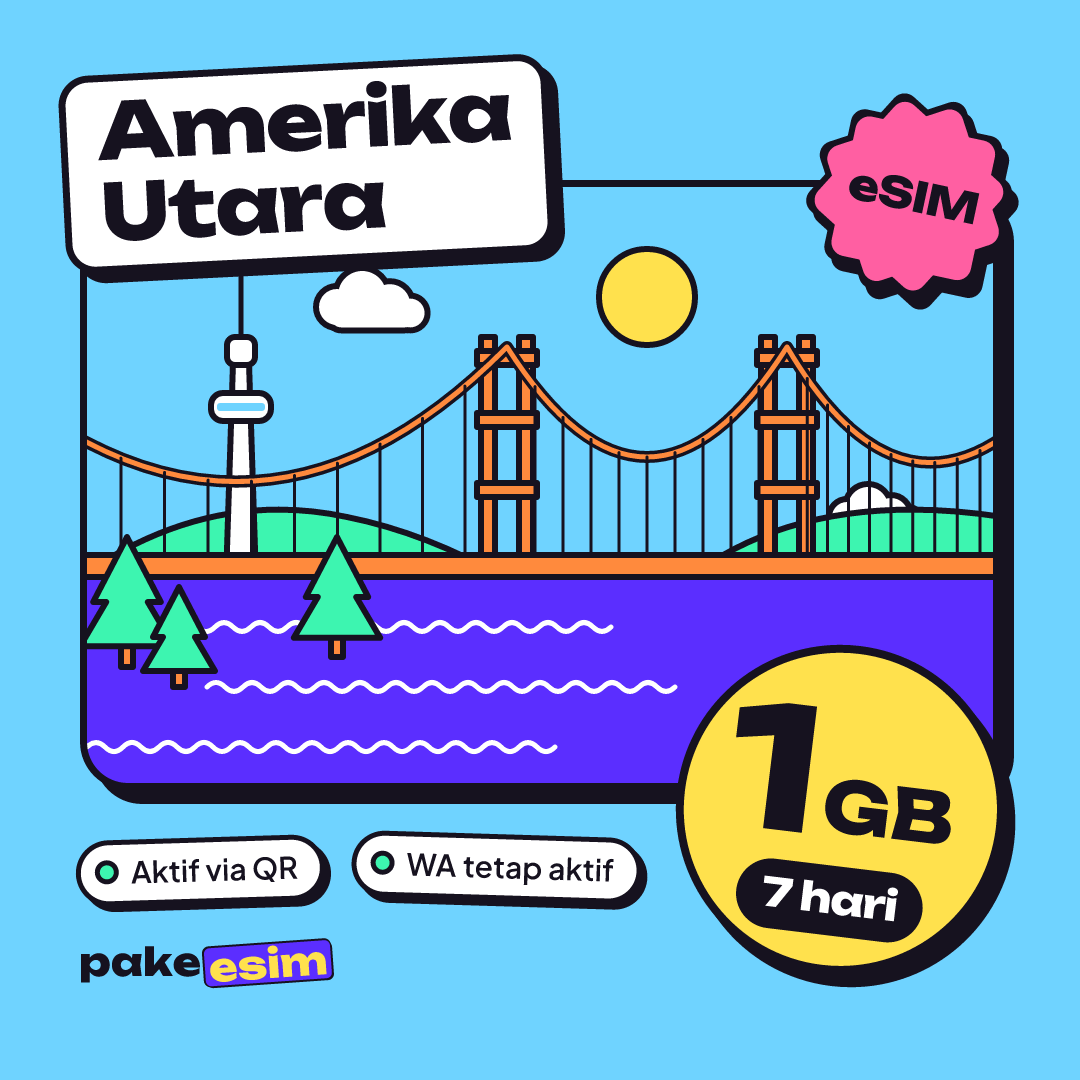
| eSIM North America 1 GB / 7 Days | 1 GB | 7 days | Rp17.100 | ±Rp2.443 |
| eSIM North America 2 GB / 15 Days | 2 GB | 15 days | Rp28.500 | ±Rp1.900 |
| eSIM North America 3 GB / 30 Days | 3 GB | 30 days | Rp39.900 | ±Rp1.330 |
| eSIM North America 4 GB / 30 Days | 4 GB | 30 days | Rp62.700 | ±Rp2.090 |
There are four sizes, from 1 GB for 7 days up to 4 GB for 30 days. Each plan is a separate eSIM profile. It cannot be topped up, so if the data runs out early you buy a new plan and scan a new QR code. You can browse every North America eSIM plan on one page.
How much Canada eSIM data do I need?
Our usual rule of thumb is that 1 GB covers roughly one day of maps, chat, and moderate social media. Video calls and streaming eat data much faster, so double your estimate if you do either often. That rule says something uncomfortable for long trips. None of the plans covers heavy daily use for a full month, so plan around Wi-Fi in hotels, cafés, and campuses.
A practical way to pick:
- Weekend in Toronto or a short layover: 1 GB for 7 days works if you stick to maps, messaging, and the odd photo upload.
- One to two weeks, mixed city and nature: 2 GB for 15 days, with photo backups and video saved for hotel Wi-Fi.
- Three weeks to a month: 3 GB for 30 days for light users who mostly need navigation and chat.
- A month with more browsing or a hotspot for a second device: 4 GB for 30 days.
For most first-time visitors doing two weeks between Vancouver and Banff, we would point to the 2 GB plan and download offline maps of the Rockies before leaving the city. Mountain highways are exactly where you do not want to rely on signal.
If your trip runs closer to a month, or you are visiting family in Calgary and will be on their Wi-Fi most evenings, the 3 GB plan stretches further per day.
Can a Canada eSIM be used in the USA?
Yes, with this plan. The North America eSIM covers Canada, the United States, and Mexico, so crossing at Niagara Falls, driving from Vancouver to Seattle, or flying on from Toronto to New York uses the same profile and the same data balance. There is nothing to reinstall at the border.
That matters because a lot of Canada-only plans stop working the moment you cross. If your itinerary is mostly in the US with a short Canadian leg, our USA eSIM guide on data plans and how much you need goes deeper on American cities and road trips. Just remember that a US-only plan will not cover the Canadian side.
Is Canada's mobile coverage good enough for a road trip?
In towns and cities, coverage is broad. A Government of Canada briefing note citing CRTC data put population coverage at 99.7% nationally and 98.2% in rural areas, while major roads and highways were 87.2% covered, leaving about 14,637 km without service as of the end of 2021.
Read that the right way round. Almost everyone lives within coverage, but long empty stretches of highway between towns can drop to no signal at all. No eSIM, roaming plan, or local SIM fixes a stretch with no towers. Before a drive like the Icefields Parkway or the long roads of northern Ontario:
- Download offline maps for the whole route in Google Maps or a similar app.
- Save your accommodation address and booking confirmation as screenshots.
- Tell someone your route and expected arrival time.
- Keep the phone charged, since searching for signal drains the battery.
How to get a Canada eSIM before you fly
The whole process happens online. Here is the order we suggest.
1. Check your phone first
Your phone needs eSIM support and must not be locked to a carrier. On iPhone, Apple's steps are Settings, then General, then About, and look for "No SIM restrictions" next to Carrier Lock. Anything else means the phone is still locked. You can also dial *#06#; if an EID appears, the hardware supports eSIM. Our phone compatibility checker lists supported models, and certain dual nano-SIM iPhones (model codes ending CH/A and ZA/A) are not supported.
2. Buy and pay
Pick a plan, check out, and pay the exact total on the Midtrans payment page: bank virtual accounts, QRIS, GoPay, ShopeePay, convenience stores, or credit card, in rupiah. The payment guide shows each step. The order is confirmed automatically once paid, no receipt upload needed, and the QR code then appears on your order page and arrives by email. Unpaid orders expire after 3 hours.
3. Install on Wi-Fi at home
Scan the QR code while you are still on home Wi-Fi, a day or two before the flight. The validity period only starts when the eSIM first connects to a network in North America, not when you buy or install it. Our step-by-step iPhone eSIM install guide has screenshots, and the general eSIM installation guide covers Android too.
4. Switch on after landing
When the plane lands at Pearson or YVR, turn on Data Roaming for the eSIM line and select it as your cellular data line. Apple's travel eSIM page shows how to choose which line handles data under Settings, Cellular, Cellular Data, and notes that iOS 26 may prompt you to pick the travel eSIM for data on arrival.
Why is my Canada eSIM not working?
Most "no signal" problems come down to a setting, not the network. Run through these in order:
- Data Roaming is off. The travel eSIM always roams, so the switch must be on for that line specifically.
- The wrong line is handling data. Your home SIM might still be set as the cellular data line.
- The phone has not searched for a network yet. Toggle airplane mode on and off once.
- Automatic network selection is stuck. Turn it off and pick an available network manually.
- The phone is carrier-locked. A locked phone may install the profile but refuse to use it. That is a carrier-lock issue to sort out with your original carrier, and it should be checked before you buy.
If none of that helps, contact support with your order number. Support runs in Indonesian from 08.00 to 22.00 WIB, which is evening and overnight in Canada, so expect replies on that clock.
Before you fly to Canada
For most visitors, a data eSIM is the least stressful way to land online in Canada, especially if the trip also dips into the US. Check your phone for carrier lock, size the plan around how much Wi-Fi you will really have, and install it at home. Then the first thing you do at arrivals is order a ride, not hunt for a SIM kiosk. When you are ready, the North America plans are on the plan list.