Destinations
USA eSIM 2026: Data Plans, How Much You Need, and How to Buy
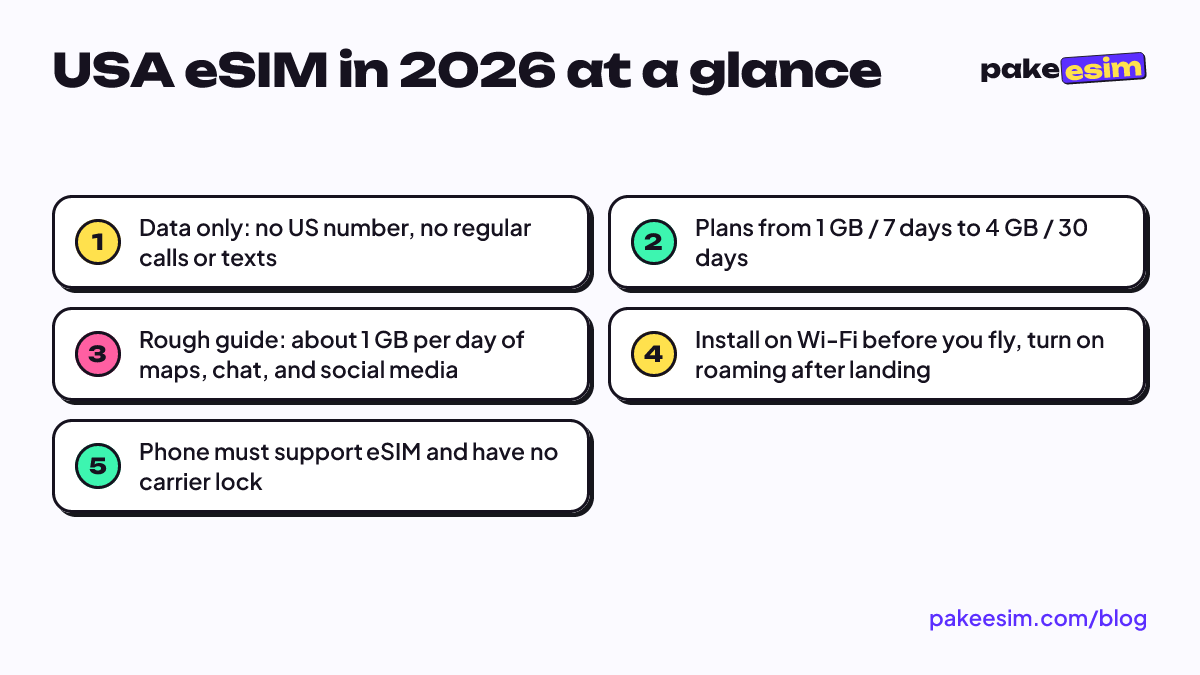
A USA eSIM gives you mobile data the moment you land, with no US number and no SIM swap. Plans run from 1 GB / 7 days to 4 GB / 30 days; payment is in rupiah via Indonesian bank transfer or QRIS.
Contents
- USA eSIM plans and prices
- How to buy a USA eSIM online
- What does a USA eSIM include, and what doesn t it?
- How much data do you need in the USA?
- Will your phone work with a USA eSIM?
- How to set up your USA eSIM before you fly
- Before departure
- After landing
- Why is my USA eSIM not working?
- USA eSIM vs. roaming vs. a US prepaid SIM card: which one?
- Traveling beyond the US?
- Before you fly
A USA eSIM is a prepaid, data-only digital SIM you install on your phone before you fly, so you land at JFK or LAX with mobile internet already working. Pakeesim's United States plans run from 1 GB for 7 days up to 4 GB for 30 days. You get data for maps, chat, and app calls, but no American phone number, and your home SIM stays active for WhatsApp and OTP texts. One thing to know up front: payment is in Indonesian rupiah only, by Indonesian bank transfer or QRIS.
Key takeaways (TL;DR)
- USA eSIM plans from Pakeesim run from 1 GB for 7 days up to 4 GB for 30 days, data only, for the United States.
- A USA eSIM gives mobile data for maps, chat, and app calls, but no US phone number for calls or SMS.
- Validity starts when the eSIM first connects to a US network, not on the purchase date.
- A rough guide is about 1 GB per day of maps, chat, and moderate social media use in the USA.
- Payment for a USA eSIM is in Indonesian rupiah only, via Indonesian bank transfer or QRIS.
USA eSIM plans and prices
The table below pulls prices straight from the store, so it stays current even if this article is a few months old. All four plans cover the United States only and are data only.
| Plan | Data | Validity | Price | Per day |
|---|---|---|---|---|
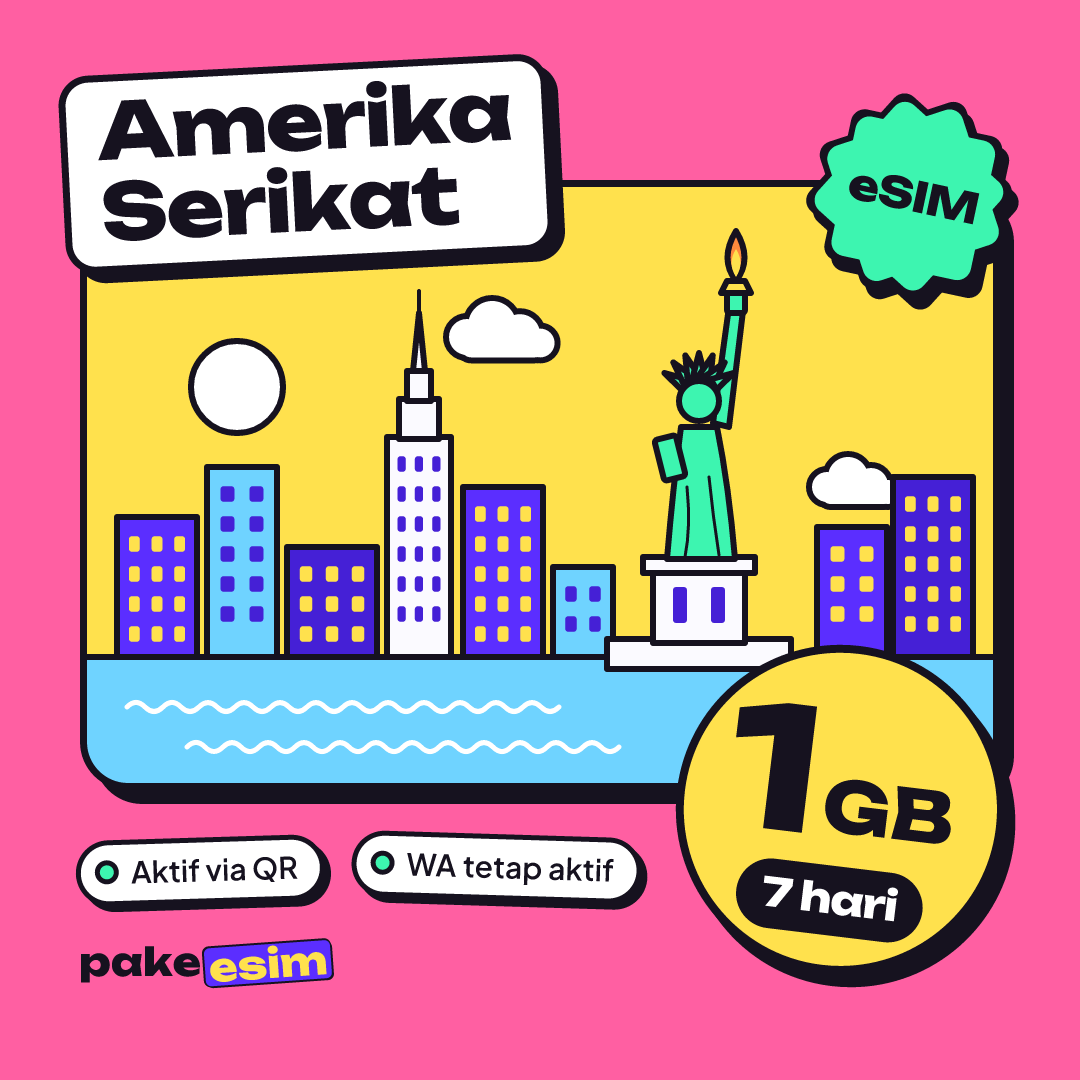
| eSIM United States 1 GB / 7 Days | 1 GB | 7 days | Rp30.000 | ±Rp4.286 |
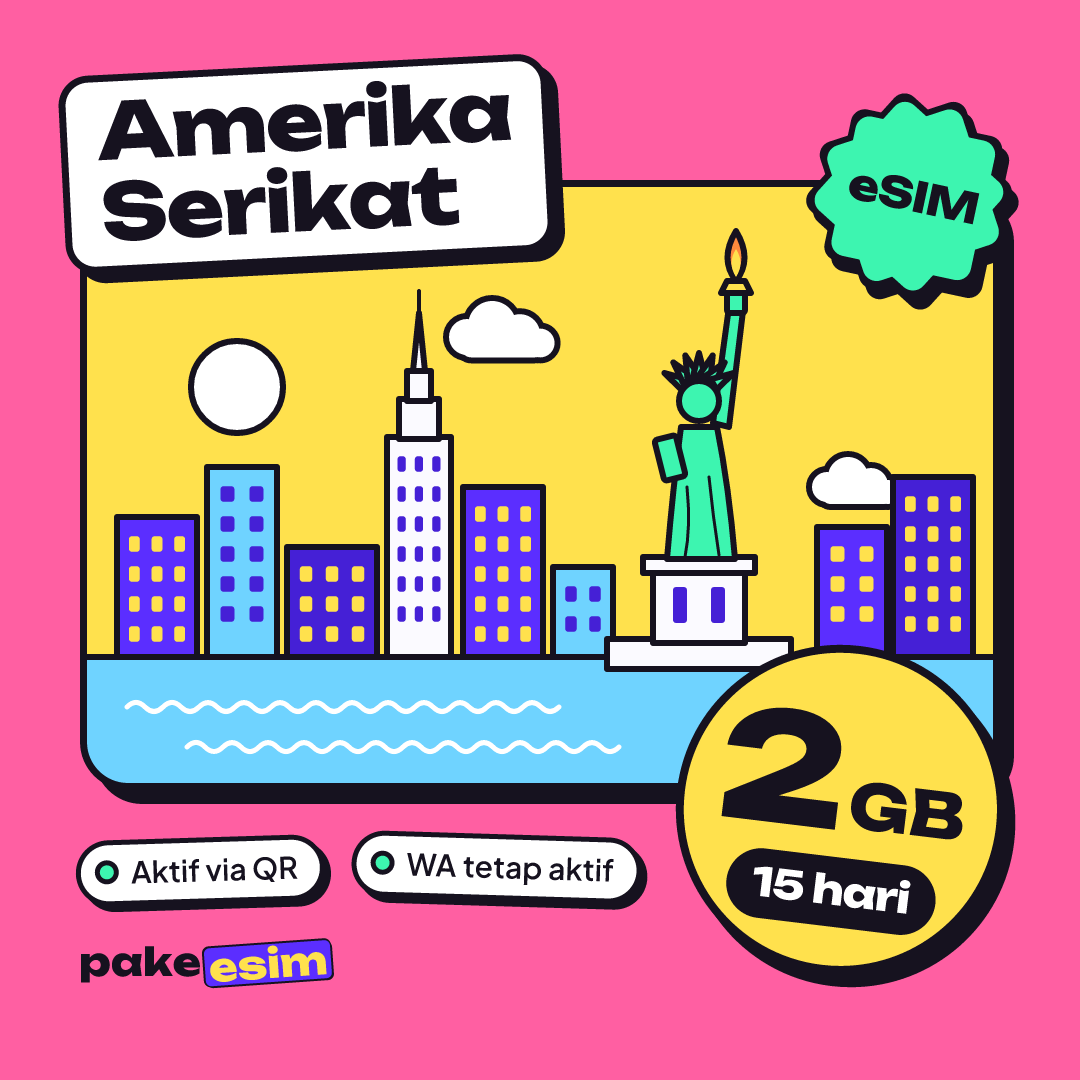
| eSIM United States 2 GB / 15 Days | 2 GB | 15 days | Rp50.000 | ±Rp3.333 |
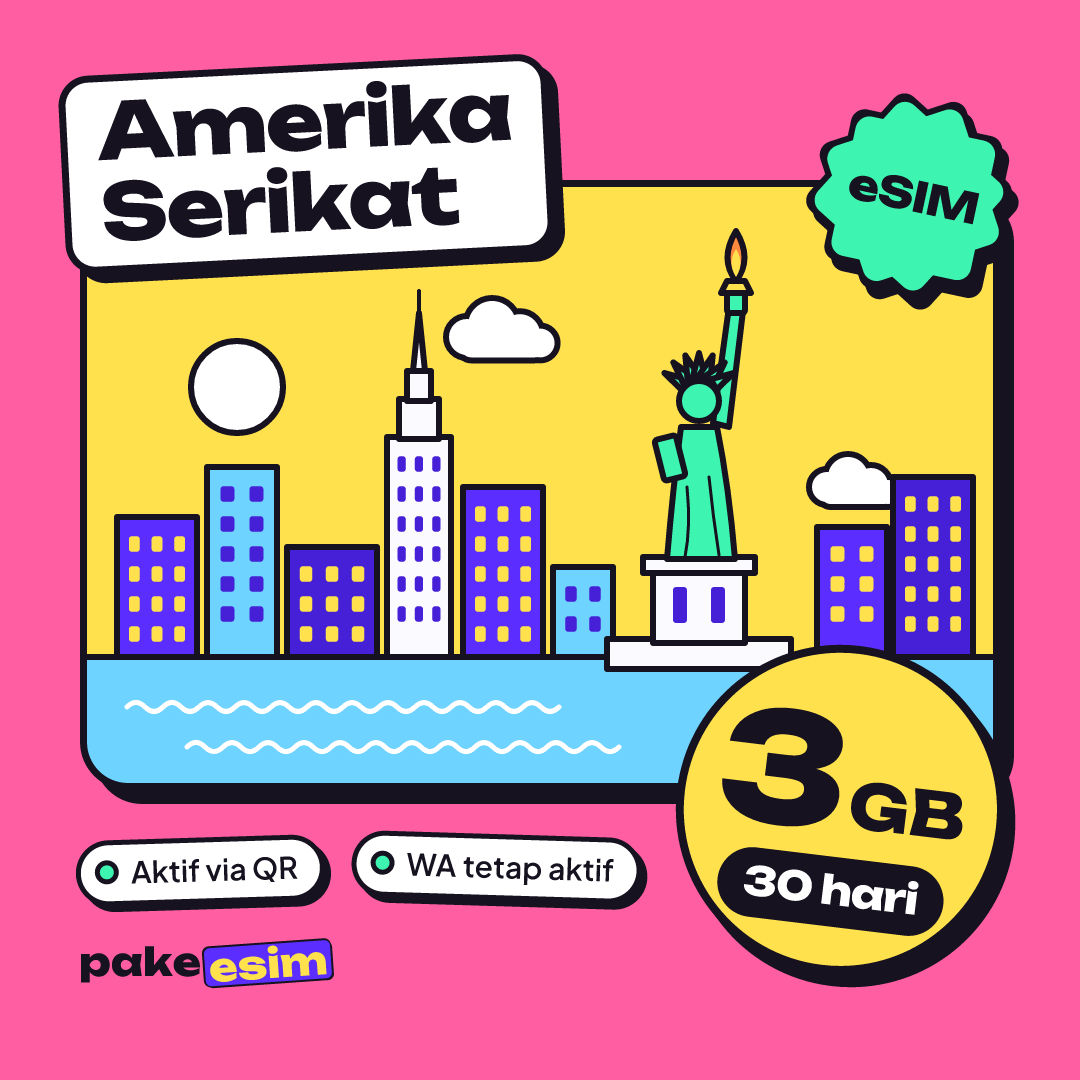
| eSIM United States 3 GB / 30 Days | 3 GB | 30 days | Rp70.000 | ±Rp2.333 |
| eSIM United States 4 GB / 30 Days | 4 GB | 30 days | Rp110.000 | ±Rp3.667 |
A quick read of the lineup:
- 1 GB / 7 days: a weekend in New York or a short layover where you mostly need Maps and messages. Tight if you upload stories every evening.
- 2 GB / 15 days: a one-week conference trip with hotel Wi-Fi at night.
- 3 GB / 30 days: the safe pick for a 10 to 14 day holiday, or the first month of a study semester before you sort out a local line.
- 4 GB / 30 days: longer trips, or anyone who relies on mobile data more than Wi-Fi.
Validity starts when the eSIM first connects to a network in the US, not on the day you buy it. Buying a few days before your flight is fine.
How to buy a USA eSIM online
The whole process happens online and nothing is shipped, since the eSIM is just a QR code.
- Open the United States plans and pick a size.
- At checkout, pay the exact total including the three-digit unique code. Payment options are Indonesian bank transfer or QRIS, in rupiah. If you don't have an Indonesian bank account or an app that can scan QRIS, you won't be able to pay, and it's better to know that now than at the checkout screen. The payment guide shows each step.
- Upload your payment proof. A staff member checks it during support hours (08.00 to 22.00 Western Indonesia Time, WIB).
- The QR code appears on your order page, usually within minutes of confirmation, and a link to it arrives by email.
Unpaid orders expire after 3 hours. There are no admin or delivery fees on top of the plan price.
What does a USA eSIM include, and what doesn't it?
An eSIM is a SIM profile downloaded into a chip already built into your phone, so there is no plastic card to swap. The plans here give you mobile data and nothing else. That answers a few questions people type a lot:
- Does a USA eSIM come with a US number? No. You can't receive calls or SMS on a US number with these plans. If you need a number for a US bank account or a job contract, you'll need a local carrier plan after arrival.
- Does it work for WhatsApp? Yes. WhatsApp, iMessage, FaceTime, and other app calls all run over data. Your WhatsApp account stays tied to your home number, which keeps working on your main SIM.
- Can a USA eSIM text Canada or a UK number? Not with SMS, because there is no number. You can still message anyone through an app.
- Can I top it up? No. When the data runs out, you buy a new plan and scan a new QR code. There is no pay-as-you-go balance and no monthly auto-renewal.
Apple's travel eSIM guide explains that when you keep your home line and a travel eSIM side by side, data runs on the travel eSIM while FaceTime and iMessage stay on your home line. That is exactly the setup most visitors want.
How much data do you need in the USA?
The rule of thumb on our FAQ is about 1 GB for one day of maps, chat, and moderate social media. If you video call home every night or stream music over mobile data, double your estimate. Hotel and café Wi-Fi in US cities is common, so most people use less than they fear.
| Trip | Typical use | Plan that fits |
|---|---|---|
| 1 to 3 days (layover, quick visit) | Maps, ride-hailing, chat | 1 GB / 7 days |
| 5 to 7 days (city break) | Maps, chat, photos, some social | 2 GB / 15 days |
| 10 to 14 days (holiday, road trip) | All of the above plus daily uploads | 3 GB / 30 days |
| 3 to 4 weeks (study, long visit) | Heavy navigation, video calls | 4 GB / 30 days, or two plans |
Our honest take: 1 GB for a full week is too tight if you navigate the subway, book rides, and post to Instagram every day. Looking for a one-day USA eSIM? The smallest plan is 7 days, which still works fine for a 24-hour transit.
The US is big, and road trips eat data because navigation runs for hours. Download offline maps of the areas you'll drive through before you leave Wi-Fi.
Will your phone work with a USA eSIM?
Before you buy, check three things. The compatibility checker walks through them in more detail.
- eSIM support. Dial *#06#. If you see an EID, the hardware supports eSIM. You should also see an "Add eSIM" or "Add Cellular Plan" option in settings.
- No carrier lock. On an iPhone, go to Settings, then General, then About. According to Apple's carrier lock article, "No SIM restrictions" next to Carrier Lock means the phone is unlocked. A locked phone can't install an eSIM from another provider, and that purchase can't be refunded.
- Not a dual nano-SIM iPhone from China or Hong Kong. Models ending in CH/A or ZA/A are not supported.
There is also a US-specific reason to use a modern phone. AT&T, T-Mobile, and Verizon all shut down their 3G networks during 2022, so data now runs on 4G LTE and 5G. Any phone with eSIM support is new enough for that, but an old backup phone probably isn't.
If you're not sure about your iPhone model, the iPhone eSIM compatibility list covers each generation.
How to set up your USA eSIM before you fly
Install the eSIM at home, while you're still on Wi-Fi. Scanning a QR code at the arrival gate with no internet is a bad way to start a trip.
Before departure
- Scan the QR code from your order page (open it on a second screen, or save it as an image).
- Label the new line something obvious like "USA".
- Leave its data roaming switch off for now, so the plan doesn't start early.
After landing
- Set the USA line as your mobile data line.
- Turn on Data Roaming for that line. Without it, the eSIM won't connect.
- Turn off data roaming on your home SIM if you want to avoid charges from your home carrier.
Step-by-step screenshots for iPhone and Android are in our installation guide, and the iPhone eSIM install walkthrough covers the iOS screens in detail.
Why is my USA eSIM not working?
Most "no signal" problems after landing come down to a switch, not a broken eSIM. Check these in order:
- The USA eSIM is selected as the line for mobile data.
- Data Roaming is on for the USA eSIM line.
- Toggle airplane mode on and off once to force a fresh network search.
- If there's still nothing, choose the network operator manually from the list in your settings.
Two other cases come up. If you bought the plan while you were in another country, such as India, Nigeria, or Pakistan, it won't connect there, because a USA plan only works on US networks. And if the QR code was already scanned once on another phone, it usually can't be scanned again. If you're stuck, contact support with your order number.
USA eSIM vs. roaming vs. a US prepaid SIM card: which one?
People searching for a USA SIM card usually weigh three options. Here is how they compare for a typical visitor.
| Travel data eSIM | Home carrier roaming | US prepaid SIM card | |
|---|---|---|---|
| When it's ready | Before you fly | Before you fly | After you find a store |
| US phone number | No | No (your home number) | Yes |
| Calls and SMS | App calls only | Yes, at roaming rates | Yes |
| Physical card | No | No | Yes, swap your SIM |
| Keeps home number active | Yes, side by side | Yes | Only on dual-SIM phones |
| Best for | Tourists, conferences, short study trips | Very short trips, light use | Long stays that need a US number |
If you need a US number for a bank, a lease, or a job, a local prepaid SIM makes sense. For maps, messages, and staying reachable on WhatsApp, a data eSIM is the simpler choice.
Traveling beyond the US?
A USA plan covers only the United States. If your route crosses into Canada or Mexico, the North America plan covers all three countries on one profile, so you don't swap eSIMs at the border.
For trips that span several continents, the Global plan covers 88 countries, including the US, India, Pakistan, Nigeria, and Ghana. You can compare every region on the destinations page.
Before you fly
Check your phone first, pick a plan that matches your days and habits, and install it on Wi-Fi a day or two before departure. If 2 GB feels risky for your trip, size up to 3 GB rather than hunting for Wi-Fi in Times Square. When you're ready, the USA eSIM plans are a couple of taps away.