Destinations
Saudi eSIM for iPhone 15 Pro Max, 13, and 11 (2026): Will It Work?
A Saudi eSIM works on the iPhone 15 Pro Max and every iPhone XS or later, including the 11, 13, and 15, as long as it isn't carrier-locked or a dual nano-SIM version (CH/A, ZA/A). 256 or 512 GB storage makes no difference.

Contents
- Which iPhones can use a Saudi eSIM?
- The iPhone 15 Pro Max specifically
- iPhone 11 and 13
- How to check your iPhone before you buy
- How many GB do you need on an iPhone during Umrah?
- Data-saving tricks on iPhone
- How to install a Saudi eSIM on your iPhone
- Before you leave
- After you land
- Why isn t my Saudi eSIM working on iPhone?
- Is it safe? eSIM vs roaming vs a local SIM
- Before you fly
Yes, a Saudi eSIM works on the iPhone 15 Pro Max, and on every iPhone from the XS onward, including the iPhone 11, 13, and 15, as long as the phone isn't carrier-locked and isn't a dual nano-SIM version from mainland China or Hong Kong. Storage size (256 GB or 512 GB) makes no difference. What matters is the region code in the model number, the carrier lock status, and whether you see an Add eSIM option. Check those three things at home, install the QR code while you still have Wi-Fi, and turn on data roaming once you land in Jeddah or Madinah.
Key takeaways (TL;DR)
- A Saudi eSIM works on every iPhone from the XS onward, including the 11, 13, and 15 Pro Max, as long as it isn't carrier-locked.
- iPhone models with a CH/A or ZA/A code use two nano-SIM cards instead of eSIM, so they generally can't run a Saudi eSIM.
- Carrier Lock must read "No SIM restrictions" in Settings > General > About for the eSIM to install.
- The Saudi eSIM's validity period starts only when it first connects to a network in Saudi Arabia, so installing it a few days early at home is safe.
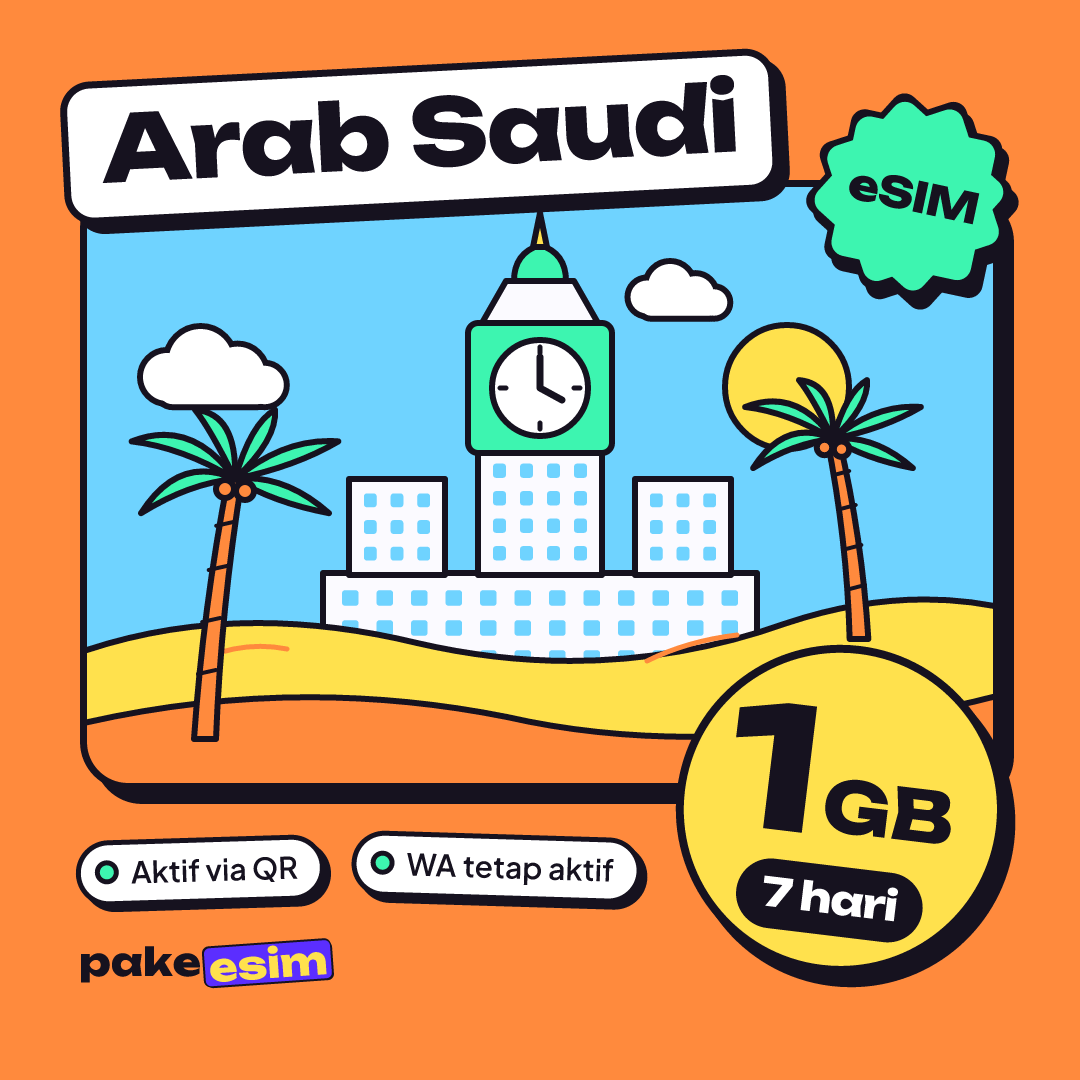
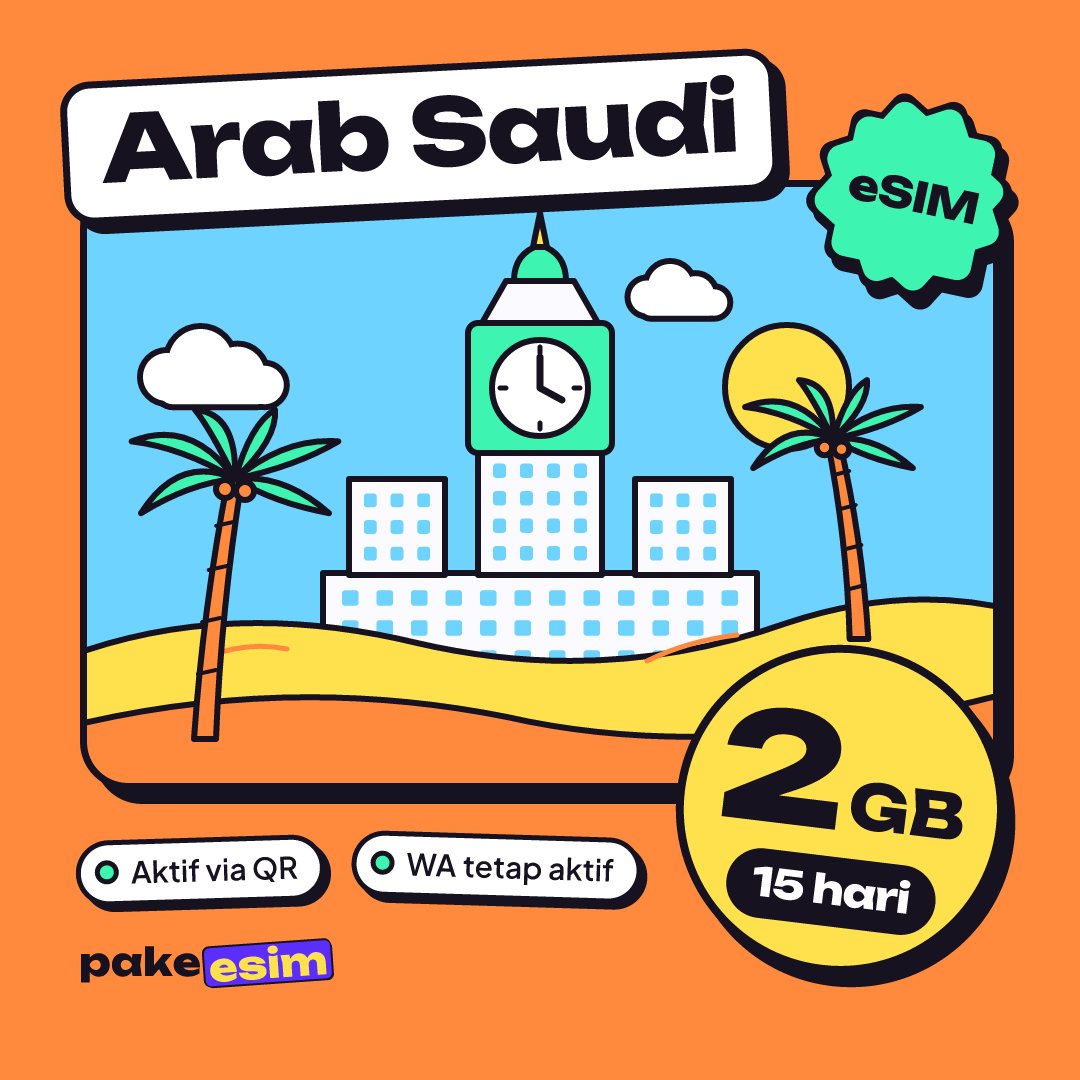
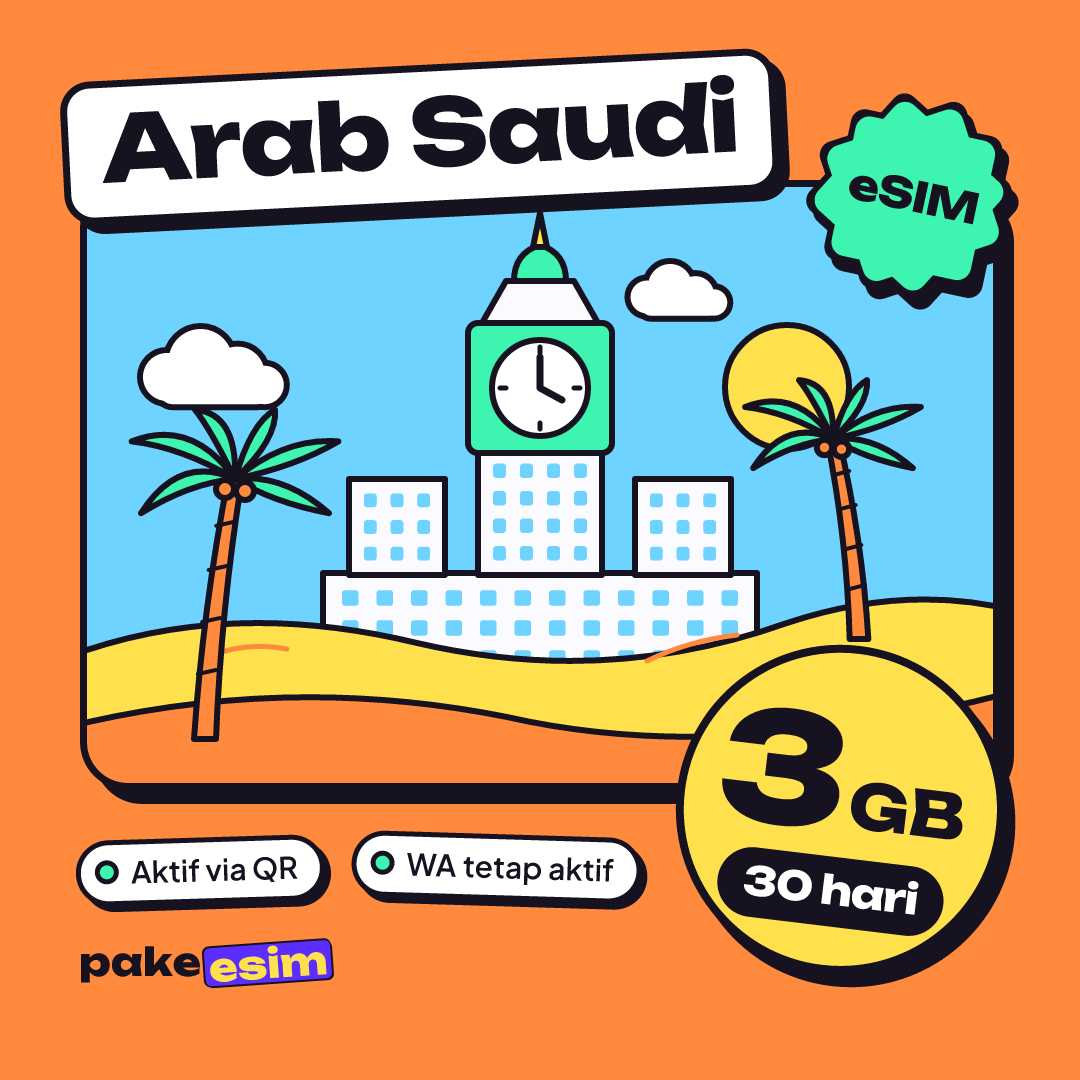
- Available Saudi plans range from 1 GB for 7 days up to 4 GB for 30 days, with 3 GB or 4 GB for 30 days suggested for a 9 to 12 day Umrah trip.

Which iPhones can use a Saudi eSIM?
According to Apple's eSIM support page, eSIM is available on the iPhone XS, XS Max, XR, and every model after them. So on the hardware side, nearly every iPhone that pilgrims carry today is ready. The problem is rarely the iPhone generation. It's usually where the unit was originally sold.
The table below covers the models people ask about most.
| Model | eSIM? | Two active eSIMs? | Notes |
|---|---|---|---|
| iPhone 11 / 11 Pro | Yes | No, one eSIM + one nano-SIM | eSIM handles data, your Indonesian SIM stays in the physical slot |
| iPhone 13 / 13 Pro | Yes | Yes | Two eSIMs, or one eSIM + a nano-SIM |
| iPhone 15 | Yes | Yes | Indonesian and most international versions have a nano-SIM slot |
| iPhone 15 Pro Max (256/512 GB) | Yes | Yes | US version (LL/A) is eSIM-only, no SIM tray |
| Mainland China version (CH/A) | Generally no | No | Uses two nano-SIM cards |
| Some Hong Kong/Macao versions (ZA/A) | No | No | Uses two nano-SIM cards |
On dual eSIM, Apple notes that iPhone 13 models and later support Dual SIM with two eSIMs. The same page explains that certain Hong Kong and Macao models use two nano-SIM cards, and that in mainland China eSIM is only available on a handful of the newest models. That's why CH/A and ZA/A units land on the "no" list.
The iPhone 15 Pro Max specifically
The question "will a Saudi eSIM work on my iPhone 15 Pro Max" usually comes from two worries. First, 256 GB versus 512 GB. Storage has nothing to do with eSIM. Second, ex-US units. iPhone 14 and later models sold in the United States have no SIM tray at all, so your Indonesian line also has to be an eSIM already. The good news: the iPhone 15 Pro Max can store several eSIMs and run two at once, so your Indonesian eSIM and your Saudi eSIM can sit side by side.
iPhone 11 and 13
The iPhone 11 runs one active eSIM plus one nano-SIM. If your Indonesian SIM is still a physical card, that's fine. The card stays in the slot for WhatsApp and OTP texts, and the Saudi eSIM only does data. The iPhone 13 gives you more room because both lines can be eSIMs.
How to check your iPhone before you buy
Five minutes of checking at home costs a lot less than a QR code you can't use. Purchases made for a phone that turns out not to support eSIM, or that is still carrier-locked, are the buyer's responsibility, so this order is worth following.
- Check the EID. Dial *#06# in the Phone app. If an EID line shows up, the eSIM chip is there.
- Check the region code. Go to Settings > General > About and look at Model Number. A CH/A or ZA/A ending means a dual nano-SIM version.
- Check the carrier lock. Still in Settings > General > About, find Carrier Lock. Apple explains that "No SIM restrictions" means the iPhone is unlocked. If it's locked, only the original carrier can unlock it, and that can take a few days.
- Check the menu. Open Settings > Cellular. You should see Add eSIM.
If any one of these fails, hold off on buying. Our phone compatibility checker has a fuller device list. Used ex-Japan and ex-US units trip up most often at step three.
How many GB do you need on an iPhone during Umrah?
As a rough rule, 1 GB covers about one day of maps, chat, and light social media. A video call home every night can double that. The Saudi plans available run from 1 GB for 7 days up to 4 GB for 30 days, so on a 9 to 12 day trip you'll want to lean on hotel Wi-Fi.
| Plan | Data | Validity | Price | Per day |
|---|---|---|---|---|
| eSIM Saudi Arabia 1 GB / 7 Days | 1 GB | 7 days | Rp17.100 | ±Rp2.443 |
| eSIM Saudi Arabia 2 GB / 15 Days | 2 GB | 15 days | Rp28.500 | ±Rp1.900 |
| eSIM Saudi Arabia 3 GB / 30 Days | 3 GB | 30 days | Rp39.900 | ±Rp1.330 |
| eSIM Saudi Arabia 4 GB / 30 Days | 4 GB | 30 days | Rp62.700 | ±Rp2.090 |
Honestly, we think the 1 GB / 7 day plan is too tight for a regular Umrah trip, since the validity alone is too short. For 9 to 12 days, go with 3 GB or 4 GB / 30 days and treat mobile data as your backup outside the hotel. The day-by-day math is in our guide to how many GB a Saudi Arabia eSIM for Umrah needs, and the comparison against carrier roaming is in the article on Saudi Arabia eSIM prices for tourists.
Data-saving tricks on iPhone
An iPhone 15 Pro Max with a 48 MP camera can burn through data without you noticing, especially if iCloud Photos auto-uploads your videos from Masjid al-Haram. Turn on Low Data Mode for the Saudi eSIM line. According to Apple, this mode stops background data use, pauses iCloud Photos updates, and lowers streaming quality.
- Turn off cellular data for apps you don't need in Settings > Cellular.
- Download offline Google Maps for Makkah and Madinah before you leave.
- Send videos to the family group once you're back at the hotel.
How to install a Saudi eSIM on your iPhone
Install it in Indonesia, not at the arrival airport. The validity period only starts when the eSIM first connects to a network in Saudi Arabia, so installing it a few days before you fly is safe.
Before you leave
- Pay online on the payment page: bank virtual account, QRIS, GoPay, ShopeePay, convenience stores, or credit card. The total is exactly the plan price in rupiah, and the order is confirmed automatically once paid. See the how to pay page for details.
- Open the QR code on your order page from another device, like a laptop, then scan it via Settings > Cellular > Add eSIM.
- Label the new line, for example "Saudi", so you don't mix it up with your Indonesian SIM.
- Leave Data Roaming on that eSIM line off for now.
After you land
- Pick the "Saudi" line as your Cellular Data line.
- Turn on Data Roaming for that line.
- Keep your Indonesian SIM on for calls and texts, but make sure its data roaming is off so your home carrier doesn't charge roaming rates.
On iOS 26 you get an extra option. Apple explains that you can choose Travel eSIM Only or Travel eSIM and Current eSIM, and the iPhone can switch the travel eSIM off automatically when you get home. Step-by-step screenshots are in our eSIM installation guide and in the article on installing an eSIM on iPhone, from QR scan to data roaming.
Why isn't my Saudi eSIM working on iPhone?
If the eSIM is installed but you have no signal in Madinah, the cause is usually simple. Work through these in order.
- Wrong data line. Cellular Data is still pointing at your Indonesian SIM.
- Data Roaming is off on the Saudi eSIM line.
- The phone hasn't rescanned networks. Turn on Airplane Mode, wait 10 seconds, turn it off.
- The network needs picking by hand. In that eSIM line's settings, turn off automatic network selection and choose a carrier from the list.
If the QR won't scan at all, or the iPhone rejects the profile, the phone is almost certainly carrier-locked or a dual nano-SIM version. That can't be fixed once you're there, which is why the checks above matter. One more thing: an eSIM QR code can usually be scanned only once, so don't delete an installed eSIM profile just to "try again".
Is it safe? eSIM vs roaming vs a local SIM
An eSIM is a digital SIM built into your iPhone and loaded through a QR code. On security, Apple describes eSIM as more secure because nobody can pull it out if your iPhone is lost. Your WhatsApp number doesn't move either, since this eSIM is data-only. You don't get a Saudi number, you can't send regular texts or make normal calls, and the plan can't be topped up.
| Option | Pros | Cons |
|---|---|---|
| Prepaid data eSIM | Installed at home, online as soon as you land, Indonesian number stays active | Data only, buy a new plan if you run out |
| Indonesian carrier roaming | Nothing to install | Per-GB rates can be much higher, check your carrier's package first |
| Saudi local SIM | You get a local number | Airport queue, needs a physical slot (US iPhones don't have one) |
For pilgrims who only need internet for maps, chat, and staying in touch with home, a data eSIM is usually the most practical pick. If you need a local number for something specific, a local SIM still makes sense.
Before you fly
Check your iPhone's EID, region code, and Carrier Lock tonight, not in the airport lounge. If all three pass, pick a plan that matches your trip length, install the QR at home, and screenshot the roaming steps so you can open them after landing. Every plan is in the Saudi Arabia eSIM catalog. Wishing you a smooth and blessed journey.