Destinations
Taiwan eSIM Tourist Guide 2026: How Many GB for Taipei, Cost, and Setup
A 2 GB Taiwan eSIM covers about a week in Taipei with Maps and chat; two weeks or frequent video calls need 3–4 GB. It's data only, installed at home, and starts when it connects in Taiwan.

Contents
- What can a Taiwan eSIM for tourists do, and what can t it do?
- How many GB does a Taiwan eSIM need, from Taipei to Kaohsiung?
- How much does a Taiwan eSIM cost? Prices as of October 2026
- Taiwan eSIM, roaming, or a local SIM: which one?
- How to set up a Taiwan eSIM before you leave
- 1. Check your phone first
- 2. Scan the QR code
- 3. Set your data line
- Why is my Taiwan eSIM not working or not showing up?
- Can a Taiwan eSIM be used in Indonesia?
- Is a Taiwan eSIM safe to use?
- Visiting Taiwan in December or January: buy early
- Before you fly to Taiwan
A Taiwan tourist eSIM is a digital data plan you install on your phone before you leave, and it switches on when you land at Taoyuan or Kaohsiung, so there is no SIM counter queue. For a 5–7 day Taipei trip, 2 GB is usually enough if you mostly use Google Maps, LINE, and WhatsApp; 3–4 GB is safer for two weeks or if you post Stories every night. The plan is data only, so your home number stays on your main SIM for WhatsApp and bank OTPs.
Key takeaways (TL;DR)
- The Taiwan eSIM from Pakeesim is data only, with no local Taiwan number, no SMS, and no regular calls.
- For 7 days in Taipei with Maps and chat, a 2 GB Taiwan eSIM is enough; daily video calls need 3–4 GB.
- The Taiwan eSIM validity period starts when it first connects to a network in Taiwan, not on the day you buy it.
- A Taiwan eSIM does not work in Indonesia; a separate Indonesia eSIM plan covers use at home.
- Your phone must support eSIM and be carrier unlocked; iPhone CH/A and ZA/A dual nano-SIM models are not supported.
What can a Taiwan eSIM for tourists do, and what can't it do?
A Taiwan tourist eSIM works with any app that needs internet: Google Maps, LINE, WhatsApp, Instagram, transit apps, and payment apps. What it can't do is regular calls and SMS, because the plan is data only and doesn't come with a Taiwan phone number.
So if you're searching for a Taiwan eSIM with a phone number, this plan isn't it. Most tourists rarely need a local number anyway:
- Navigation: Google Maps and the Taipei Metro app run on data.
- Messaging: chats and calls through WhatsApp, LINE, or Telegram still work (they use your data).
- Bank OTPs from home: they still reach your main SIM, as long as you leave your physical SIM on and your home carrier hasn't blocked SMS roaming.
- Hotspot: the eSIM can usually be shared through tethering, and that usage comes out of the same data allowance.
One honest caveat. If a hotel needs to call you, or a local service insists on a Taiwan number, you'll still need a local SIM card or your own number on roaming.

How many GB does a Taiwan eSIM need, from Taipei to Kaohsiung?
A 2 GB Taiwan eSIM covers roughly a week of normal use: maps, chat, checking train times, and some social media. Our store's rule of thumb is that 1 GB covers about a day of maps, chat, and moderate social media; if you video call or stream often, budget twice that.
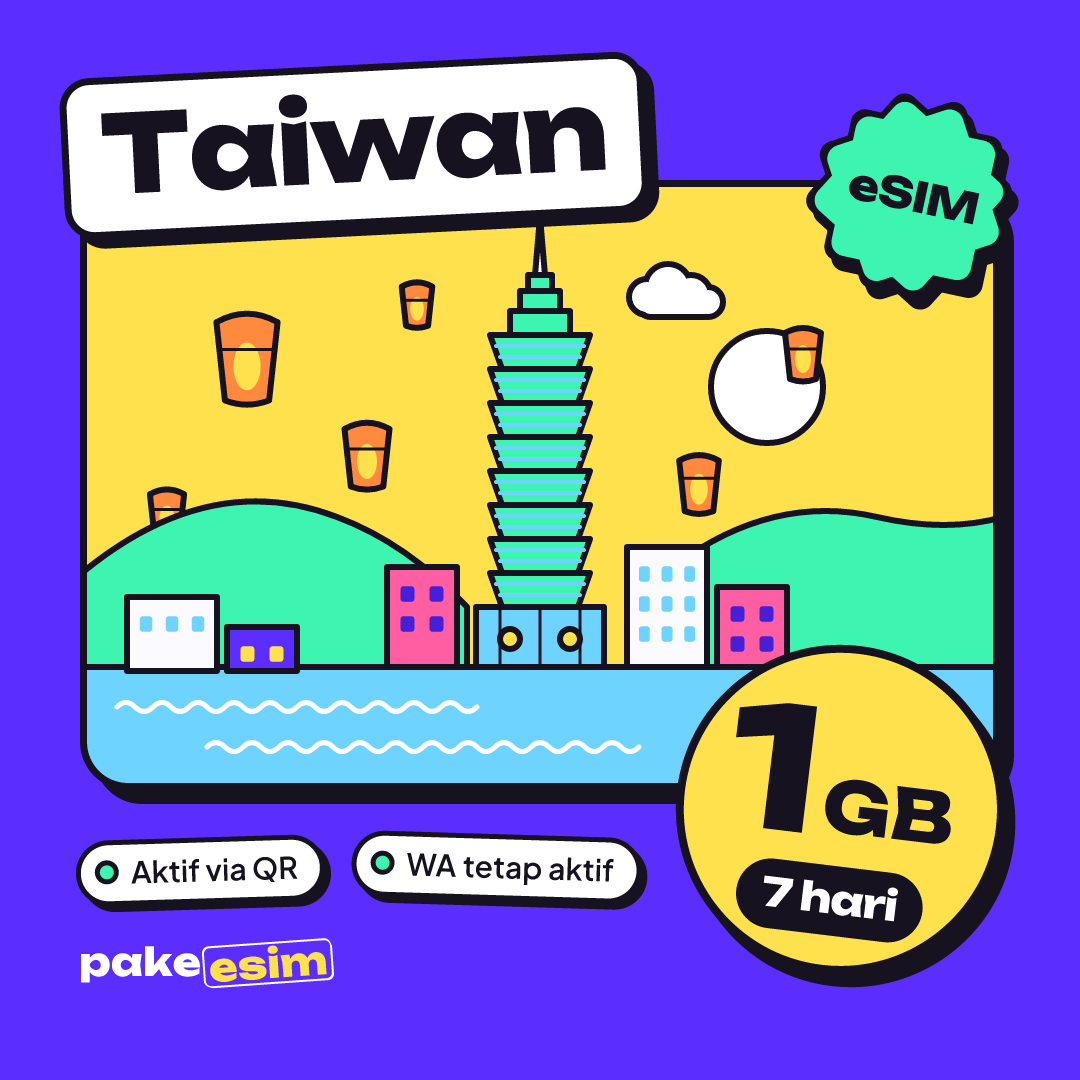
In our view, the 1 GB / 7 day plan fits a layover or a 2–3 day stop, say a quick Taipei visit before flying on to Japan. For the classic route of Taipei, Jiufen, Taichung, then Kaohsiung on the THSR high-speed train, 1 GB is too tight because you'll open Maps constantly in new places.
| Trip style | Length | Main use | Best-fit plan |
|---|---|---|---|
| Layover or short city break | 2–4 days | Maps, chat | 1 GB / 7 days |
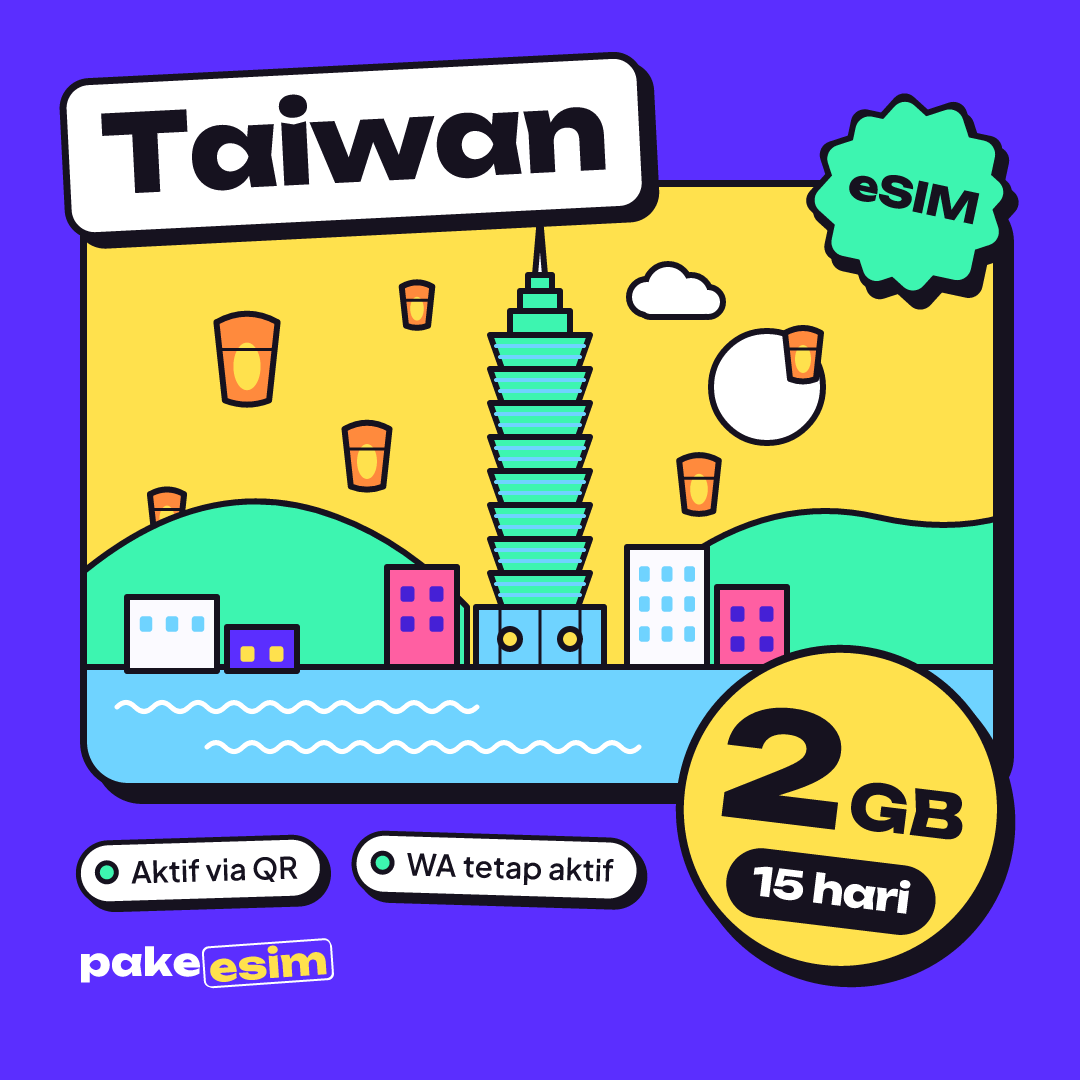
| Taipei and nearby day trips | 5–9 days | Maps, chat, Instagram | 2 GB / 15 days |
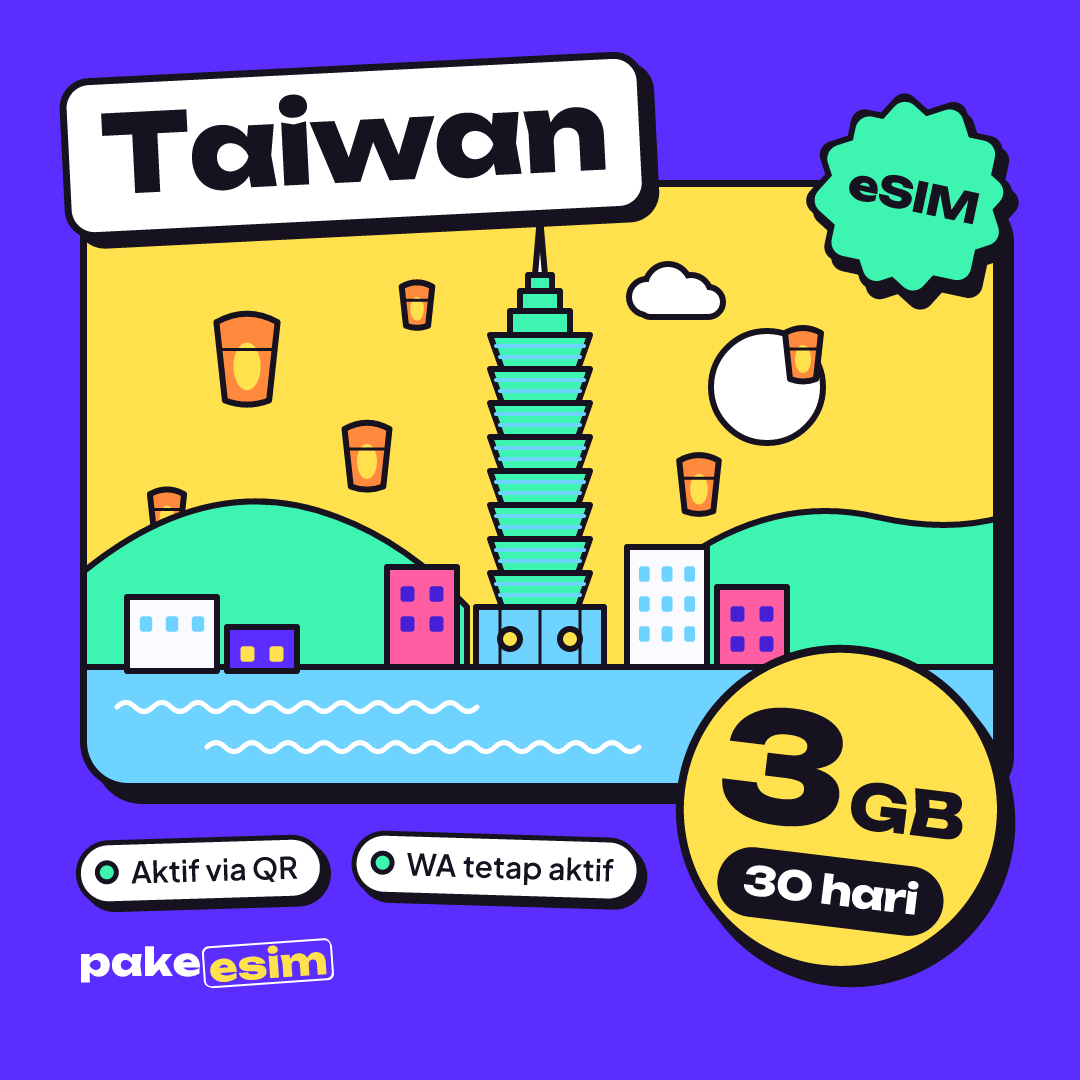
| Round-the-island, Taipei to Kaohsiung | 10–14 days | Maps, chat, photo uploads | 3 GB / 30 days |
| Remote work, frequent video calls | 2–4 weeks | Meetings, laptop hotspot | 4 GB / 30 days or two plans |
| Study or exchange | 1 month or more | Everything, plus campus WiFi | 3–4 GB / 30 days, then buy again |
If you run out mid-trip, the eSIM can't be topped up. You simply buy a new plan and scan a new QR code, since every plan is its own eSIM profile.
For a trip of up to two weeks with Maps, chat, and a few photo uploads each night, the 2 GB / 15 day plan makes the most sense:
How much does a Taiwan eSIM cost? Prices as of October 2026
As of October 2026, the cheapest Taiwan plan at Pakeesim is 1 GB for 7 days, and every plan is priced in Indonesian rupiah. The table below pulls prices straight from the catalog, so the numbers are always current.
| Plan | Data | Validity | Price | Per day |
|---|---|---|---|---|
| eSIM Taiwan 1 GB / 7 Days | 1 GB | 7 days | Rp17.100 | ±Rp2.443 |
| eSIM Taiwan 2 GB / 15 Days | 2 GB | 15 days | Rp28.500 | ±Rp1.900 |
| eSIM Taiwan 3 GB / 30 Days | 3 GB | 30 days | Rp39.900 | ±Rp1.330 |
| eSIM Taiwan 4 GB / 30 Days | 4 GB | 30 days | Rp62.700 | ±Rp2.090 |
A heads-up for international readers: payment is online via Midtrans (bank virtual accounts, QRIS, GoPay, ShopeePay, convenience stores, or credit card), in rupiah. A few things to know:
- No extra fees: the total you pay is exactly the plan price, with no admin fee.
- No shipping fee: the product is digital, so the QR appears on your order page and is also sent by email.
- 3-hour payment window: unpaid orders expire automatically, and you can order again at no cost.
The full payment steps are on the how to pay page.
If your trip doesn't end in Taiwan, for example Taipei then Osaka or Hong Kong, compare it first with the Asia eSIM covering 20 countries including Taiwan. One profile for several countries is often simpler than installing two QR codes.
Taiwan eSIM, roaming, or a local SIM: which one?
A Taiwan eSIM is the easiest option for tourists who want data the moment they land, roaming on your home carrier is easiest if you need to keep the same number for calls, and a local Taiwan SIM makes sense if you need a Taiwan number. The choice comes down to whether you need a local number or just data.
| Taiwan eSIM (data) | Roaming on an Indonesian carrier | Local Taiwan SIM | |
|---|---|---|---|
| When it starts | On connecting in Taiwan | On connecting in Taiwan | After you buy it at a counter |
| Queue needed | No, installed at home | No | Yes, at the airport or a store |
| Phone number | None | Your Indonesian number | A Taiwan number |
| Home number stays active | Yes, on your main SIM | Yes | Only on a dual SIM phone |
| Payment | Rupiah, transfer/QRIS | Credit or monthly bill | Taiwan dollars at the counter |
| Phone requirement | eSIM support, unlocked | Active roaming plan | Carrier unlocked |
Taiwan's carriers, including Chunghwa Telecom, Taiwan Mobile, and FarEasTone, sell prepaid tourist SIMs. FarEasTone, for instance, runs prepaid tourist SIM counters in Taoyuan Airport Terminals 1 and 2, each with its own opening hours. If your flight lands late at night, a closed counter or a long line is exactly what an eSIM spares you.
About Chunghwa: the Taiwan plans from Pakeesim aren't sold as an official product of any one carrier, and the network name shown on your phone may vary. If you see no signal, pick a carrier manually from the network list (the steps are in the troubleshooting section below).
Travelers roaming on Telkomsel, XL, or Indosat should check Taiwan roaming rates directly in their carrier's app, because those prices change often. We don't list them here so they don't go stale.
How to set up a Taiwan eSIM before you leave
Install your Taiwan eSIM at home while your phone is on WiFi, ideally at least a day before you fly. The validity period only starts when the eSIM first connects to a network in Taiwan, so installing early doesn't cost you any days.
1. Check your phone first
There are three requirements: your phone has an EID (check by dialing *#06#), it has an Add eSIM or Add Cellular Plan option, and it isn't carrier locked. A fuller list of models is on the eSIM phone compatibility checker.
Apple defines it this way on its support site:
"An eSIM is an industry-standard digital SIM built into your iPhone, eliminating the need for a physical SIM card." (Apple Support guide to setting up eSIM on iPhone)
According to the same guide, eSIM works on iPhone XS, iPhone XS Max, iPhone XR, and later. For Samsung, check the Samsung Indonesia list of Galaxy phones that support eSIM, which runs from the S20 series to the S26, plus the Z Fold, Z Flip, and some A series models.
2. Scan the QR code
Once your payment is confirmed, the eSIM QR code appears on your order page and is also emailed to you. Scan it from the Cellular menu (iPhone) or SIM settings (Android). An eSIM QR code can only be scanned once, so install it on the phone you're actually taking to Taiwan. Step-by-step screenshots are in the eSIM installation guide for iPhone and Android, and there's an iPhone-specific walkthrough on installing an eSIM on iPhone from QR scan to data roaming.
3. Set your data line
Label the new eSIM "Taiwan", set it as your cellular data line, and keep your main SIM for calls and SMS. Turn off Data Roaming on your main SIM so your home carrier doesn't charge you, then switch on Data Roaming for the eSIM line once you land.
Why is my Taiwan eSIM not working or not showing up?
A Taiwan eSIM that won't connect almost always comes down to one of three things: Data Roaming is off on the eSIM line, cellular data is still set to your main SIM, or the phone hasn't found a network yet. You can check all three yourself in two minutes.
Our suggested order:
- Make sure the new eSIM is selected as your cellular data line.
- Turn on the Data Roaming switch for that eSIM line specifically.
- Turn on airplane mode, wait 10 seconds, then turn it off.
- Still nothing? Turn off automatic network selection and pick a Taiwan carrier manually.
If the eSIM doesn't appear in your SIM list at all, the QR probably didn't install fully or the profile was deleted during a reset. Missing eSIMs often follow a Reset All Settings or someone removing the eSIM from the menu. Because the QR can only be scanned once, contact customer support with your order number before trying anything else.
Hotspot problems have their own causes, especially on iPhone. We cover them in why personal hotspot isn't working on an iPhone eSIM, and how to fix it.
Can a Taiwan eSIM be used in Indonesia?
No, a Taiwan eSIM won't work in Indonesia, because the plan only gets signal on Taiwan's networks. If you need data in Indonesia on a phone bought abroad whose IMEI isn't registered there, there's a separate Indonesia eSIM plan made for use inside the country.
Also, don't install the Taiwan eSIM and switch its data on in Indonesia as a "test". It won't connect because its networks simply aren't there, and that's normal. A proper test is just confirming the profile shows up in your SIM menu.
Is a Taiwan eSIM safe to use?
A Taiwan eSIM is safe as long as you buy from a clearly identified seller and keep your QR code private. An eSIM works like a regular SIM card built into your phone, so your personal data doesn't move to the seller. The thing to protect is the QR code, because whoever scans it first can use the plan.
A few safe habits:
- Don't post a screenshot of your QR in group chats or on social media.
- Avoid banking logins on public station WiFi; use your eSIM data instead.
- Keep your order email until the trip is over, in case you need help.
Why is it relatively cheap? The answer is in the allowance. Each plan has a fixed amount of data and nothing else: no number, no SMS, no bundled call minutes. You pay for exactly the data you use.
Taiwan also has free government WiFi called iTaiwan. Check the iTaiwan hotspot map and location list before you go to save data, for example at train stations and tourist information centers.
Visiting Taiwan in December or January: buy early
For a year-end Taiwan trip, buy and install your eSIM 3–7 days before flying, because validity only starts in Taiwan and our customer support is open only from 08.00 to 22.00 WIB (Western Indonesia Time, UTC+7). December and January are peak season for school holidays and Christmas and New Year travel from Indonesia, and June to July is the next holiday wave.
Practical tips for peak season:
- Go one size up, say 3 GB instead of 2 GB, since New Year's Eve around Taipei 101 tends to mean video calls and uploads.
- Taipei winters can be damp and chilly, so you'll likely spend more time indoors on WiFi. That's a chance to save data.
- For trips of two weeks or more, a 30-day plan gives you more breathing room:
Before you fly to Taiwan
If you only need internet for Maps, chat, and social media, a data-only Taiwan eSIM is plenty, and your home number stays safe on your main SIM. Check your phone on the compatibility page, choose your data based on trip length, then install the QR at home before heading to the airport. You can browse every Taiwan plan in the Pakeesim eSIM catalog. Have a great trip, and try bubble tea in the place it was invented.