Destinations
Saudi Arabia eSIM for Umrah: How Many GB, Prices, and Setup
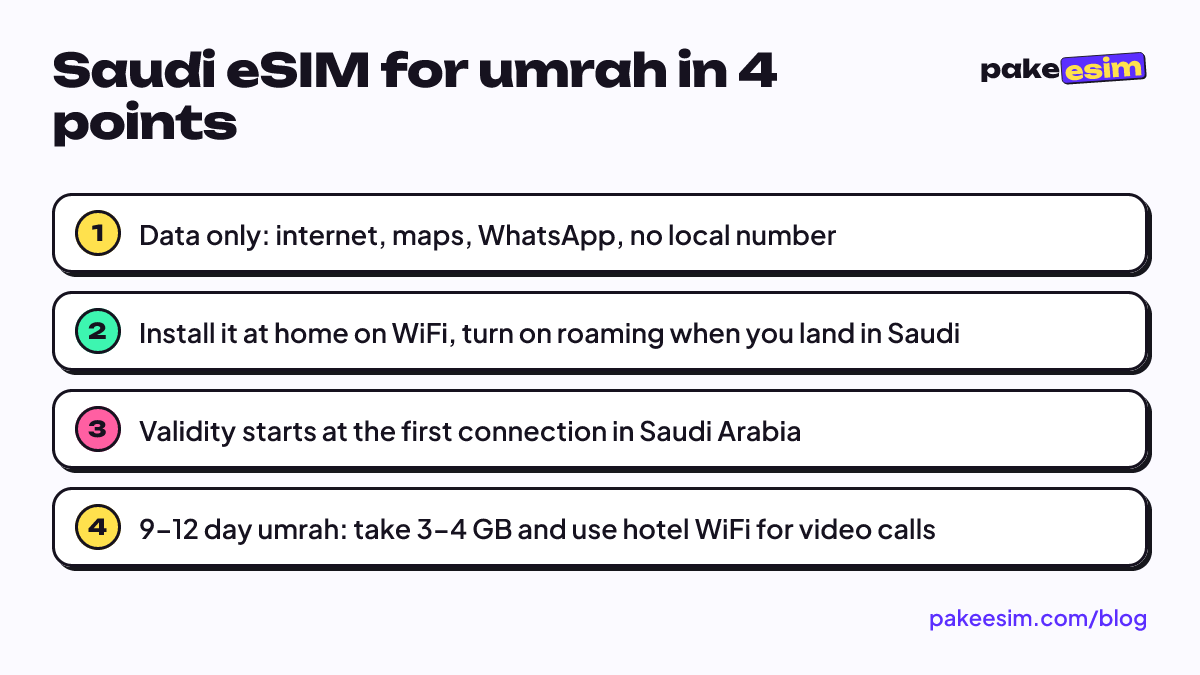
A Saudi Arabia eSIM is installed on your phone before you leave and connects as soon as you land. For a 9–12 day umrah, a 3–4 GB / 30-day plan is usually enough if video calls stay on hotel WiFi.

Contents
- What is a Saudi Arabia eSIM, and how is it different from a regular SIM?
- What do you actually use mobile data for during umrah?
- How many GB does a Saudi Arabia eSIM for umrah need?
- Saudi Arabia eSIM prices and how to buy online
- How to install your Saudi eSIM before you fly
- On iPhone
- On Android
- When you arrive in Saudi Arabia
- Which is better: travel eSIM, carrier roaming, or a local SIM?
- Why is my Saudi eSIM not working or missing?
- Is a Saudi eSIM safe, and why is it so cheap?
- Can you use a Saudi eSIM back in Indonesia?
- Before you leave for umrah
A Saudi Arabia eSIM for umrah is a digital data plan you install on your phone before you leave, and it connects as soon as you land in Jeddah or Madinah. No plastic card, no queue at the airport telecom counter, and your home number stays on the phone for WhatsApp and bank OTP codes. For a 9 to 12 day umrah, a 3 GB or 4 GB plan valid for 30 days usually makes the most sense, as long as you save video calls for hotel WiFi. The one real requirement: your phone must support eSIM and must not be carrier-locked.
What is a Saudi Arabia eSIM, and how is it different from a regular SIM?
An eSIM (embedded SIM) is a SIM chip built into the phone itself. You don't insert a card. You scan a QR code and the phone downloads a carrier profile. A Saudi Arabia eSIM simply means that profile is set up to connect to networks in Saudi Arabia.
The difference from a local Saudi SIM card is the process. A Saudi SIM is bought in the country and tied to the identity of the person using it. The sector is regulated by the Communications, Space and Technology Commission (CST). During the 2025 Hajj season, CST and the Saudi Ministry of Interior opened remote activation of local eSIMs through biometric verification on the Absher platform. So identity checks are still part of getting a local line, whether at a counter or in an app.
A travel eSIM bought from Indonesia works as a roaming eSIM instead. You buy it, pay in rupiah, and install everything from home. When the plane lands, the phone just looks for a partner network in Saudi Arabia.
A few things worth knowing up front:
- It's data only. No Saudi number, no SMS, no regular phone calls.
- You can still call through apps, for example WhatsApp calls.
- Plans can't be topped up. When the data runs out, you buy a new QR code.
- One QR code works on one phone, and it can only be scanned once.
What do you actually use mobile data for during umrah?
Plenty of pilgrims used to get by on hotel WiFi alone. The catch is that during umrah you need internet most when you're outside the hotel.
The most common uses:
- The Nusuk app, for permits and worship schedules right from your phone.
- Maps from the hotel to Masjid al-Haram or Masjid an-Nabawi, especially if your hotel is a bit further out and you don't know the side streets yet.
- Your group's WhatsApp chat. Meeting points and bus times are often shared there.
- Staying in touch with family back home, including photos and voice notes.
- Ride-hailing and translation apps when you leave the group route, say to Mount Uhud or a shopping area in Madinah.
If you're on a full travel package with a guide who's always nearby, you'll use less data. If you're doing umrah independently or often split off from the group, mobile internet goes from "nice to have" to essential.
How many GB does a Saudi Arabia eSIM for umrah need?
Our simple rule of thumb: 1 GB covers roughly one day of active use, meaning maps, chat, and a moderate amount of social media. If you video call or watch videos a lot, double that.
That sounds like a lot. In practice, most pilgrims aren't on mobile data all day. There are long stretches of worship in the mosque, sleep, and time in a hotel that already has WiFi. What you should count are the days you'll really be active outside the hotel.
| Trip plan | Usage pattern | Plan we'd suggest |
|---|---|---|
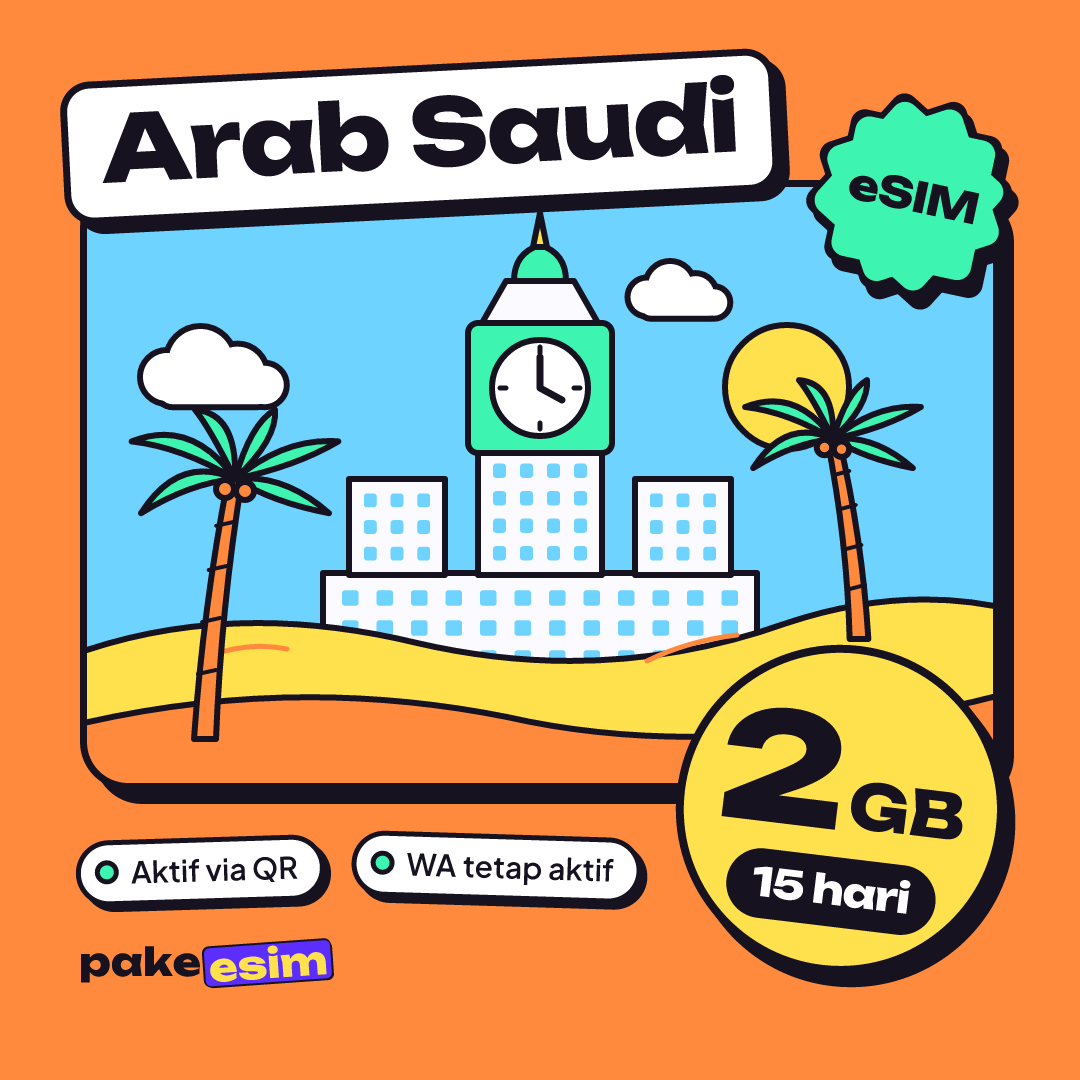
| 9-day umrah with a group | WhatsApp, occasional maps, hotel WiFi for video calls | 2 GB / 15 days |
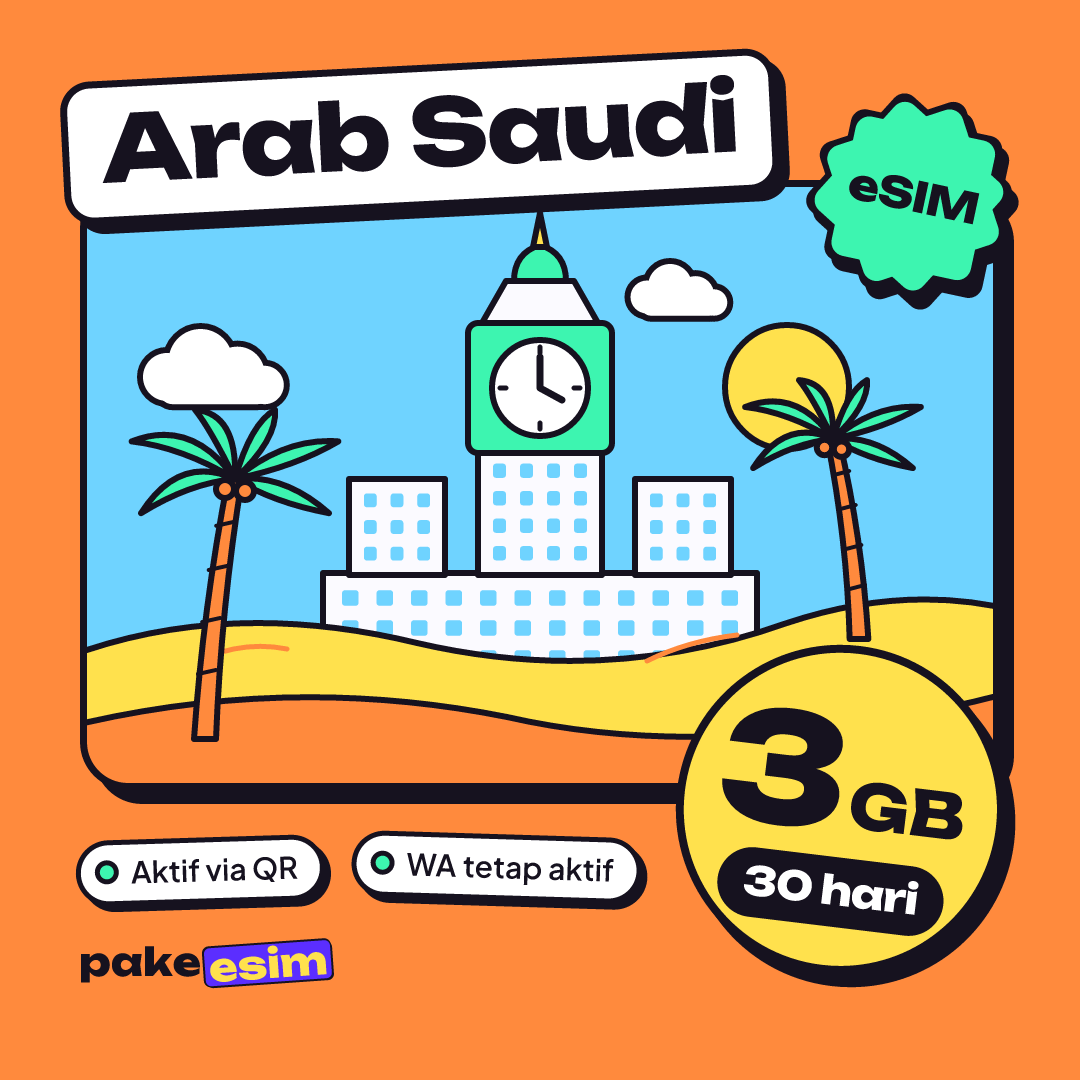
| 12-day umrah, fairly active | Daily maps, busy WhatsApp group, photo uploads | 3 GB / 30 days |
| Independent umrah or frequent video calls outside the hotel | Maps, ride-hailing, video calls | 4 GB / 30 days, plus a backup plan |
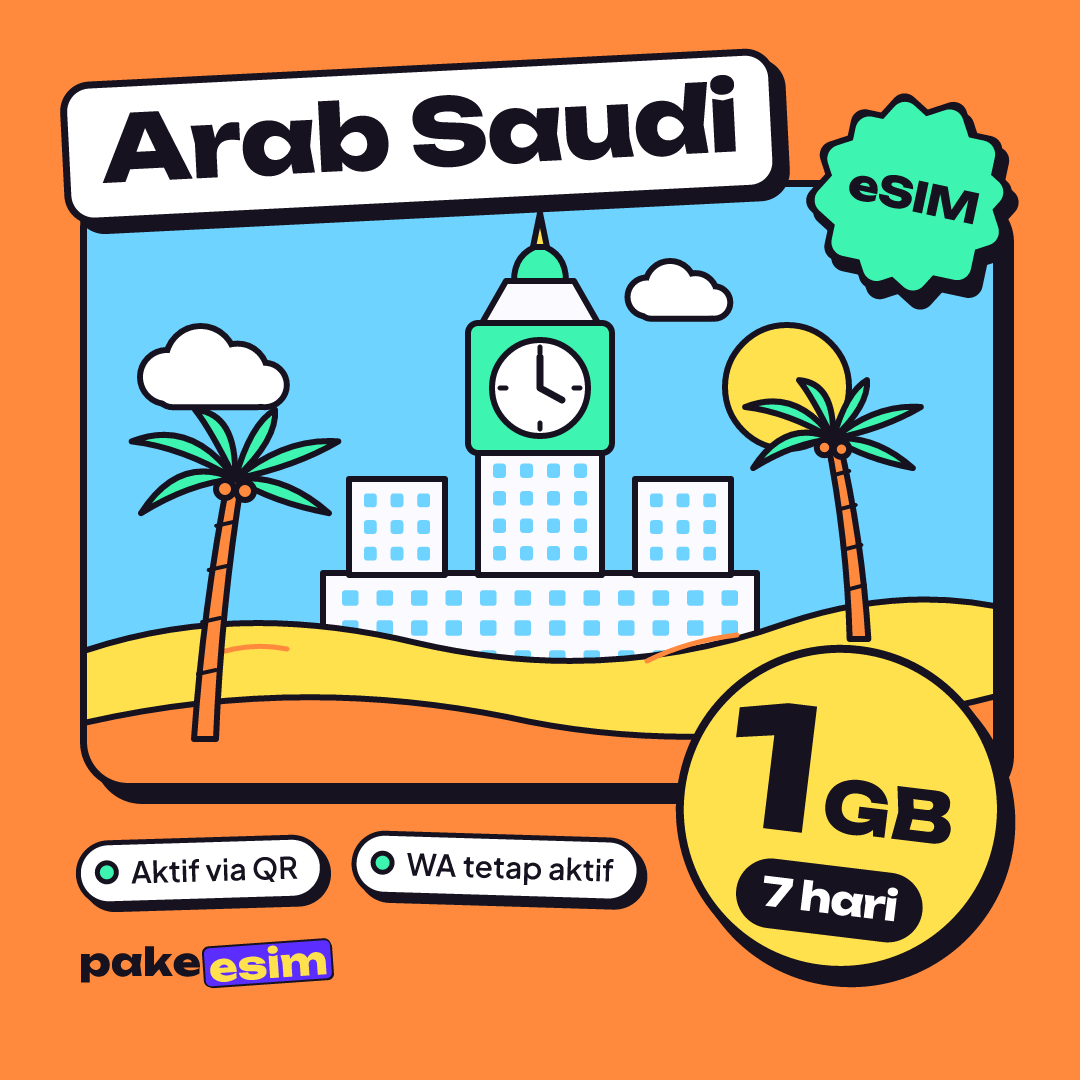
| Short visit or transit | Chat and maps only | 1 GB / 7 days |
Honestly, we think 1 GB is too tight for umrah. Almost every umrah program runs longer than 7 days, so the validity runs out first. The 2 GB / 15 day plan suits pilgrims who stick to hotel WiFi. For a 12-day program, go with a 30-day plan so you're not stressed if your return date slips.
As for validity, the clock starts when the eSIM first connects to a network in Saudi Arabia, not when you buy it. Buying a week before departure is fine.
Some small habits that save data:
- Turn off video autoplay in WhatsApp, Instagram, and TikTok.
- Download offline maps of Makkah and Madinah before you fly.
- Send photos and videos to family once you're back at the hotel.
- Turn off app updates and photo backups over mobile data.
Saudi Arabia eSIM prices and how to buy online
The prices in this table are pulled straight from the catalog, so they're always current.
| Plan | Data | Validity | Price | Per day |
|---|---|---|---|---|
| eSIM Saudi Arabia 1 GB / 7 Days | 1 GB | 7 days | Rp30.000 | ±Rp4.286 |
| eSIM Saudi Arabia 2 GB / 15 Days | 2 GB | 15 days | Rp50.000 | ±Rp3.333 |
| eSIM Saudi Arabia 3 GB / 30 Days | 3 GB | 30 days | Rp70.000 | ±Rp2.333 |
| eSIM Saudi Arabia 4 GB / 30 Days | 4 GB | 30 days | Rp110.000 | ±Rp3.667 |
If your trip is an "umrah plus" with a stop in Turkey, Dubai, Egypt, or Jordan, look at the Middle East eSIM plans, which cover 9 countries including Saudi Arabia. One profile works across all of them, so you don't switch eSIMs during a layover.
How to buy online:
- Check your phone on the eSIM compatibility page.
- Pick a plan from the catalog and check out.
- Pay the exact total, including the 3-digit unique code, by Indonesian bank transfer or QRIS. Payment is in rupiah only, so there's no card or PayPal option. The details are on the how to pay page.
- Upload your proof of payment. Staff verify it, then the QR code appears on your order page and is sent by email.
Unpaid orders expire after 3 hours. There's no shipping fee because the product is digital.
How to install your Saudi eSIM before you fly
Install the eSIM while you're still in Indonesia and connected to WiFi. Apple explains that you can add an eSIM by scanning a QR code from the provider, and the process generally needs an internet connection. Trying to do it at Jeddah airport without internet is a lot more hassle.
On iPhone
Go to Settings, tap Cellular, then Add eSIM and scan the QR code. Label it "Saudi" so it doesn't get mixed up with your main line. iPhone XS and newer can run two lines at once. According to Apple's Dual SIM page, only one line uses cellular data at a time, while the other number can still receive calls and messages. A step-by-step walkthrough with screenshots is in how to install an eSIM on iPhone, from QR scan to data roaming.
On Android
On a Samsung Galaxy, the path is Settings, Connections, SIM manager, then Add eSIM. Samsung notes that eSIM support can vary by the country the device was sold in, so don't go by the model name alone. Other brands have a similar menu. Our eSIM installation guide covers both iPhone and Android.
When you arrive in Saudi Arabia
- Set the Saudi eSIM as your cellular data line.
- Turn on Data Roaming for that eSIM line.
- Turn off data roaming on your home SIM so your carrier's roaming charges don't kick in.
- If there's no signal yet, toggle airplane mode on and off once.
Which is better: travel eSIM, carrier roaming, or a local SIM?
All three work. What separates them is timing, convenience, and how much data you need.
| Travel eSIM | Indonesian carrier roaming | Local Saudi SIM | |
|---|---|---|---|
| When you set it up | From home, before you leave | Activate a roaming pack before you leave | After landing |
| Passport and ID check | No | No | Yes |
| Home number | Stays active next to the eSIM | Same number is used for data | Home SIM must come out if the phone has one slot |
| Saudi local number | No | No | Yes |
| Best for | Regular umrah, umrah plus | People who want one number and nothing to install | Long stays, needing a local number |
Carrier roaming from Telkomsel, XL, or Indosat is convenient because there's nothing to install, but check your carrier's Saudi roaming prices in their app and compare for yourself. A local SIM makes sense if you're staying for months or need a Saudi number. For a 9 to 12 day umrah, an eSIM usually wins on convenience.
Why is my Saudi eSIM not working or missing?
A handful of causes come up again and again, and nearly all of them can be checked before you leave.
The phone is carrier-locked. Phones bought overseas sometimes stay locked to one carrier. Even if they support eSIM, they can't install one from another provider. Certain iPhone models with dual nano-SIM slots (model codes ending in CH/A and ZA/A) can't use eSIM at all.
Data roaming is off. This is the classic "I have signal but no internet" problem. A travel eSIM works as roaming, so the Data Roaming switch on the eSIM line has to be on.
Data is still on your home SIM. The phone keeps using the main SIM for data. Switch the cellular data line to the Saudi eSIM.
The eSIM profile was deleted. If the eSIM has "disappeared" from the list, the profile was usually removed by accident or the phone was reset. Since a QR code can only be scanned once, don't delete the eSIM profile during your trip and don't reset your phone mid-journey. If it already happened, contact customer support with your order number.
Validity or data has run out. Once the validity period ends or the data is used up, the internet stops. Plans can't be extended, so buy a new one and scan the new QR code.
Is a Saudi eSIM safe, and why is it so cheap?
On the account side, a data eSIM doesn't replace your main SIM. Your home number stays on the phone, so bank OTPs and WhatsApp keep working normally. You also don't hand your passport to anyone to buy this eSIM.
On price, travel eSIMs feel cheap because there's no physical card, no shipping, and the only thing sold is data. You aren't paying for a number, call credit, or voice service. The listed data is full-speed data, and if a plan has any special network terms, they're written on its product page.
One honest note. The plans in the catalog each come with a fixed amount of data. If you plan to stream video all day, 4 GB will go fast.
Can you use a Saudi eSIM back in Indonesia?
No. A Saudi Arabia eSIM only works on Saudi networks. Once you're home, you go back to your Indonesian SIM as usual, and you can delete the Saudi profile after its validity ends.
A phone bought in Saudi Arabia and brought home is a different story. In Indonesia, a phone like that must have its IMEI registered before it can use an Indonesian SIM card. Bea Cukai, Indonesia's customs agency, explains that registration is free, but import duty and VAT may apply above the personal-goods allowance for passengers, and the allowance for Hajj pilgrims is higher than for regular travelers. If registration isn't done yet, other options are covered in the best eSIM for an iPhone in Indonesia.
For families traveling together, every phone needs its own eSIM. The alternative is for one person to use the eSIM and share a hotspot with the others. That data comes from the same plan, so choose a bigger one if you'll be sharing.
Before you leave for umrah
Busy umrah seasons usually fall in the year-end holidays, December to January, and the school holidays, June to July. Schedules get tight then, so buy and install your eSIM a few days before departure, not in the airport waiting lounge.
In short: check your phone, pick a plan that matches your program length, install it at home, and turn on data roaming when you land. Once that's done, have a look at the Saudi Arabia eSIM 2 GB / 15 days or the other plans in the table above, and keep your focus on your worship.