Destinations
eSIM vs Pocket WiFi in South Korea: Cost, Data, and the Wifi Egg
For one or two travelers with eSIM-capable phones, an eSIM is usually the better choice in Korea: cheaper and no rental device. A pocket WiFi, or wifi egg, wins for groups that stick together and heavy data users.

Contents
- Is a Korea eSIM the same as a pocket WiFi?
- eSIM vs pocket WiFi in South Korea: which is better for Indonesian travelers?
- eSIM vs wifi egg in Korea: how many GB do you actually need?
- eSIM or wifi egg: which one fits your trip?
- Can I use a Korea eSIM right after landing?
- Before you fly
- After landing at Incheon
- So, which one should you pick?
eSIM vs pocket WiFi in South Korea comes down to group size and how much data you burn. If you travel solo or as a pair with an eSIM-capable phone, an eSIM is usually the better pick: it costs less, you install it at home, and there is no device to charge every night or return at Incheon. A pocket WiFi, which many travelers call a "wifi egg" in Korea, only pulls ahead for groups that always move together or heavy users who need big data every day.
Key takeaways (TL;DR)
- A South Korea eSIM is installed by QR code before you fly and works right after landing, with no queue at an airport rental counter.
- Pocket WiFi in Korea is rented by the day and picked up and returned at the Arrival Hall of Incheon Airport Terminal 1 or Terminal 2.
- A pocket WiFi can be shared by several phones, but everyone has to stay near the device and its battery needs charging every night.
- A data eSIM from Pakeesim does not include a Korean phone number, so WhatsApp and bank OTP texts keep running on your Indonesian SIM.
Is a Korea eSIM the same as a pocket WiFi?
A Korea eSIM and a pocket WiFi both get you mobile internet in South Korea, but they work differently. An eSIM is a digital SIM built into your phone and downloaded by QR code, so your own phone connects to a Korean network. A pocket WiFi is a small modem that picks up a mobile signal and broadcasts it as Wi-Fi to several devices.
Apple puts the definition in one line.
"An eSIM is an industry-standard digital SIM built into your iPhone, eliminating the need for a physical SIM card." (Apple's official explanation of eSIM on iPhone)
The difference shows up on the street. With an eSIM, the internet goes wherever your phone goes. With a pocket WiFi, the internet goes wherever the device goes. If the device is in your friend's bag while they queue for tteokbokki in Myeongdong, your phone just waits.
| Feature | Korea data eSIM | Pocket WiFi (wifi egg) |
|---|---|---|
| How you get it | Buy online, scan the QR code at home | Rent it, pick up at an airport counter or have it delivered to your hotel |
| Cost | One payment per plan | Charged per rental day, so longer trips cost more |
| Extra gear | None | The device, a charger, often a power bank |
| Sharing | Through your phone's hotspot | Yes, this is its main strength |
| Data | Fixed per plan; when it runs out, buy a new plan | Many rentals offer large daily data |
| Before you fly home | Nothing to return | Must be returned before your flight |
| Requirement | Phone supports eSIM and is not carrier-locked | Any phone with Wi-Fi |
eSIM vs pocket WiFi in South Korea: which is better for Indonesian travelers?
For one or two people with normal usage, an eSIM is better because it is cheaper and simpler. A pocket WiFi makes more sense for a group of three or four who never split up, or for someone who streams and works from a laptop every day.
Pocket WiFi is priced per day. The official Incheon city tourism page on phone and internet services for visitors lists LTE pocket WiFi rental in the Arrival Halls on the first floor of Terminal 1 and Terminal 2, at 2,900 won a day for the 2 GB daily option and 3,900 won a day for the no-cap data option (as of October 2026), with a lower rate from the sixth day. Multiply by 7 days and you are past 20,000 won just for the rental, before any deposit or delivery fee some rental shops charge.
South Korea eSIM prices as of October 2026 are in the table below. The numbers load straight from the store, so they are always current. Prices are in Indonesian rupiah.
| Plan | Data | Validity | Price | Per day |
|---|---|---|---|---|
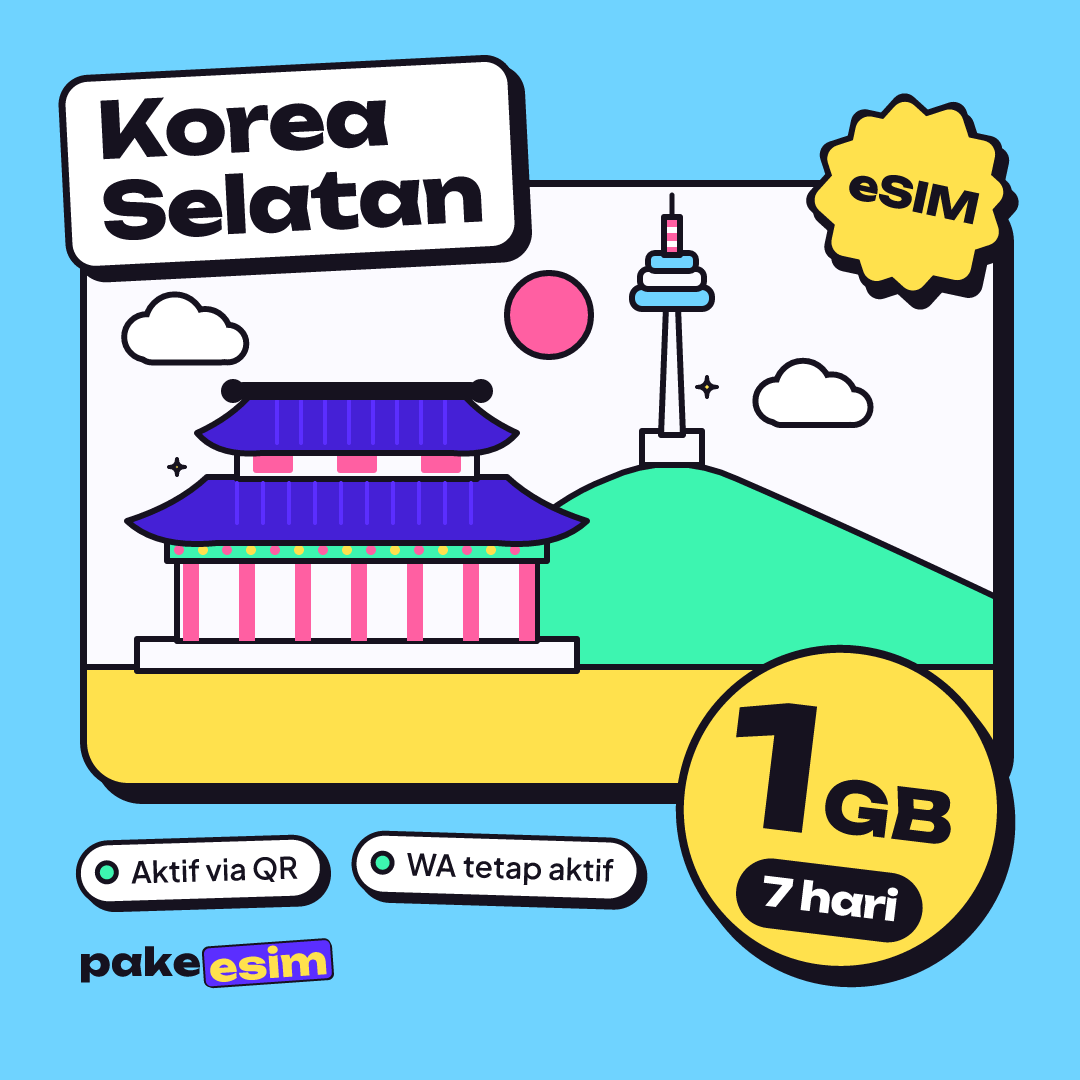
| eSIM South Korea 1 GB / 7 Days | 1 GB | 7 days | Rp17.100 | ±Rp2.443 |
| eSIM South Korea 2 GB / 15 Days | 2 GB | 15 days | Rp28.500 | ±Rp1.900 |
| eSIM South Korea 3 GB / 30 Days | 3 GB | 30 days | Rp39.900 | ±Rp1.330 |
| eSIM South Korea 4 GB / 30 Days | 4 GB | 30 days | Rp62.700 | ±Rp2.090 |
One honest note. The Korea eSIM plans at Pakeesim are small to mid-sized, from 1 GB to 4 GB. If you binge K-dramas on the KTX from Seoul to Busan and post reels every night, that data will go fast. For that pattern, a large-data pocket WiFi is the more sensible choice, even if you have to carry it around.
eSIM vs wifi egg in Korea: how many GB do you actually need?
A Korea eSIM with 1 GB covers roughly one day of Naver Map, KakaoTalk, WhatsApp, and some social media. Free Wi-Fi is easy to find in Korea, so mobile data often lasts longer than you expect if you connect to hotel and café Wi-Fi whenever you can.
The Incheon city page also notes that visitors can easily get online in public places, on public transportation, and in restaurants. So size your data by the hours you spend away from Wi-Fi, not by your total screen time.
- 3 to 5 days, mostly maps and chat: 1 GB for 7 days usually works, as long as you use hotel Wi-Fi.
- 7 to 10 days with Instagram and the odd video call: 2 GB for 15 days is safer.
- Long stays, exchange semesters, or frequent hotspot to a laptop: 3 GB or 4 GB with 30 days of validity, because the hotspot draws from the same data.
In our view, 1 GB for a full week is tight if you keep opening Naver Map while hunting for cafés in Seongsu. The 2 GB plan with 15 days of validity is the comfortable middle ground.
eSIM or wifi egg: which one fits your trip?
The right choice depends on how many people are traveling, how much data you use, and which phone you bring. Run through these checks so you don't buy the wrong thing.
- Check your phone first. An eSIM only works on a phone that supports eSIM and is not carrier-locked. Use the eSIM phone compatibility checker, or dial *#06# and see whether an EID shows up.
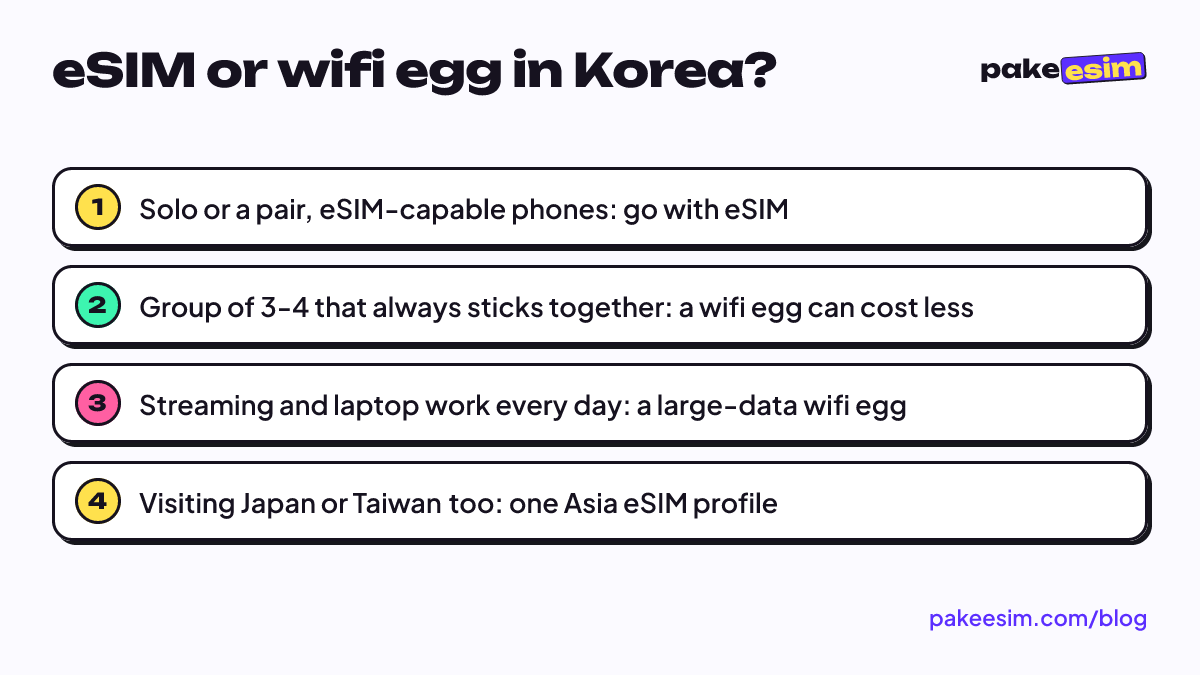
- Traveling solo or as a pair? Get an eSIM. Each person has their own connection, so you can split up in Hongdae or at Lotte World.
- Family with kids whose phones don't support eSIM? Put the eSIM on a parent's phone and turn on the hotspot. Take the 4 GB plan so it doesn't run dry halfway through the day.
- Group of three or four that is always together? A wifi egg can be cheaper per person, as long as one person owns the battery and the return.
- Need a Korean number for calls or texts? A data eSIM has no number. Look at a local Korean SIM card for that.
If your route also takes in Japan, Taiwan, or Hong Kong, the Asia eSIM covers South Korea and those places in one profile, so you don't have to switch eSIMs at the next airport.
Can I use a Korea eSIM right after landing?
Yes, a Korea eSIM works right after landing as long as you installed it in Indonesia and turn on Data Roaming. The plan's validity only starts when the eSIM first connects to a network in South Korea, so installing it a few days before you fly doesn't eat into your days.
The steps are short.
Before you fly
Scan the QR code while your phone is on Wi-Fi at home. Apple confirms that a QR code from your carrier can be used to set up an eSIM on iPhone, and the full steps for iPhone and Android are in our guide to installing and activating an eSIM. Also make sure your phone is not carrier-locked, which you can check in Apple's guide to unlocking an iPhone for a different carrier.
After landing at Incheon
Turn on Data Roaming for the eSIM line, switch Cellular Data to the eSIM, then toggle Airplane Mode off and on once. Your Indonesian SIM stays active in the physical slot for WhatsApp and bank OTP texts. You can walk straight to the AREX station without stopping at a rental counter, and on the way home there is no queue to return a device before check-in.
A wifi egg has its own routine. You collect the device at the counter, switch it on, and type the password into every phone. It's not hard. But in busy months the counter line can take a while, and the device has to go back before you fly home.
So, which one should you pick?
If your phone supports eSIM and your usage is normal, an eSIM is the most practical option for South Korea. Install at home, land, turn on roaming, done. A wifi egg is worth considering for groups that stay together or heavy users who need lots of data every day.
For data estimates city by city from Seoul to Jeju, see our South Korea tourist eSIM guide to price, data, and setup. Flying near the end of the year? Read Korea eSIM in winter or summer for December data tips. Keep the limits in mind: Pakeesim eSIMs are data only, with no number or SMS, and they can't be topped up. Payment is online by bank virtual account, QRIS, e-wallet, or card, in rupiah only, with the total matching the plan price and confirmation automatic, with details on the how to pay page.