Destinations
Hong Kong eSIM or Pocket WiFi: Which Is Better? Local SIM Compared Too
For solo travelers and pairs, an eSIM is usually the most practical way online in Hong Kong. Pocket WiFi suits big groups that stay together, and a local SIM suits long stays with passport registration.

Contents
- Hong Kong eSIM vs pocket WiFi vs SIM card: what actually differs?
- Is a Hong Kong eSIM or pocket WiFi cheaper?
- Why do local Hong Kong SIM cards need registration?
- Is 5G pocket WiFi faster than an eSIM in Hong Kong?
- eSIM, pocket WiFi, or local SIM: which one fits your trip?
- Why is my Hong Kong eSIM not connecting, and is pocket WiFi safer?
- So, which one should you pick?
Hong Kong eSIM or pocket WiFi, which is better? For most visitors traveling solo or as a pair, the eSIM wins. You install it at home, there is no device to charge or return, and you skip the ID registration a local SIM needs. Pocket WiFi only starts to make sense for groups of four or more who always move together. A local Hong Kong SIM card suits long stays where you need a Hong Kong number, but it must be real-name registered before it works.
Key takeaways (TL;DR)
- A Hong Kong data eSIM is installed by scanning a QR code before departure and connects once the phone reaches a Hong Kong network, with no extra device.
- Pocket WiFi shares one connection across several phones, but everyone has to stay close to the device and its battery needs charging every day.
- Local Hong Kong SIM cards must complete real-name registration with an identity document before service activation, according to OFCA.
- A Pakeesim data eSIM has no phone number, so WhatsApp and SMS one-time passwords keep running on your home SIM in the physical slot.
Hong Kong eSIM vs pocket WiFi vs SIM card: what actually differs?
An eSIM, a pocket WiFi, and a local SIM card all get you online in Hong Kong, but they live very differently in your bag. An eSIM is a digital SIM downloaded with a QR code. A pocket WiFi is a small modem that shares Wi-Fi with several devices.
A local SIM card is a physical card from a Hong Kong carrier that goes into your phone's SIM tray.
| Aspect | Data eSIM | Pocket WiFi | Local Hong Kong SIM card |
|---|---|---|---|
| How you get it | Buy online, scan the QR at home | Rent, pick up at the airport or by delivery | Buy at the airport, a shop, or a convenience store |
| ID registration in Hong Kong | No, it is not a local SIM card | Not by the user | Required before service starts |
| Extra things to carry | None | Device, charger, power bank | SIM ejector pin, a safe spot for your home SIM |
| Sharing with friends | Yes, via phone hotspot | Yes, that is the whole point | Yes, via phone hotspot |
| Home SIM stays active | Yes, in the physical slot | Yes | No, unless your phone has two physical slots |
| Main risk | Phone lacks eSIM support or is carrier-locked | Dead battery, lost device, separated from the group | Forgetting to register, losing your home SIM |
In our view, the biggest difference is not speed. It is hassle. A pocket WiFi is one more thing to remember, charge every night, and hand back before you fly home. Get separated from whoever holds it in the Mong Kok crowds and your phone is offline again.
Is a Hong Kong eSIM or pocket WiFi cheaper?
A Hong Kong eSIM is usually cheaper for one to three people, because you pay for the data plan only, with no daily rental fee, deposit, or delivery charge. Pocket WiFi can work out cheaper per person only when a large group that always travels together splits the rental.
The math is simple. Pocket WiFi is billed per rental day, so a longer trip costs more even if you barely use data. An eSIM is billed per plan with a fixed validity period. Hong Kong eSIM prices as of October 2026 are in the table below, pulled live from the store so they always show the current rate in Indonesian rupiah.
| Plan | Data | Validity | Price | Per day |
|---|---|---|---|---|
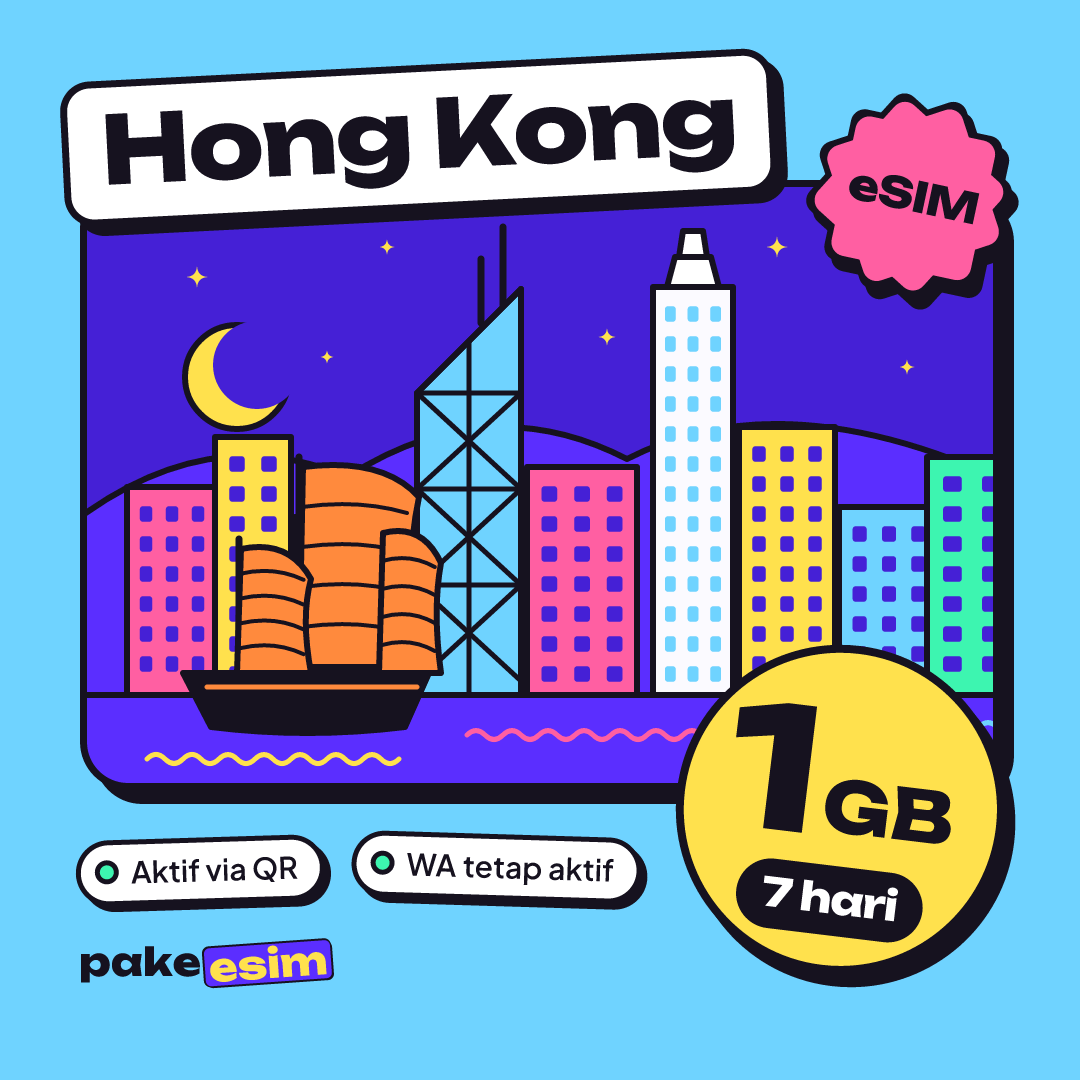
| eSIM Hong Kong 1 GB / 7 Days | 1 GB | 7 days | Rp9.000 | ±Rp1.286 |
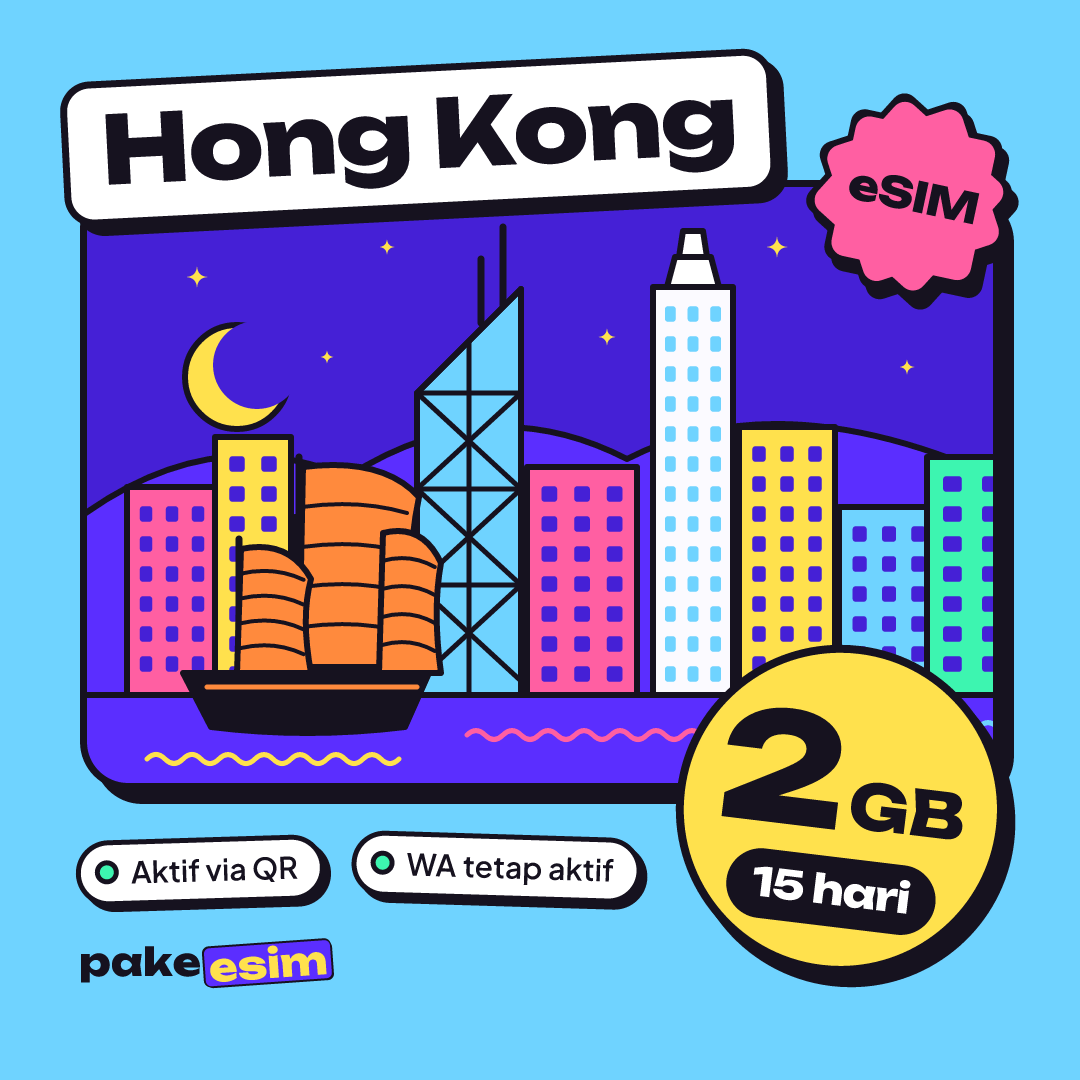
| eSIM Hong Kong 2 GB / 15 Days | 2 GB | 15 days | Rp28.500 | ±Rp1.900 |
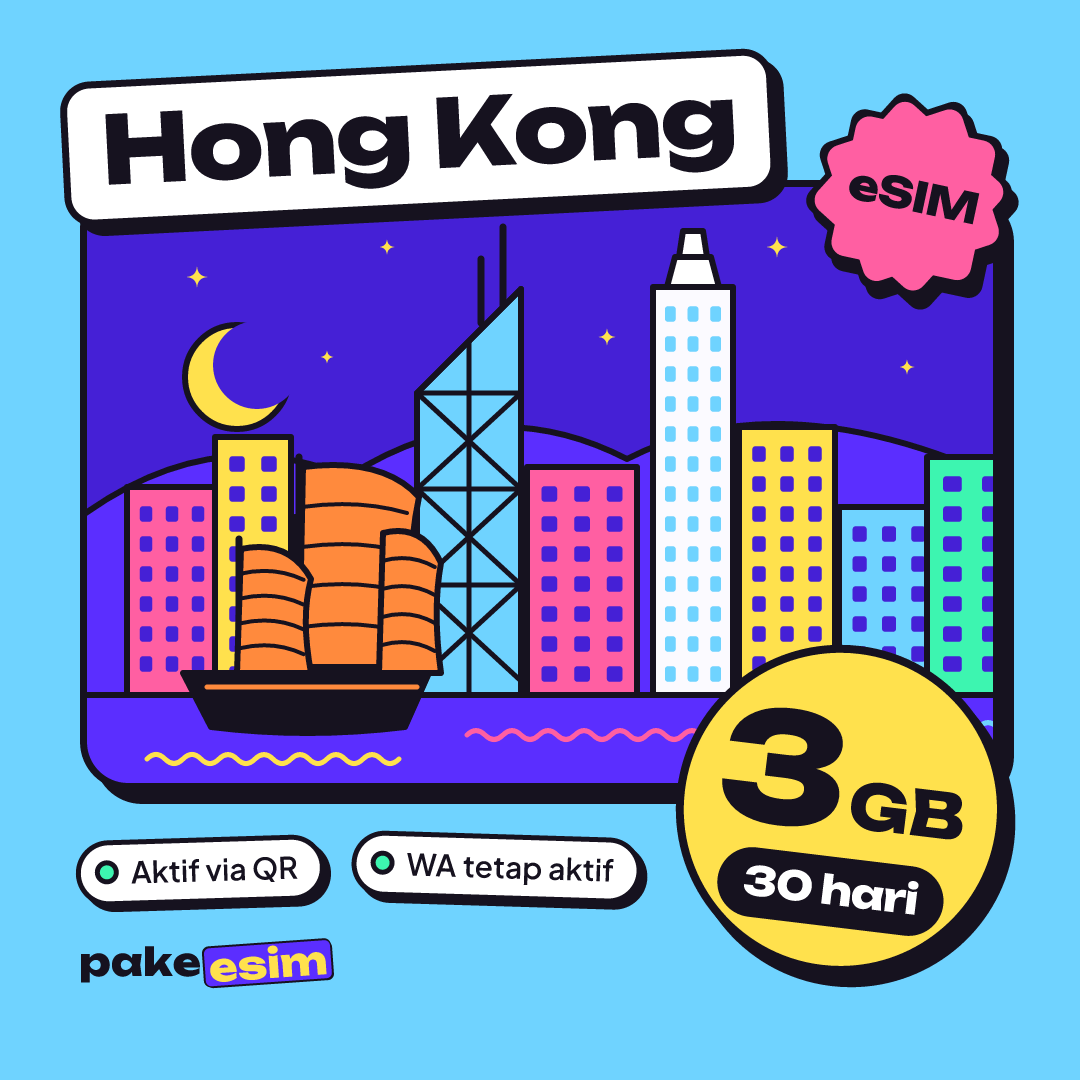
| eSIM Hong Kong 3 GB / 30 Days | 3 GB | 30 days | Rp39.900 | ±Rp1.330 |
| eSIM Hong Kong 4 GB / 30 Days | 4 GB | 30 days | Rp62.700 | ±Rp2.090 |
How much data you need depends on trip length and how you use your phone.
- A layover or 2 to 3 days of mostly Maps, MTR routes, and chat: 1 GB is usually enough.
- 5 to 7 days with Instagram, Google Lens for menus, and the odd video call: 2 to 3 GB is safer.
- More than a week, or regular hotspot to a laptop: take 4 GB, since hotspot data comes out of the same allowance.
Honestly, 1 GB for 7 days is tight if you post a story at every new spot. The 2 GB plan with 15 days of validity is a comfortable middle ground for a week-long holiday.
For longer trips, or if you keep sharing your connection with family phones, the 4 GB plan gives you more room.
Carrier details and what to do when an eSIM refuses to work are covered in our full guide on whether eSIM works in Hong Kong, with prices, data, and networks.
Why do local Hong Kong SIM cards need registration?
Local Hong Kong SIM cards need real-name registration under a program overseen by OFCA, the Office of the Communications Authority, Hong Kong's telecom regulator. An unregistered prepaid card simply will not activate, so tourists have to register it with their own original identity document, usually a passport.
Here is how the Hong Kong government's official announcement puts it.
"all SIM cards issued and used locally (including service plan SIM cards and PPS cards) must have their real-name registration completed before service activation" (OFCA press release on SIM card real-name registration)
In practice, registration adds one more step right after landing, exactly when you want to book a taxi or check the Airport Express route. A travel data eSIM is not a local Hong Kong SIM card, so you just install it at home. The local SIM still has a real advantage. You get a Hong Kong number, which helps if you are staying a long time or need to take local calls.
Is 5G pocket WiFi faster than an eSIM in Hong Kong?
A 5G pocket WiFi does not automatically make your phone faster, because the link from the device to your phone is still Wi-Fi and the speed is shared by every connected device. For normal tourist use like Maps, chat, and social media, a Hong Kong eSIM on 4G is more than enough.
A 5G pocket WiFi earns its keep when a group connects many devices at once, say a few laptops for remote work. For eSIM plans, the network type is listed on each plan page, so check there if 5G matters to you. One thing people forget. On packed streets like Tsim Sha Tsui, battery is the bigger problem, not speed, and a pocket WiFi adds one more battery to babysit.
eSIM, pocket WiFi, or local SIM: which one fits your trip?
The right choice for Hong Kong depends on group size, length of stay, and the phone you carry. Use the checklist below so you buy the right thing once.
- Check your phone first. An eSIM only works on a phone that supports eSIM and is not carrier-locked. Use our eSIM phone compatibility checker or dial *#06# to see whether an EID shows up.
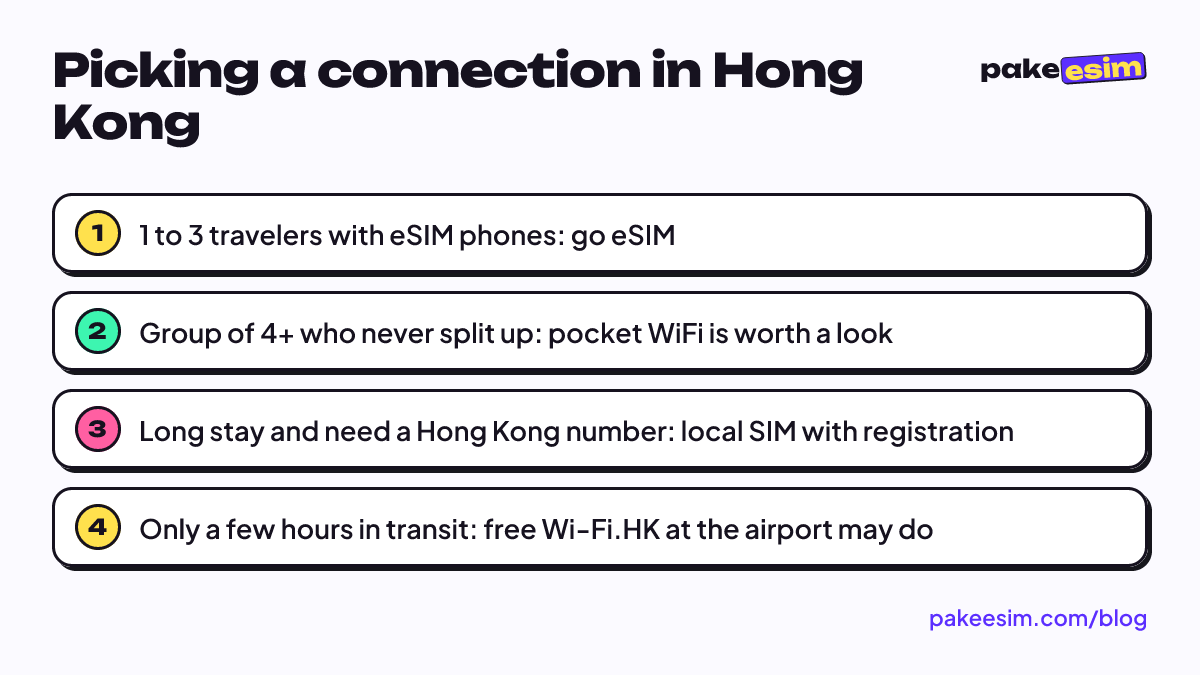
- Traveling solo or as a pair? Get an eSIM. Nothing to carry, and each of you has your own connection.
- Family with kids whose phones lack eSIM? Put one eSIM on a parent's phone and turn on hotspot. Pick a bigger data plan.
- Tour group of four or more who always stay together? Pocket WiFi can be cheaper, as long as someone owns the battery and the device return.
- Staying for months and need a Hong Kong number? Choose a local SIM card with passport registration.
If your route also includes Macau, note that the Hong Kong eSIM plans cover Hong Kong only. For a combined Hong Kong and Macau trip, the Asia eSIM covers both (plus mainland China, Taiwan, and other Asian countries) in a single profile.
Why is my Hong Kong eSIM not connecting, and is pocket WiFi safer?
A Hong Kong eSIM that will not connect is almost always a settings issue, not the network. Usually Data Roaming is still off, Cellular Data is still on the home SIM, or the phone turns out to be carrier-locked. Pocket WiFi has its own failure points, like a flat battery or a device that was never activated, so it is not automatically the safer bet.
The fastest checks when your eSIM has no signal, in order:
- Make sure the eSIM was installed before you left. Full steps are in our guide to installing and activating eSIM on iPhone and Android, and Apple's own instructions for setting up an eSIM on iPhone cover the iOS side.
- Turn on Data Roaming for the eSIM line. Travel eSIMs work as roaming, so without it there is no internet.
- Switch Cellular Data to the eSIM, not your home SIM. On iPhone, this is explained in Apple's guide to choosing which number uses cellular data.
- Toggle Airplane Mode off and on after landing to force the phone to search for Hong Kong networks.
- Still stuck? Join the free airport Wi-Fi and contact customer support.
That free Wi-Fi can be a lifesaver. Hong Kong's government runs Wi-Fi.HK, which according to the Hong Kong government announcement on Wi-Fi.HK is free, or free for at least 30 minutes, with no registration, at the airport, attractions, malls, and convenience stores. Fine for emergencies, but do not rely on it while you are walking around looking for an address.
At year end, Hong Kong's weather is drier and cooler, so people stay outdoors longer and use Maps more. We weigh that up in our Hong Kong eSIM winter vs summer travel article, and data math for visitors is in the Hong Kong eSIM tourist guide covering how many GB you need.
So, which one should you pick?
If your phone supports eSIM, an eSIM is the most practical option for Hong Kong. Install at home, land, turn on roaming, done. Pocket WiFi is worth considering for big groups that never split up, and a local SIM for long stays where you need a Hong Kong number.
Keep the limits in mind. A Pakeesim eSIM is data only, with no phone number or SMS, and it cannot be topped up. Payment is online in rupiah via QRIS, e-wallets, bank virtual accounts, or card, and the order is confirmed automatically for exactly the plan price, with no admin fee; details are on the how to pay page. Buying a few days before you fly is fine too, because the validity period only starts when the eSIM first connects to a Hong Kong network.