Destinations
Does eSIM Work in Hong Kong? 2026 Prices, Data, Networks, and Fixes
Yes, eSIM works in Hong Kong on phones that support eSIM and aren't carrier-locked. Install the QR code at home and it connects after you land. For a 4–7 day trip, 2 GB or 3 GB is usually enough.

Contents
- What is a Hong Kong eSIM, and how is it different from a SIM card?
- How much does a Hong Kong eSIM cost?
- Why is a Hong Kong eSIM cheaper than roaming?
- How many GB do you need for a Hong Kong trip?
- Which networks does a Hong Kong eSIM use?
- Why is my eSIM not working in Hong Kong?
- Why did my Hong Kong eSIM disappear from settings?
- Does eSIM work on an iPhone bought in Hong Kong?
- Is a Hong Kong eSIM safe and any good?
- Real-name SIM registration in Hong Kong
- eSIM, roaming, or a local SIM: which fits your Hong Kong trip?
- When do you need an Asia eSIM instead of a Hong Kong plan?
- How to install a Hong Kong eSIM before you head to the airport
- Before you fly to Hong Kong
Does eSIM work in Hong Kong? Yes, as long as your phone supports eSIM and isn't carrier-locked. A Hong Kong eSIM is a digital data plan you install with a QR code before you fly, and it connects as soon as your phone picks up a Hong Kong network. For a 4 to 7 day holiday, a 2 GB or 3 GB plan usually makes the most sense if you also use hotel Wi-Fi. Your home number stays active for WhatsApp and bank OTPs, because the eSIM only handles data.
Key takeaways (TL;DR)
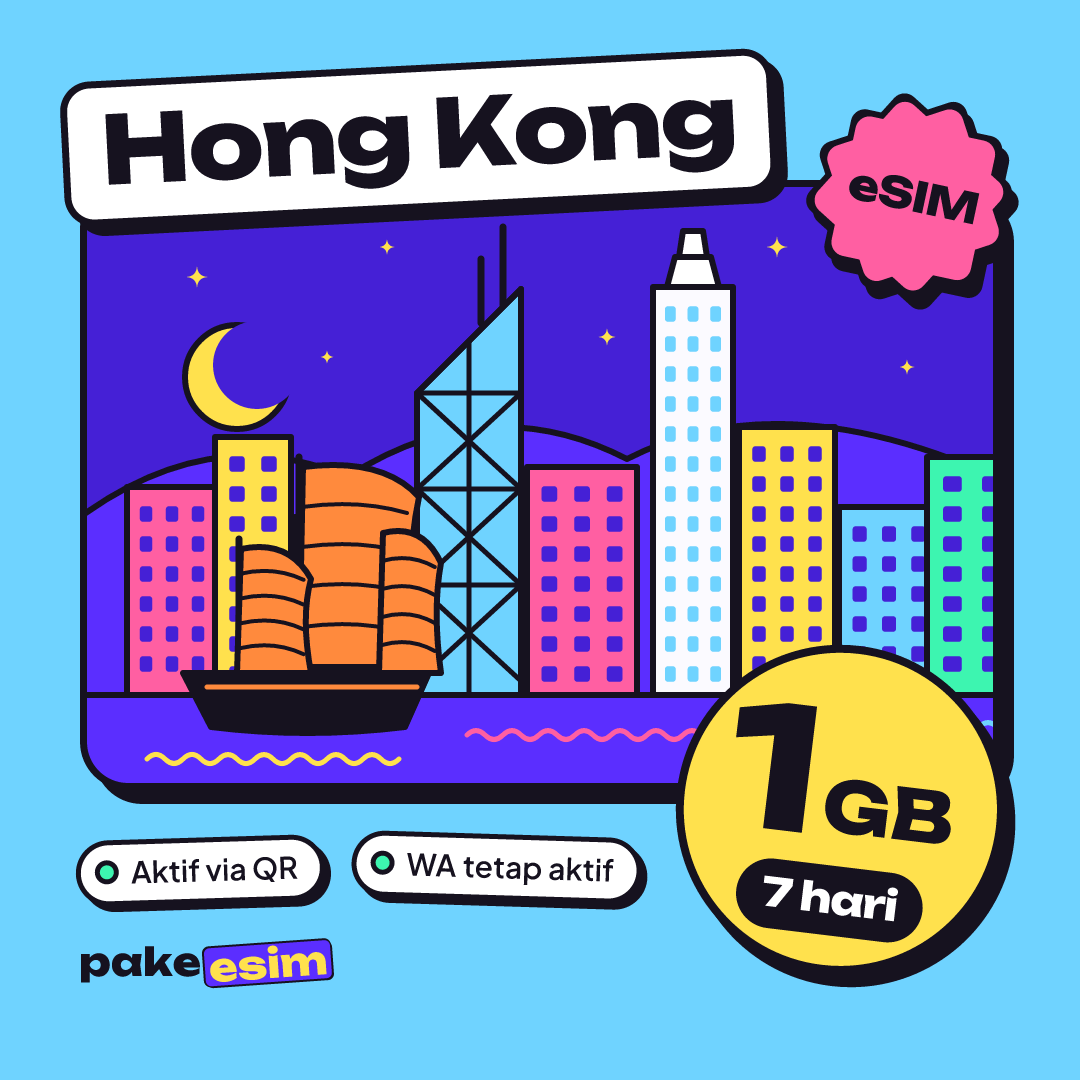
- Pakeesim's Hong Kong eSIM plans run from 1 GB for 7 days to 4 GB for 30 days, data only with no local phone number.
- A Hong Kong eSIM's validity starts when it first connects to a network in Hong Kong, not when you buy it.
- Hong Kong plans only work in Hong Kong, so a route that adds Macau, Shenzhen, or Taiwan needs an Asia eSIM.
- Dual nano-SIM iPhones with model codes ZA/A and CH/A cannot use eSIM, including some units bought in Hong Kong.
- Local Hong Kong SIM cards have required real-name registration since March 1, 2022, while a travel eSIM is bought and installed from home.
What is a Hong Kong eSIM, and how is it different from a SIM card?
A Hong Kong eSIM is a digital SIM profile downloaded onto the eSIM chip inside your phone, loaded with data for use in Hong Kong. You don't open the SIM tray or line up at an airport counter. You scan a QR code while you're still at home.
Apple describes it in plain terms in its official Apple guide to eSIM on iPhone:
"An eSIM is an industry-standard digital SIM built into your iPhone, eliminating the need for a physical SIM card." (Apple Support)
Android phones work on the same principle. Compared with a plastic card, three things change:
- Nothing gets swapped out. Your home SIM stays where it is, so your number still receives SMS codes and calls.
- You buy it before the trip. Pakeesim is an Indonesian store, so prices are in rupiah and payment is online through QRIS, e-wallet, virtual account, or card. Once payment goes through, the QR code appears on your order page.
- Data only. The eSIM doesn't give you a Hong Kong number, can't send SMS, and can't make regular calls. Calls still work through WhatsApp or other apps.
If this is your first eSIM, start by checking your phone on the eSIM phone compatibility checker. In our view this is the single most important step, because the wrong phone is the most common reason an install fails.

How much does a Hong Kong eSIM cost?
Pakeesim's Hong Kong plans are priced in rupiah, from 1 GB for 7 days up to 4 GB for 30 days. The table below always shows the latest prices, because it reads straight from the catalog and figures can change.
| Plan | Data | Validity | Price | Per day |
|---|---|---|---|---|
| eSIM Hong Kong 1 GB / 7 Days | 1 GB | 7 days | Rp17.100 | ±Rp2.443 |
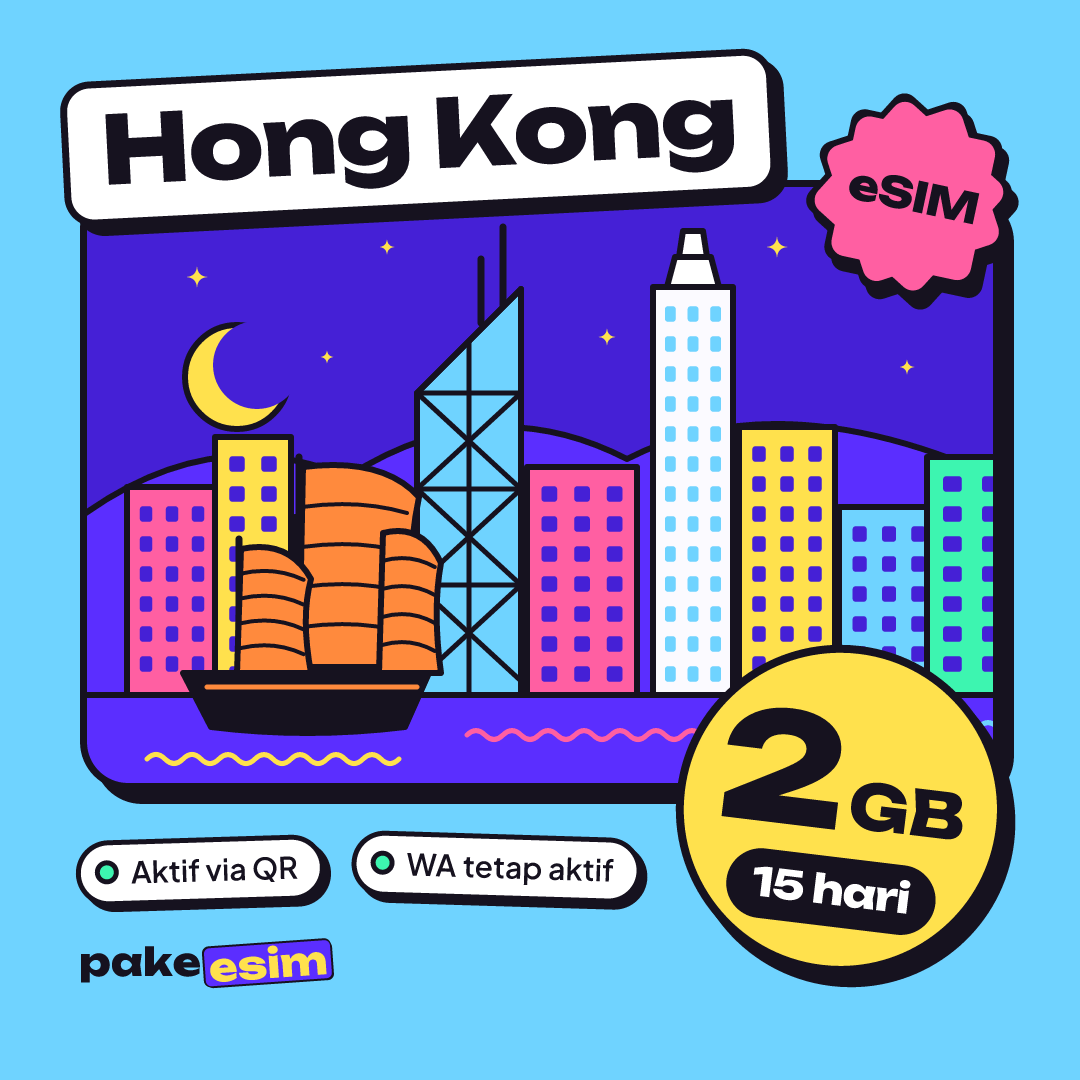
| eSIM Hong Kong 2 GB / 15 Days | 2 GB | 15 days | Rp28.500 | ±Rp1.900 |
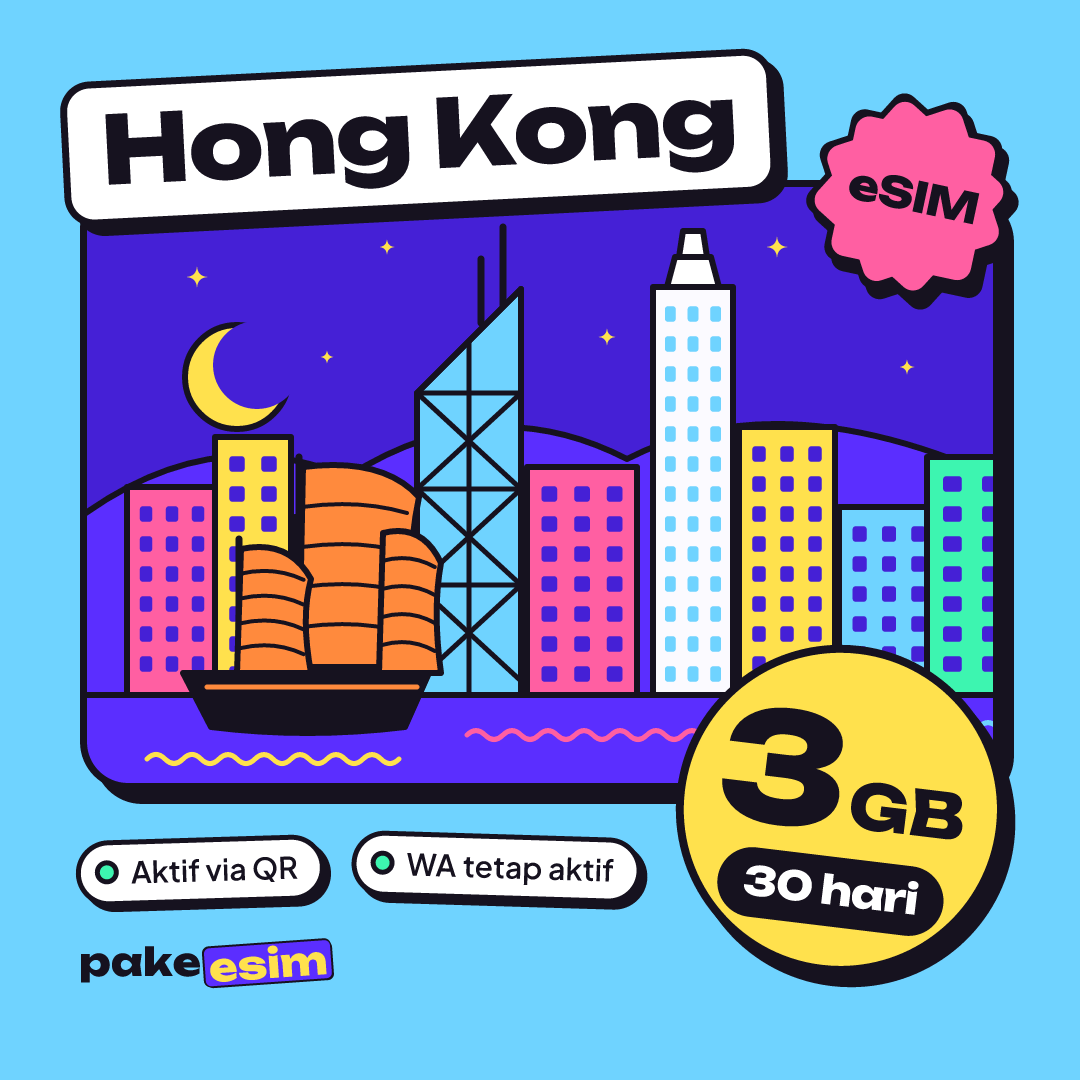
| eSIM Hong Kong 3 GB / 30 Days | 3 GB | 30 days | Rp39.900 | ±Rp1.330 |
| eSIM Hong Kong 4 GB / 30 Days | 4 GB | 30 days | Rp62.700 | ±Rp2.090 |
There's no admin fee and no shipping, since the product is digital. You pay exactly the plan price, and the order is confirmed automatically once payment goes through. The full steps are on the how to pay page. One catch worth knowing: unpaid orders expire automatically after 3 hours.
Why is a Hong Kong eSIM cheaper than roaming?
Indonesian carrier roaming is usually sold as a bundle tied to your own number, while a travel eSIM focuses on data, sized for a short trip. You aren't paying for services you may never touch. The low price comes with clear limits, though. You can't top up, and when the data runs out, you buy a new QR code.
How many GB do you need for a Hong Kong trip?
Our simple rule of thumb: 1 GB covers roughly one day of normal use for Maps, chat, and social media. Double it if you video call or stream a lot. If you lean on hotel Wi-Fi and public hotspots, your mobile data use can be much lower.
Hong Kong is a Wi-Fi friendly city. The government runs a shared free Wi-Fi brand called Wi-Fi.HK, available in government venues, parks, and other public places, as described in the Hong Kong government press release on the Wi-Fi.HK service. Still, public Wi-Fi won't help you on the bus to Ngong Ping or when you're hunting for the right MTR exit in Tsim Sha Tsui.
| Time in Hong Kong | Usage style | Plan that makes sense |
|---|---|---|
| 1–3 days (layover, quick shopping) | Maps, chat, a bit of Instagram | 1 GB / 7 days |
| 4–7 days (typical holiday) | Maps, chat, social media, the odd video call | 2 GB / 15 days or 3 GB / 30 days |
| 7–10 days, lots of photo uploads | Active social media, video calls every night | 4 GB / 30 days |
| Study, a conference, or remote work | Hotspot to a laptop, online meetings | 4 GB / 30 days, plus a second plan in reserve |
Honestly, we think 1 GB is too tight for a full week if you're the type who goes live on Instagram from Victoria Peak. For most visitors staying 4 to 6 days, the 2 GB plan with 15 days of validity is the comfortable middle ground.
If you want the numbers broken down by itinerary, there's a dedicated Hong Kong eSIM tourist guide on how many GB you need and setup.
Which networks does a Hong Kong eSIM use?
Hong Kong has four major mobile network operators: HKT (the parent of the csl brand), China Mobile Hong Kong, 3HK, and SmarTone. All four launched commercial 5G in April and May 2020, according to the CMS guide to 5G regulation in Hong Kong.
A travel eSIM connects as a roaming customer on one of those networks. The operator name in your status bar may differ from the name of the eSIM provider, and that's normal. If the plan page lists a specific network, go with what it says.
A few practical points about the networks in Hong Kong:
- At HKG airport. Once you land and switch off airplane mode, the phone usually starts searching for a network right away. This is where installing the eSIM at home pays off.
- 4G or 5G icon. What shows up depends on the plan's network and your phone's capabilities, so older phones still get online over 4G.
- Manual network selection. If you have no signal after landing, try picking a network operator manually from the list in your cellular settings.
Why is my eSIM not working in Hong Kong?
A Hong Kong eSIM that won't connect is most often caused by Data Roaming being off, cellular data still set to your home SIM, or a phone that turns out to be carrier-locked. You can check all three in about five minutes without contacting anyone.
The order we recommend:
- Open cellular settings and make sure the travel eSIM is selected as the Cellular Data line.
- Turn on Data Roaming for that eSIM line specifically. Without it, a travel eSIM won't connect.
- Switch on airplane mode for about 10 seconds, then turn it off to force a fresh network search.
- Still nothing? Select a network operator manually.
- If it still fails, contact customer support between 08.00 and 22.00 WIB (Western Indonesia Time, UTC+7) with your order number. Support is in Indonesian.
Why did my Hong Kong eSIM disappear from settings?
A missing eSIM profile was usually deleted by accident, for example during a network settings reset or while moving data to a new phone. An eSIM QR code can generally be scanned only once, so a deleted profile often can't be reinstalled from the same code. If the add eSIM option doesn't exist at all, your phone most likely doesn't support eSIM.
Does eSIM work on an iPhone bought in Hong Kong?
eSIM does not work on every iPhone bought in Hong Kong. Some iPhone models sold officially in Hong Kong and Macao use two physical SIM slots instead of eSIM, so check the model code before you buy a plan.
"In Hong Kong and Macao, certain iPhone models feature Dual SIM with two nano-SIM cards." (Apple Support)
Dual nano-SIM iPhones like these usually carry the model code ZA/A (Hong Kong and Macao) or CH/A (mainland China), and units with those codes can't install an eSIM. Check yours under Settings > General > About. For iPhones that do support it, the step-by-step install is in our eSIM install and activation guide for iPhone and Android.
Is a Hong Kong eSIM safe and any good?
A Hong Kong eSIM is safe to use because the profile is embedded in your phone and can't be pulled out and moved to another device like a physical card. Whether it's good depends on the Hong Kong network it runs on, not on the eSIM format itself.
What you need to look after is simple. Don't share a photo of your eSIM QR code before installing it, because that code works like a SIM card. Keep a screenshot of your order page in case you need to contact support.
One question comes up a lot: is an eSIM for Hong Kong free? No, a travel eSIM is a paid plan. What's free in Hong Kong is the public Wi-Fi mentioned above, with speeds and time limits that vary by location.
Real-name SIM registration in Hong Kong
Hong Kong requires real-name registration for local SIM cards. Since March 1, 2022, all new postpaid and prepaid SIM cards issued in Hong Kong must be registered before activation, according to the Hong Kong government announcement on real-name SIM registration. Visitors who buy a local card register with their travel document, as set out in the Hong Kong SIM registration rules for visitors.
That rule targets SIM cards issued and used locally. A travel eSIM from Indonesia isn't bought at a Hong Kong counter, so you don't have to queue and hand over your passport at the airport just to get online.
eSIM, roaming, or a local SIM: which fits your Hong Kong trip?
A Hong Kong eSIM suits travelers who want to be online from the moment they land without removing their home SIM. Carrier roaming works if you really need your own number reachable by regular calls, while a local SIM makes sense for long stays that need a Hong Kong number.
| Option | Pros | Cons |
|---|---|---|
| Travel eSIM (data only) | Installed at home, paid in rupiah, home number stays active | No local number, no top-ups, needs an eSIM phone |
| Indonesian carrier roaming | Nothing to install, your number still takes calls | Price and data depend on your carrier's roaming package, so check before you fly |
| Local Hong Kong SIM card | You get a Hong Kong number | Must be bought and registered there, and your home SIM comes out on a single-slot phone |
Need a Hong Kong number to receive SMS from local services? A data eSIM can't help there, and we'd rather say so up front.
When do you need an Asia eSIM instead of a Hong Kong plan?
A Hong Kong plan only works in Hong Kong. Once your route crosses the bridge to Macau, takes the train to Shenzhen, or continues on a flight to Taipei, you need an Asia eSIM that covers 20 countries and territories in one profile, including Hong Kong, Macau, China, and Taiwan.
Routes and plans are compared in our guide to eSIM for Hong Kong, Macau, and China on a combined trip. If Taiwan is your main stop, read the Taiwan eSIM tourist guide with Taipei data needs and setup. The full country list is in the Asia eSIM travel guide covering 20 countries.
How to install a Hong Kong eSIM before you head to the airport
Install the eSIM while you're on Wi-Fi at home, a day or two before departure. Validity only starts when the eSIM first connects to a network in Hong Kong, so installing early doesn't eat into your days.
- Buy a plan, pay, and wait for the QR code to show up on your order page. It usually takes minutes once payment is confirmed.
- On iPhone, go to Settings > Cellular > Add eSIM > Use QR Code. On Android, look for Add eSIM or Download SIM in the SIM settings.
- Label it "Hong Kong" so it doesn't get mixed up with your main SIM.
- Leave the eSIM line off for data while you're still at home.
- After landing at HKG, set the eSIM as Cellular Data and turn on Data Roaming.
Before you fly to Hong Kong
The steps people skip most often are the simplest ones. Dial *#06#, see whether an EID appears, and make sure the phone isn't SIM-locked. Then pick your data by how long you're staying and how you use your phone, not by the lowest price.
If everything checks out, you can pick a Hong Kong plan from the eSIM plan catalog. Keep the QR code safe, install it at home, and let the phone handle the rest once the wheels touch down at Chek Lap Kok.