Destinations
How to Buy a Saudi eSIM Online: 5 Steps from Phone Check to QR Code
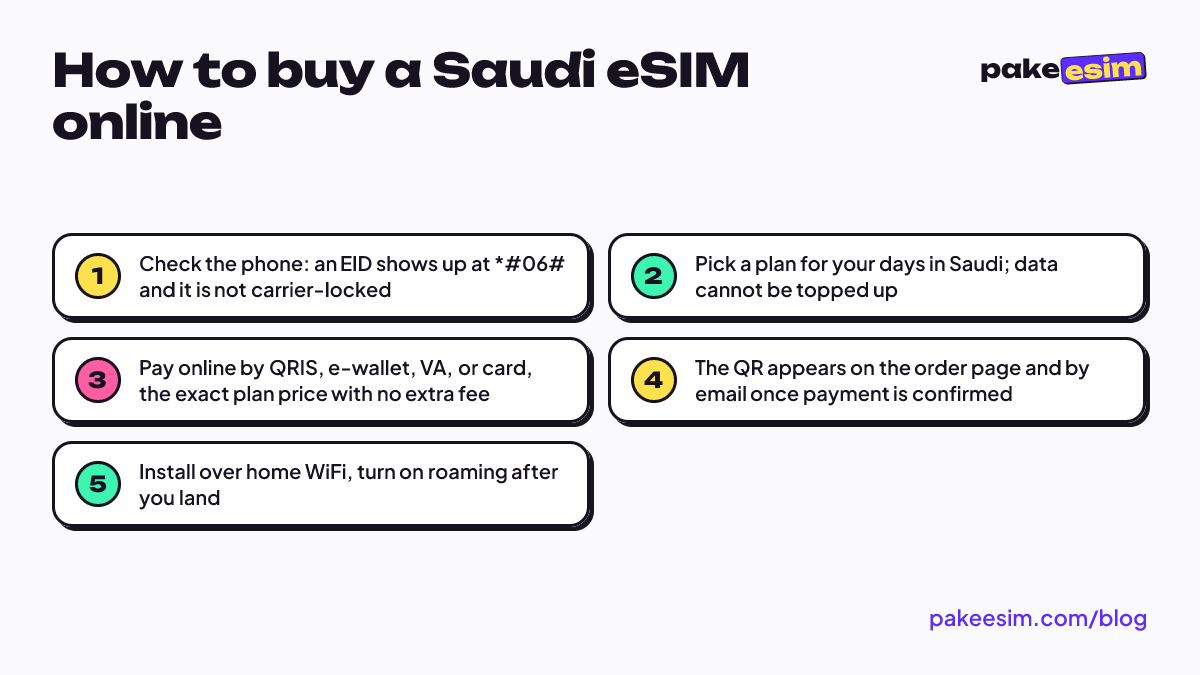
Check that your phone supports eSIM and isn't carrier-locked, pick a plan for your days in Saudi, pay online by QRIS, e-wallet, virtual account, or card, grab the QR from your order page, then install it over home WiFi before you fly.

Contents
- Before you buy: check your phone (two minutes)
- iPhone
- Android
- How to buy a Saudi eSIM online, step by step
- Which plan should you buy, and why is it so cheap?
- eSIM, Telkomsel roaming, or a local SIM in Saudi: which one?
- Why won t a Saudi eSIM you already bought work?
- When should you install it?
- Before you fly
How to buy a Saudi eSIM online from Indonesia takes five steps, all done on your phone: check that the phone supports eSIM, pick a plan for the length of your trip, pay online by QRIS, e-wallet, virtual account, or card, wait for the QR code, then install it at home over WiFi. Nothing gets shipped, and you skip the SIM counter queue in Jeddah or Madinah. What usually goes wrong isn't the purchase itself. It's a phone that turns out to be carrier-locked, or a QR code scanned on the wrong device. So we start there.
Key takeaways (TL;DR)
- Buying a Saudi eSIM online takes five steps: check phone compatibility, pick a plan, pay, get the QR code, and install it.
- Payment for a Saudi eSIM is online via QRIS, e-wallet, virtual account, or card, charged in rupiah with no admin fee added.
- Unpaid Saudi eSIM orders expire automatically after 3 hours, so don't check out and then wait too long to pay.
- A Saudi eSIM only covers data, with no local number or calls, so the Indonesian SIM stays active for WhatsApp and OTP codes.
- Saudi eSIM validity only starts counting once it first connects to a network in Saudi Arabia, not at the moment of purchase.
Before you buy: check your phone (two minutes)
An eSIM is a digital SIM profile downloaded onto a chip inside your phone, so there is no physical card to insert. That means the phone itself has to support eSIM and must not be locked to a single carrier. If either condition fails, the QR code you paid for simply won't install, and a purchase made for an unsupported or locked device is the buyer's responsibility.
The fastest check on any brand is to dial *#06# in the phone app. If an EID number appears alongside the IMEI, the eSIM chip is there. Then check the two things below.
iPhone
Most iPhones from the XS onward support eSIM. For the lock status, go to Settings, General, About and look at the Carrier Lock line. According to Apple's guide to carrier locks, "No SIM restrictions" means the iPhone is unlocked. One important exception: dual nano-SIM iPhones sold as CH/A and ZA/A models (usually from mainland China and Hong Kong) can't use this eSIM. The full model list is in our article on Saudi eSIM support for iPhone 15 Pro Max, 13, and 11.
Android
On a Samsung Galaxy, the menu is Settings, Connections, SIM manager, then Add eSIM. Samsung itself notes that eSIM support depends on the model and region, so some Galaxy A phones may not have this menu at all. Other brands usually put it under SIM or Mobile network settings. Not sure? Open the phone compatibility checker before checkout.
How to buy a Saudi eSIM online, step by step
The process is the same for umrah, hajj, or a work trip. You can do it from the phone you'll travel with, or from a laptop.
- Open the catalog of Saudi Arabia eSIM plans and choose the data amount and validity. Guidance on which one is in the next section.
- Check out. Enter your name and email, and confirm your phone supports eSIM.
- Pay on the Midtrans payment page: QRIS, e-wallet, bank virtual account, or credit card. The total is exactly the plan price, with no admin fee, and everything is charged in rupiah. Step-by-step instructions are on the payment page. Unpaid orders expire automatically after 3 hours.
- Get the QR code from your order page once payment is confirmed automatically. A link is also emailed to you.
There are no admin or delivery fees, since the product is digital. The thing people forget is support hours: 08.00 to 22.00 WIB (Western Indonesia Time, UTC+7). If your flight leaves Soekarno-Hatta at 1 a.m., buy that afternoon, not from the departure lounge. QR email didn't arrive? Check spam, or resend it from the order tracking page.
Which plan should you buy, and why is it so cheap?
The prices in this table are read live from the catalog, so they're always current when you open the article.
| Plan | Data | Validity | Price | Per day |
|---|---|---|---|---|
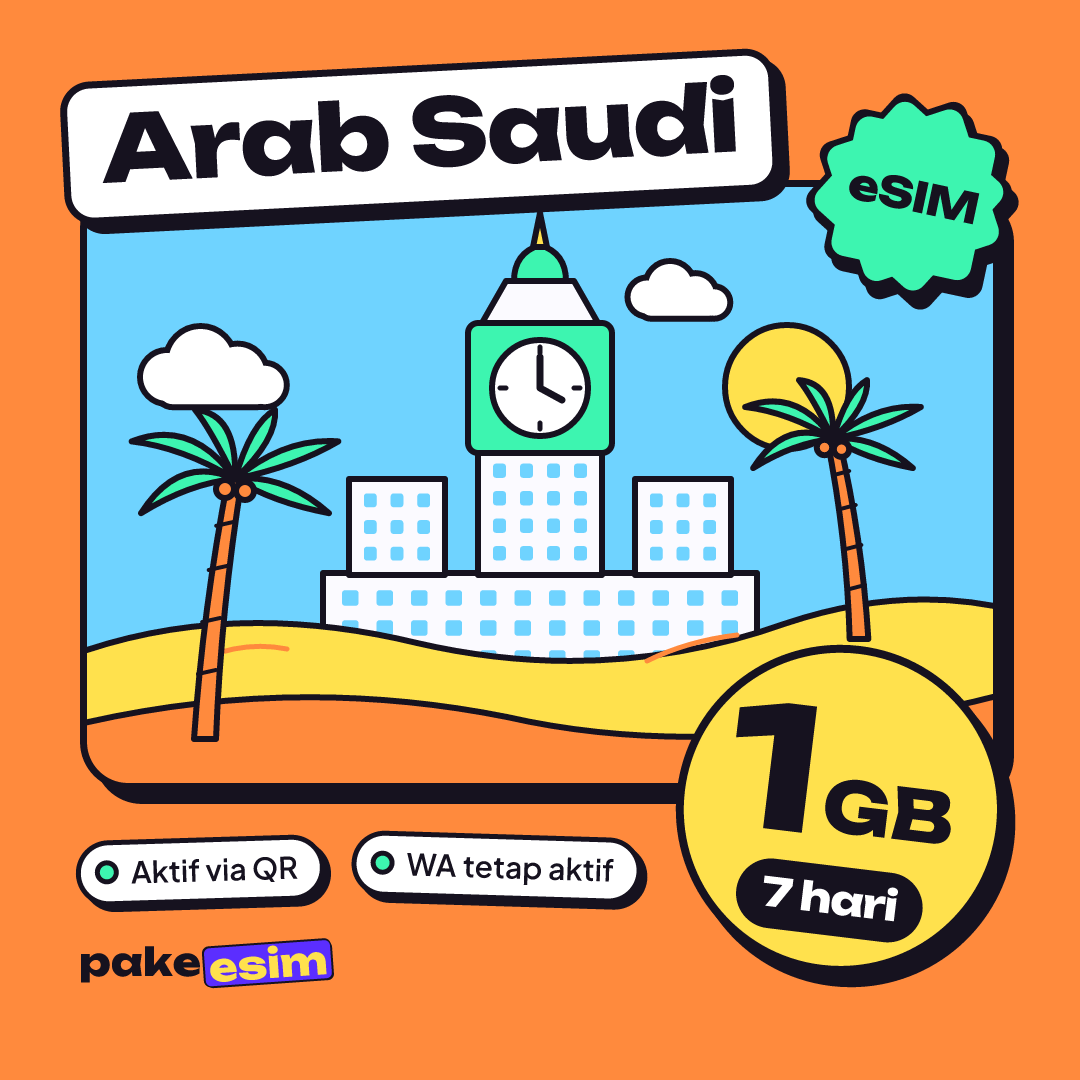
| eSIM Saudi Arabia 1 GB / 7 Days | 1 GB | 7 days | Rp9.000 | ±Rp1.286 |
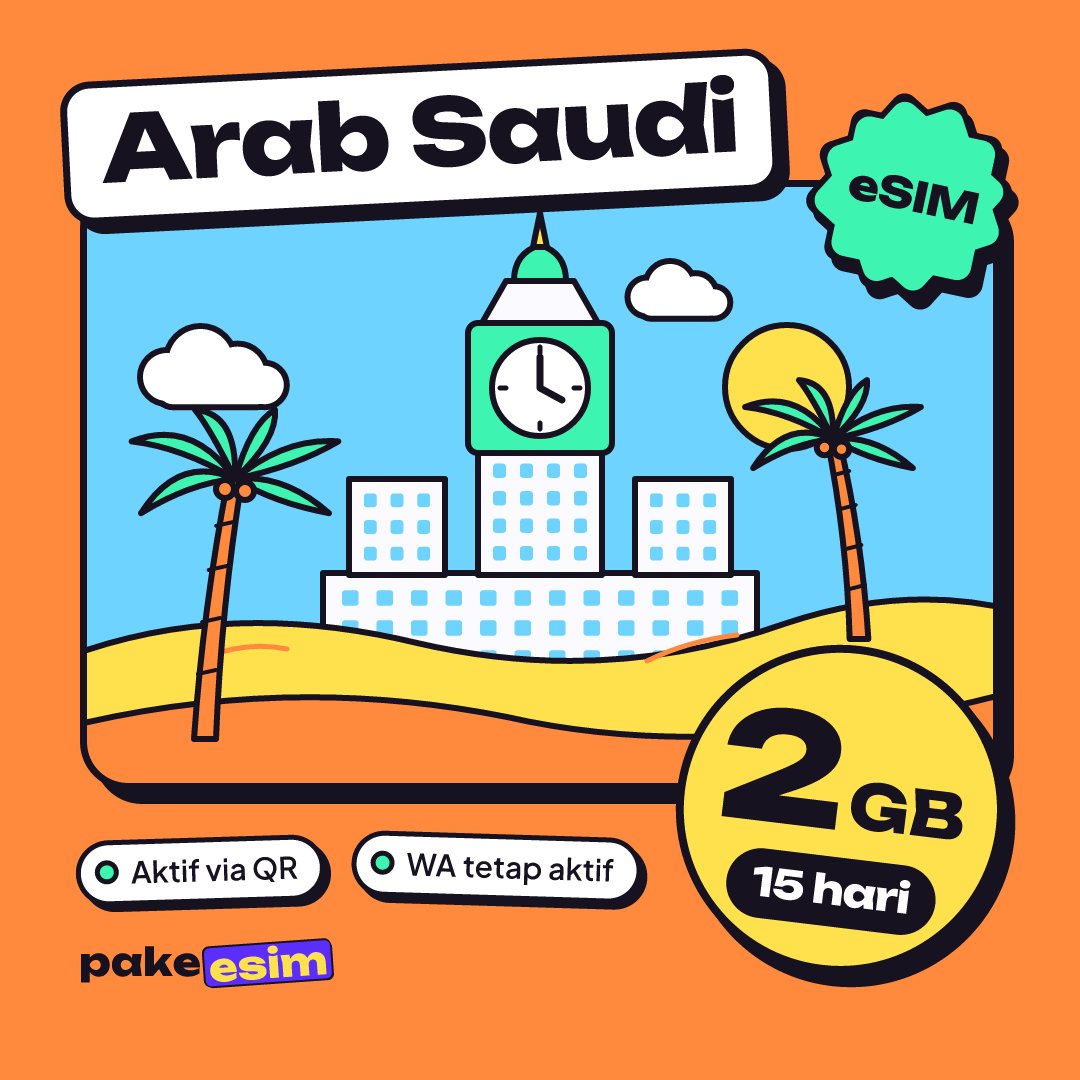
| eSIM Saudi Arabia 2 GB / 15 Days | 2 GB | 15 days | Rp28.500 | ±Rp1.900 |
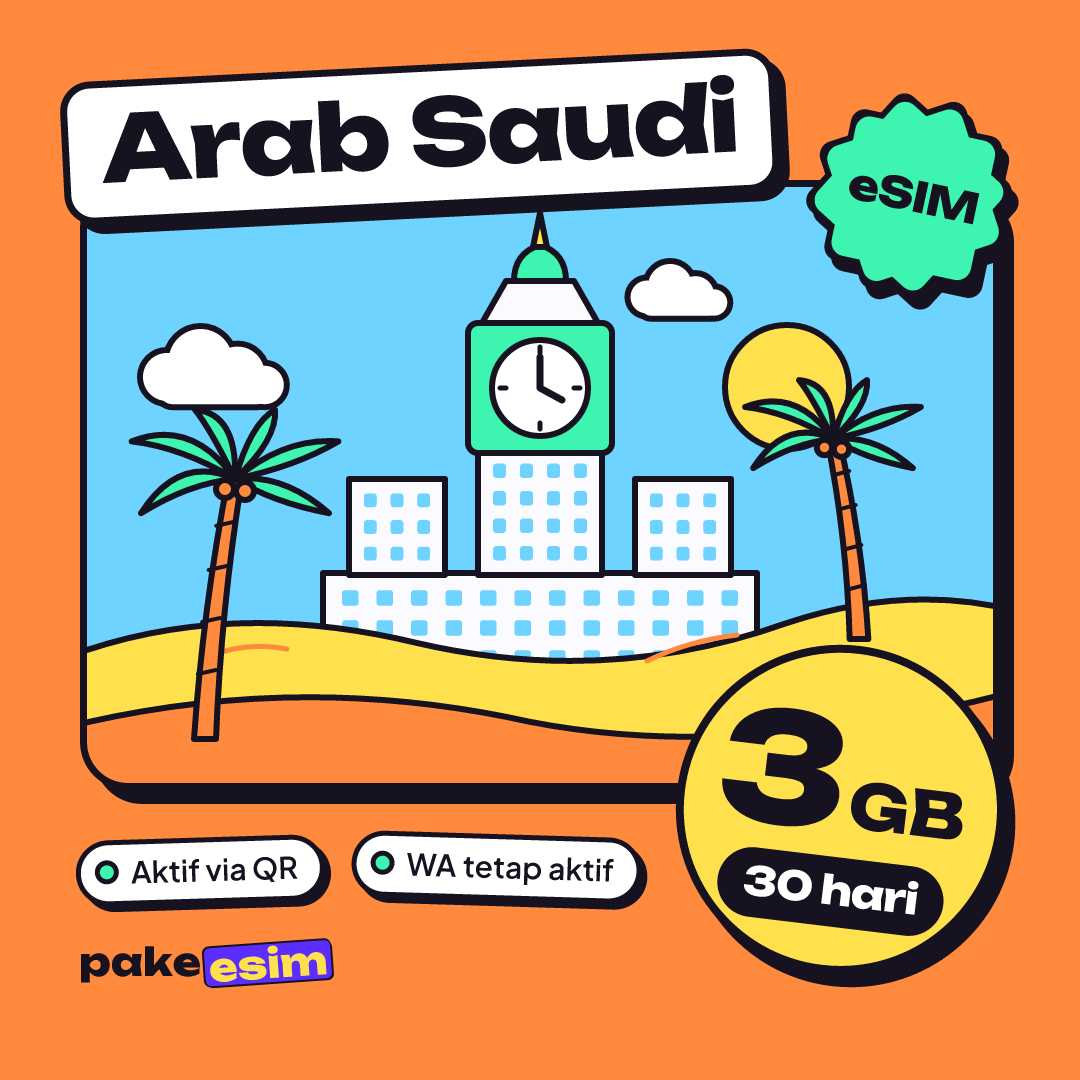
| eSIM Saudi Arabia 3 GB / 30 Days | 3 GB | 30 days | Rp39.900 | ±Rp1.330 |
| eSIM Saudi Arabia 4 GB / 30 Days | 4 GB | 30 days | Rp62.700 | ±Rp2.090 |
Some people wonder why a Saudi eSIM costs so much less than an operator roaming pack. The reason is simple. These plans are data only, with no local number, no SMS or regular calls, and smaller data allowances. Your Indonesian number stays live on your main SIM for WhatsApp and OTP codes, because the eSIM only takes over the data line.
Our rule of thumb: 1 GB covers roughly one day of Maps, chat, and a moderate amount of social media. Honestly, for a 9 to 12 day umrah, the 1 GB / 7 day plan is too tight if you keep sending videos to the family group. For a trip of about two weeks, the 15 day plan makes sense as long as you stick to hotel WiFi for video calls and photo uploads.
If you're the type who livestreams from the mosque courtyard or video calls every night, take the largest plan. Plans can't be topped up. Run out halfway and the fix is buying a new QR code, which is a pain when the hotel WiFi is weak.
A more detailed daily data breakdown, plus a digital packing list for pilgrims, is in our guide to the Saudi Arabia eSIM for umrah. If you want to compare cost per day across plans, read Saudi Arabia eSIM prices for tourists.
Doing umrah plus with a stop in Dubai, Istanbul, or Cairo? A Saudi eSIM doesn't cover other countries. The Middle East eSIM 2 GB / 15 days is more practical: it covers 9 countries, including Saudi Arabia, the UAE, Turkey, and Egypt.
eSIM, Telkomsel roaming, or a local SIM in Saudi: which one?
Indonesian travelers often search for "Telkomsel" or "Indosat" Saudi eSIMs, so a quick clarification. A Telkomsel or Indosat eSIM is your Indonesian number in eSIM form, not a Saudi eSIM. To get online in Saudi Arabia you'd still need to activate that operator's roaming pack.
For reference, Telkomsel's January 2024 RoaMAX Umroh announcement listed prices from Rp275,000 with up to 20 GB and up to 17 days of validity, activated through the MyTelkomsel app. Operator rates change, so check the app again before you fly.
| Option | Pros | Cons | Best for |
|---|---|---|---|
| Saudi Arabia data eSIM | Cheap, installed at home, main number stays active | Data only, smaller allowance, phone must support eSIM | Pilgrims who need chat, Maps, and updates for family |
| Indonesian operator roaming | Nothing to install, large data, call options | Much higher price per pack | Heavy data users or anyone who needs regular calls |
| Local SIM bought in Saudi | You get a local number | Counter queue, passport registration, offline when you land | Long stays or anyone who needs a Saudi number |
In our view, for a regular 9 to 12 day umrah, a data eSIM makes the most sense on cost. Operator roaming wins if you really need a lot of data or make regular phone calls. A local SIM only starts to pay off if you're staying for months.
Why won't a Saudi eSIM you already bought work?
Payment went through, the QR is installed, but there's no signal. The cause is usually one of these.
- The phone is carrier-locked. Common with secondhand units from overseas markets. Only the original carrier can unlock it, through its official process.
- The QR was scanned on another phone. An eSIM QR code can usually be scanned only once. Install it on the phone you're actually taking.
- Data roaming is off. In Saudi Arabia, the eSIM line must be set as your cellular data line, with Data Roaming switched on for that line.
- The phone hasn't searched for a network yet. Toggle airplane mode on and off once. Still nothing? Pick the network operator manually.
The reassuring part: validity only starts counting when the eSIM first connects to a network in Saudi Arabia. Buying a week before departure doesn't waste any days.
When should you install it?
Install it in Indonesia while you're on home WiFi, for example the night before you head to the airport. On iPhone, Apple's official steps are to scan the QR code with the Camera, tap the notification, then choose Add Cellular Plan. Once it's installed, leave Data Roaming on the eSIM line off until the plane lands.
Why not install it at Jeddah airport? Because installing an eSIM needs internet, and airport WiFi with hundreds of pilgrims landing at once isn't something to count on. Illustrated steps for iPhone and Android are on the eSIM installation guide, and a more detailed iPhone version is in how to install an eSIM on iPhone.
Before you fly
The order is simple. Check the EID and lock status, choose a plan that matches your trip, pay during support hours, then install over home WiFi. After that, you just switch on roaming once the wheels touch the runway. Still torn between the 15 and 30 day plans? Read what is the best eSIM for Saudi Arabia first, then check out at your own pace.