Destinations
USA eSIM for Christmas Time and New Year's: Data, Plans, Time Zones
A USA eSIM at Christmas time works like any other month: install it on Wi-Fi at home, turn on roaming after landing. For 10–15 days, the 4 GB / 30 day plan fits moderate use, with video calls on Wi-Fi.

Contents
A USA eSIM at Christmas time works the same as in any other month. You scan the QR code at home, switch on data roaming after you land, and get mobile data with no US phone number. December just changes the planning. You will be 12 to 17 hours behind Indonesia, support runs on Jakarta hours, and nobody wants to fix a phone at the gate. For a 7 to 15 day Christmas and New Year's trip, the 2 GB / 15 day or 4 GB / 30 day plan is the realistic pick, with Wi-Fi doing the heavy lifting.
Key takeaways (TL;DR)
- A USA eSIM plan from Pakeesim covers the United States only, comes in 1, 2, 3, or 4 GB sizes, and gives data without a US phone number.
- In December, New York is 12 hours behind Jakarta and Los Angeles is 15 hours behind, because US daylight saving time ends on the first Sunday of November.
- USA eSIM validity starts when the eSIM first connects to a US network, so ordering in early December for a late-December trip is safe.
- For a Christmas and New Year's trip of 10 to 15 days, the 4 GB / 30 day USA eSIM fits moderate use if video calls stay on Wi-Fi.
How much does a USA eSIM cost at Christmas time?
A USA eSIM costs the same in December as the rest of the year, since the plans have no holiday pricing. Prices run from the 1 GB / 7 day plan up to the 4 GB / 30 day plan, all in rupiah. The live table below pulls current prices straight from the store, so it stays correct even if prices change after this was written.
| Plan | Data | Validity | Price | Per day |
|---|---|---|---|---|
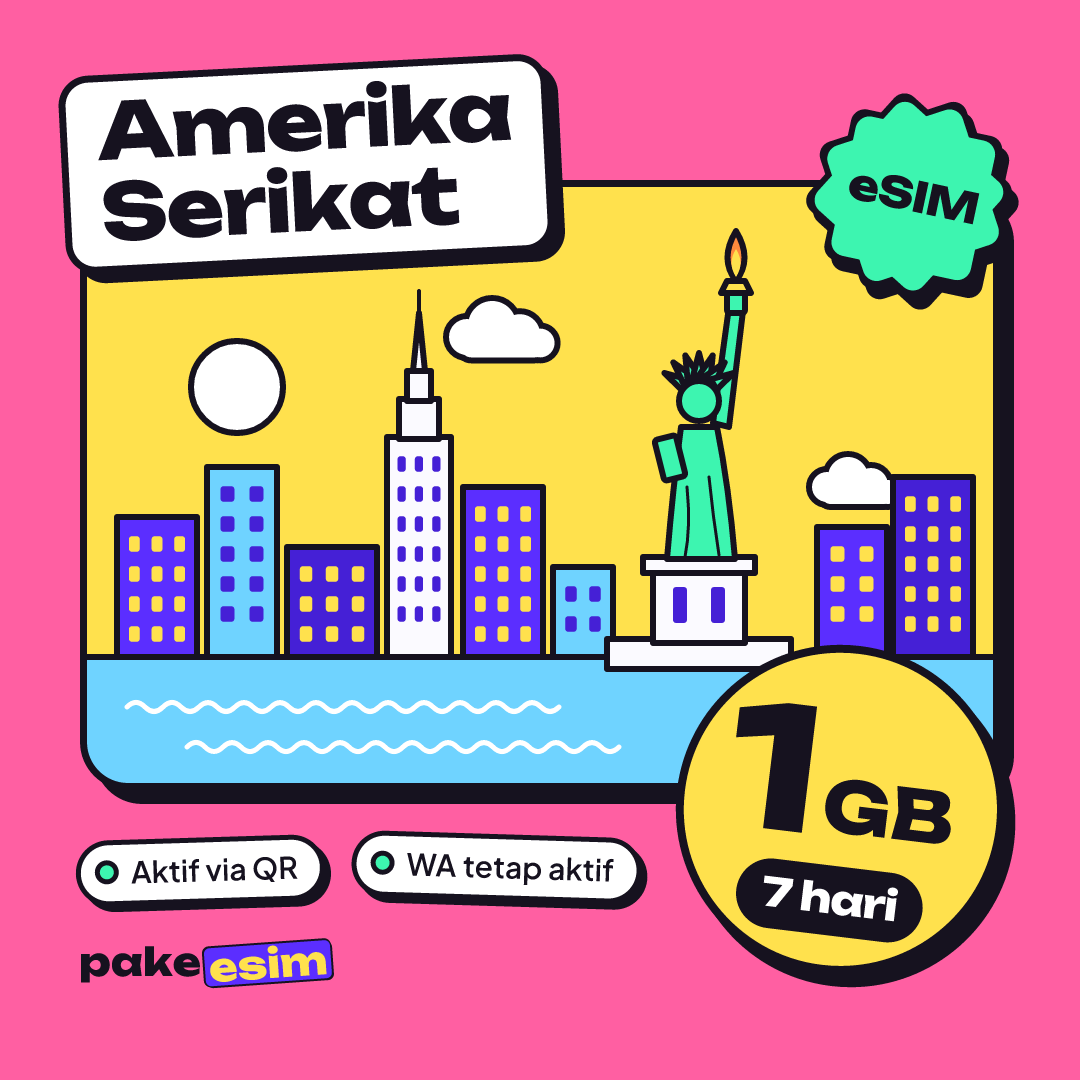
| eSIM United States 1 GB / 7 Days | 1 GB | 7 days | Rp17.100 | ±Rp2.443 |
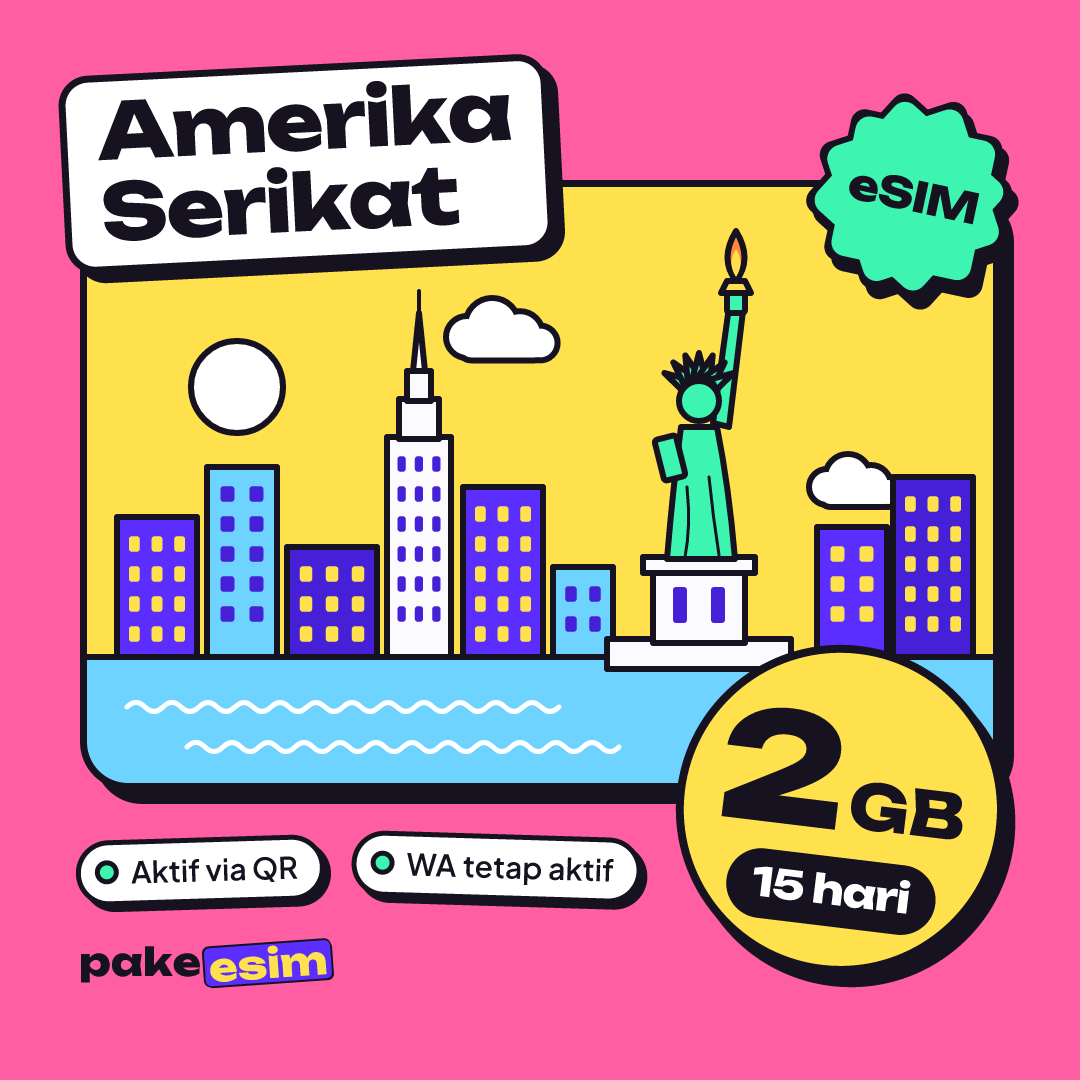
| eSIM United States 2 GB / 15 Days | 2 GB | 15 days | Rp28.500 | ±Rp1.900 |
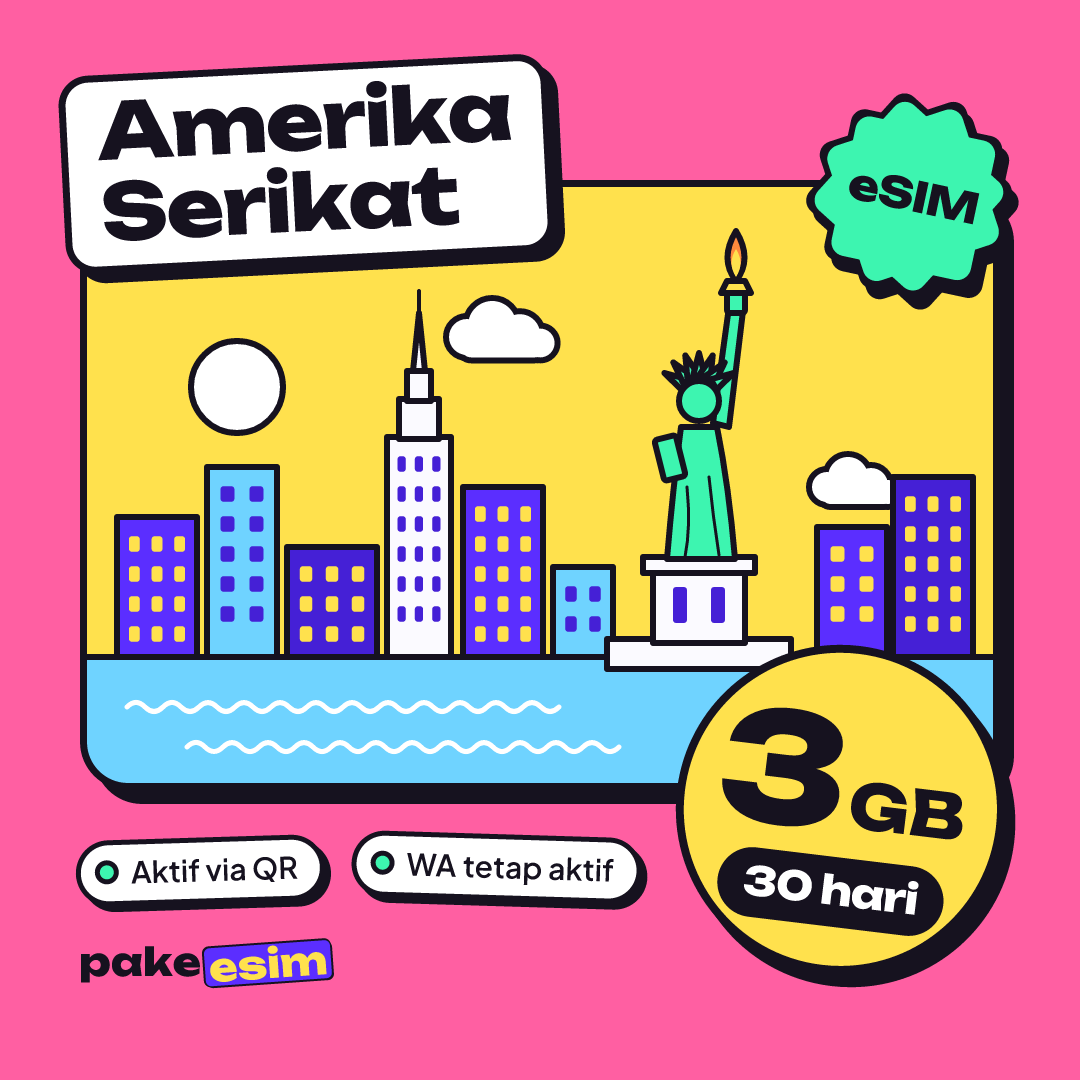
| eSIM United States 3 GB / 30 Days | 3 GB | 30 days | Rp39.900 | ±Rp1.330 |
| eSIM United States 4 GB / 30 Days | 4 GB | 30 days | Rp62.700 | ±Rp2.090 |
If you want the full breakdown of every plan and who it suits, our complete USA eSIM guide to data plans and buying goes deeper. This page sticks to the holiday trip.

How much data do you need for Christmas and New Year's in the US?
A Christmas and New Year's trip of 10 to 15 days usually fits the 4 GB / 30 day USA eSIM, as long as video calls and photo backups happen on Wi-Fi. The store's own rule of thumb is that 1 GB covers about one day of maps, chat, and moderate social media.
So 4 GB is roughly four heavy days, and the rest depends on the Wi-Fi at your hotel or your relatives' house. That sounds tight, and honestly it is if you stream. Most holiday visitors spend a lot of time indoors, though. Family dinners, hotel evenings, long drives where someone else is navigating.
| Holiday trip | Typical use | USA eSIM plan that fits |
|---|---|---|
| 5 to 7 days, staying with family | Wi-Fi at the house, maps when out | 1 GB / 7 days |
| 8 to 15 days, city sightseeing | Maps, chat, Instagram stories | 2 GB / 15 days |
| 10 to 15 days, New York for New Year's Eve | Subway maps, ride-hailing, sharing photos | 4 GB / 30 days |
| 3 to 4 weeks, student winter break | Daily maps and chat, Wi-Fi on campus or at home | 3 GB or 4 GB / 30 days |
In our view, 1 GB for a full week of sightseeing in Manhattan is too thin. Take it only if you will be on Wi-Fi most of the day. The plans cannot be topped up, so if the data runs out you buy a new plan and scan a new QR code.
Going over the border to Toronto or Vancouver during the break? A USA plan only works in the United States. The North America eSIM for the US, Canada, and Mexico covers all three in one profile, and our Canada eSIM guide for tourists explains border trips in more detail.
Why does the time zone matter for a USA eSIM at Christmas?
The US time zone matters because the whole country is 12 to 17 hours behind Indonesia in December, which affects both your family calls and when you can reach support. US daylight saving time ends on the first Sunday of November, so by Christmas every mainland zone is on standard time. Indonesia's WIB stays at UTC+7 all year.
Using the UTC offsets for each US time zone listed by NOAA, here is how the gap looks over the holidays:
| US time zone (December) | Example cities | Behind Jakarta (WIB) | 8 p.m. on December 24 there is… |
|---|---|---|---|
| Eastern, UTC−5 | New York, Washington, Orlando | 12 hours | 8 a.m. December 25 in Jakarta |
| Central, UTC−6 | Chicago, Houston | 13 hours | 9 a.m. December 25 |
| Mountain, UTC−7 | Denver | 14 hours | 10 a.m. December 25 |
| Pacific, UTC−8 | Los Angeles, San Francisco, Seattle | 15 hours | 11 a.m. December 25 |
| Alaska, UTC−9 | Anchorage | 16 hours | 12 p.m. December 25 |
| Hawaii, UTC−10 | Honolulu | 17 hours | 1 p.m. December 25 |
Two practical consequences:
- Family calls: midnight on New Year's Eve in Times Square is noon on January 1 in Jakarta. A WhatsApp video call home at that moment is easy to time, but do it on Wi-Fi if you can.
- Support hours: customer support runs 08.00 to 22.00 WIB. On the East Coast that is 8 p.m. to 10 a.m., and on the West Coast 5 p.m. to 7 a.m. If your eSIM acts up at 2 p.m. in New York, you will wait until evening for a reply, so sort out installation before you fly.
Why is my USA eSIM not working at Christmas time?
A USA eSIM that shows no signal after landing is usually a settings issue, not a network outage. The most common causes are data roaming switched off on the eSIM line, cellular data still set to your Indonesian SIM, or a phone that has not searched for a network yet. Check these in order:
- Make sure the eSIM is selected as the line for cellular data.
- Turn on Data Roaming on that eSIM line (the Indonesian line can stay off).
- Switch airplane mode on and off once to force a network search.
- Still nothing? Pick a network operator manually from the list in settings.
The step-by-step install guide with screenshots shows each screen, and our walkthrough on installing an eSIM on iPhone, from QR scan to data roaming covers iPhone specifically.
Two causes have nothing to do with settings. A phone that is still carrier-locked cannot use an eSIM from another provider, and the data may simply have run out after a long day of maps and uploads. Huge New Year's Eve crowds can also make any network slow for a while, so download offline maps of where you are going before you head out.
When should you buy and install a USA eSIM for the holidays?
Buy the USA eSIM a few days to a week before your flight and install it at home on Wi-Fi. The validity period starts when the eSIM first connects to a network in the US, not when you buy it, so an early order does not waste days.
Apple's eSIM setup instructions also ask you to connect to Wi-Fi first, which is easy at home and annoying at an arrival hall.
A few things to know before checkout:
- Payment is online, in rupiah: a bank virtual account, QRIS, GoPay, ShopeePay, a convenience store, or a credit card. The total is exactly the plan price with no admin fee, and the order is confirmed automatically. The payment guide walks through it.
- Unpaid orders expire after 3 hours.
- The eSIM QR code appears on your order page and is emailed to you once the order is confirmed.
- Check your phone first on the eSIM compatibility page. Certain dual nano-SIM iPhones (model codes ending in CH/A or ZA/A) and carrier-locked phones will not work.
Ordering on December 23 for a December 24 flight can work, but it leaves no room for a payment hiccup. Holiday trips have enough moving parts already.
Before you fly
The short version is to pick the plan by trip length, install it on home Wi-Fi, and switch on roaming once you land in the US. For most Christmas and New Year's visits, 4 GB over 30 days is the comfortable choice, and 2 GB works for a lighter, Wi-Fi-heavy trip. Check your phone, note the support hours in US time, and enjoy the holidays.