Destinations
China eSIM for Tourist Trips 2026: Cost, How Many GB, VPN, and Setup
A China eSIM is installed by QR code before you fly and goes live when you land in mainland China. For a 5–7 day holiday, 4 GB is the safe pick. Check that your phone supports eSIM, and have a backup if WhatsApp or Google won't connect.

Contents
- What is a China eSIM, and how is it different from a local Chinese SIM?
- How much does a China eSIM cost as of October 2026?
- How many GB do you need for 5, 7, or 14 days in China?
- China eSIM, local SIM, or carrier roaming: which one?
- Can a China eSIM use WhatsApp and Google without a VPN?
- Beijing, Guangzhou, or Xiamen eSIM: do you need a plan per city?
- Which phones work with a China eSIM?
- How to install a China eSIM before you leave
- After you land in China
- Why is my China eSIM not showing up or not working?
- Is a China eSIM safe, and why is it so cheap?
- Before you fly to China
A China eSIM for tourist trips is a digital data plan you install on your phone before you fly, and it switches on once you land in mainland China, from Beijing to Guangzhou and Xiamen. No queue for a SIM card at the airport, your home number stays on the phone, and one plan covers every mainland city. You need two things: a phone that supports eSIM and isn't carrier-locked. The harder questions come before you buy: how many GB is enough, and what to do about the apps that are blocked there.
Key takeaways (TL;DR)
- The Pakeesim China eSIM is data only for mainland China, with no local number, no SMS, and no regular calls.
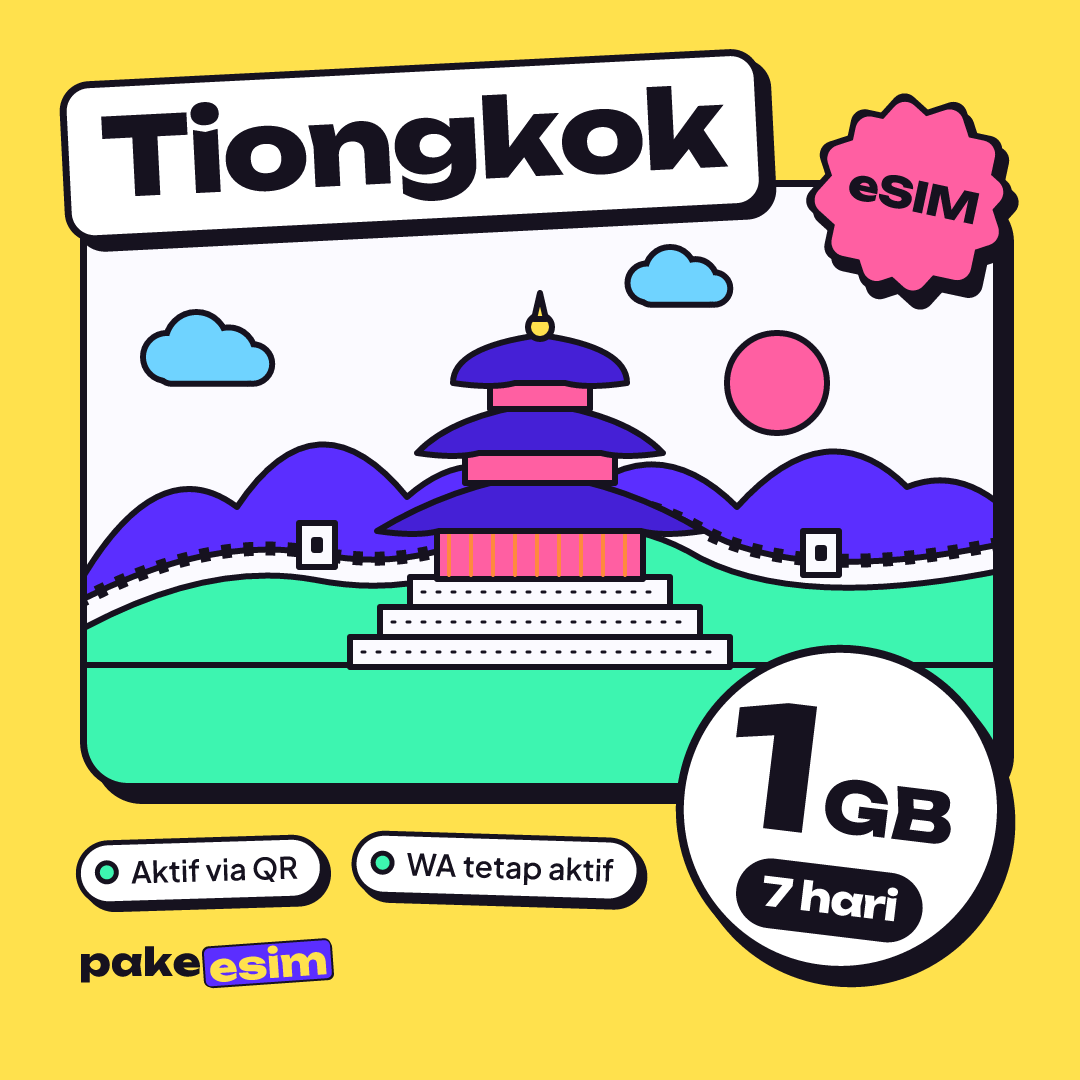
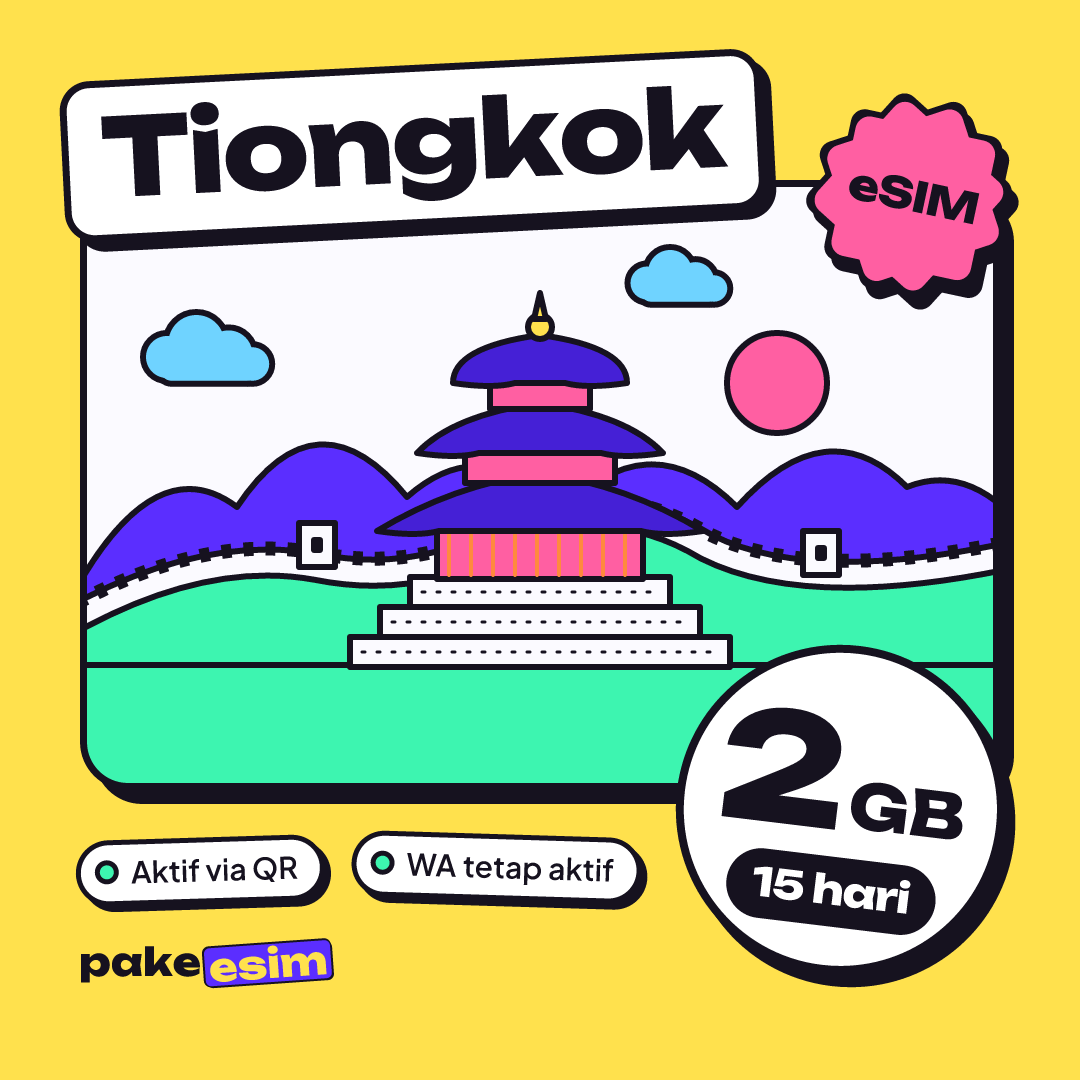
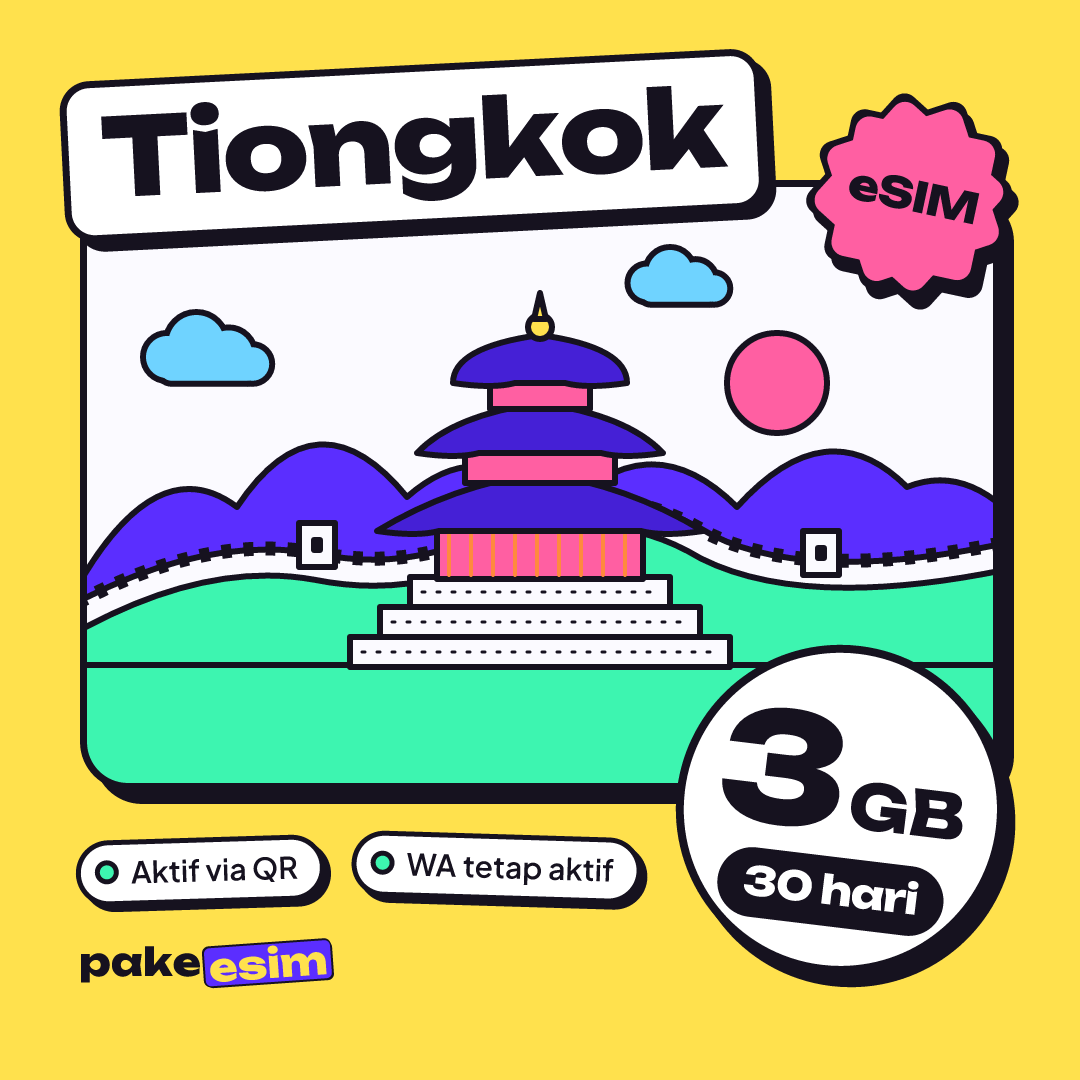
- China eSIM plans come in 1 GB for 7 days, 2 GB for 15 days, 3 GB for 30 days, and 4 GB for 30 days, and none of them can be topped up.
- The validity of a China eSIM starts when it first connects to a network in China, not on the day you buy it.
- As of October 2026, Apple says only the iPhone 18 Pro, 18 Pro Max, 17e, and iPhone Air sold in mainland China support eSIM.
- The China plan does not cover Hong Kong or Macau, so a combined route fits an Asia eSIM better.
What is a China eSIM, and how is it different from a local Chinese SIM?
A China eSIM is a digital SIM profile loaded with mobile data for mainland China, installed by scanning a QR code. Unlike a local SIM, you don't have to find a carrier shop after landing or open the SIM tray, because your current SIM card stays where it is.
"eSIM" simply means a SIM that is already built into your phone. You aren't buying a new chip; you're downloading a profile onto the one you have. In the Pakeesim catalog the product is listed as eSIM Tiongkok (Tiongkok is the Indonesian word for China), so "China eSIM" and "Tiongkok eSIM" are the same thing.
A few things worth knowing from the start:
- The plan is data only. No Chinese number, no incoming SMS, no regular phone calls.
- Plans can't be topped up. When the data runs out, you buy a new QR code.
- Your home number stays active on the main SIM line, so bank OTPs and texts from family still arrive (as long as roaming on that number is switched on).
If eSIM is new to you, our iPhone eSIM compatibility list and how eSIM works explains the basics.
How much does a China eSIM cost as of October 2026?
China eSIM prices at Pakeesim start with a 1 GB plan for 7 days, and the biggest plan is 4 GB for 30 days. The table below is pulled live from the catalog, so the numbers always match the current price, discounts included.
| Plan | Data | Validity | Price | Per day |
|---|---|---|---|---|
| eSIM China 1 GB / 7 Days | 1 GB | 7 days | Rp17.100 | ±Rp2.443 |
| eSIM China 2 GB / 15 Days | 2 GB | 15 days | Rp28.500 | ±Rp1.900 |
| eSIM China 3 GB / 30 Days | 3 GB | 30 days | Rp39.900 | ±Rp1.330 |
| eSIM China 4 GB / 30 Days | 4 GB | 30 days | Rp62.700 | ±Rp2.090 |
A heads-up for travelers paying from abroad: prices are listed in rupiah, but you can still pay by card on the payment page, along with QRIS, e-wallets, and Indonesian bank virtual accounts. The total is exactly the plan price, with no admin fee, and the order is confirmed automatically once payment goes through. Unpaid orders expire after 3 hours. The QR code appears on the order page and is emailed to you.
There's no shipping fee, because nothing physical gets shipped. All you receive is a QR code.
How many GB do you need for 5, 7, or 14 days in China?
Pakeesim's rule of thumb is simple: 1 GB lasts roughly one day of maps, chat, and some social media. For a 5 to 7 day holiday, the 4 GB plan is the safe pick, and if you video call a lot or post videos, plan on a second plan.
Why such a generous estimate? In China you tend to open maps, translation apps, and payment apps far more often than on a trip to Bangkok or Kuala Lumpur. Plenty of signs are only in Chinese characters, and restaurant menus are often a QR code. All of that uses data.
| Trip length | Usage style | Sensible plan |
|---|---|---|
| 3–4 days (layover, short business trip) | Chat and maps, lots of hotel Wi-Fi | 2 GB / 15 days |
| 5–7 days (Beijing or Shanghai holiday) | Maps every day, translator, photos to the group chat | 4 GB / 30 days |
| 8–14 days (several cities) | Maps, translator, social media | 4 GB / 30 days plus one backup plan |
| 30 days (short course, internship) | Light daily use, dorm Wi-Fi | 3 GB or 4 GB / 30 days, with an extra plan ready |
Honestly, we think 1 GB for 7 days is too tight for a first trip to China. It works better as a backup, or for a one-day layover in Guangzhou before you move on.
For a week-long holiday, this is the plan that usually fits:
If your trip is short and you spend most of your time in a hotel or office with Wi-Fi, the 2 GB plan with 15 days of validity is enough:
A quick note on seasons. People often ask whether a China eSIM works differently in winter or summer. It doesn't. What changes is how you use it: in a Beijing winter you spend more time indoors on Wi-Fi, while in summer you walk more and keep the map open.
China eSIM, local SIM, or carrier roaming: which one?
For tourists staying less than a month, a travel eSIM is usually the most practical, because it's live when you land. A local Chinese SIM makes sense if you need a Chinese phone number, while roaming from your home carrier is the simplest option but worth price-checking in your carrier's app first.
| Option | Pros | Cons |
|---|---|---|
| China eSIM (data only) | Installed at home, live on landing, home number stays on the phone | No local number, no top-ups, phone must support eSIM |
| Local SIM (China Mobile, China Unicom, China Telecom) | A Chinese number for local apps and calls | Shop visit and passport registration, subject to China's website blocking |
| Roaming from Telkomsel, XL, Indosat | Nothing to install, same number | Roaming rates and data differ by carrier, so check before you go |
If you're also hopping over to Hong Kong or Macau on the same trip, the China plan alone isn't enough, because it doesn't cover either of them. We compare those routes in eSIM options for Hong Kong, Macau, and China, and for longer itineraries there's the Asia eSIM covering 20 countries.
Can a China eSIM use WhatsApp and Google without a VPN?
The honest answer: it depends on the provider's data routing, and the Pakeesim plan pages don't list that routing. So if WhatsApp, Gmail, or Google Maps are essential to your trip, ask customer support before you buy, and have a backup plan.
Why ask at all? The Government of Canada's official travel advice for China puts it plainly:
"China blocks access to several websites, social media, search engines and online services within its territory." (Travel.gc.ca)
Connections that go through local networks, including hotel and café Wi-Fi, fall under those rules too. The same question applies to Instagram and TikTok.
You'll see claims that a travel eSIM "automatically" unlocks every app. We won't promise that. It's safer to sort out a few things before you fly:
- Download WeChat and Alipay at home, then log in and verify them while you still have a stable signal.
- Save offline maps or download a map app that's used in China.
- Tell your family how to reach you if WhatsApp won't connect, for example via WeChat.
- Keep tickets, hotel vouchers, and your passport details as screenshots, not Google Drive links.
On VPNs: the rules in China are strict, and VPN apps are often hard to download once you've arrived. Whether you use one is your call, but don't make a VPN your only plan.
Beijing, Guangzhou, or Xiamen eSIM: do you need a plan per city?
No. A "Beijing eSIM", "Guangzhou eSIM", or "Xiamen eSIM" is really the same product: the China eSIM plan that works across all of mainland China. The plan you use at the Great Wall is the same one you use in Shanghai.
Keep in mind that "mainland China" means Hong Kong and Macau are not included. If your route goes from Guangzhou across to Hong Kong, you need a separate Hong Kong plan or an Asia eSIM.
For the classic routes, roughly:
- Beijing: the Forbidden City, the Great Wall, lots of walking and map checking. 4 GB feels comfortable.
- Shanghai and Hangzhou: high-speed trains between cities, translation apps running constantly.
- Guangzhou: many visitors come for the Canton Fair or wholesale shopping, so chatting with suppliers can eat a lot of data.
- Xiamen: a relaxed trip to Gulangyu, usually lighter usage.
Which phones work with a China eSIM?
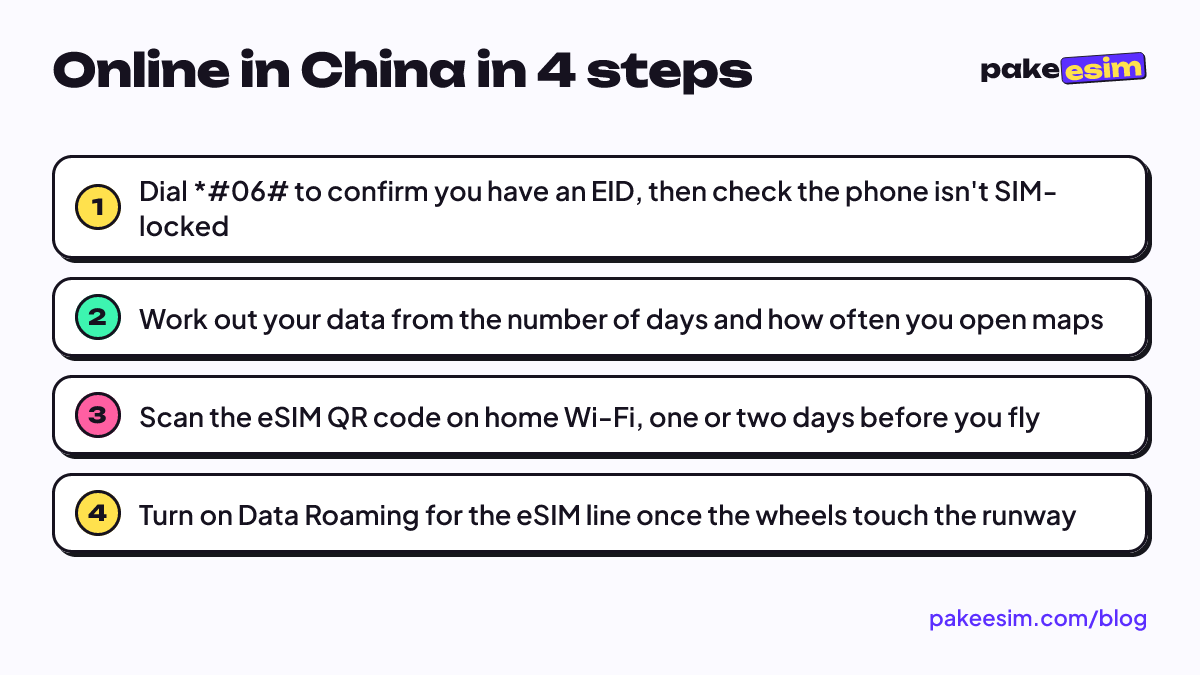
A phone for a China eSIM must support eSIM and must not be carrier-locked. The quick check: dial *#06# and see whether an EID number appears, then make sure Settings has an Add eSIM or Add Cellular Plan option. The SIM lock status must also read unlocked.
Be careful with iPhones bought in mainland China, Hong Kong, or Macau. Many units from those markets use two nano-SIM slots, and dual nano-SIM iPhones with model codes CH/A or ZA/A are not supported by Pakeesim. Apple's own Dual SIM and eSIM support page says:
"In China mainland, only iPhone 18 Pro, iPhone 18 Pro Max, iPhone 17e, and iPhone Air support eSIM." (Apple Support)
The same page says iPhone 13 models and later support two eSIMs at once, so on an iPhone 13 or newer you can keep the China eSIM and a backup eSIM side by side. For Samsung phones, supported models are listed on Samsung Indonesia's list of eSIM-capable Galaxy phones. Still unsure? Use the phone compatibility check before checkout, because a purchase for a phone that doesn't support eSIM is the buyer's responsibility.
How to install a China eSIM before you leave
The safest way to install a China eSIM is to scan the QR code at home on Wi-Fi, then turn on data roaming after you land. Validity only starts when the eSIM connects to a network in China, so installing it two days before your flight doesn't cost you any days.
On an iPhone, the steps follow Apple's official guide to setting up eSIM:
- Open the Camera app and scan the QR code from your order page.
- Tap the Cellular Plan Detected notification, then tap Continue.
- Tap Add Cellular Plan and give it a label, say "China".
- Leave your home SIM as the primary line for calls and SMS.
After you land in China
- Turn off Airplane Mode.
- Choose the China eSIM as your Cellular Data line.
- Turn on Data Roaming for the eSIM line, and turn off Data Roaming on your home SIM so you don't pay your carrier's roaming rates.
- If there's still no signal, toggle Airplane Mode on and off once, or select the network operator manually.
Illustrated steps for iPhone and Android are in the eSIM installation guide, and a more detailed iPhone walkthrough is in how to install eSIM on iPhone, from QR scan to data roaming.
Why is my China eSIM not showing up or not working?
The most common reason a China eSIM won't work is that Data Roaming is off on the eSIM line, or the eSIM isn't selected as the cellular data line. If the eSIM menu doesn't appear at all, the phone usually doesn't support eSIM or is still carrier-locked.
Common problems and their causes:
- China eSIM doesn't appear in Settings. No EID, a dual nano-SIM CH/A or ZA/A unit, or a SIM restriction. Check again with *#06#.
- China eSIM is installed but won't connect. Data Roaming is off, data is still on your home SIM, or you're not in China yet. The plan only connects in mainland China.
- China eSIM disappeared from the phone. The profile was deleted, for example by a settings reset or by hand. An eSIM QR code can usually be scanned only once, so don't delete the profile before your trip ends, and contact support with your order number if it happens.
- Data runs out fast. Hotspot uses the same allowance, and so does automatic photo backup. Turn off iCloud or Google Photos backup over cellular.
Is a China eSIM safe, and why is it so cheap?
Technically, a China eSIM is as safe as a physical SIM card: the profile lives on your phone's chip and can't be pulled out by someone else the way a card can. It feels cheap because it's data only, with no number, SMS, or calls, and the data is metered rather than a huge bundle you may never use.
On privacy, some things apply to everyone in China whatever SIM they use. The Canadian government warns that communications may be monitored and that border officials may review the content on your electronic devices. So the basics still apply: lock your phone with a passcode, don't scan QR codes from unknown sources, and carry only the sensitive data you actually need.
People also ask whether the China plan works back home in Indonesia. It doesn't, because it only connects to networks in mainland China. For use inside Indonesia, you'd want the Indonesia eSIM instead.
Before you fly to China
The order is simple. Check your phone, count your data by the number of days, then install the QR code at home. If WhatsApp and Google matter for your trip, ask support about the routing (open 08.00 to 22.00 Western Indonesia Time, in Indonesian) and set up WeChat as your backup.
If everything checks out, you can browse every China plan starting from the China eSIM 4 GB 30-day plan and the other options. Have a great trip, and may the line at the Forbidden City be shorter than the morning coffee line on campus.