Destinations
Japan eSIM 15 Days, 7, or 30 for New Year 2026: When Validity Starts
A Japan eSIM lasts 7, 15, or 30 days, counted from the first connection in Japan, not from purchase. The QR code arrives within minutes of payment confirmation, and New Year's midnight in Tokyo is 22.00 WIB.

Contents
- Japan eSIM 15 days, 7, or 30: how long can you use it after buying?
- Does the Japan eSIM validity run while you are still in Indonesia?
- How long does it take from ordering to a working Japan eSIM?
- From order to mobile data
- What is the time difference between Japan and WIB on New Year s Eve?
- Japan eSIM New Year price: which plan and how many GB?
- Data or validity ran out mid-trip: what now?
- Before you fly to Tokyo or Osaka
A Japan eSIM comes with 7, 15, or 30 days of validity, and the clock only starts when the eSIM first connects to a network in Japan, not when you buy it. For most New Year trips of four to six days, a Japan eSIM 15 days plan is the comfortable pick: enough days for a delayed flight home, enough data for a countdown video call. The QR code is issued within minutes of payment being confirmed. One thing people forget over New Year: Japan runs two hours ahead of Jakarta time (WIB, Western Indonesia Time).
Key takeaways (TL;DR)
- A Japan eSIM is sold with 7, 15, or 30 days of validity, counted from the first connection to a network in Japan, not from purchase or installation.
- The Japan eSIM QR code appears on the order page and is emailed once payment is confirmed automatically.
- Japan uses Japan Standard Time (UTC+9) with no daylight saving, so New Year's midnight in Tokyo falls at 22.00 WIB in Jakarta.
- A Japan eSIM does not connect to networks in Indonesia, so its validity does not run while the phone is still at home.
- Japan eSIM plans cannot be topped up, so running out of data or days means buying a new QR code.
Japan eSIM 15 days, 7, or 30: how long can you use it after buying?
A Japan eSIM works for the validity of its plan, which is 7 days, 15 days, or 30 days, with 1 to 4 GB of data. The countdown begins when your phone first connects to a Japanese network, so buying two weeks before your New Year trip does not cost you a single day.
Matching trip length to validity:
- 4 to 6 day trip, say Tokyo only from December 29 to January 2: the 7-day plan covers the days, but check the data size in the price section below.
- 7 to 14 day trip, such as Tokyo, Kyoto, then Osaka: take the 15-day plan. Seven days is too tight, and one delayed flight home leaves you offline on the last day.
- 15 to 30 day trip, like a winter exchange program or a family visit that runs from December into January: the 30-day plan.
- Longer than 30 days does not fit in one plan. You will need a new eSIM when the first one expires.
Validity counts from the first connection, not from the calendar dates on your ticket. If you land at Haneda at 23.00 Japan time, that first day barely gets used. We still suggest adding one spare day when you choose, because late-December flight schedules shift easily.
For prices, phone requirements, and no-signal fixes, read our Japan eSIM guide for tourists.
Does the Japan eSIM validity run while you are still in Indonesia?
No. A Japan eSIM can sit on your phone in Indonesia for as long as you like without losing validity, because the plan only connects to networks in Japan. At home the profile is simply installed over Wi-Fi and waits. Data and days only start being used once the phone picks up a Japanese network.
That also means a Japan eSIM will not give you internet in Indonesia. While you are home, mobile data still runs through your Indonesian SIM. We explain why the networks differ in Japan eSIM vs Indonesia eSIM and how roaming works.
A common mix-up worth clearing up: scanning the QR code at home does not start the validity. The Japan plan is also Japan only, so during a layover in Kuala Lumpur or Taipei it will not have signal. Plan on airport Wi-Fi for messages while you transit.
How long does it take from ordering to a working Japan eSIM?
Getting a Japan eSIM is simple on your end. Once you pay online, the order is confirmed automatically, the QR code appears on the order page, and a link is sent to your email. Most of the time goes into your side of the process: checking the phone, paying, and installing the profile.
Unpaid orders expire after 3 hours, so do not check out and plan to pay later. Payment is confirmed automatically as soon as it goes through, at any hour. A heads-up for visitors: payment is in rupiah through Indonesian methods like bank transfer, QRIS, e-wallets, or a credit card, so make sure your card or app can complete a purchase in Indonesia.
From order to mobile data
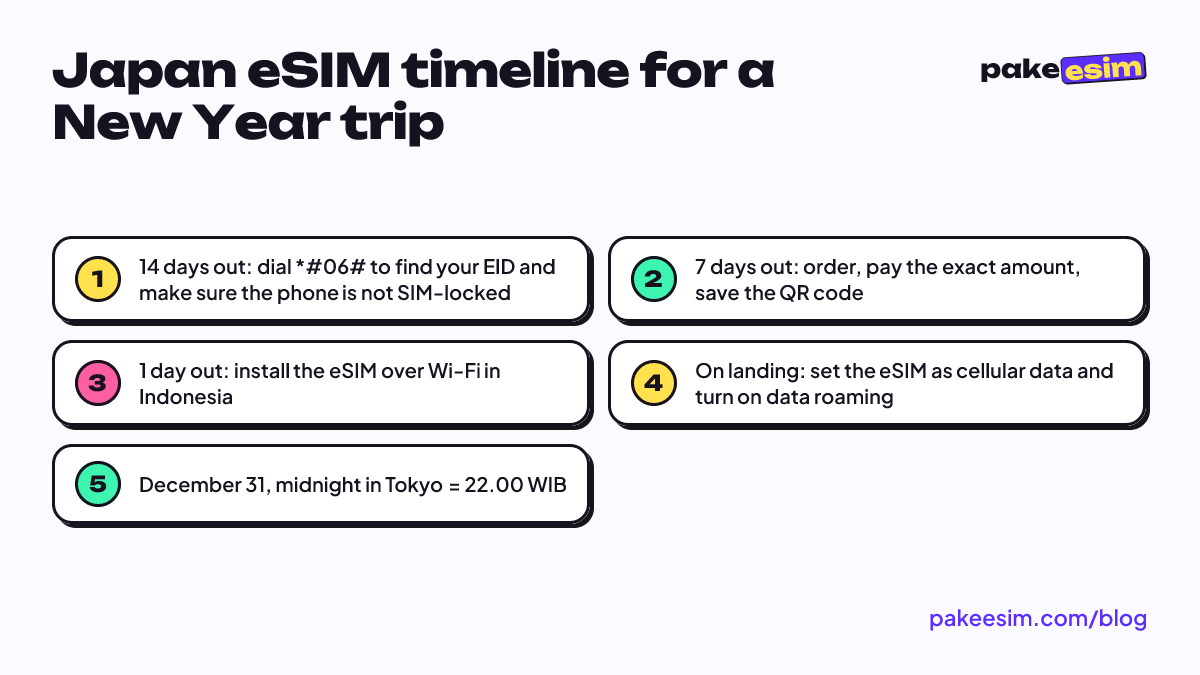
- Confirm your phone supports eSIM and is not carrier-locked on the phone eSIM compatibility check. The quickest sign is an EID showing up when you dial *#06#.
- Check out, then pay on the payment page using bank transfer, QRIS, e-wallet, or card. Details are on how to pay.
- The QR code appears on the order page and is emailed to you once payment is confirmed automatically.
- Scan the QR code while you are still on Wi-Fi in Indonesia. Menu-by-menu steps for iPhone and Android are in the eSIM installation guide.
- Once you land at Narita, Haneda, or Kansai, set the eSIM as your cellular data line and turn on data roaming for that line.
On iPhone, once the QR code is read, Apple describes the next steps this briefly:
"Tap Continue at the bottom of the screen. Tap Add Cellular Plan." (Apple Support on setting up eSIM on iPhone)
So when can you actually use the eSIM after landing? Usually as soon as the phone finds a Japanese network, which tends to happen shortly after you switch off airplane mode. If no signal shows up, turn airplane mode on for about 10 seconds and off again so the phone searches for networks again.
What is the time difference between Japan and WIB on New Year's Eve?
Japan is two hours ahead of WIB. According to the Tokyo time zone page on Worldometer, Japan uses Japan Standard Time (UTC+9) and the clock does not change during the year. So the midnight fireworks in Tokyo or Osaka happen when it is only 22.00 in Jakarta.
For your eSIM, that two-hour gap matters in three ways:
- New Year video calls. You reach 2027 first. If you want to count down with family back home on WhatsApp, keep battery and data for two midnights.
- Support hours. Support runs 08.00 to 22.00 WIB, which is 10.00 to midnight Japan time. A setup problem at 08.00 in a Tokyo hotel has to wait two hours.
- Counting your validity. Return flight times are printed in local time. Count your last day in Japan time, not by a phone clock that may still show WIB if automatic time zone is off.
New Year in Japan also works differently from Indonesia. The japan-guide.com New Year guide notes that shops are usually closed on January 1, and travel is busiest from December 29 to 31 and from January 2 to 4. Lines for hatsumode, the first shrine visit of the year, at popular shrines can run over an hour, and in crowds like that Maps, photos, and chat keep running.
Japan eSIM New Year price: which plan and how many GB?
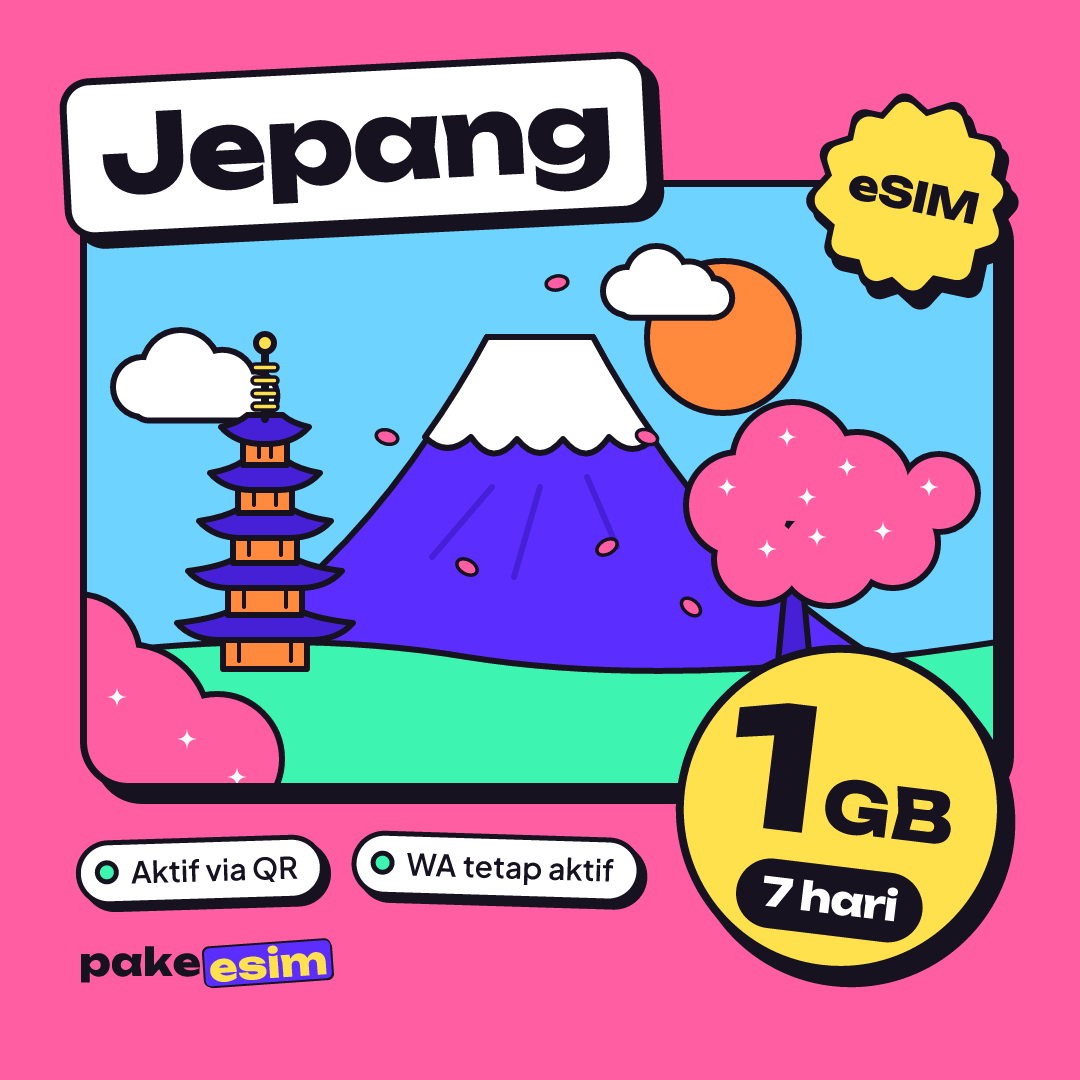
Japan eSIM prices start with the 1 GB plan for 7 days, and the table below always shows current prices because it reads straight from the catalog. The largest plan right now is 4 GB for 30 days.
| Plan | Data | Validity | Price | Per day |
|---|---|---|---|---|
| eSIM Japan 1 GB / 7 Days | 1 GB | 7 days | Rp17.100 | ±Rp2.443 |
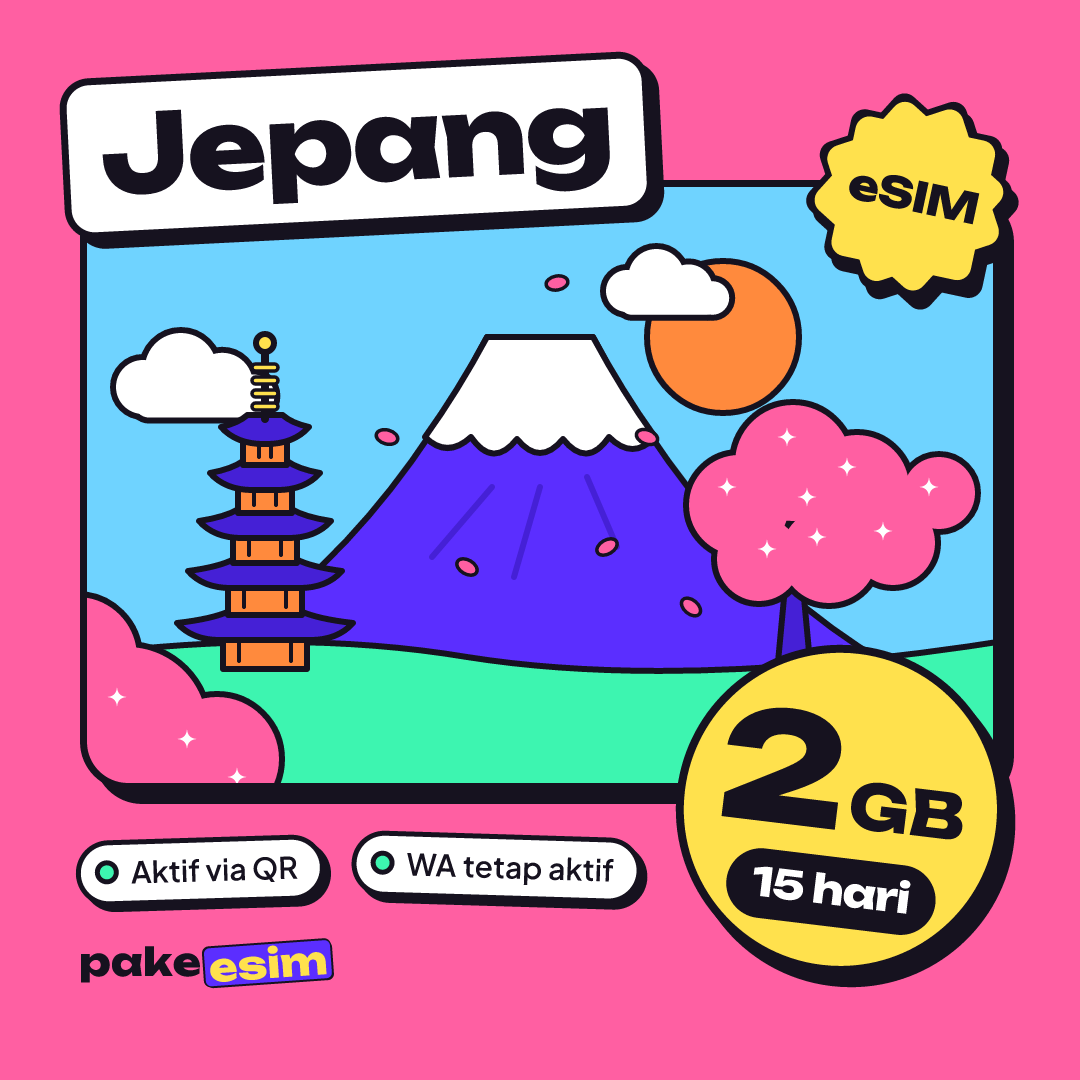
| eSIM Japan 2 GB / 15 Days | 2 GB | 15 days | Rp28.500 | ±Rp1.900 |
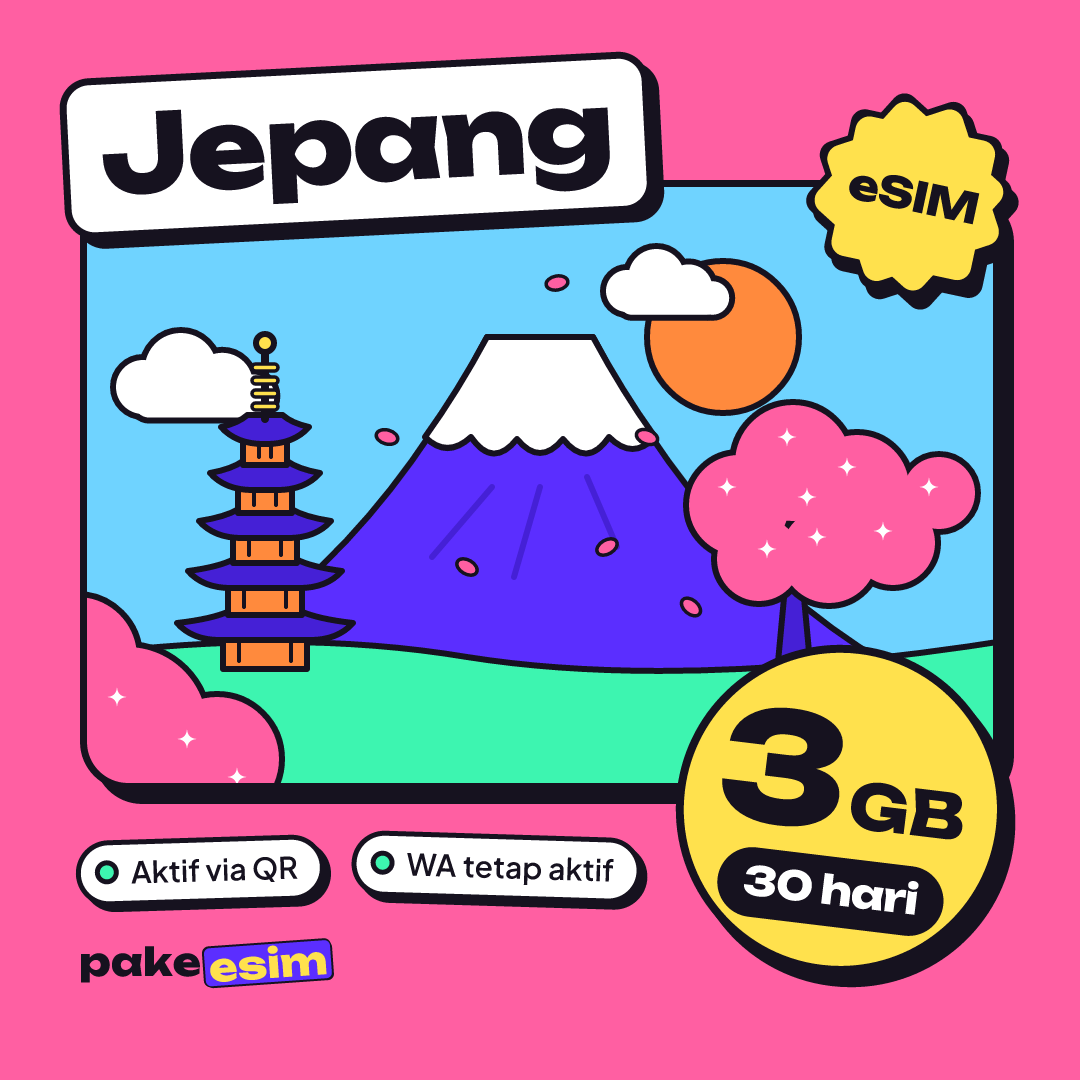
| eSIM Japan 3 GB / 30 Days | 3 GB | 30 days | Rp39.900 | ±Rp1.330 |
| eSIM Japan 4 GB / 30 Days | 4 GB | 30 days | Rp62.700 | ±Rp2.090 |
The store's rule of thumb is simple. 1 GB is roughly enough for one day of maps, chat, and some social media. If you video call or stream a lot, plan for double that. The estimate assumes all-day use, so if you spend evenings in a hotel with Wi-Fi, your mobile data needs drop noticeably.
| New Year trip length | Plan that fits | Good for |
|---|---|---|
| 4 to 6 days, lots of Wi-Fi | 2 GB / 15 days | Tokyo only, Wi-Fi in hotels and cafes |
| 7 to 14 days | 4 GB / 30 days | Tokyo, Kyoto, Osaka, Maps and chat every day |
| 15 to 30 days, light use | 3 GB / 30 days | Exchange students or family stays with Wi-Fi |
| Over 30 days | Two plans back to back | Long stays, buy a new QR when the first runs out |
In our view the 1 GB / 7 days plan is too tight for New Year's Eve. Instagram stories, fireworks videos, and a call home can burn through it in one night. For short trips we lean toward the 2 GB plan, since 15 days of validity leaves room if your flight home slips.
If your trip runs longer than a week, you hop between cities on the Shinkansen, or you often hotspot a laptop, step up to 4 GB. The price difference is smaller than buying a second QR code mid-trip.
Heading on to Seoul or Taipei after New Year? The Asia eSIM covering 20 countries includes Japan, South Korea, and Taiwan in one profile. You can compare every Japan plan in the Japan eSIM catalog.
Data or validity ran out mid-trip: what now?
A Japan eSIM whose data or validity has run out cannot be topped up or extended. Each plan is its own eSIM profile with fixed data and days, so the fix is to buy a new plan and scan the new QR code.
Worth knowing if it happens:
- You can order from Japan. Connect to hotel or konbini Wi-Fi, check out, pay in your banking app, then scan the new QR. Remember support closes at midnight Japan time.
- Do not delete the old profile in a hurry. An eSIM QR code can usually only be scanned once, so a deleted profile generally cannot be reinstalled from the same code.
- Buy the second plan before New Year's Eve. If data is running low on December 30, it is calmer to buy before the countdown than to scramble in the Shibuya crowd.
Some travelers ask why their eSIM suddenly "disappeared" after a few days. Usually it is the validity or data that ran out, while the profile is still in the Cellular menu with no signal. Check the date you first connected in Japan and count forward by the plan's validity.
Before you fly to Tokyo or Osaka
Count how many days you will actually be in Japan, add one spare day, then pick 7, 15, or 30 days based on how much data you need. Keep the limits in mind too: this eSIM is data only, with no Japanese number, SMS, or regular calls, but WhatsApp calls work and your Indonesian number stays active for bank OTP codes. Install the QR at home over Wi-Fi, turn on data roaming when you land, and be ready for a video call at midnight Tokyo time, 22.00 WIB. When you are ready, the plans are in the Japan eSIM catalog. Happy New Year, and save some battery for the hatsumode line.