Destinations
Japan eSIM vs Indonesia eSIM: Does Roaming Work the Same?
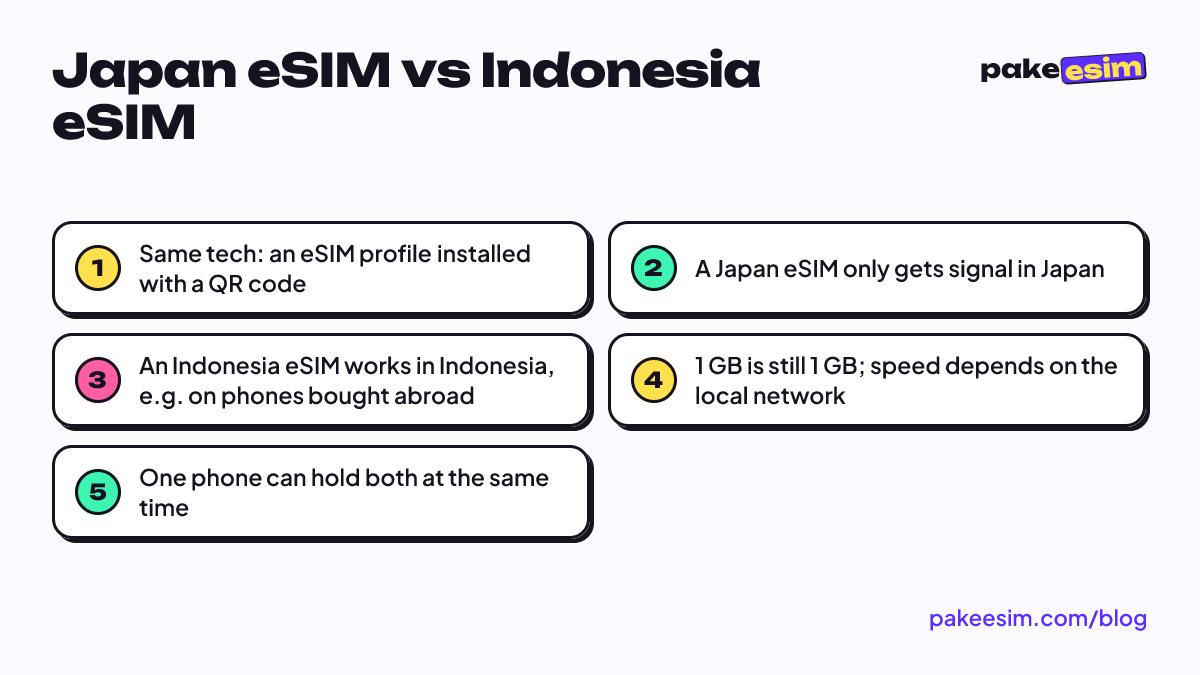
Same technology, different job. A Japan eSIM only gets signal in Japan, and an Indonesia eSIM is for getting online in Indonesia. The data can be identical; what differs is the local network and where you use it.

Contents
- What is an eSIM, and why is there really only one type ?
- What s the difference between a Japan eSIM and an Indonesia eSIM?
- Can you use a Japan eSIM for roaming in Indonesia?
- Is the internet itself the same or different?
- Japan eSIM or Indonesia eSIM: which one do you need?
- IMEI rules: why does an Indonesia eSIM still work on a phone bought abroad?
- Which Japan eSIM plan fits your trip?
- If you need both
- Before you fly
Short answer: the technology is the same, the job is different. A Japan eSIM and an Indonesia eSIM are both digital profiles you install by scanning a QR code, and both work by roaming onto a partner network. The catch is where. A Japan eSIM only gets signal in Japan, and an Indonesia eSIM is built for getting online in Indonesia, so Japan eSIM roaming in Indonesia simply doesn't happen. The data allowance can be identical. The only real question is which country you'll be standing in when you open Maps.
Key takeaways (TL;DR)
- A Japan eSIM only works in Japan, and an Indonesia eSIM only works in Indonesia, so neither can roam as the other.
- Both Japan and Indonesia eSIMs use the same technology: a digital profile installed by scanning a QR code.
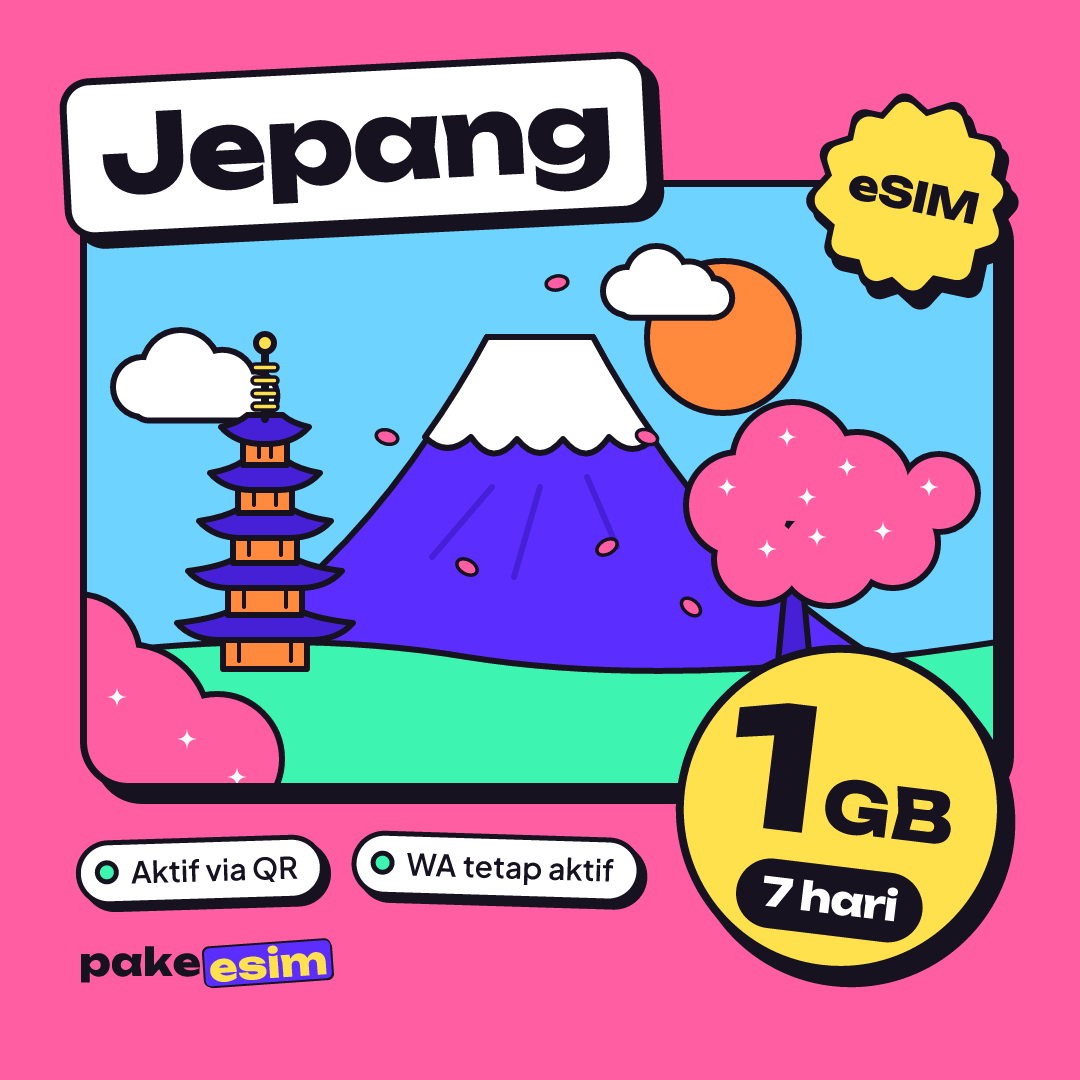
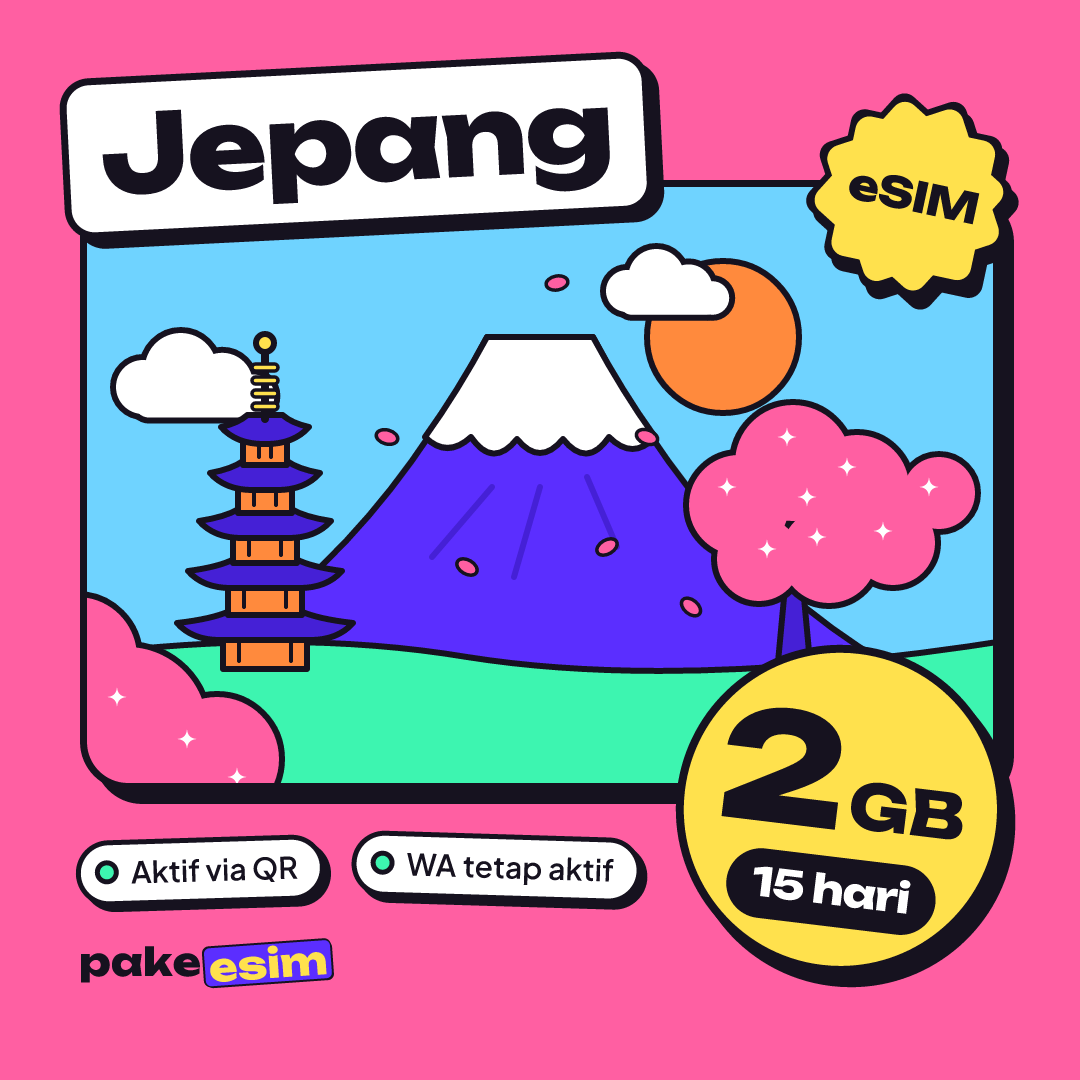
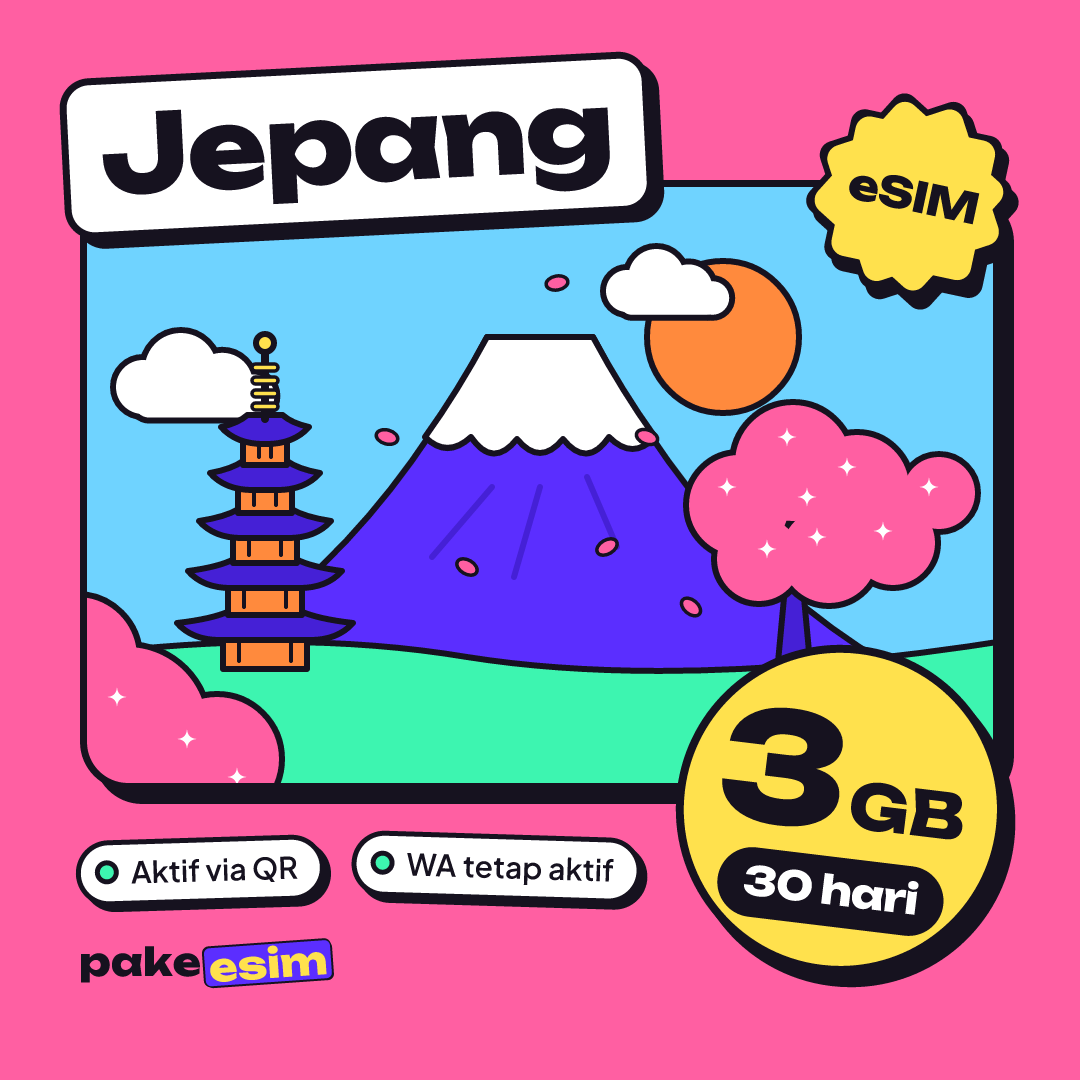
- Pakeesim's Japan and Indonesia eSIM plans match exactly in data and validity: 1, 2, 3, or 4 GB for 7, 15, or 30 days, as of October 2026.
- An Indonesia eSIM lets travelers use phones with unregistered IMEIs, since inbound roaming SIMs are exempt from IMEI verification under Komdigi's Regulation No. 1 of 2020.
- One phone can hold both a Japan eSIM and an Indonesia eSIM at once and switch which one handles data.
What is an eSIM, and why is there really only one "type"?
An eSIM is a SIM card in digital form. The chip is already built into your phone, and what you actually buy is a profile: the subscriber data that gets downloaded onto that chip, usually by scanning a QR code. Nothing to pop in with a paperclip.
So at the hardware level there's no "Japanese eSIM" or "Indonesian eSIM". Same phone, same chip, same menu ("Add eSIM" on iPhone, "Download SIM" on Android). An iPhone can even keep several profiles at once. According to Apple's eSIM support page, you can manage up to eight or more eSIMs and switch between them.
What separates one profile from another is what's inside it: which networks it may use, in which country, how much data, and how long it stays valid.
What's the difference between a Japan eSIM and an Indonesia eSIM?
This table is the most honest comparison we can give. Both columns use the same technology, but neither can stand in for the other.
| Japan eSIM | Indonesia eSIM | |
|---|---|---|
| Gets signal in | Japan only | Indonesia only |
| Good for | Holidays, exchange semesters, or conferences in Tokyo, Osaka, and other Japanese cities | Phones bought abroad with an unregistered IMEI, travelers who just landed in Indonesia |
| How it connects | Roams onto a partner network in Japan | Roams onto a partner network in Indonesia |
| Service type | Data only, no number, no SMS or calls | Data only, no number, no SMS or calls |
| Data options at Pakeesim | 1, 2, 3, 4 GB | 1, 2, 3, 4 GB |
| Validity | 7, 15, 30, 30 days | 7, 15, 30, 30 days |
| Validity starts | On first connection to a network in Japan | On first connection to a network in Indonesia |
| Top-up | Not possible, buy a new QR | Not possible, buy a new QR |
As of October 2026, the plans for these two regions line up exactly in our catalog. Same data, same validity, same price per plan. So if someone tells you a Japan eSIM is "pricier" or "bigger" than an Indonesia one, that doesn't hold here. The difference is purely where the profile works.
One thing people forget: both are data plans. Your WhatsApp number stays on your main SIM, and bank OTP texts keep arriving there. The eSIM only takes over mobile data.
Can you use a Japan eSIM for roaming in Indonesia?
No. A Japan eSIM profile is only allowed onto networks in Japan, so once you're back in Indonesia it stays installed but shows no signal. The reverse is true too. An Indonesia eSIM won't connect at Narita or Kansai.
Every region works this way. If you want the longer explanation, it's the same story as why an Africa eSIM doesn't work in Indonesia and whether a Saudi eSIM can be used back in Indonesia. In short, each profile carries a list of networks it's allowed to use, and anything off that list turns it away.
Good news, though. You don't have to delete anything. The Japan profile can sit on your phone until it expires. You just pick which line handles mobile data.
Is the internet itself the same or different?
The allowance is the same: 1 GB in Japan is still 1 GB in Indonesia. On our plans you can use it whenever you like during the validity period, with no daily cap. What can feel different is the experience, because speed depends on the partner network in that country, where you are, and how busy the nearest tower is.
Japan has a dense mobile network across big cities and train lines. In Indonesia, signal in central Jakarta or Surabaya is a different thing from a village road in Flores. That isn't the eSIM being "good" or "bad". It's the network where you happen to be standing.
Usage looks different too. In Japan, data goes on Google Maps, train route apps, camera translation for reading menus, and photo uploads. A rough rule: 1 GB covers about a day of maps, chat, and moderate social media. Lots of video calls? Double it.
Japan eSIM or Indonesia eSIM: which one do you need?
"Which is better" is the wrong question, since they don't compete. Match it to your situation instead:
- Flying from Indonesia to Japan for a holiday? Get a Japan eSIM. An Indonesia eSIM does nothing for you there.
- Using a phone bought abroad in Jakarta and a local SIM gets no signal. This is where the Indonesia eSIM matters, not the Japan one.
- A friend from overseas is visiting Bali. An Indonesia eSIM saves them the SIM queue at the airport.
- Coming home from Japan with a new iPhone whose IMEI isn't registered yet. Use the Japan eSIM while in Japan, then an Indonesia eSIM after landing while you sort out IMEI registration.
- Hopping across several Asian countries in one trip? Look at an Asia eSIM plan that covers Japan and others instead of buying them one by one.
That fourth scenario confuses people the most, so here's a bit more on it.
IMEI rules: why does an Indonesia eSIM still work on a phone bought abroad?
Phones bought overseas and brought into Indonesia have to have their IMEI registered before they can use local cellular networks. The rules, import duty, and registration steps are on the IMEI page of Bea Cukai, Indonesia's customs agency. That's the official route, and if you plan to use the phone in Indonesia long term, it's the one we recommend.
An Indonesia eSIM works as a roaming service, not a local carrier SIM. Article 3(5) of Ministerial Regulation No. 1 of 2020, issued by what is now Komdigi (Indonesia's communications ministry), exempts users on foreign SIM cards (inbound roamers) from IMEI verification. That's why a roaming eSIM still gets you online while the IMEI is unregistered, as long as the phone supports eSIM and isn't carrier-locked.
For the full picture on phones bought abroad and which SIMs they can use, see what to do when an iPhone SIM card isn't working in Indonesia and the best eSIM for an iPhone in Indonesia.
Which Japan eSIM plan fits your trip?
If Japan is where you're headed, start with trip length and how you use data. Prices in the table below are pulled live from the catalog, so they're always current.
| Plan | Data | Validity | Price | Per day |
|---|---|---|---|---|
| eSIM Japan 1 GB / 7 Days | 1 GB | 7 days | Rp17.100 | ±Rp2.443 |
| eSIM Japan 2 GB / 15 Days | 2 GB | 15 days | Rp28.500 | ±Rp1.900 |
| eSIM Japan 3 GB / 30 Days | 3 GB | 30 days | Rp39.900 | ±Rp1.330 |
| eSIM Japan 4 GB / 30 Days | 4 GB | 30 days | Rp62.700 | ±Rp2.090 |
Honestly, we think 1 GB for 7 days is too tight if you rely on Maps to change lines at Shinjuku every day. For a 5 to 7 day trip with normal use and hotel Wi-Fi at night, 2 GB still makes sense, and the 15-day validity gives you room if your flight home slips.
For an exchange semester or a stay of two weeks or more, a 30-day plan is the safer bet. If you run out mid-trip, just buy a new QR, since plans can't be topped up. Our breakdown by trip length is in the best eSIM for Japan travel for 3, 7, or 14 days, and prices, setup, and no-signal fixes are covered in the complete Japan eSIM guide for tourists.
If you need both
Buy two profiles, install both before you leave, then switch the data line depending on where you are. On iPhone that's under Settings > Cellular > Cellular Data. Apple's travel eSIM page explains that when you keep both lines on, the travel eSIM is used for data, so your Indonesian number doesn't disappear.
Before you fly
Three things to check, whichever eSIM you pick:
- Make sure your phone supports eSIM and isn't carrier-locked with our phone compatibility check. Some iPhone CH/A and ZA/A dual nano-SIM models aren't supported.
- Install the eSIM while you're still on Wi-Fi at home, then turn on data roaming when you arrive. The step-by-step screenshots are in our eSIM setup guide.
- Pay online in rupiah on the payment page: bank virtual accounts, QRIS, GoPay, ShopeePay, convenience stores, or credit cards. The total is exactly the plan price, confirmed automatically.
So a Japan eSIM and an Indonesia eSIM are twins with different home addresses. Pick the one for wherever you'll be opening Maps, and if your trip covers both, keep both on your phone.