Destinations
China eSIM Guide: How It Works, Phone Number, Apps, and iPhone Setup
A China eSIM is a data plan you install by QR code at home and switch on in mainland China. It has no Chinese number, doesn't cover Hong Kong or Macau, and blocked apps depend on the provider's routing.

Contents
- How does a China eSIM work?
- Does China have eSIM for iPhone and local phones?
- Local Chinese carriers
- iPhones sold in China, Hong Kong, and Macau
- Does a China eSIM have a phone number?
- Can a China eSIM use WhatsApp, Google, Instagram, and TikTok?
- How much does a China eSIM cost, and how many GB do you need?
- How to buy a China eSIM online and get the QR code
- How to use a China eSIM: install at home, switch on in China
- Install before you fly
- After you land in China
- Does a China eSIM work in Hong Kong, Macau, or the USA?
- Why is a China eSIM not working? Quick fixes
- Before you fly to China
A China eSIM is a data plan you download onto your phone by scanning a QR code, and it starts working once you land in mainland China. You install it at home, switch on data roaming after arrival, and your regular SIM stays in the phone for calls and bank texts. The catch is in the details: a travel China eSIM usually has no Chinese phone number, it doesn't cover Hong Kong or Macau, and whether Google or WhatsApp open depends on how the provider routes your data. Each of those gets a straight answer below.
Key takeaways (TL;DR)
- A travel China eSIM is a downloadable data profile for mainland China, installed by QR code, with no Chinese phone number, SMS, or regular calls.
- China's three big carriers, China Mobile, China Unicom, and China Telecom, only started commercial eSIM trials for smartphones in October 2025.
- As of October 2026, Apple says only iPhone 18 Pro, iPhone 18 Pro Max, iPhone 17e, and iPhone Air sold in mainland China support eSIM.
- A China eSIM plan connects only in mainland China, so Hong Kong, Macau, the USA, and Indonesia each need a different plan.
- The validity of a China eSIM starts at its first connection to a network in China, not on the day you buy or install it.

How does a China eSIM work?
A China eSIM works like a SIM card that arrives as a download instead of a piece of plastic. You scan a QR code, the phone saves a carrier profile on its built-in eSIM chip, and once you're in mainland China that profile connects to a partner network and gives you mobile data.
The term "eSIM" just means embedded SIM. The chip is already soldered into most recent phones, so buying an eSIM means buying a profile for that chip, not new hardware. That's also why an "eSIM card" and an eSIM are the same product in practice: there's no card to post.
A travel eSIM for China runs as a roaming line. Your phone sees itself as a visitor on a Chinese network, much like your home SIM would when roaming, except the data is prepaid and priced for travel. Three things follow from that:
- Your home SIM stays put. The eSIM sits next to it as a second line, so your number keeps receiving bank OTPs (if roaming is on for that line).
- The data is metered. Every plan has a fixed number of GB and a fixed number of days. There are no top-ups; when the data runs out, you install a new plan.
- Coverage is per plan. A China plan lists one destination, mainland China, and the phone simply won't attach to networks anywhere else.
Does China have eSIM for iPhone and local phones?
Yes, but only recently, and the picture differs for locals and for visitors. Chinese carriers started commercial eSIM trials for smartphones in October 2025, while travel eSIMs for visitors have worked on foreign phones for years because they run as roaming profiles, not local lines.
Local Chinese carriers
For a long time, phones sold in China had no eSIM option at all. That changed when China Mobile, China Unicom, and China Telecom launched commercial eSIM trials for smartphones in October 2025, after approval from the Ministry of Industry and Information Technology. According to TechNode's report, China Mobile handles sign-up in its app and China Telecom activates in store. Those are local subscriber services, built for people who live in China, not a quick tourist purchase.
iPhones sold in China, Hong Kong, and Macau
iPhones sold in mainland China mostly still use two physical nano-SIM slots. Apple's Dual SIM and eSIM support page is direct about it:
"In China mainland, only iPhone 18 Pro, iPhone 18 Pro Max, iPhone 17e, and iPhone Air support eSIM." (Apple Support)
The same Apple page notes that certain iPhone models in Hong Kong and Macao also come with two nano-SIM slots. In model-code terms, dual nano-SIM iPhones ending in CH/A (mainland China) or ZA/A (Hong Kong and Macau) can't install our travel eSIMs. An iPhone bought in Indonesia, Singapore, Europe, or the US is a different story: every iPhone from the XR and XS onward supports eSIM, and the iPhone eSIM compatibility list shows which ones can hold two.
So when someone asks "does China have eSIM?", the useful answer depends on whose phone it is. A visitor's eSIM-capable phone can use a travel plan for China right away. A phone bought in China may not have eSIM at all.
Does a China eSIM have a phone number?
Our travel eSIM for China has no phone number. It gives mobile data only, so you can't receive Chinese SMS codes or make regular calls on it, though app calls over WhatsApp, WeChat, or FaceTime still work over the data connection.
People search for "China eSIM with phone number" mostly for one reason: Chinese apps and services that want a local number for verification. A data-only eSIM won't help there. Your options are:
- Use your home number. WeChat, for example, lets you register with a non-Chinese number. Set it up at home before you fly, while your bank OTP texts still arrive reliably.
- Get a local Chinese line from one of the three carriers if you truly need a +86 number, for example for a long stay. Expect a shop visit and identity checks.
- Keep your home SIM's roaming on just for texts, and route all data through the China eSIM so the big data bill stays off your home carrier.
For most tourists, option 1 is enough. A one-week trip to Beijing rarely needs a Chinese number, while it always needs maps and a translator.
Can a China eSIM use WhatsApp, Google, Instagram, and TikTok?
Honestly, that depends on how the provider routes your data, and our China plan pages don't list that routing. A China eSIM is not a VPN, so if WhatsApp, Gmail, or Google Maps are essential to your trip, ask our support team before buying and keep a backup plan ready.
The reason this question exists is China's internet controls. The Government of Canada's travel advice for China puts it in one sentence:
"China blocks access to several websites, social media, search engines and online services within its territory." (Travel.gc.ca)
Hotel Wi-Fi and café Wi-Fi in China fall under the same rules, so Wi-Fi isn't a workaround either. TikTok is a special case: the Chinese version of the app is Douyin, and the international TikTok is one of the services people report trouble with.
What we suggest, whichever provider you pick:
- Install and log in to WeChat and Alipay at home. Both work normally inside China.
- Download offline maps, or a map app widely used in China, before you go.
- Tell family how to reach you if WhatsApp doesn't connect, for example on WeChat.
- Save hotel bookings, train tickets, and passport scans as screenshots instead of Google Drive links.
On VPNs, the decision is yours, and the rules in China are strict. VPN apps can be hard to download after arrival, so don't make one your only plan. The same Canadian advisory also warns that communications may be monitored and that authorities may review the content of electronic devices, which is a good reason to travel with only the data you actually need.
How much does a China eSIM cost, and how many GB do you need?
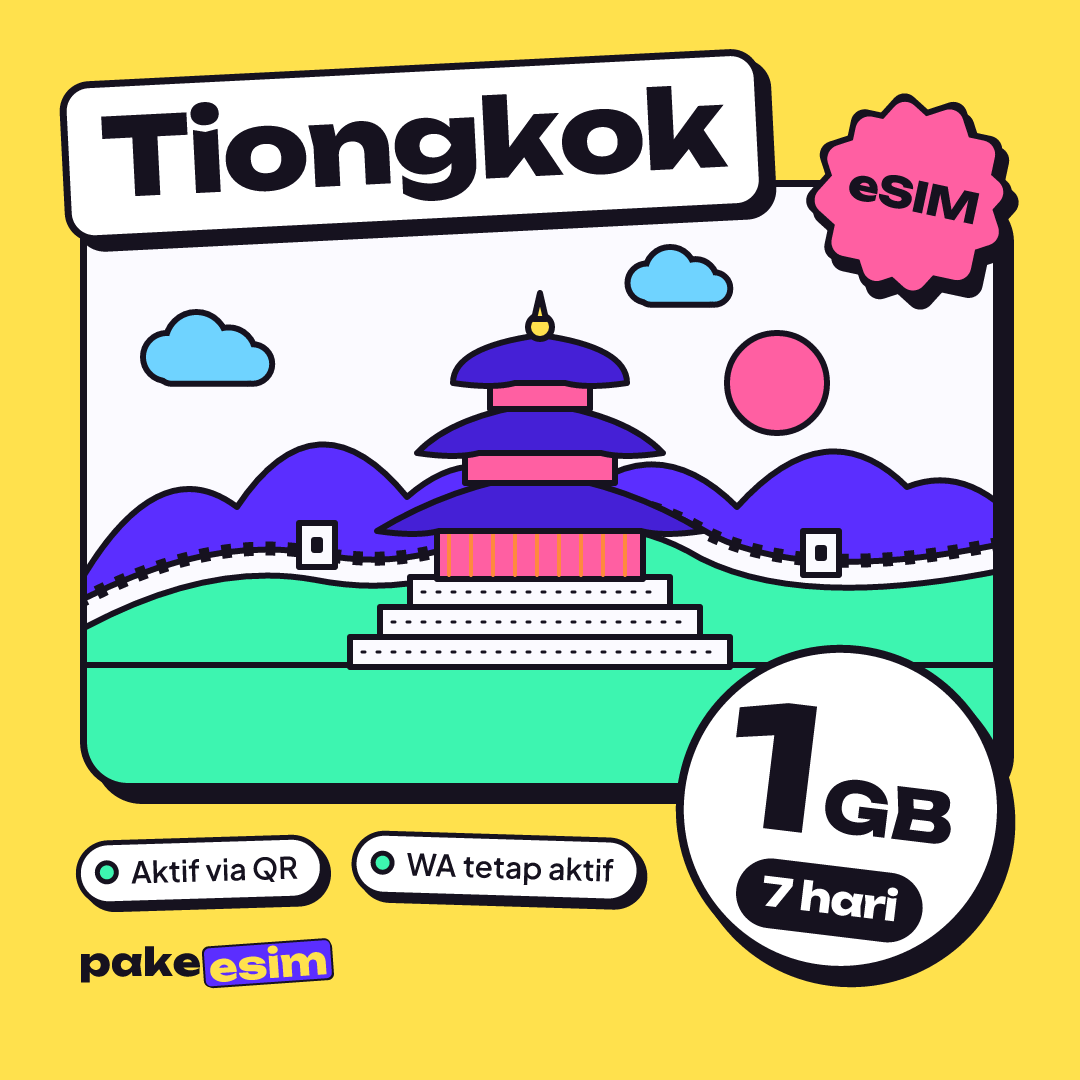
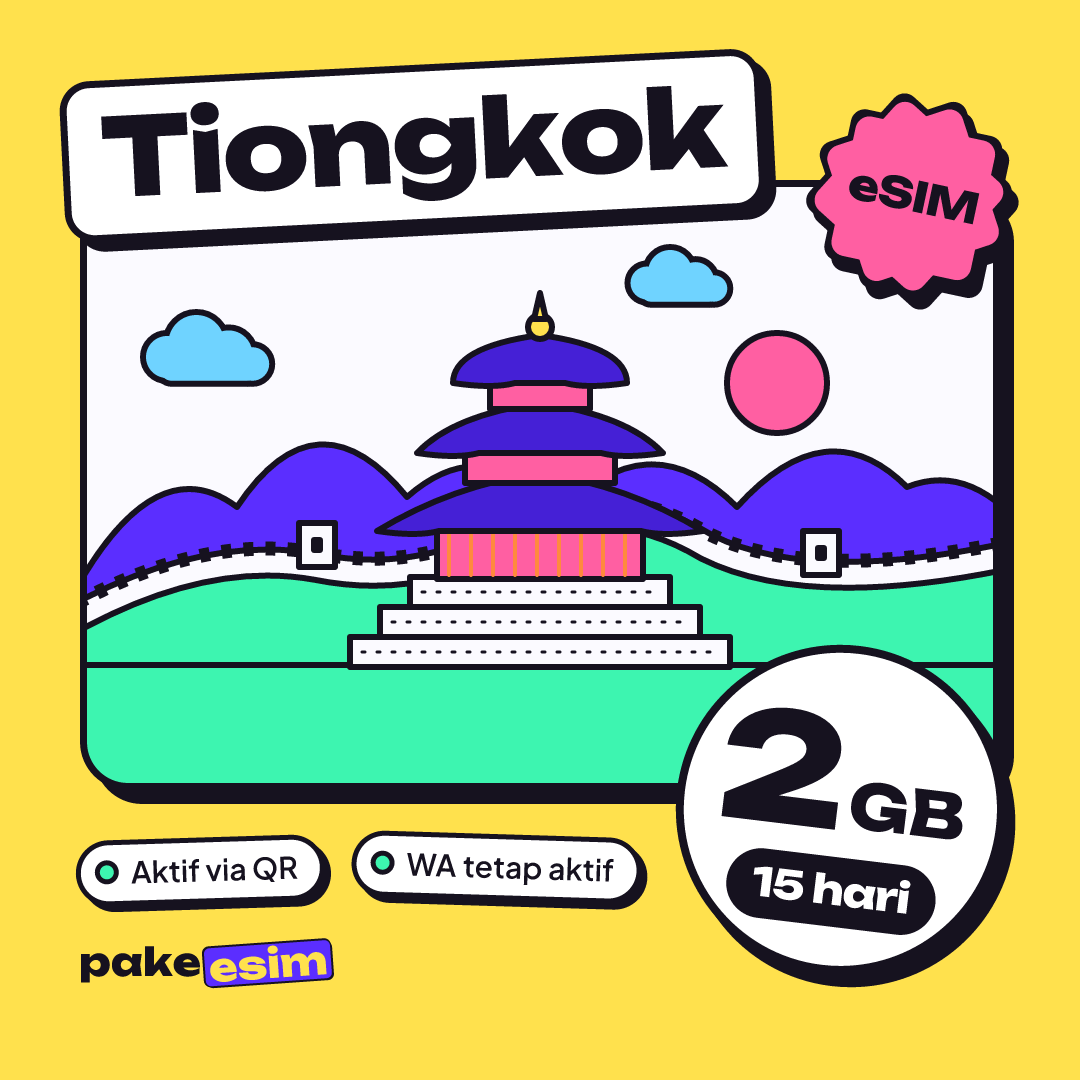
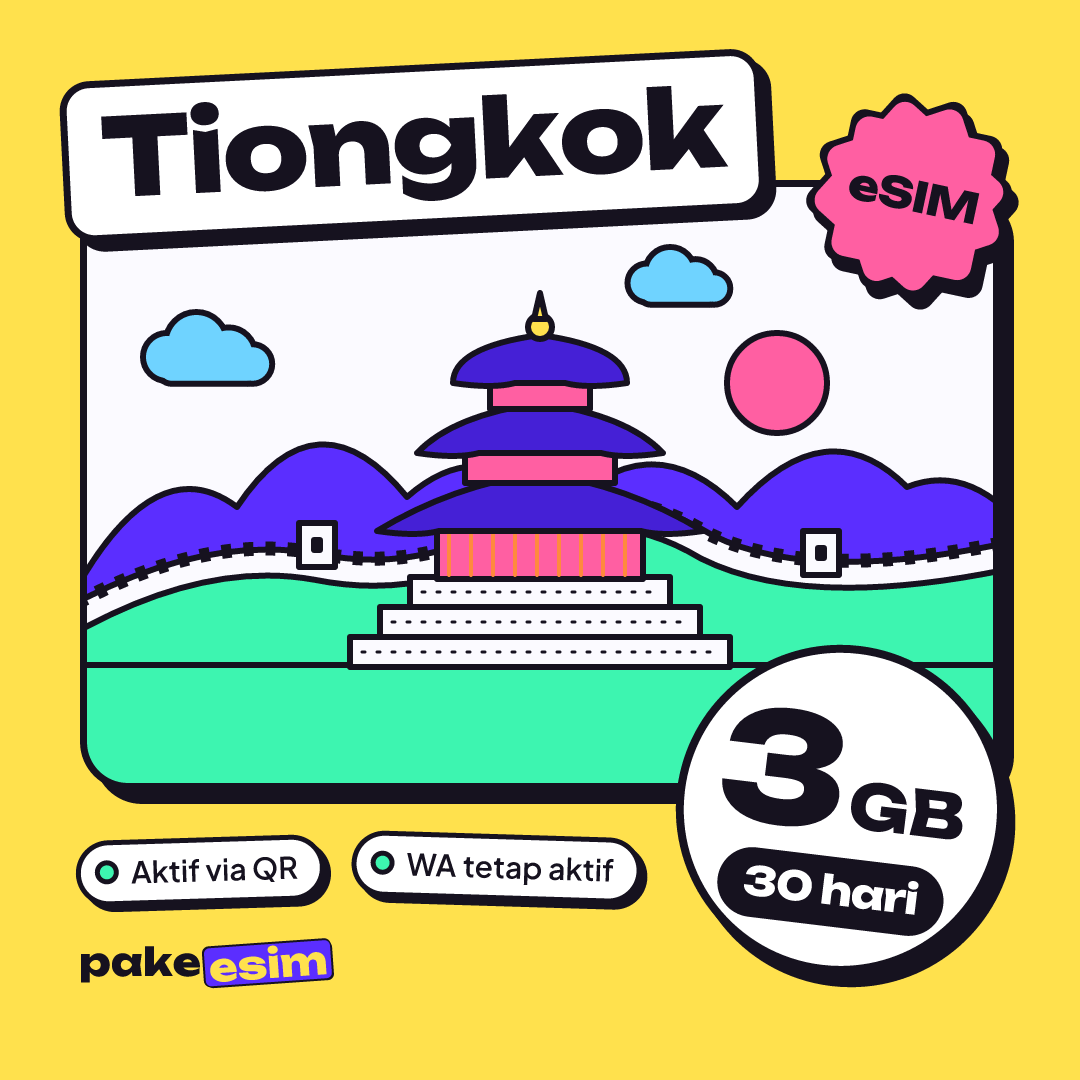
China eSIM plans here run from 1 GB for 7 days up to 4 GB for 30 days, and the table below shows live prices from the catalog. A fair starting rule is about 1 GB per day of maps, chat, and light social media, doubled if you video call or post videos often.
| Plan | Data | Validity | Price | Per day |
|---|---|---|---|---|
| eSIM China 1 GB / 7 Days | 1 GB | 7 days | Rp17.100 | ±Rp2.443 |
| eSIM China 2 GB / 15 Days | 2 GB | 15 days | Rp28.500 | ±Rp1.900 |
| eSIM China 3 GB / 30 Days | 3 GB | 30 days | Rp39.900 | ±Rp1.330 |
| eSIM China 4 GB / 30 Days | 4 GB | 30 days | Rp62.700 | ±Rp2.090 |
China tends to use more data than a beach trip. Signs are often only in Chinese characters, so a translation app stays open, restaurant menus are frequently a QR code, and you check routes for the metro and high-speed trains several times a day.
| Trip | Typical use | Plan that fits |
|---|---|---|
| 2 to 3 day layover in Guangzhou or Shanghai | Maps, chat, lots of hotel Wi-Fi | 1 GB / 7 days |
| 4 to 6 days, one or two cities | Maps every day, translator, photos to family | 2 GB / 15 days or 4 GB / 30 days |
| 7 to 14 days, Beijing, Xi'an, Shanghai | Heavy maps, train apps, social media | 4 GB / 30 days, plus a spare plan |
| 3 to 4 weeks, course or internship | Light daily use, campus or dorm Wi-Fi | 3 GB or 4 GB / 30 days |
We'll be honest: 1 GB for a week in China is tight unless you live on hotel Wi-Fi. For a typical 5 to 7 day holiday, the 4 GB plan is the comfortable pick:
Since plans can't be topped up, a long trip is often cheaper as one 4 GB plan plus one small backup plan installed only if needed. Our China eSIM for tourist trips breakdown of cost, data, and VPN goes city by city if you want more detail.
How to buy a China eSIM online and get the QR code
Buying a China eSIM online takes just a few minutes: pick a plan, pay the exact total on the payment page (QRIS, e-wallet, bank virtual account, or card), and the QR code appears on your order page as soon as payment is confirmed, no proof upload needed. Prices are shown in rupiah.
- Check your phone first on the eSIM compatibility page. It needs an EID (dial *#06#), an Add eSIM menu, and no carrier lock.
- Choose a China plan from the table above and go to checkout, entering your name and email.
- Pay the exact total on the payment page: bank virtual accounts, QRIS, GoPay, ShopeePay, convenience stores, or credit card. The order is confirmed automatically, no receipt upload needed.
- Open the order page. The QR code appears there and is also emailed to you. Unpaid orders expire after 3 hours.
The QR code is the eSIM itself. Treat it like a ticket: an eSIM QR code can usually be scanned only once, so don't scan it on a friend's phone "just to test". Buying a few days early is fine, because validity starts only when the eSIM first connects in China. Support runs 08.00 to 22.00 Western Indonesia Time (WIB), in Indonesian, so a late-night order may wait until morning.
How to use a China eSIM: install at home, switch on in China
The smoothest way to use a China eSIM is to install it over home Wi-Fi a day or two before the flight, leave it idle, and switch it on after landing. Installing at the arrival hall without internet is where most headaches start.
Install before you fly
On an iPhone, the steps follow Apple's official guide to setting up an eSIM:
- Open the Camera app and scan the QR code from your order page, or go to Settings, Cellular, Add eSIM, Use QR Code.
- Tap Continue, then Add Cellular Plan.
- Label the new line "China" so you can find it later.
- Keep your home SIM as the default line for calls and texts.
Android phones follow a similar path under Settings, Connections or Network, SIM manager, Add eSIM. The eSIM installation guide has screenshots for both, and the step-by-step iPhone eSIM install walkthrough covers labels and default lines in more depth.
After you land in China
- Turn off Airplane Mode.
- Set the new line as your Cellular Data line.
- Turn on Data Roaming for that line. Turn it off on your home SIM if you don't want roaming charges from your home carrier.
- Wait a minute. If nothing appears, toggle Airplane Mode once, or pick a network manually.
Does a China eSIM work in Hong Kong, Macau, or the USA?
A China eSIM works only in mainland China, so it won't connect in Hong Kong, Macau, the USA, or back home in Indonesia. Hong Kong and Macau run their own mobile networks, separate from the mainland, and the China plan doesn't include them.
That matters for the classic Guangzhou to Hong Kong or Shenzhen to Macau routes. A rough guide:
| Your route | Plan that covers it |
|---|---|
| Mainland China only (Beijing, Shanghai, Chengdu) | China eSIM |
| Hong Kong only | Hong Kong eSIM |
| China plus Hong Kong, Macau, or Taiwan | Asia eSIM (20 countries and territories) |
| China, then the USA or Europe | Global eSIM (88 countries), or one plan per country |
| Back home in Indonesia | Indonesia eSIM |
If you've seen "why is my China eSIM not working in the USA", this is the reason: the profile has no partner network there. For a US leg you'd want a separate plan, and our USA eSIM data plans guide covers that. For mixed Hong Kong, Macau, and mainland routes, see eSIM options for Hong Kong, Macau, and China, and for the wider question of using a China plan abroad, whether a China eSIM can be used in Hong Kong, Indonesia, or other countries.
Why is a China eSIM not working? Quick fixes
A China eSIM that won't connect is usually a settings issue: Data Roaming is off on the eSIM line, or cellular data is still assigned to your home SIM. If the eSIM never installed at all, the phone probably lacks eSIM support or is carrier-locked.
- No signal after landing. Check the eSIM is the Cellular Data line, Data Roaming is on for that line, then toggle Airplane Mode once. Still nothing? Choose an operator manually from Settings.
- "Add eSIM" menu missing. The phone may not support eSIM, may be a CH/A or ZA/A dual nano-SIM iPhone, or may have a SIM restriction. Dial *#06# and look for an EID.
- QR code says it's already used. The profile was probably installed earlier, or scanned on another device. Contact support with your order number instead of buying again.
- Data runs out fast. Hotspot and automatic photo backups draw from the same allowance. Turn off iCloud Photos or Google Photos backup over cellular.
- Apps like Google won't load but WeChat does. That's the blocking issue from earlier, not a dead connection. See the VPN section above.
One more trap: don't delete the eSIM profile while you're still traveling. Since a QR code usually works only once, a deleted profile often can't be restored from the same code.
Before you fly to China
A China eSIM is the easy part of a China trip once you know its limits. Check your phone for an EID and a carrier unlock, choose GB by the number of days, install the QR code at home, and switch on Data Roaming after landing. Sort out WeChat, Alipay, and offline maps before you leave, and add a separate plan if Hong Kong or Macau is on the route.
If everything checks out, the China eSIM 4 GB for 30 days and the other China plans are ready whenever you are. Safe travels, and save some data for the photo of the Great Wall that the whole family group chat is waiting for.