Destinations
International eSIM Plans 2026: Cost, Coverage, Data Needs, and Setup
International eSIM plans are prepaid data packages installed by QR code. A Global plan covers 88 countries on one profile, comes in 1 to 4 GB sizes, and needs an eSIM phone that is not carrier-locked. Data only, no local number.

Contents
- What is an international eSIM card, and is eSIM international by default?
- Global, regional, or single-country: which international eSIM plans fit your trip?
- How much does an international eSIM cost?
- How much international eSIM data do I need?
- Can I use an international eSIM on a locked phone?
- International eSIM with talk and text: what you actually get
- How to buy an international eSIM online and set it up
- Buying
- Installing (the global eSIM QR code step)
- Why is my international eSIM not working?
- Why international eSIM is better, and why some people say it is bad
- Before you fly
International eSIM plans are prepaid data packages you install on your phone by scanning a QR code, so you get mobile internet abroad without buying a local SIM card. One global plan can cover dozens of countries on one profile. Your home SIM stays in the phone for calls and bank texts. Most international eSIM plans are data only, priced by gigabytes and days, and they need a phone that supports eSIM and is not carrier-locked.
Key takeaways (TL;DR)
- International eSIM plans are prepaid data packages installed by QR code, letting a phone get mobile internet abroad without a physical SIM card.
- The Pakeesim Global eSIM covers 88 countries across Asia, Europe, the Americas, the Middle East, Africa, and Oceania, but it does not include Indonesia.
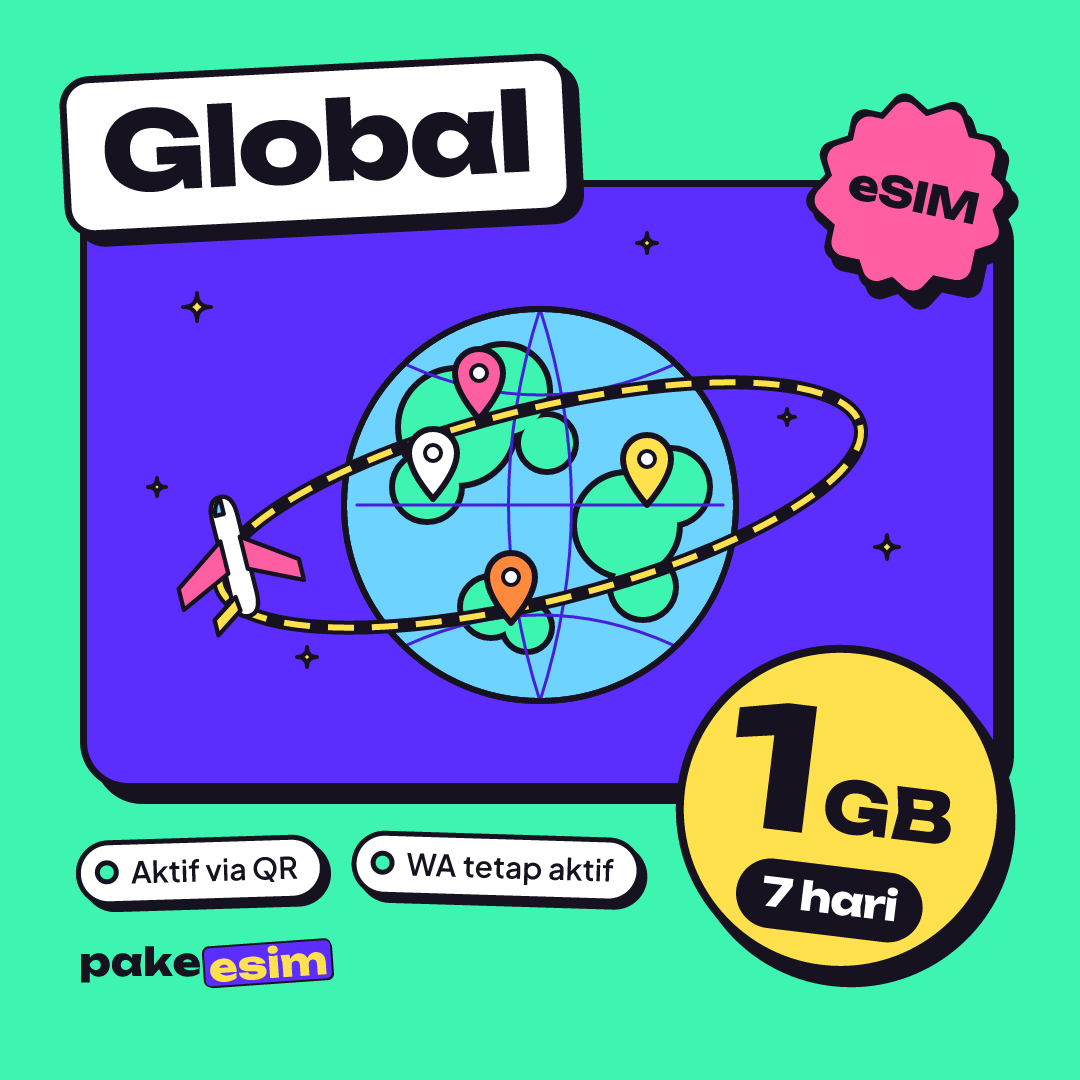
- Global eSIM plans come in four sizes: 1 GB for 7 days, 2 GB for 15 days, 3 GB for 30 days, and 4 GB for 30 days, with no top-ups.
- A travel eSIM only works on a phone that supports eSIM and shows no carrier lock, such as iPhone XS, XR, or later with "No SIM restrictions".
- The data-only international eSIM gives no local phone number, texts, or regular calls, while WhatsApp calls and the home SIM keep working.
What is an international eSIM card, and is eSIM international by default?
An international eSIM is a digital SIM profile from a provider that has roaming deals in many countries, so one profile connects to local networks wherever you land. Not every eSIM is international. The eSIM your home carrier gives you behaves like your normal SIM, roaming rates included.
Apple describes the technology plainly:
"An eSIM is an industry-standard digital SIM built into your iPhone, eliminating the need for a physical SIM card." (Apple Support guide to eSIM on iPhone)
So "international eSIM card" is a slightly odd phrase, because there is no card. What you buy is a QR code. Scanning it downloads a profile onto the eSIM chip already inside your phone. That is also why people search for an "international eSIM without physical SIM": the whole point is that nothing gets mailed and nothing goes in the tray.
There is a second meaning worth clearing up. An "international eSIM service" sold for travel works through roaming. Your phone joins a partner network in Tokyo, Paris, or Nairobi as a visitor, and the provider pays that network. So yes, eSIM works on international roaming, and in fact a travel eSIM is a roaming line, just priced as a fixed bundle instead of per megabyte.
Global, regional, or single-country: which international eSIM plans fit your trip?
International eSIM plans come in three scopes. A single-country plan suits a trip to one place. A regional plan suits a route through one continent. A global plan suits a trip that crosses continents, or a destination that has no plan of its own yet.
| Plan type | Countries covered | Best for | Watch out for |
|---|---|---|---|
| Single country (Japan, USA, UK, etc.) | 1 | A week in Tokyo, a semester in Seoul | Stops working the moment you cross a border |
| Regional (Asia, Europe, Africa, etc.) | 3 to 31 | Interrail in Europe, backpacking Southeast Asia | Check that every stop on your route is listed |
| Global | 88 | Multi-continent trips, umrah plus Turkey and Europe, long layovers | Indonesia is not on the list |
The regional options in the catalog cover Asia (20 countries), Europe (31), Latin America (12), Africa (12), the Middle East (9), North America (3), and Oceania (3). If your route stays inside one of those, the regional plan is the more natural pick, and our Europe eSIM guide for 31 countries and Asia eSIM travel guide go deeper on each.
Global makes sense when the route is messy. Think Jakarta to Doha to London to New York, or a conference in Canada followed by a holiday in Japan. One QR code, one profile, no swapping lines at the arrival gate. For a US-only trip in 2026, a dedicated plan is simpler; see our USA eSIM data plans guide.

How much does an international eSIM cost?
International eSIM plans are priced by data and validity, not by country count, and the Pakeesim Global plans follow the same price steps as the single-country and regional plans. Prices are in rupiah and read live from the store, so check the table below for the current numbers as of October 2026.
| Plan | Data | Validity | Price | Per day |
|---|---|---|---|---|
| eSIM Global 1 GB / 7 Days | 1 GB | 7 days | Rp17.100 | ±Rp2.443 |
| eSIM Global 2 GB / 15 Days | 2 GB | 15 days | Rp28.500 | ±Rp1.900 |
| eSIM Global 3 GB / 30 Days | 3 GB | 30 days | Rp39.900 | ±Rp1.330 |
| eSIM Global 4 GB / 30 Days | 4 GB | 30 days | Rp62.700 | ±Rp2.090 |
A few things shape the real cost more than the sticker price:
- Validity start. The validity period starts when the eSIM first connects to a network at your destination, not at purchase. Buying a week early costs you nothing.
- No top-ups. Each plan is its own eSIM profile. When the data runs out, you buy a new QR code instead of recharging the old one.
- No hidden fair-usage cap. The data listed is full-speed data. Any special network terms are written on that plan's page.
- No delivery or admin fee. The product is digital, so you pay exactly the plan price, with nothing added.
Compared with home-carrier roaming, the main difference is predictability. You pay once, before you fly, and there is no bill waiting for you after a careless video autoplay over Istanbul.
How much international eSIM data do I need?
A simple rule: 1 GB covers roughly one day of maps, chat, and moderate social media. If you video call or stream often, double that. Then compare your estimate with how much of the trip you will actually spend on hotel or campus Wi-Fi.
| Trip | Typical use | Global plan that fits |
|---|---|---|
| 5 to 7 days, mostly sightseeing | Maps, WhatsApp, a few Instagram stories | 1 GB / 7 days if hotel Wi-Fi is reliable |
| 10 to 15 days, two or three countries | Maps, ride-hailing, chat, photo uploads | 2 GB / 15 days |
| 3 to 4 weeks, conference plus holiday | Daily maps, email, occasional video call | 3 GB or 4 GB / 30 days |
| A month with heavy video and hotspot use | Streaming, laptop tethering | 4 GB / 30 days plus a second plan when it runs out |
Our honest opinion: the 1 GB plan is tight for anything beyond a short city break. If you rely on Google Maps all day while walking around Rome or Kyoto, 2 GB over 15 days leaves you a lot more breathing room. On the other end, the largest Global plan is 4 GB, so a heavy user on a month-long trip should plan on Wi-Fi for big uploads or budget for a second QR code.
For a two-week multi-country trip, this is the plan we would start with:
For a month abroad, or if you tether a laptop now and then:
Can I use an international eSIM on a locked phone?
No. A phone that is still locked to one carrier cannot install an eSIM from another provider, even if the hardware supports eSIM. This applies to a locked iPhone too, and it is the most common reason a freshly bought travel eSIM refuses to install.
The fix is official and comes from your original carrier, not from the eSIM seller. Apple's own guide to carrier-locked iPhones states that "Only your carrier can unlock your iPhone." To check, open Settings, General, About, and look at the Carrier Lock row. If it says "No SIM restrictions", you are fine.
Run these checks before you buy any international eSIM:
- EID. Dial
*#06#. An EID number on the screen means the phone has an eSIM chip. - Menu. Look for "Add eSIM" or "Add Cellular Plan" in Settings.
- Carrier lock. Look for "No SIM restrictions" on iPhone, or ask your carrier on Android.
- Model code. Certain dual nano-SIM iPhones with the model code CH/A or ZA/A do not support these eSIMs.
On iPhone, Apple lists eSIM support from the iPhone XS, XS Max, and XR onward. Our iPhone eSIM compatibility list breaks it down by model. On Android, Samsung's Galaxy eSIM support page lists Galaxy S20 and later, Z Fold and Z Flip foldables, and selected A-series phones, and it notes that eSIM service can vary by country and carrier. Our Android eSIM phone list covers other brands, and the quickest check of all is the phone compatibility page.
International eSIM with talk and text: what you actually get
The international eSIM plans in this catalog are data only. You get no local phone number, no SMS, and no regular calls at your destination, and that is also true of the plans people find when they search "international eSIM without phone number". What you do get is internet for WhatsApp, Telegram, FaceTime, Google Meet, and app-based calls.
Your home number does not disappear. The eSIM sits next to your main SIM, so your Indonesian number stays active for OTP texts from your bank and for calls if you want to pay roaming rates on it. Apple's Dual SIM support page describes exactly this setup, saying you can "Add a local data plan when you travel outside of the country or region," and adds that iPhone 13 models and later can run two eSIMs at once.
Apple also covers what happens on iOS when you travel with a second line. Per its travel eSIM page, "FaceTime and iMessage will continue to work on your home line" even if you only use your travel eSIM for data. In practice, set the travel eSIM as your Cellular Data line and leave the home line for voice and texts.
If you truly need a local number abroad, for example to receive a delivery driver's call in London, a data eSIM will not solve that. Be realistic about it before you buy.
How to buy an international eSIM online and set it up
Buying an international eSIM online takes a few minutes, and installing it takes one QR scan. Do both at home on Wi-Fi, a few days before you fly, then switch on Data Roaming for the eSIM line after you land.
Buying
- Pick a plan on the Global plans page or the full catalog.
- Check out and pay on the Midtrans payment page: bank virtual accounts, QRIS, GoPay, ShopeePay, convenience stores, or credit card. The total is exactly the plan price, confirmed automatically.
- The QR code appears on your order page and is emailed to you.
One honest note for readers outside Indonesia: payment is online, in rupiah, through the Midtrans payment page, as explained on the how to pay page. Unpaid orders expire after 3 hours, and support runs 08.00 to 22.00 WIB (Western Indonesia Time, UTC+7).
Installing (the "global eSIM QR code" step)
- Connect to Wi-Fi at home.
- On iPhone, open Settings, Cellular, Add eSIM, then Use QR Code. On Android, look for SIM manager or Add eSIM.
- Scan the QR code. Most QR codes work only once, so scan it on the phone you will travel with.
- Label the new line "Travel" so you do not confuse it with your home SIM.
- After landing, set Cellular Data to the travel line and turn on Data Roaming for it.
Step-by-step screenshots are in the eSIM installation guide, and iPhone users can follow our full walkthrough for installing eSIM on iPhone.
Why is my international eSIM not working?
An international eSIM that installs fine but shows no signal abroad usually has one of three switches set wrong: the eSIM is not chosen as the data line, Data Roaming is off on that line, or the phone has not searched for a network yet. Fix those in order before anything else.
- Data line. Settings, Cellular, Cellular Data: pick the travel eSIM.
- Data Roaming. Open the travel line and switch Data Roaming on. A travel eSIM always roams, even in the country it is "for".
- Network search. Turn airplane mode on and off once. If there is still nothing, turn off automatic network selection and pick a carrier manually.
- Wrong country. Check that the country you are in appears on the plan's coverage list. The Global plan does not include Indonesia, so it will not connect at home.
If the eSIM never installed at all, the cause is usually the phone: no eSIM support, a carrier lock, or a CH/A or ZA/A model.
Why international eSIM is better, and why some people say it is bad
International eSIM plans are better than buying a local SIM for most short trips, because you land already online and skip the airport SIM queue. They are worse when you need a local number, heavy daily data, or a phone that is locked or lacks eSIM.
The good side is concrete. No queue at Heathrow arrivals at midnight, no SIM tray pin, no losing your Indonesian SIM card in a hostel bunk. One global profile handles a route through several countries.
The complaints are also fair. Data-only means no local number. A plan cannot be topped up. And a phone bought secondhand from an overseas carrier may still be locked, which you only discover when the install fails. None of these are hidden, but they matter more than the price difference between providers.
Before you fly
Write down every country on your route, including layovers, then choose between a single-country, regional, or Global plan. Estimate about 1 GB a day for normal use, check that your phone shows an EID and no carrier lock, and install the QR code on home Wi-Fi a few days ahead. If the Global plan fits, the live table above shows today's prices; if not, a regional plan probably will.